Anmelden

HomeView 27.2.1 Update Fixes Siri Bugs
18. November 2026 um 21:41
Apple today released a new software update for the HomeView, and it fixes two Siri issues users were running into.
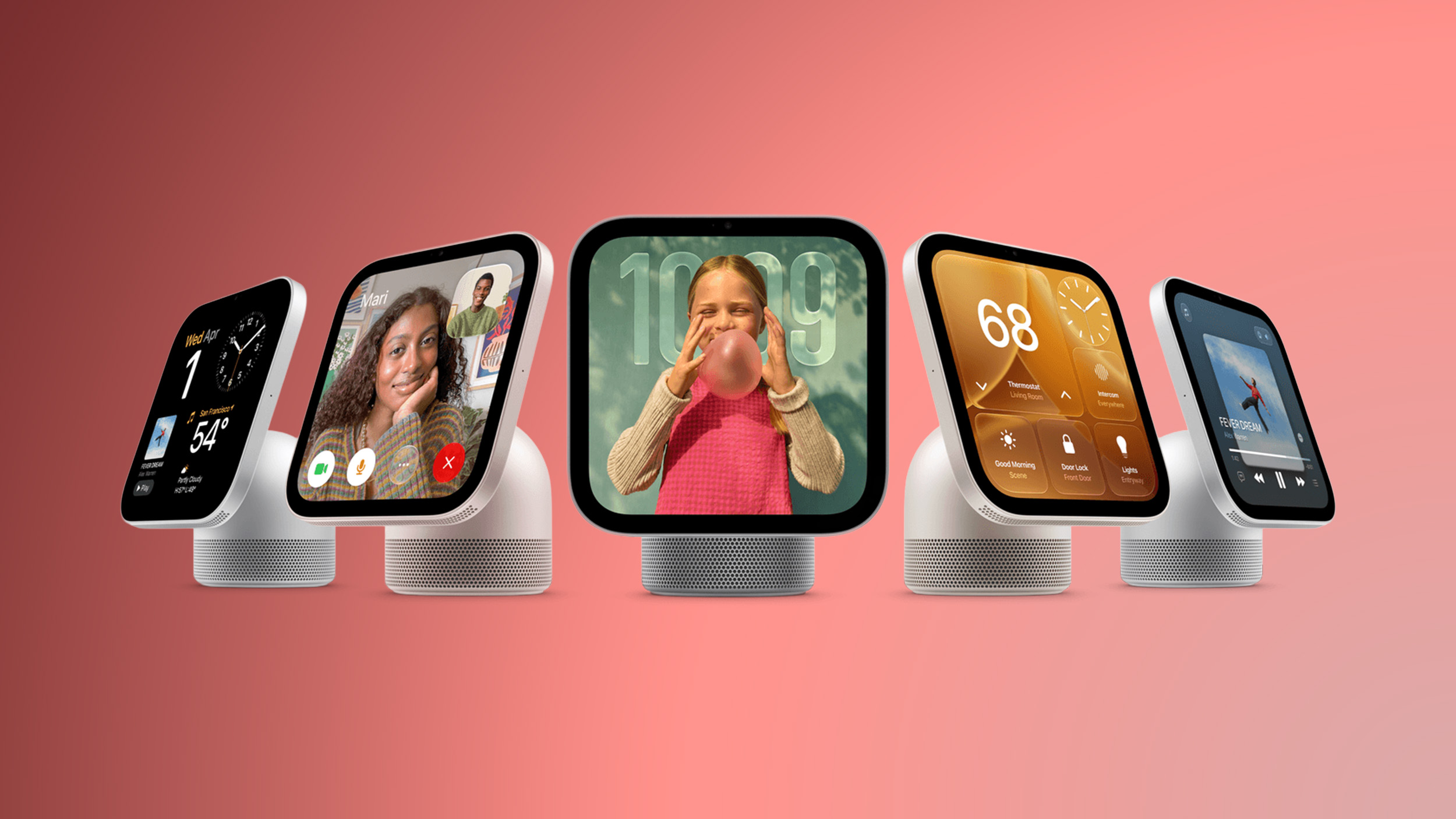
According to Apple, HomeView 27.2.1 fixes a bug that could cause Siri requests to fail if the HomeView is paired to an iPhone or iPad running the iOS 27.3 or iPadOS 27.3 betas.
It also addresses an issue that caused the HomeView to fail to download support for Siri when setting up a Shared Album on the Photos face.
A third fix prevents the HomeView from being removed from the home when connecting another home hub. From Apple's release notes:
Shortly after the HomeView launched, complaints started rolling in. Users found the device would not set alarms or timers, and some users had problems downloading Siri. Music commands failed in some cases, and there were also delays in Siri responses. Apple's notes don't mention alarms, timers, or music, but the Siri fixes may address some of the issues.
Reviewer Joanna Stern also ran into a bug that prevented Siri AI from unlocking door locks and garage doors by voice after authenticating with the camera. Apple said it will fix the bug in December.
New HomeView software can be installed in the Settings app on the device or through the Home app on a connected iPhone, iPad, or Mac.
This article, "HomeView 27.2.1 Update Fixes Siri Bugs" first appeared on MacRumors.com
Discuss this article in our forums
According to Apple, HomeView 27.2.1 fixes a bug that could cause Siri requests to fail if the HomeView is paired to an iPhone or iPad running the iOS 27.3 or iPadOS 27.3 betas.
It also addresses an issue that caused the HomeView to fail to download support for Siri when setting up a Shared Album on the Photos face.
A third fix prevents the HomeView from being removed from the home when connecting another home hub. From Apple's release notes:
This update provides important bug fixes for your HomeView, including fixes for the following issues:
- Setting up a Shared Album on the Photos face may prevent the device from downloading support for Siri, causing Siri to be unavailable
- Pairing with an iPhone or iPad running the iOS or iPadOS 27.3 beta may cause Siri requests to fail
- Connecting another home hub device may unexpectedly remove HomeView from your home
Shortly after the HomeView launched, complaints started rolling in. Users found the device would not set alarms or timers, and some users had problems downloading Siri. Music commands failed in some cases, and there were also delays in Siri responses. Apple's notes don't mention alarms, timers, or music, but the Siri fixes may address some of the issues.
Reviewer Joanna Stern also ran into a bug that prevented Siri AI from unlocking door locks and garage doors by voice after authenticating with the camera. Apple said it will fix the bug in December.
New HomeView software can be installed in the Settings app on the device or through the Home app on a connected iPhone, iPad, or Mac.
Related Roundup: Apple HomeView
Tag: Siri
Buyer's Guide: HomeView (Buy Now)
Related Forum: HomePod, HomeView, CarPlay – Home & Auto Tech
This article, "HomeView 27.2.1 Update Fixes Siri Bugs" first appeared on MacRumors.com
Discuss this article in our forums