❌

Lese-Ansicht

iPhone 20 Pro: Ten Big Changes That Could Redefine Apple's Flagship

In 2017, Apple celebrated the iPhone's 10th birthday with the iPhone X, the biggest redesign in the product's history. For the device's 20th anniversary, all the rumors indicate that the company is preparing another landmark redesign.
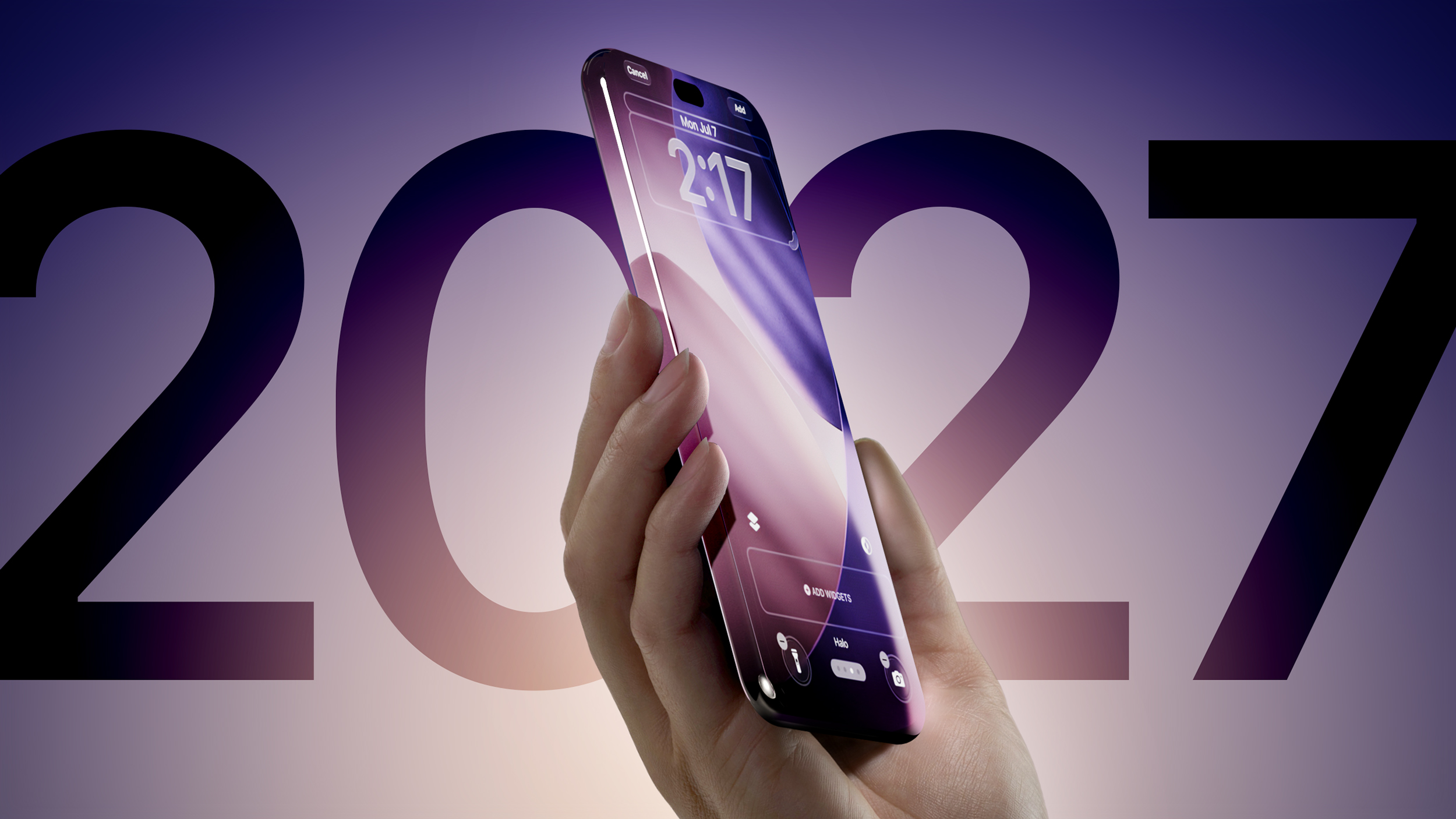

The commemorative "iPhone 20" model isn't expected until September 2027, but leaks have been piling up for months. According to Bloomberg's Mark Gurman, Apple is already deep into its development, and the picture forming across multiple reports is of an iPhone that looks like a single, uninterrupted slab of glass. Here's what we're expecting:

  • A quad-curved, all-glass design: The display glass reportedly curves away on all four sides, concealing the metal frame during normal use. Apple is said to be working with Samsung on an "equal-depth quad-curved" display to achieve the effect.

  • Advanced OLED technology: Apple was reportedly planning a brighter, thinner Samsung OLED panel using Color Filter on Encapsulation (COE) for the anniversary iPhone, but a more recent report suggests the technology has slipped: UBI Research does not expect COE on Apple's Pro iPhones until 2029, casting doubt on its inclusion in the 2027 model.

  • Under-display Face ID and camera: Apple is reportedly continuing to test hardware that would eliminate the final visible cutout from the front of the device. Apple already debuted an under-display camera on the iPhone Duo's inner screen, but reviewers criticized its image quality. Whether an improved version will be ready for the iPhone 20's rumored fall 2027 launch remains uncertain.

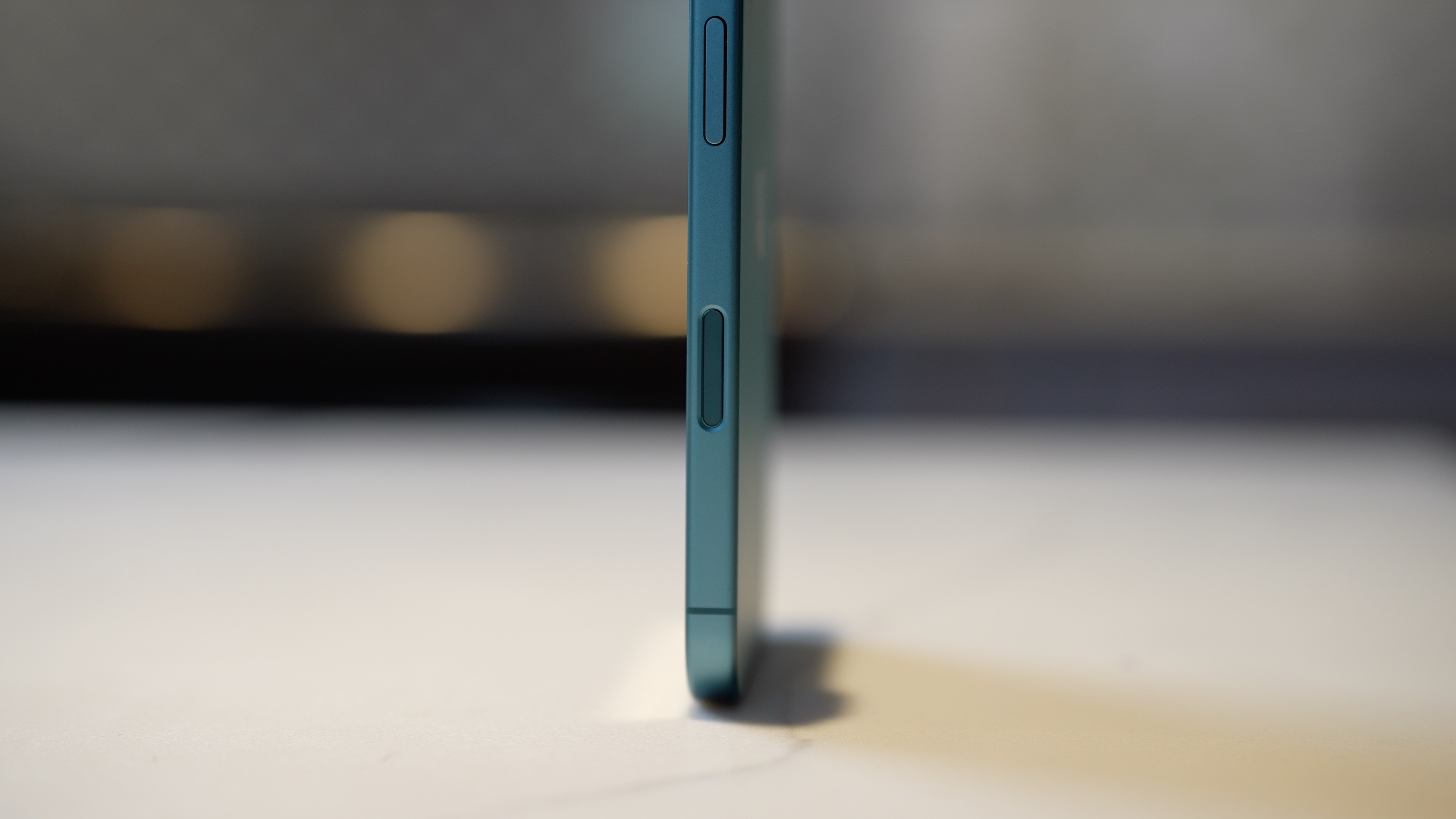
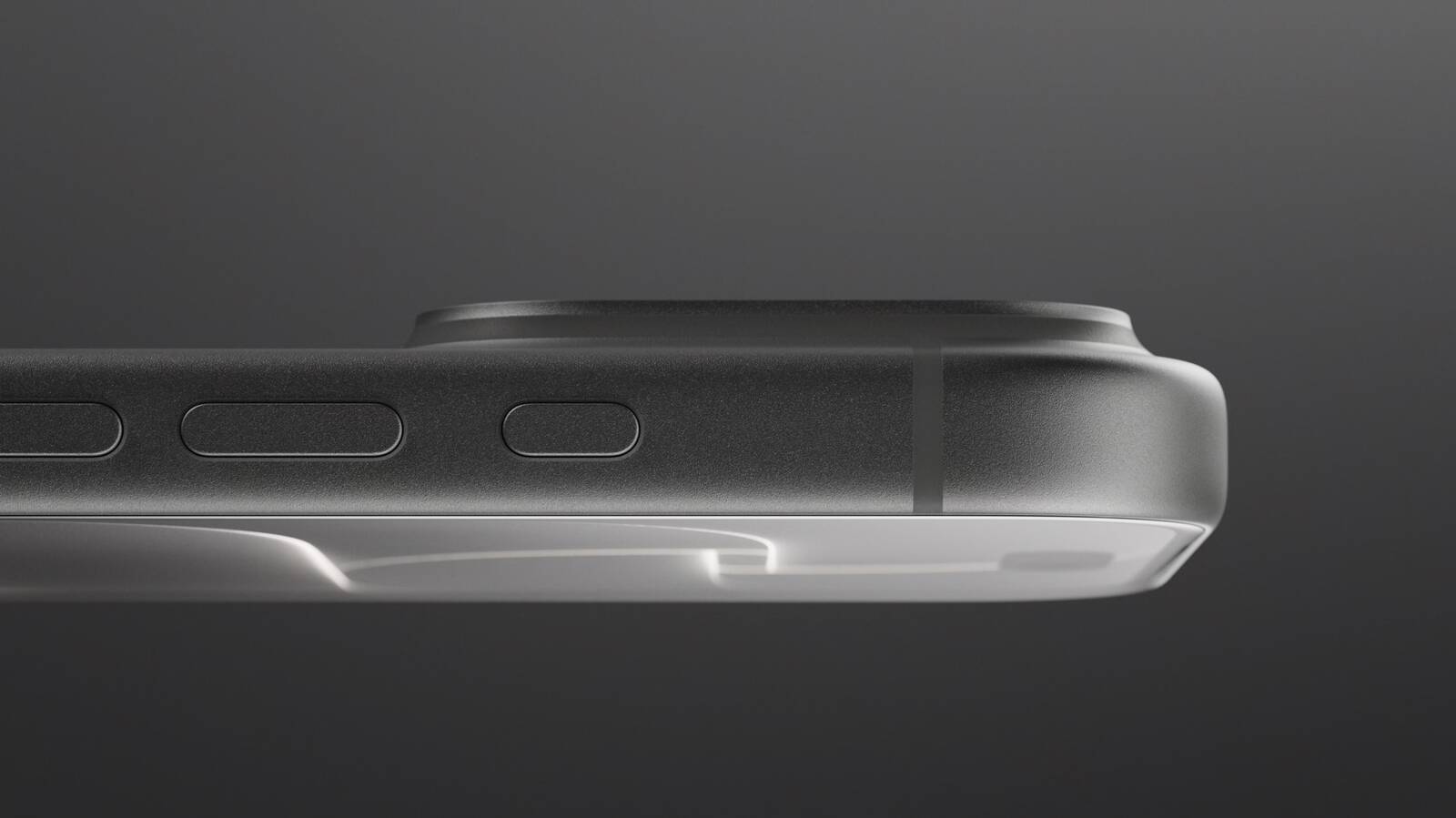
  • Solid-state buttons: Apple is said to be testing haptic replacements for the Side, Volume, Action, and Camera Control buttons. The buttons could be integrated directly into the device's frame, with no actual physical movement when pressed, yet retaining a tactile responsiveness.

  • Apple modem in the United States: Apple is developing modems that it hopes will outperform Qualcomm's on speed and AI functionality; its third-generation modem, due in 2027, is the one expected to finally exceed Qualcomm's. The C1 and C1X are used in the iPhone 16e and iPhone Air, and the C2 now powers the iPhone 18 Pro and iPhone Duo. Only the U.S. iPhone 18 Pro Max still uses a Qualcomm modem.

  • Custom Apple image sensor: Apple is said to be developing its own stacked image sensor to replace the Sony sensors it has traditionally used for the iPhone. Apple has reportedly already developed a working prototype. The sensor is said to use LOFIC technology, which would let each pixel store varying amounts of light and potentially reach up to 20 stops of dynamic range.

  • A 2-nanometer A21 chip: The 20th anniversary models are expected to feature a second-generation 2-nanometer chip. Following the A20 Pro in this year's iPhone 18 Pro models, the anniversary models would likely be powered by the A21 Pro.

  • Silicon anode battery: Apple is reportedly exploring a new battery technology that uses a silicon anode capable of storing more lithium ions per gram, potentially delivering longer battery life without increasing the physical size of the battery.

  • Mobile high bandwidth memory: Apple is rumored to be evaluating vertically stacked DRAM technology to improve memory bandwidth and boost on-device AI performance.

  • Two sizes: The two anniversary models are expected to be slightly larger than the iPhone 18 Pro and iPhone 18 Pro Max, with Digital Chat Station claiming 6.41-inch and 6.96-inch displays, the larger of which would likely be marketed as a 7-inch panel.

With all that said, we're still ahead of a rumored fall 2027 launch, and Apple's plans shift constantly behind closed doors, plus features this ambitious have a habit of slipping a year or two. Under-display Face ID in particular has been "two years away" for about five years now.

Still, taken together, the leaks describe the most dramatic iPhone rethink since 2017. If even half of the features make it to the shipped device, the iPhone 20 should be worth holding out for. For everything we know so far, check out our dedicated guide.

This article, "iPhone 20 Pro: Ten Big Changes That Could Redefine Apple's Flagship" first appeared on MacRumors.com

Discuss this article in our forums
  •  

Leaker Envisions a Shorter iPhone With a New iOS Layout

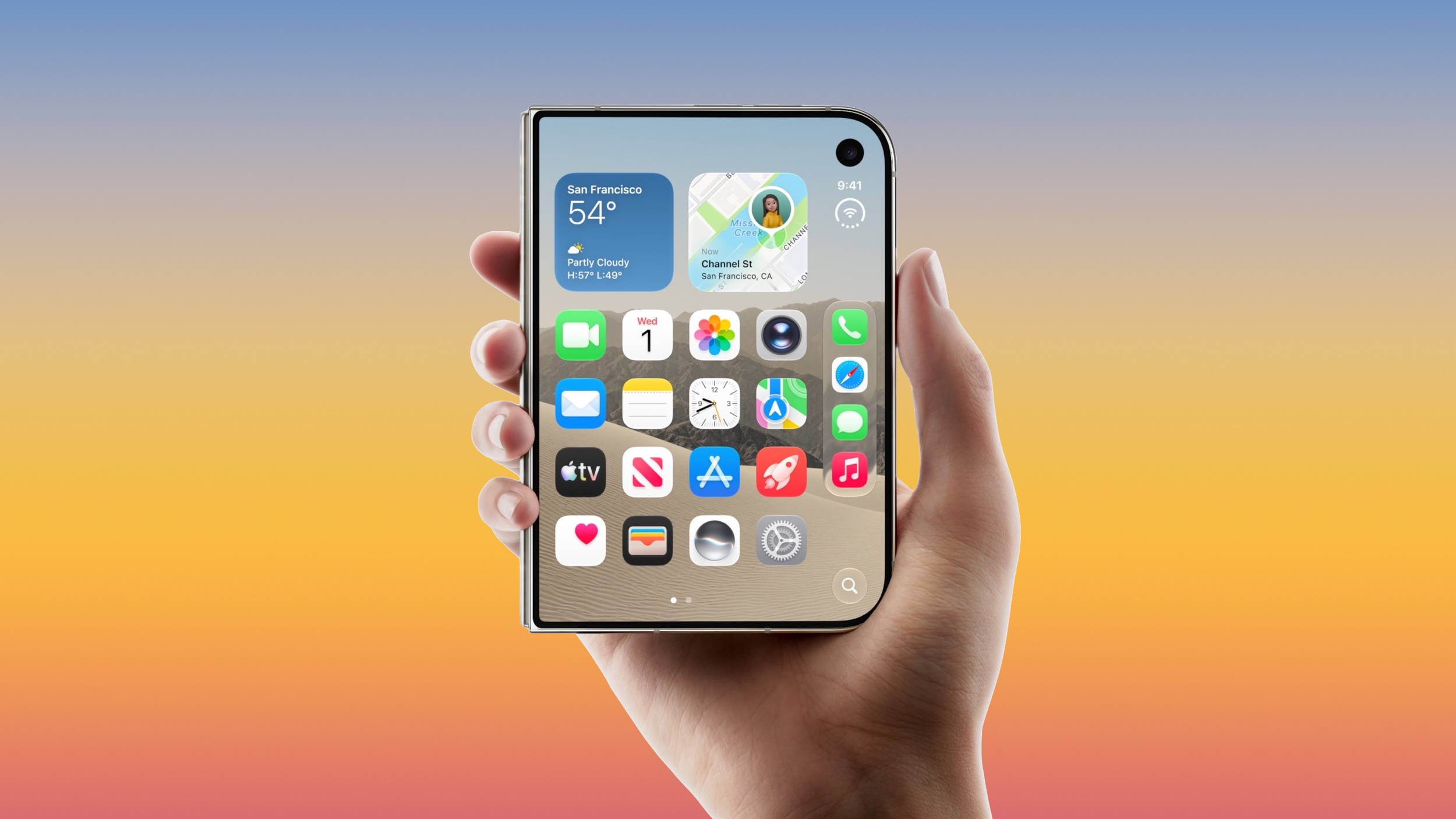
A future iPhone could keep its current width while becoming shorter, with iOS preserving room for content by moving some controls into the status bar, in a theory shared by the Weibo leaker known as "Instant Digital."


Instant Digital imagines Apple shortening a non-folding iPhone once its display has only a single camera cutout or the front-facing camera moves entirely beneath the screen. Taking roughly a status bar's worth of height off the display would bring its aspect ratio from around 19.5:9 to closer to 18:9, apparently making the phone easier to hold and use with one hand.

Controls that currently sit below the status bar could share a row with the time and system indicators. Instant Digital's idea is that combining the two rows would let the shorter display show the same amount of information. The leaker described the layout and proportions as personal speculation.

Apple has already changed how iOS uses the space at the top of the screen with the iPhone 18 Pro and iPhone Duo. The ‌iPhone 18 Pro‌'s smaller Dynamic Island supports up to three simultaneous Live Activities, up from two on earlier models. On the ‌iPhone Duo‌, iOS fits a compact status bar into the corner and positions the Dynamic Island vertically along the side of the outer display.

The timing of a cutout-free display on the iPhone remains uncertain. The leaker "Digital Chat Station" has said Apple is testing under-display camera technology and has described an intermediate design with a visible hole for the front-facing camera, similar to the ‌iPhone Duo‌.

In a follow-up post on Weibo, another user said they expect iPhones to retain a camera cutout and a 19.5:9 aspect ratio in both 2027 and 2028. Instant Digital replied that some sources say the cutout could disappear in 2028. Display analyst Ross Young has separately said he expects the 2028 iPhone Pro models to retain a centered camera cutout.

In a separate post, Instant Digital said they had a growing hunch that iOS would change substantially after the 20th-anniversary iPhone launches in 2027. They expect changes to how users interact with the software as well as how it looks.

Bloomberg's Mark Gurman reported that the anniversary iPhone will have curved glass and thinner bezels in the biggest overhaul to the Pro line since the iPhone X. Digital Chat Station has also said Apple was testing a roughly 7-inch display for the largest anniversary model with the same aspect ratio as the iPhone 17 Pro Max.

The iPhone X offers a precedent for a hardware redesign changing how people use iOS. When Apple removed the Home button in 2017, iOS 11 introduced swipe-up navigation on the iPhone X.
This article, "Leaker Envisions a Shorter iPhone With a New iOS Layout" first appeared on MacRumors.com

Discuss this article in our forums
  •  

Apple Launching Two More New Products This Friday

The Apple launches keep coming! The company is set to release two new products on Friday, November 13: the all-new Apple HomeView and the fourth-generation Apple TV 4K, both of which have been available to pre-order since mid-October.

  • Apple HomeView: Apple's new smart home display, powered by Apple Intelligence with Siri AI, for entertainment and managing the home. Available in tabletop and wall-mounted models, it can recognize up to six users by face, each with a personalized Home Screen. The HomeView is priced at $299.

  • Apple TV 4K: adds Siri AI, the A19 chip, an updated Siri Remote with Find My, and support for four-speaker surround sound with HomePod mini 2. The Apple TV 4K comes with 128GB of storage and is priced at $299.
Both products were announced on October 13 alongside the HomePod mini 2, which launched October 30.

As things stand, HomeView will not be sold in the European Union because Siri AI is currently unavailable on iOS in the region due to regulatory constraints. Apple has said it is "working constructively with the EU in an attempt to find a path forward," but has provided no timeline for EU availability.
This article, "Apple Launching Two More New Products This Friday" first appeared on MacRumors.com

Discuss this article in our forums
  •  

Apple Rumored to Drop the iPhone's Action Button Next Year

Apple plans to merge the iPhone's Action button with the Camera Control starting next year, according to the leaker known as "Instant Digital."


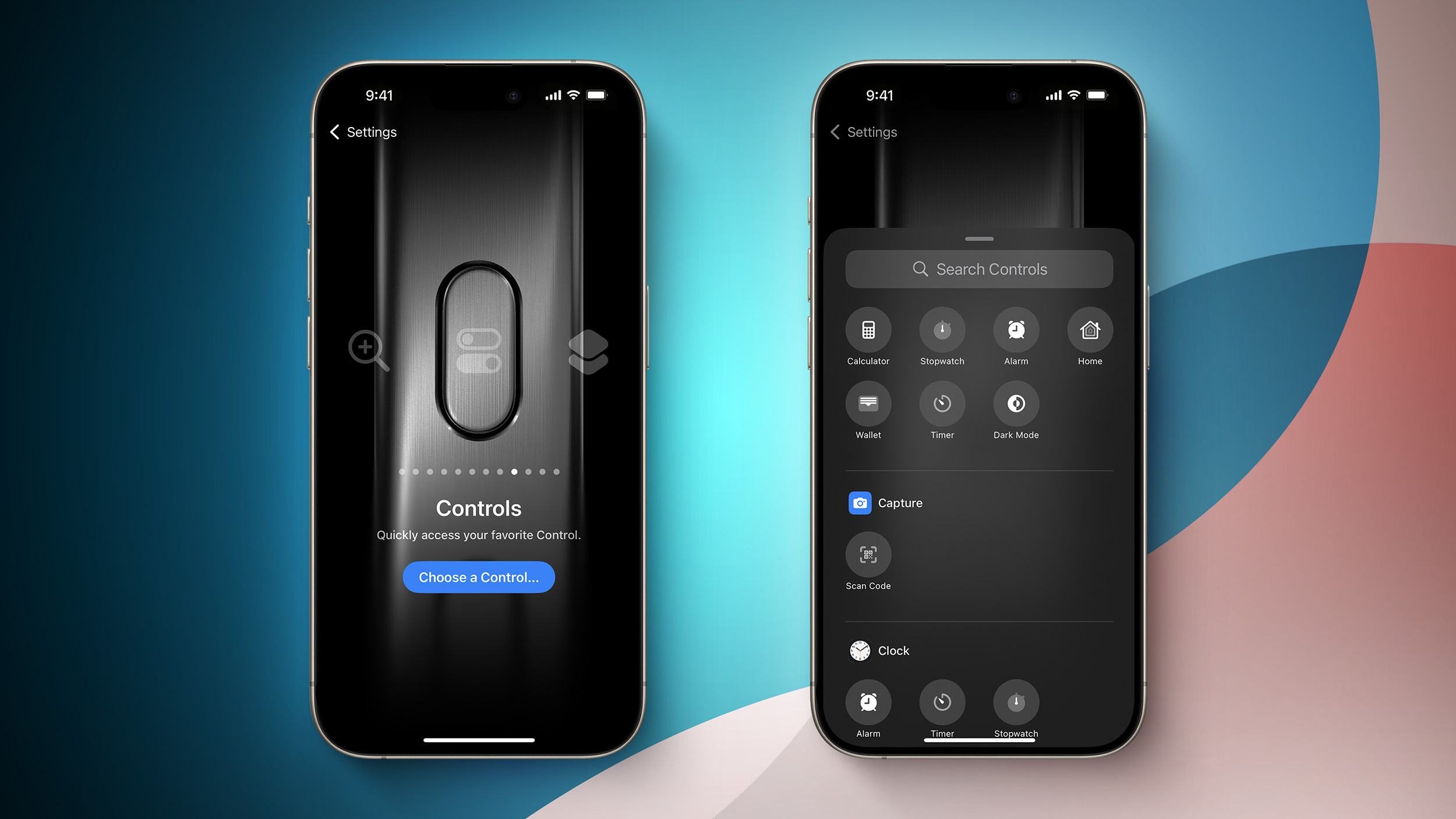
In a new post on Weibo, the leaker claimed that a single press of the combined button would open the camera, while a long press would trigger the function assigned to the Action button. They explicitly clarified that the dedicated Action button would disappear, while the Camera Control button would remain.

The proposed arrangement seems plausible given how the two features already work. The Action button predates the Camera Control and requires a long press to activate its assigned function, while a single press of the Camera Control opens the camera. Combining them in the way described would therefore preserve both familiar interactions, with the customizable action simply moving to a different location on the device.

A long press of Camera Control currently opens Visual Intelligence, but that feature has since been integrated directly into the Camera app as Siri mode in iOS 27. That integration could give Apple room to reassign the gesture while keeping Visual Intelligence accessible through the Camera app.


It is notable that the iPhone Duo also lacks an Action button, despite retaining Camera Control. Its omission provides a precedent for an iPhone without the separate control and could hint at a broader change in the future.

The Camera Control received a mixed reception when it debuted on the iPhone 16, with some reviewers criticizing its usefulness, complexity, and ergonomics, making further refinement seem plausible. Combining it with the Action button could give the control a clearer sense of purpose. Removing a separate button could also simplify manufacturing and reduce the potential for users to confuse the Action button with the adjacent volume buttons.

Apple was previously rumored to be working on a simplified Camera Control design for the iPhone 18 lineup, but that change did not materialize. Instant Digital claimed Apple would remove the capacitive sensing layer and rely on pressure sensing to reduce costs while retaining its functions.

The ‌iPhone 16‌'s Camera Control button.


The latest rumor raises the possibility that a redesign is still in development, potentially as part of a broader rethink that incorporates the Action button's functionality, although it remains unclear whether the two claims describe related plans.

Apple introduced the Action button on the iPhone 15 Pro in 2023 as a replacement for the longstanding Ring/Silent switch. It can be assigned to functions such as Silent mode, Focus, the flashlight, Shortcuts, and more. The rumored combined control would retain a dedicated way to trigger those actions while reducing the number of physical buttons.

Instant Digital said that the change will take place starting with new iPhone models released in the second half of 2027. The claimed timing would presumably coincide with the launch of Apple's 20th-anniversary iPhone models in the fall of next year. Apple's naming plans remain unclear, so the devices could be called the "iPhone 19 Pro," "iPhone 20 Pro," or something else.
This article, "Apple Rumored to Drop the iPhone's Action Button Next Year" first appeared on MacRumors.com

Discuss this article in our forums
  •  

Zuverlässiger Fernzugriff: Jump Desktop in Version 10

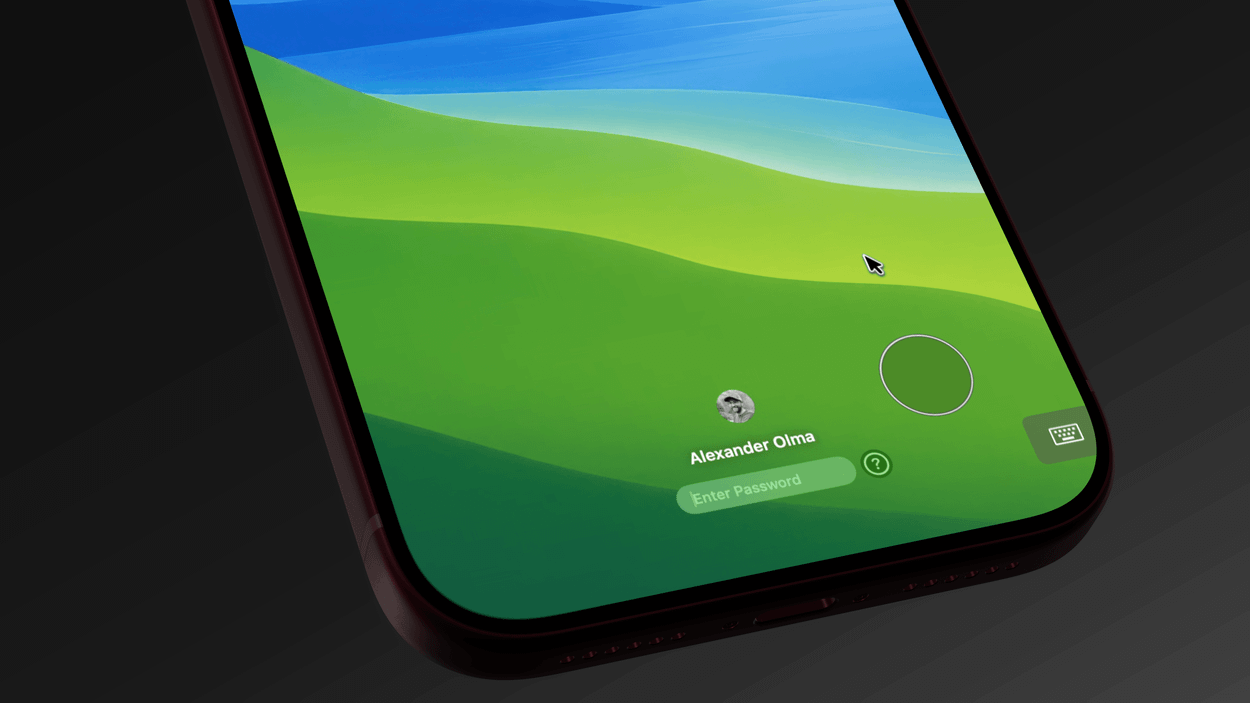
Close-up of a smartphone displaying a login screen with abstract green and blue background. The login prompt shows a user icon and the name Alexander Olma, along with a password entry field and icons for help and keyboard.

The best remote session is the one you forget is remote. Jump Desktop Version 10 is like sitting down at the machine itself and bringing the devices on your desk with you. It also goes where it couldn’t before. We’re releasing a native app for Android phones and tablets, Linux computers can be hosts, and with Jump CLI your scripts and AI agents can connect too. Here’s what’s new:

Jump Desktop Documentation

Seit Sommer bin ich täglicher Fan – und verschlief trotzdem den offiziellen Release von Version 10 vor einem Monat, weil ich auf der TestFlight-Beta rumhing.

  •  

iPhone Duo – „nothing short of extraordinary“ – ab 2027

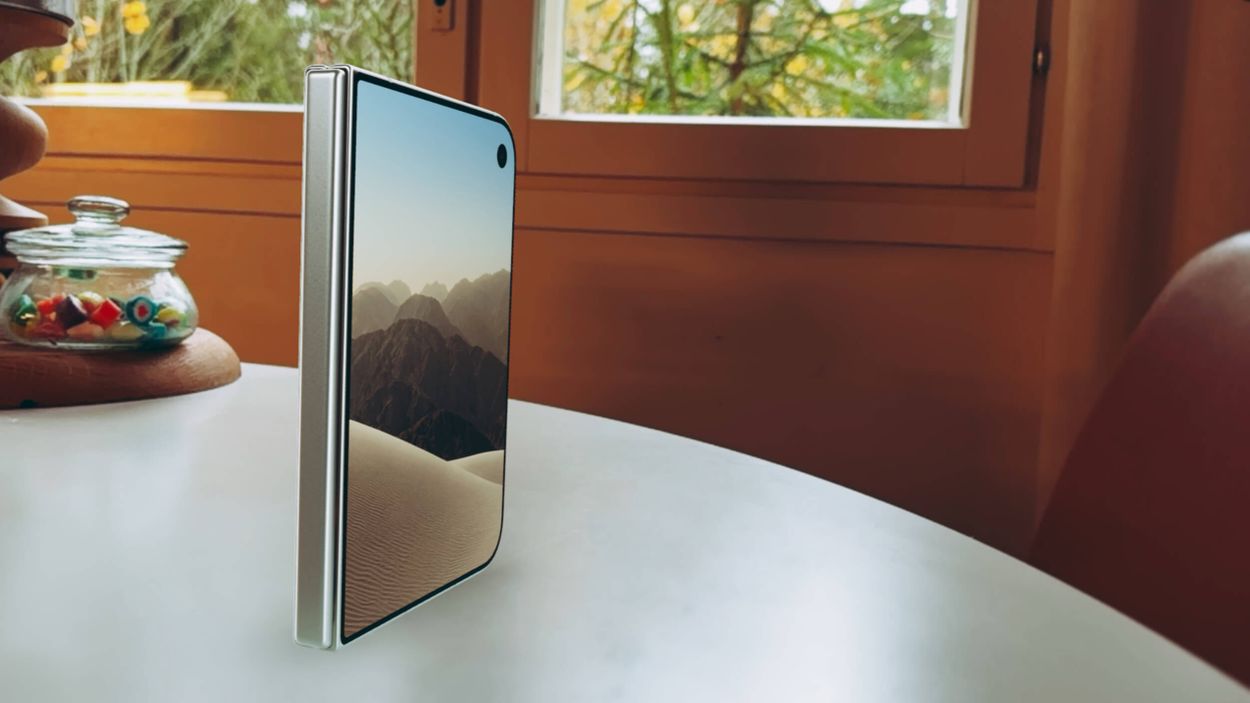
A modern foldable smartphone in a partially folded state standing upright on a round white table. The screen displays a desert landscape with mountains and a clear sky.

„Versand in 2027“ – für Apple zumindest ein verstolperter Start.

Natürlich machen sie viel gute Miene, während hinter der Bühne sicherlich Himmel und Hölle in Bewegung sind. Und klar, diese Vorbestellungen sind im besten Fall nur aufgeschoben.

Bei einer Lieferzeit von mittlerweile drei Monaten werden viele solcher Kaufabsichten aber nicht nur aufgeschoben, sondern gänzlich aufgehoben. In den Stückzahlen, in denen Apple Produkte verkauft, schlagen einige Tage und wenige Wochen bereits signifikant in den Umsatzbüchern auf – oder halt nicht.

Schuldzuweisungen von außen bleiben kaum möglich; niemand weiß, wie hoch die Bestände sind und über welche Nachfrage wir spekulieren. In komplett eigener Hand hatten sie jedoch den Starttermin sowie die Entscheidung über eine länderspezifische Verfügbarkeit.

Beides lief jedoch genau so ab, wie in normalen iPhone-Jahren zuvor.

Natürlich musste das Duo getrennt vom iPhone 18 Pro starten – medial wäre das wirklich exzellente Telefon sonst komplett untergegangen. Länger als einen Monat wollte Apple aber scheinbar nicht warten …

Auch regional zog Apple keine Grenzen: Das Duo startet zeitgleich selbst in meinem Finnland, wohlgemerkt ein Land ohne offiziellen Apple Store …

Ladengeschäfte und Online Stores gelten bei Apple als zwei getrennte Firmen. Gefühlt genießt Retail oft eine höhere Priorität für die Verfügbarkeit von neuen Produkten. Absolut nachvollziehbar: Kund:innen vor Ort will man nicht mit leeren Händen wegschicken; online muss man (psychologisch) ohnehin warten.

Dass es scheinbar aber auch in den Ladengeschäften schwierig werden könnte zeitnah ein Duo mitzunehmen, unterstreicht die eingeschränkte Verfügbarkeit bei einer nicht bekannten Nachfrage. Diese Nachfrage, gepaart mit dem Produktionsanlauf, spielen sicherlich beide eine Rolle bei der Verzögerung.

Insbesondere im US-Markt gilt: Wer bis zu 1.500 US-Dollar für sein nächstes Telefon eingeplant hat, sieht die 2.000 US-Dollar-Marke zumindest in greifbarer Nähe. Und wenn man beim Mobilfunker auf Raten zahlt, ist der höhere Monatspreis oft nur eine Fußnote.

Man könnte argumentieren: Wenn Apple wusste, dass sie nur eine sehr überschaubare Stückzahl anbieten können, nimmt man schlicht den Hype mit.

So funktioniert das aber nicht. Apple will Geräte verkaufen und das Duo braucht nun wirklich keinen Hype.

Für mich riecht’s deshalb nach einer Fehleinschätzung – keine Katastrophe, aber mindestens ein vermeidbarer Stolperer – auch wenn wir nicht die Produktionskapazitäten der nächsten Monate kennen und abwarten müssen, was ab Freitag tatsächlich in den Stores verfügbar ist.

  •  

PoseKit – 3D-Modelle für Screenshots aus neuen Perspektiven

Wie viele Mockup–Apps für gerahmte Screenshots kann man besitzen? Die Antwort lautet wie immer: „Ja.“

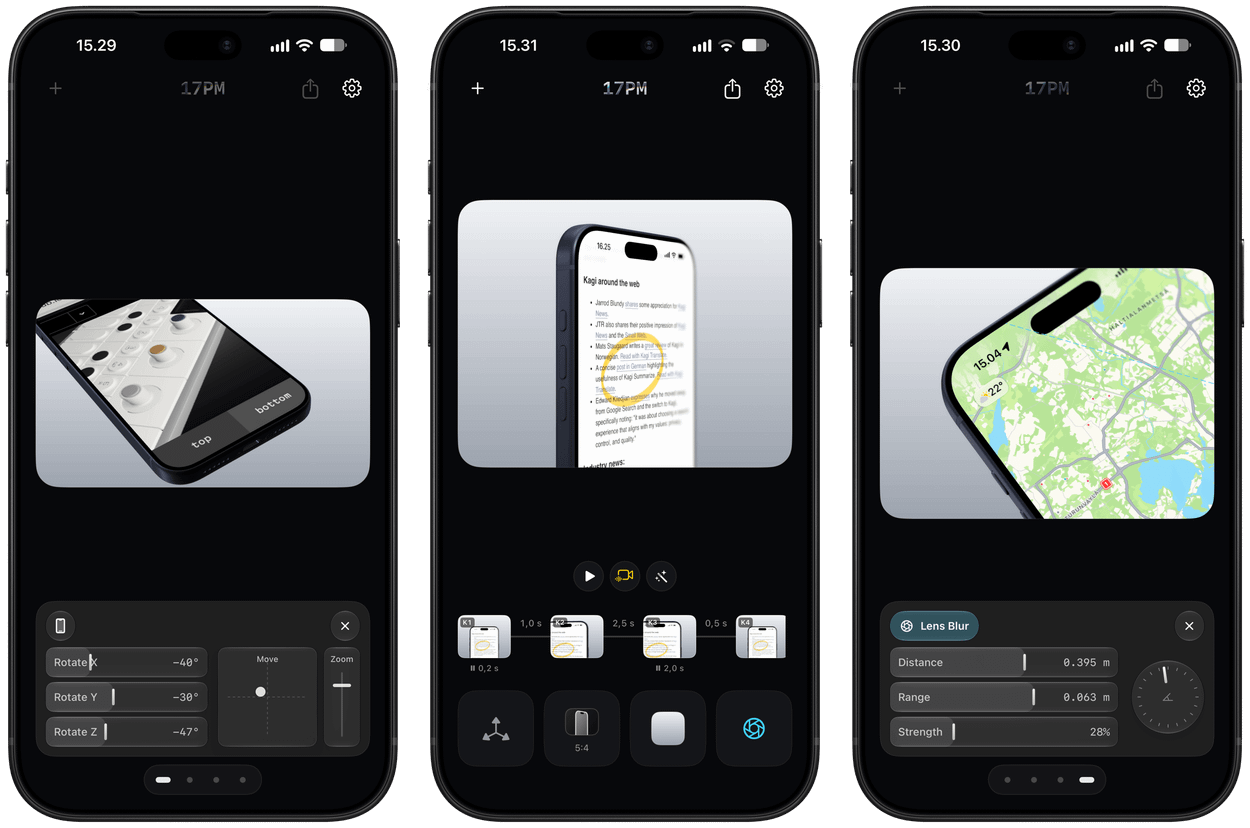
Three iPhone screens displaying video editing software with different preview windows: the left shows a rotated perspective of coffee cups on a tray, the center shows a phone screen with highlighted text, and the right shows a map application on a phone.

PoseKit ist eine Geschwister-App von ByePhotos und befreit eure Bildschirmfotos aus ihrer immer gleichen Frontalperspektive. Sogar kurze Kamerafahrten sind im 15-Euro-Einmalpreis inbegriffen.

Eine optionale Objektivunschärfe rückt Details in den Fokus, die man explizit, aber unaufdringlich hervorheben will.

Ich bin ein großer Fan der Positionssteuerung. Anstatt das 3D-Modell lediglich ungenau mit den Patschehändchen innerhalb des Frames zu verschieben, nutzt man präzise Schieberegler. Andere Apps schauen sich diese Idee bitte ab!

Die Grafiken, die mit nur wenigen Gesten entstehen, sind nicht komplett neu. Diese Posen jedoch mit lediglich zwei Handgriffen direkt am Telefon zu erstellen, ist für alle, die Software zeigen oder präsentieren, ein echtes Geschenk.

  •  

Apples Handgelenk Band

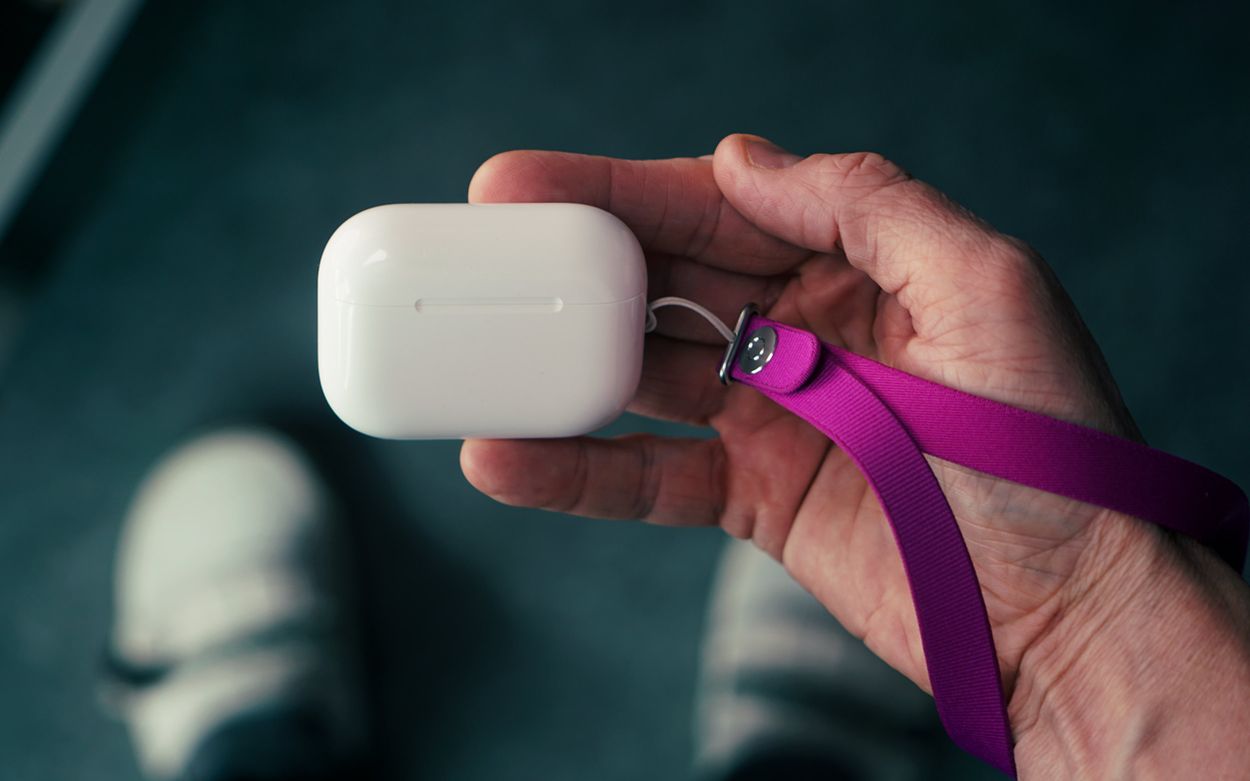
Ignorieren wir den „Hand strap“ für die QuickTake 200, dann sind der iPod touch Loop sowie die Remote Loop die einzigen Bänder fürs Handgelenk aus Apples 50-jähriger Geschichte – zumindest bis letzte Woche.

A person's hand holding a white earbud charging case attached to a purple lanyard.

Apples neues Handgelenk Band befestigt man an einer separaten iPhone-Hülle oder etwa direkt am AirPods-Case1. Es orientiert sich am Design des Crossbody Straps aus dem letzten Jahr.

Ich wette, Apples Marge für das 30-Euro-Bändchen stimmt. Trotzdem bleibt der flache Knopf am eng gewebten Garn mit integrierten Magneten erstaunlich nett.

Meine einzige Kritik: Es ist eine relativ dauerhafte Befestigung. Die Handschlaufe lässt sich einfach lösen, die Befestigungsschlaufen fummelt man aber nur mit etwas Aufwand wieder raus.

  1. Als Apple im Jahr 2022 die Öse am Kopfhörer-Case einführte, überließ der Konzern den Zubehörverkauf anderen Herstellern so wie Incase. ↩
  •  

#523 – mehr Kleinigkeiten aus iOS 27

Vier Monate später trugen sich mehr Kleinigkeiten zusammen; iOS 27 ist ein Trog mit vielen kleinen „Quality of Life“-Verbesserungen.

Die Zusammenstellung dieser unscheinbaren Änderungen in jedem Sommer führt regelmäßig zu meinen absoluten Lieblingsvideos.

Hier das Intro der Episode:

Weiterlesen

💾

  •  

„Swipe Down for Search or Ask“

Ohne Spracheingabe bestand am iPhone nie die Möglichkeit, Spotlight außerhalb des Home- und Sperrbildschirms aufzurufen. Mit Siri AI geht das jetzt – nur nicht bei uns.

Wenn wir über fehlende Funktionen für iOS 27 in der EU sprechen, fehlt mir insbesondere diese Interaktion.

Spotlight, as you know it, is gone in iOS 27. Swiping down from the middle of the Home Screen now opens Search or Ask, where you can type or speak to Siri. Apple rebuilt the underlying search index at the same time, so returned results are more current.

via MacRumors

Für iPadOS existiert ein solcher Hack; fürs iPhone nicht. Apples Telefon benutzt sich signifikant besser, wenn man Spotlight auch aus geöffneten Apps heraus aufrufen kann.

  •  

Es zählt, weil es ein iPhone ist, nicht weil es neu ist.

Tim Cook legte charmant für Ternus auf, der dann aber auch direkt verwandelte. Er platzierte das iPhone direkt zum Anpfiff im absoluten Mittelpunkt – von Apple selbst, aber auch als „intelligente und persönliche Zentrale“. Die Aussage war klar: Du brauchst keine anderen KI-Computer!

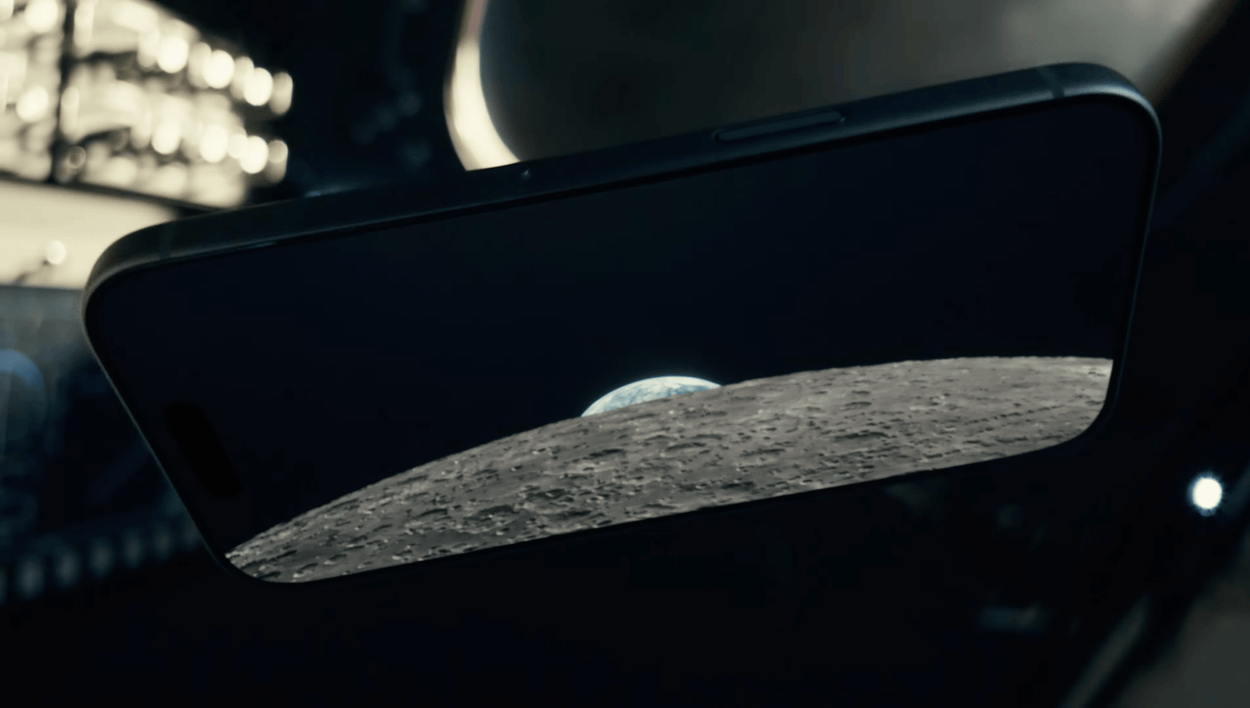
A close-up photograph of a smartphone screen displaying an image of the moon's surface rising against a dark sky.

„When you have been to the moon. Where do you go next?“

Das Duo zeigt der Industrie den korrekten Fold-Formfaktor – nicht nur mit seiner Reisepassgröße, sondern auch durch die Gleichberechtigung beider Displays. Apples Foldable stellt erstmals die wirklich schwierige Frage: „Warum zwei Bildschirme?“

Das iPhone Air diente mit seiner Hardware im letzten Jahr als vorgeschaltetes Experiment; die Software ist jedoch das Alleinstellungsmerkmal für die neue Form.

Ohne Vorlauf, mit nur wenigen frühzeitig eingeweihten Entwicklerpartnern sowie einer Preismarke, die jeder rechtfertigen muss, wird es zweifellos ein holpriger Anlauf. Wir wissen nicht einmal, ob Apple alle seine eigenen Apps zum Start im Oktober vorbereitet hat.

Und der Preis ist der Preis. Dieses Telefon wird mit seiner zweiten Generation und einem möglicherweise überstandenen RAMageddon nicht günstiger. Der Preis bleibt der Preis.

Deshalb ist die Software so wichtig; sie entscheidet darüber, ob man damit mehr macht als mit Apples wohl bestem iPhone ever™ – dem 18 Pro (Max).

Diese Animation … „I can’t.“

Die Kompromisse fallen überraschend überschaubar aus. Wer die Pro-Video- und Fotofunktionen vermisst, ist hier nicht die Zielgruppe. Kein Action Button, kein Face ID und das insgesamt reduzierte Kamerasystem werfen trotzdem die Frage auf: Warum mehr bezahlen für weniger?

Plus, Mini und Air hatten nie eine Chance, sich besser zu verkaufen als Apples Standard- und Pro-Modelle. Zugegeben: Das war auch nie ihre Aufgabe.

Aber welche Aufgabe hat das Duo? Es ist zu anders, um nur ein weiteres Modell in der Aufstellung zu sein. Es ist nicht nur eine andere Verpackung der gleichen Idee.

„Like other iPhones, it packs the power of a computer. But it can take the shape of a computer…“

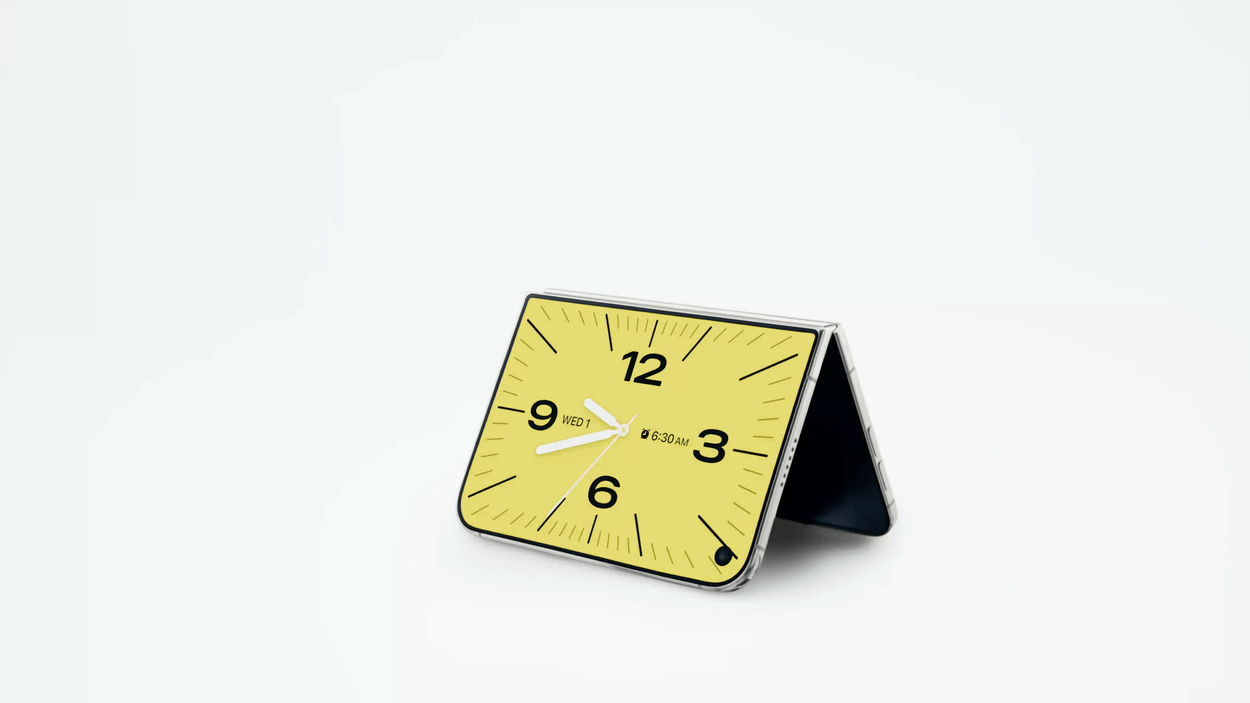
Das ist derzeit nur Marketing; aber ist das auch ein ausgerufenes Ziel? Bleibt es mehr als zwei Generationen im Line-up, um dafür auch nur annähernd eine Chance zu bekommen? Mit dem Duo lebt etwa das Standby-Feature wieder auf, das nach seiner ersten Vorstellung vor drei Jahren quasi vergessen wurde.

A foldable smartphone resting in a stand position displaying an analog clock face.

Das Duo ist Apples Chance, eigene Produkte zu kannibalisieren – von kleinen iPads bis zu großen Telefonen. Es bietet die Möglichkeit, sich breiter aufzustellen und die Abhängigkeit vom klassischen iPhone-Geschäft auf mehr Schultern zu verteilen.

Deshalb die Frage: Neues iPhone oder tatsächlich neuer Computer?

  •  

„Why the iPhone is about to get more expensive“

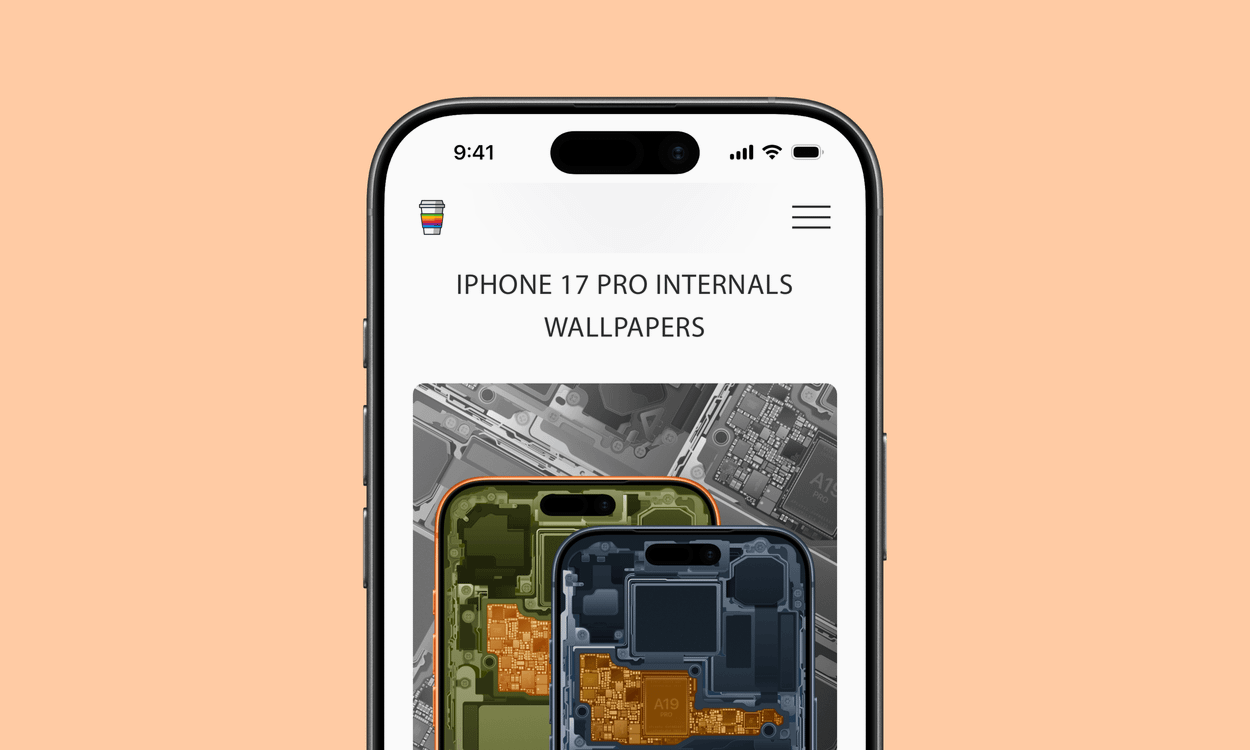
A smartphone screen displays "iPhone 17 Pro Internals Wallpapers" above an image showing the detailed internal components of two smartphones, one with an orange frame and the other with a dark gray frame.

via BasicAppleGuy

In other words, AI isn’t just making electronics cost more. The memory shortage is changing which electronics companies bother making in the first place.

Rani Molla | The Verge

Der Aufhänger des Artikels ist das iPhone – was auch sonst.

Der Artikel selbst reicht allerdings darüber hinaus, hätte aber noch stärker auf die sichtbaren Folgen eingehen sollen – „AI is killing the cheap smartphone“.

But that model breaks when memory prices spike as much as they’re now spiking. The sub-$100 smartphone risks becoming “permanently uneconomical” as a product. And that means that the budget smartphone makers have been forced to pass memory costs onto consumers: smartphones that sold for $50 are now selling for $120 or more. And price-sensitive consumers have responded by simply not buying phones. […]

In India, the sub-$100 smartphone market collapsed 59 percent year-on-year in the first quarter of 2026: surging memory prices resulted in a “forced premiumization” of the Indian smartphone market. But in the poorest markets, such premiumization isn’t a possibility. In 2025, 81 percent of smartphone shipments in Africa were in the sub-$200 category: as smartphone prices surge, many African consumers will simply be priced out of phone ownership entirely.

Apple verzichtete auf Preiserhöhungen seiner Telefone – nicht nur in den letzten Monaten, sondern auch in den letzten Jahren, und griff damit indirekt dem Servicegeschäft unter die Arme.

Es wird interessant, wie viele Kund:innen von neuen Pro-Modellen und noch teureren Falt-Telefonen das wirklich interessiert – insbesondere mit neuen Leasing-Optionen sowie monatlichen Ratenzahlungen über Mobilfunkanbieter.

Relevanter ist sicherlich eine (neue?) Preisgestaltung für das hervorragende Standard-iPhone 17 sowie das nachfolgende Modell, das voraussichtlich aber erst im Frühling 2027 erscheint.

  •  

PageFeed – RSS-Feeds durchgeblättert

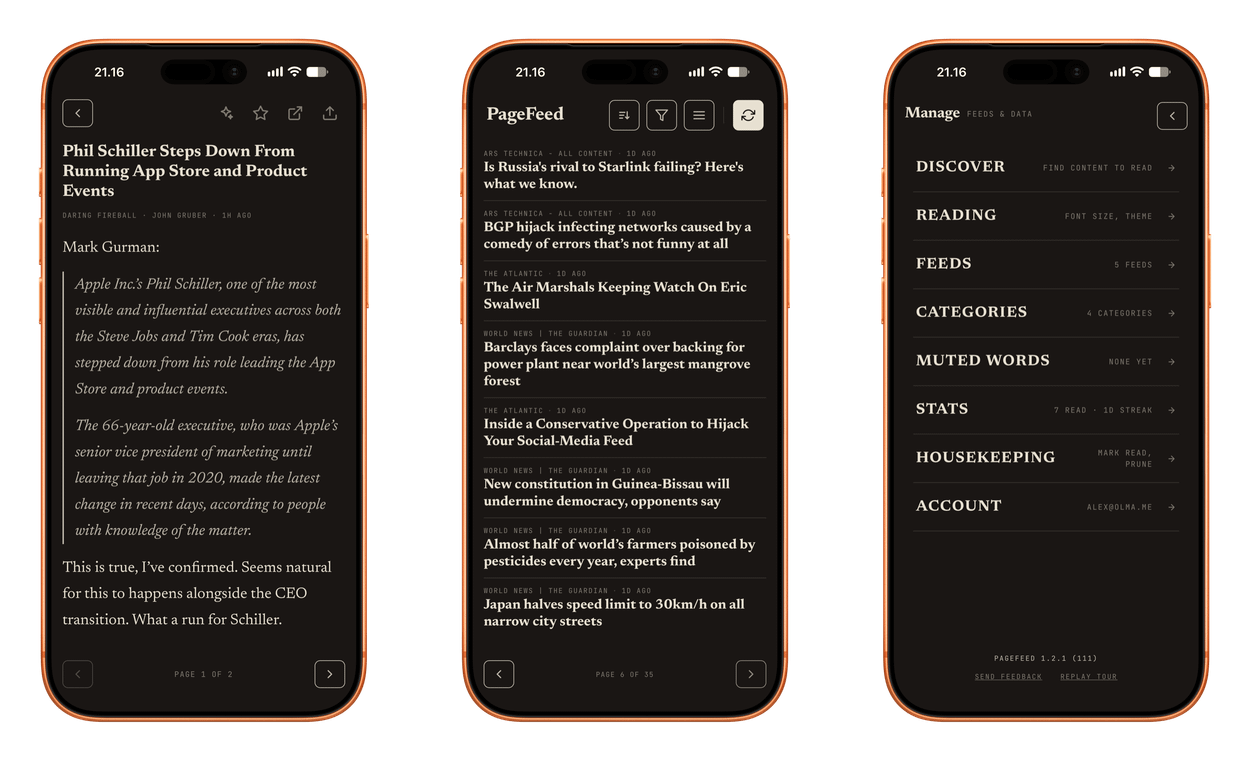
Three screens from the PageFeed mobile application showing an article view, a news feed, and the manage settings menu.

No endless scroll. No algorithm deciding what you see. Just the writers you choose — turned page by page, the way a newspaper used to feel.

PageFeed

Nichts für berufliche RSS-Leser:innen, aber ein erfrischender Take für die Kategorie der Feed-Reader.

Ihr wollt hier explizit nur wenige Quellen eintragen, von denen ihr dann aber keinen Eintrag übersehen möchtet – „Calm Feeds“, etwa für einen entspannten Sonntagvormittag.

Statt TikTok-Scrolling tippt ihr fürs Umblättern hier wie am Kindle. In die meinungsstarke Aufmachung lässt sich kaum reinquatschen: Lediglich zwischen unterschiedlichen Schriftgrößen sowie einem E-Ink-Mode wählt ihr aus. Das nenne ich Mut zur Entscheidung!

Der Sync verläuft nicht nur zwischen euren iPhones und iPads, sondern reicht bis ins Web – bereits die kostenlose Version ist viel zu großzügig. Mit nur wenigen Euro schaltet ihr alle anderen Nettigkeiten frei.

PageFeed fühlt sich wie eine typische Später-Lesen-Anwendung an, bleibt aber ein Feed-Reader – eine liebevolle Verpackung von RSS-Abos.

  •  

„Sleeve“ zwingt Apple-Music-Alben ins Cover Flow

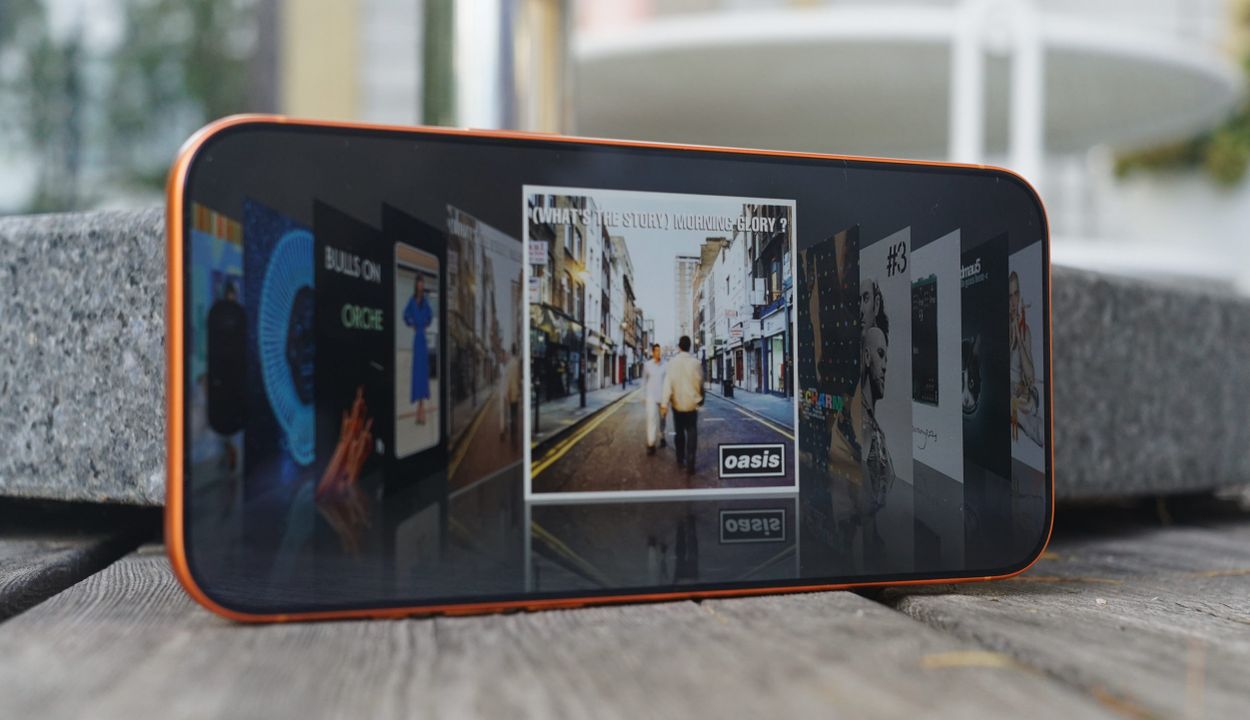
„Turn sideways. Glide through your library.“ Sleeve schiebt eure Apple-Music-Bibliothek in eine Old-School-Cover-Flow-Ansicht – inklusive einer Fingerschnippgeste, um das Cover auf die Rückseite zu drehen.

Sleeve, Apple Music, Cover Flow, Album Cover, Musikbibliothek, NostalgicPod, Longplay, Album Wall, Musik-Apps, iPhone

Noch etwas verspielter interpretiert NostalgicPod diese alte iPod-Idee. Die an dieser Stelle erwähnte Software bleibt vorerst jedoch in einer TestFlight-Beta.

Haltet ihr das iPhone hochkant, wechselt die Ansicht zu einer „Album Wall“ – bekannt etwa von Longplay. Diese Wand mit Covern driftet langsam über den Screen – bildschirmschonerähnlich und komplett ohne Steuerelemente.

  •  

Apples Teilenmenü – auch in iOS 27 unverändert

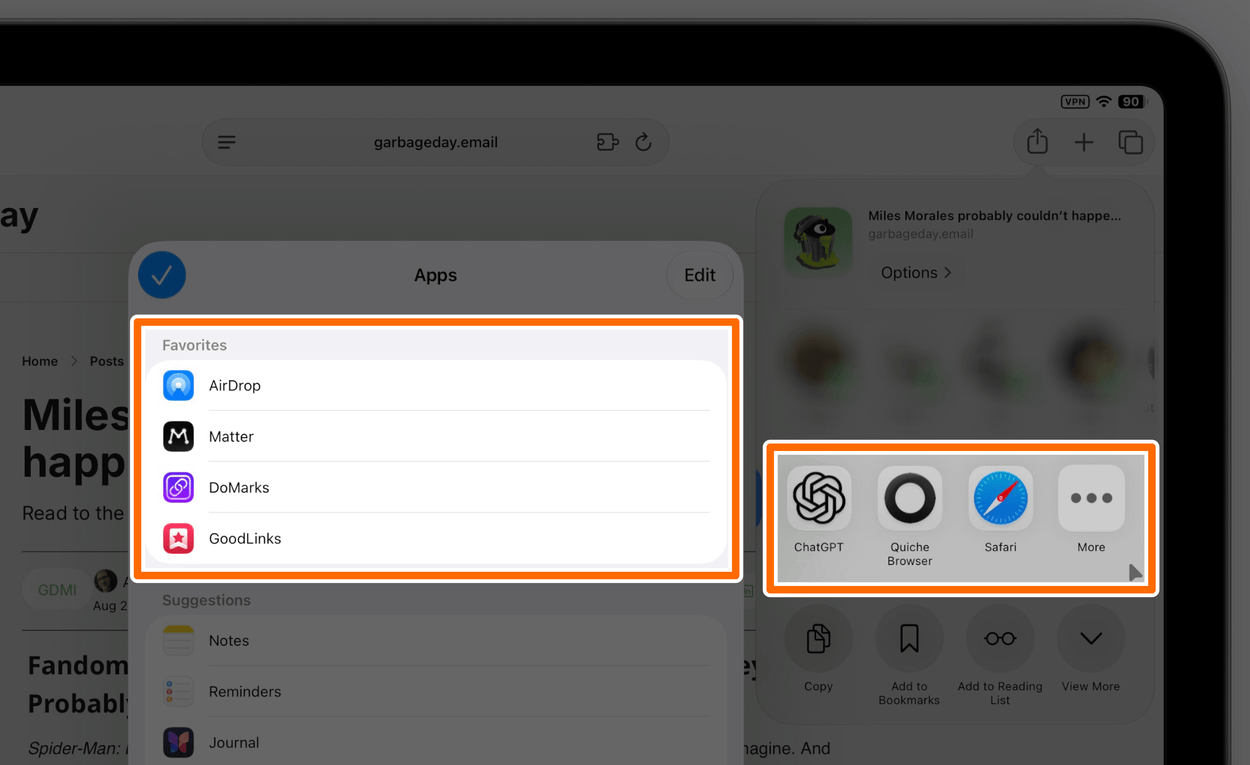
Auch iOS 27 bringt keine strukturellen Änderungen ins Teilenmenü; es bleibt damit mehr oder weniger unverändert seit 2019.

A screenshot showing an iPad share sheet menu with lists of favorite and suggested apps.

Dass Personen dort standardmäßig auftauchen, finde ich weiterhin wild – insbesondere, weil euch dort nicht ausschließlich Freunde und Familie anschauen. Gelegentlich überrascht euch iOS dort etwa mit einem Slack-Arbeitskollegen.

Immerhin lässt sich die komplette Zeile unter Siri ➝ „Beim Teilen anzeigen“ abschalten. So tief verbuddelt findet diese Einstellung aber niemand. Der lange Druck auf den Kopf einer einzelnen Person, um sie „weniger“ vorzuschlagen, hilft mir dagegen wenig. Ich möchte nicht weniger, sondern gar nicht.

Absolut unverständlich ist mir die Unterscheidung zwischen „Suggestions“ und „Favorites“ für Apps, wenn es eigentlich nur um eine prominentere Platzierung geht, zumal sich einige Vorschläge gar nicht ausblenden lassen.

Das „Share Sheet“ ist keine simple Liste der installierten Apps, gibt sich aber so aus. iOS packt Systemdienste, App Extensions sowie Apps, die bestimmte Datentypen verarbeiten, optisch in derselben Reihe – weshalb sich einige Anwendungen über ihren Schalter abknipsen lassen, andere aber nicht.

Und über die dortige Sortierung müssen wir nicht sprechen, oder?

Während die Zeile mit Apps primär der Übergabe von Inhalten dient – „Wohin damit?“ –, fragt die darunterliegende Liste mit Actions: „Was damit tun?“ Oft überschneiden sich hier jedoch Funktionen, was die Unterteilung redundant macht.

Mein grundsätzliches Problem mit dieser Aufzählung aus Aktionen ist aber ihre fehlende Übersichtlichkeit. Nicht alle Bezeichnungen verraten, zu welcher Anwendung eine Funktion gehört. „Convert to PDF“ öffnet etwa PDF Expert; die Action „Annotate“ gehört zu dieser App.

Andererseits muss ich oft zweimal lesen oder aufs App-Icon schauen, um zu checken, dass sich „Add to Play“ auf die Anwendung Play bezieht oder „Ask Assistant“ diese App startet.

Diese Liste benötigt Pflege. Und sind wir ehrlich: Niemand räumt dort auf! Sobald auf einem iPhone ein paar Dutzend Apps installiert sind, traut man sich dort schlicht nicht mehr rein.

Und das ist im Wesentlichen die Standardkonfiguration: So sieht das auf jedem iPhone aus; unverändert seit Jahren.

  •  

„Lock Launcher Introduces ‘No Redirect’ Launchers“

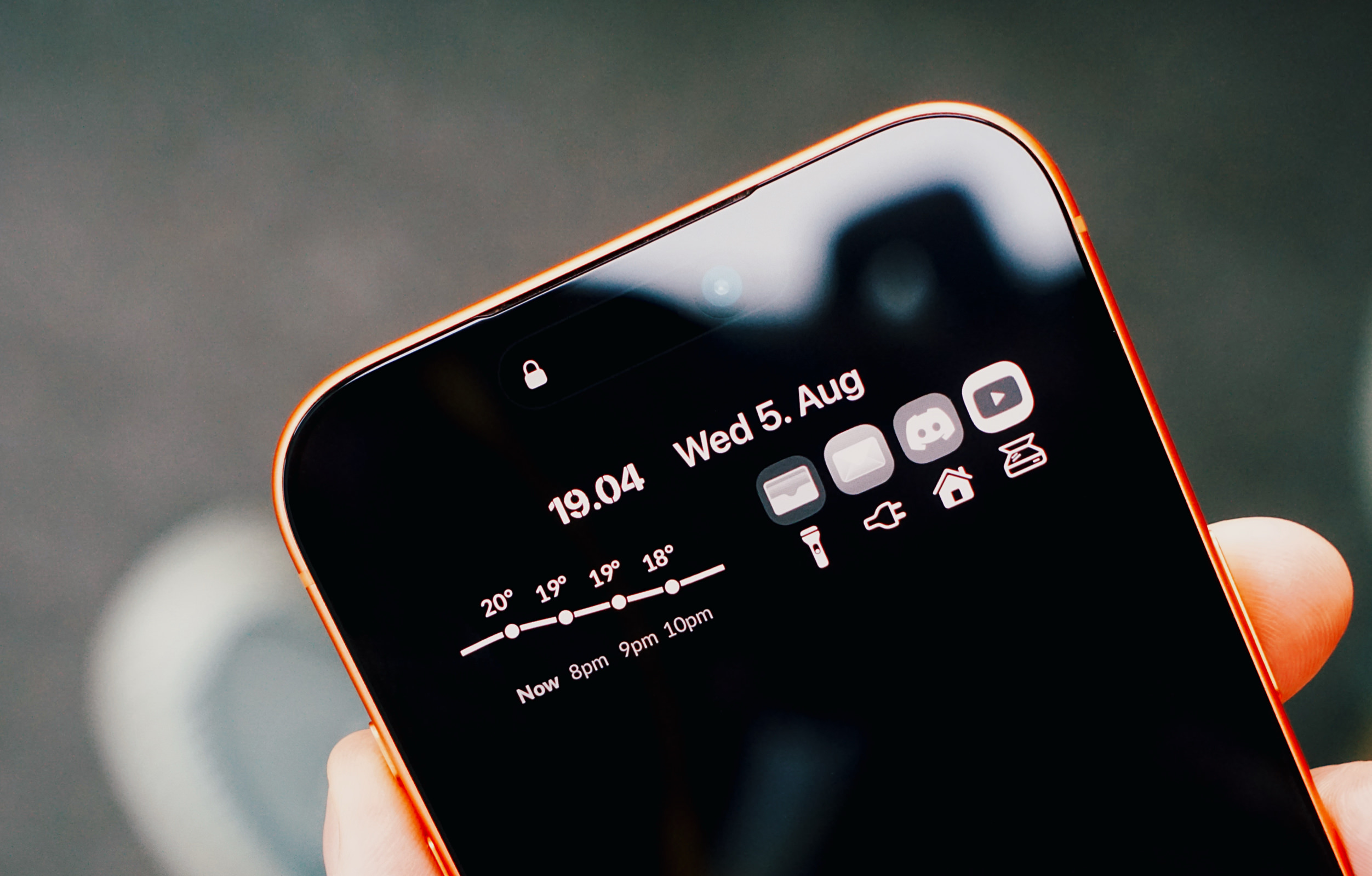
Schneller zu den eigenen Apps: Ich schrieb zwar erst im Januar darüber, aber Lock Launcher erweitert, was der Action-Button und das Kontrollzentrum vorgelegt haben: Abkürzungen zu Shortcuts und Apps.

Nahaufnahme eines orangefarbenen Smartphones in einer Hand. Der Sperrbildschirm im dunklen Design zeigt die Uhrzeit, das Datum, ein Wettervorhersage-Diagramm sowie eine Anordnung verschiedener App-Symbole.

For starters, Lock Launcher now lets you create launcher shortcuts that open apps directly and immediately, rather than redirecting you to the Lock Launcher app first.

For years now, launcher apps on the iPhone have had to employ this workaround: you’d tap on a shortcut that opened, say, Ivory, but you would see the launcher app flash onscreen briefly before redirecting you to the actual destination app you selected. Somehow, Lock Launcher is now circumventing this limitation with a ‘Direct Open’ mode that I haven’t seen in other launcher apps for iOS.

Federico Viticci | MacStories.net

Diesen Redirect benötigt es weiterhin, wenn man vom Sperrbildschirm kommt; über Widgets spart man ihn sich. In beiden Fällen ist das Aufrufen der Apps jedoch pfeilschnell. Wer blinzelt, verpasst die Weiterleitung.

Auf dem Lockscreen liegen bei mir Apps und Shortcuts, die ich vom Homescreen aus erst suchen müsste – ein PDF-Scanner oder unser Live-Stromtarif. Es ist Software, die ich täglich oft genug aufrufe, mit denen ich mir aber nie den Homescreen zupflastern würde.

  •  

„Who’s Afraid of Chinese Models?“

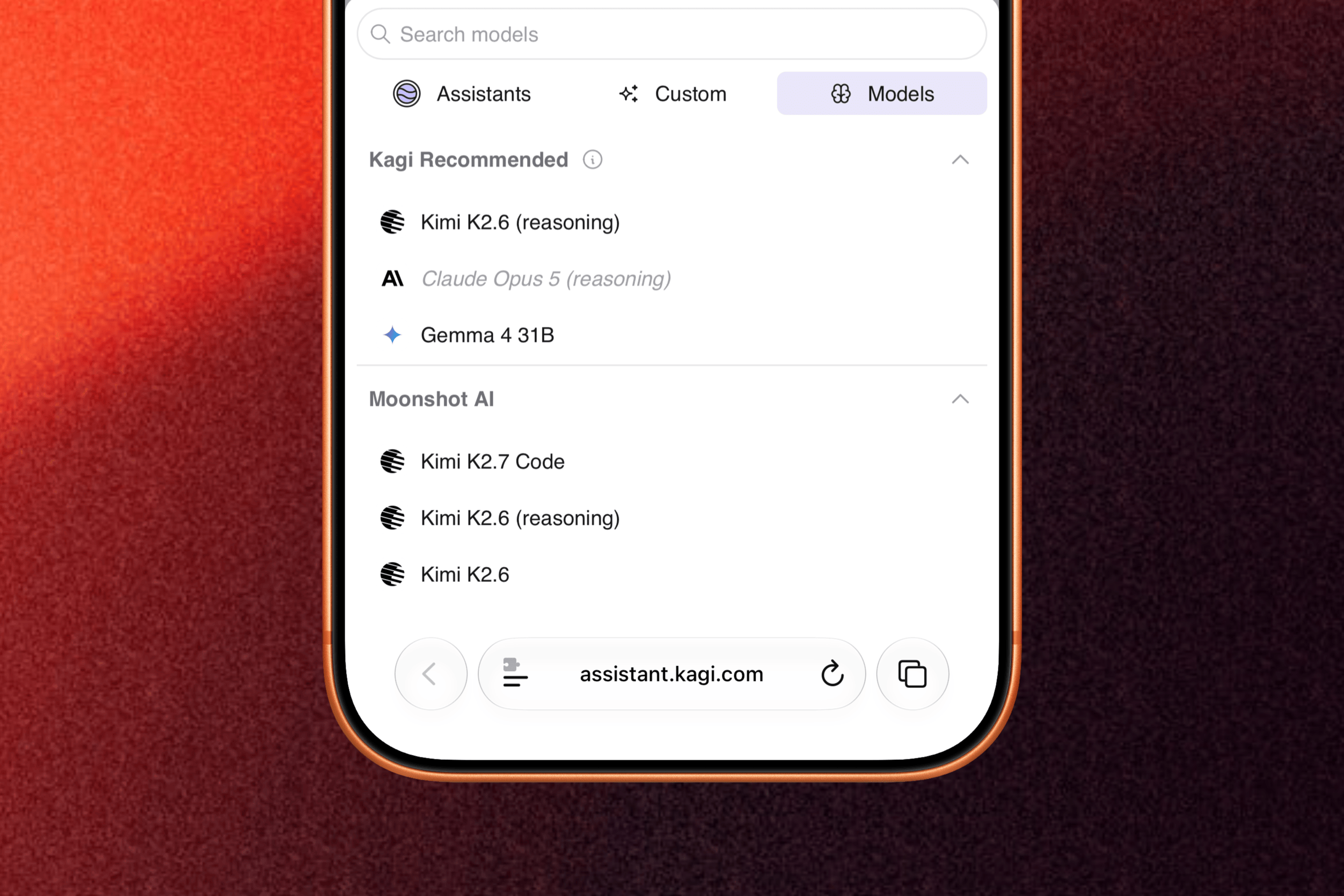
Open-Weight-KI-Modelle bleiben teuer: Auch nach dem Training kostet jede einzelne Inferenz entsprechenden Rechenaufwand.

Ein Smartphone-Bildschirm zeigt eine Liste von KI-Modellen innerhalb einer Weboberfläche. Der Tab "Models" ist ausgewählt. Abschnitte umfassen "Kagi Recommended" mit "Kimi K2.6 (reasoning)", "Claude Opus 5 (reasoning)" und "Gemma 4 31B". Darunter befindet sich "Moonshot AI" mit "Kimi K2.7 Code", "Kimi K2.6 (reasoning)" und "Kimi K2.6". Unten zeigt eine Browserleiste die Adresse "assistant.kagi.com".

One of the most common misconceptions undergirding discussion of open weights models is that they are cheaper — free, even. After all, you can just download the weights, and skip the time and expense and capabilities necessary to create your own model. That is, of course, true, but the “free” in this case is a reference to the amount you need to spend on research and development; R&D is a fixed expense that is independent of the revenue you generate. […]

The point in terms of open weight models is that they are not free to serve. Kimi K3 costs $3 per million input tokens, and $15 per million output tokens; that is cheaper than Sol’s $5 per million input tokens and $30 per million output tokens, but that might not even be the right measurement.

Ben Thompson

Die Kosten verschwinden nicht, sie lassen sich aber teilweise aus der Cloud auf bereits verkaufte Hardware verlagern.

Mit intelligentem Routing zwischen unterschiedlichen Modellen haben iPhone-Kund:innen eine solche Rechenleistung bereits gekauft – in Form von Prozessor, Arbeitsspeicher, Speicherplatz und Neural Engine. Nur Strom muss fortlaufend bezahlt werden. Es ist keine kostenlose Intelligenz, sondern eher eine „Prepaid Intelligence“: ein teilweise im Gerätepreis enthaltener „local first, cloud when necessary“-Ansatz.

Offene Modelle verändern die Wettbewerbsbedingungen in einem Markt, den Apple mit seiner Verbindung aus Hardware, Software und Services traditionell erfolgreich besetzt. Die Herausforderung ist die flexible Einbindung leistungsfähiger Modelle in den persönlichen Kontext, ihre Berechtigungen klar zu begrenzen und sie für appübergreifende Funktionen vorzubereiten.

Ironisch: Die vom Digital Markets Act implizierte iOS-Öffnung für konkurrierende KI-Modelle könnte Apples Position im Markt für seine Hardware paradoxerweise stärken – solange iOS die zentrale Orchestrierungsebene bleibt und entscheidet, welches Modell wann, wo und mit welchen Daten zum Einsatz kommt.

Kontrolliert Apple diese Koordinationsschicht jedoch nicht, besteht das Risiko, dass iOS als Betriebssystem austauschbar wird. Allein diese Gefahr würde den Start von Siri AI in der EU dauerhaft verhindern.

  •  

iOS 27: Connectivity Assist im Alltag

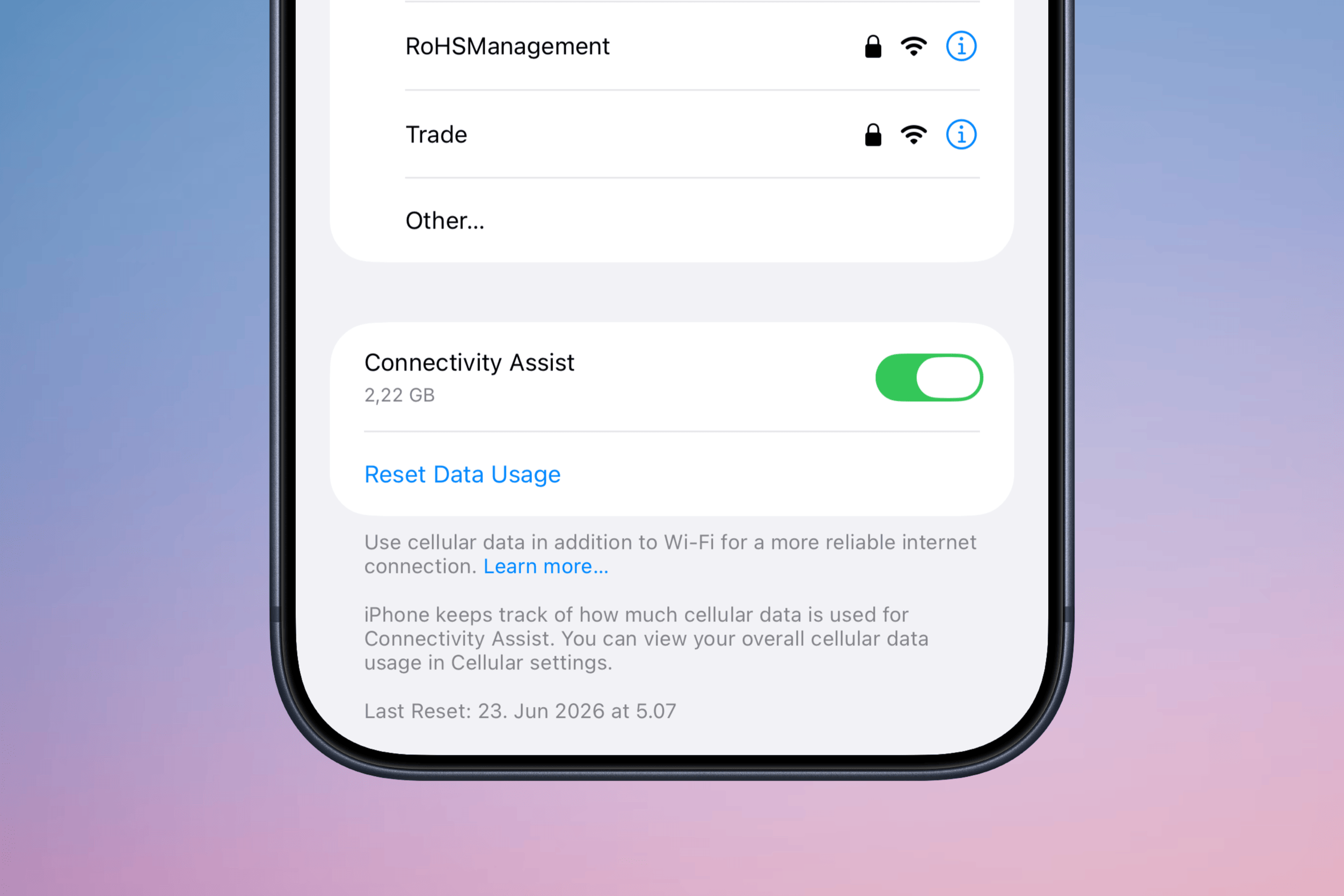
„Wi-Fi Assist“ war seit iOS 9 der eingeschränkte Versuch den Netzwerkwechsel zwischen Wi-Fi und Mobilfunk zu beschleunigen. „Connectivity Assist“ ist der neue Name für das Feature in iOS 27, das proaktiver den Datenverkehr lenkt und die Mobilfunkverbindung zusätzlich heranzieht, wenn das Wi-Fi schwächelt.

Anstelle von Downloads streame ich Podcasts und Texte, die ich mir vorlesen lasse. Dabei merke ich den stolpernden Netzwerkwechsel beim Verlassen der eigenen vier Wände regelmäßig. Seit iOS 27 gestaltet sich diese Übergabe fast reibungslos. iOS 27 zählt den dabei anfallenden Mobilfunk-Traffic mit.

Smartphone-Bildschirmansicht der Einstellungen für „Connectivity Assist“ mit einem Datenverbrauch von 2,22 GB, einem Umschalter und erklärendem Text zur Nutzung mobiler Daten für eine stabilere Internetverbindung.
  •  
❌