Anmelden

The MacRumors Show: iOS 27.3 Looks Like a Huge Update
Apple's first 27.3 betas bring expanded Siri AI actions, a redesigned Health app, and new Fitness+ features, alongside conversation summaries on the Apple Watch. This week's episode of The MacRumors Show takes a closer look at the updates.
Siri AI gains additional actions across Apple's apps, including unsubscribing from mailing lists, organizing files, and managing Safari tabs. In Weather, Siri can add saved locations and toggle severe weather or next-hour precipitation notifications. The additions extend the assistant's usefulness for everyday tasks, although the full range of supported requests can still be difficult to discover.
A new developer preview also enables more flexible third-party integrations. Developers can supply custom actions and skills that help Siri coordinate multiple steps, improving its handling of more complicated requests. App Store submissions for these integrations are scheduled to open in the spring.
Safari adds vertical tabs and Adaptive Dark Mode, allowing websites without their own dark appearance to adopt one automatically. The iPhone Duo also gains horizontal Reachability and a revised keyboard, making its wider outer display easier to operate with one hand.
Apple Fitness+ gains Gym Strength, which creates personalized four-week plans based on available equipment and workout preferences. Short videos from Fitness+ trainers demonstrate proper form, extending the service beyond workouts that require following an entire video session. The initial beta's equipment selection and scheduling options nevertheless leave room for improvement, particularly for users whose routines vary from week to week.
The redesigned Health app returns with Insights and Longevity sections, turning collected measurements into more accessible guidance and longer-term health assessments. iPhone Duo-style StandBy mode displays bring more customizable clocks, Calendar views, and Weather information to additional iPhones. Apple Music also gains enhanced transitions, concert recommendations, and Selfie Sing karaoke videos.
On the Apple Watch, Live Rewind and Siri Recap introduce new ways to recover and summarize spoken information. Live Rewind provides a transcription of the preceding 15 seconds, while Siri Recap creates detailed conversation summaries that can be useful for meeting notes. Time- and location-based scheduling provides more control over when Siri Recap operates.
The MacRumors Show has its own YouTube channel, so make sure you're subscribed to keep up with new episodes and clips.
You can also listen to The MacRumors Show on Apple Podcasts, Spotify, Overcast, or other podcast apps. You can also copy our RSS feed directly into your player.
If you haven't already listened to the previous episode of The MacRumors Show, catch up to hear our discussion about Apple's newly announced OLED MacBook Pro, the iPad mini with A20 Pro, and M6 versions of the iMac and entry-level 14-inch MacBook Pro.
Subscribe to The MacRumors Show for new episodes every week, where we discuss some of the topical news breaking here on MacRumors, often joined by familiar guests such as Tyler Stalman, Michael Fisher, Kayci Lacob, Kevin Nether, John Gruber, Mark Gurman, Jon Prosser, Luke Miani, Matthew Cassinelli, Brian Tong, Quinn Nelson, Jared Nelson, Eli Hodapp, Mike Bell, Sara Dietschy, iJustine, Jon Rettinger, Andru Edwards, Arnold Kim, Ben Sullins, Marcus Kane, Christopher Lawley, Frank McShan, David Lewis, Sam Kohl, Federico Viticci, Thomas Frank, Jonathan Morrison, Ross Young, Ian Zelbo, and Rene Ritchie.
The MacRumors Show is on X @MacRumorsShow, so be sure to give us a follow to keep up with the podcast. You can also email us at podcast@macrumors.com or head over to The MacRumors Show forum thread. Remember to rate and review the podcast, and let us know what subjects and guests you would like to see in the future.
This article, "The MacRumors Show: iOS 27.3 Looks Like a Huge Update" first appeared on MacRumors.com
Discuss this article in our forums
Subscribe to The MacRumors Show YouTube channel for more videos
Siri AI gains additional actions across Apple's apps, including unsubscribing from mailing lists, organizing files, and managing Safari tabs. In Weather, Siri can add saved locations and toggle severe weather or next-hour precipitation notifications. The additions extend the assistant's usefulness for everyday tasks, although the full range of supported requests can still be difficult to discover.
A new developer preview also enables more flexible third-party integrations. Developers can supply custom actions and skills that help Siri coordinate multiple steps, improving its handling of more complicated requests. App Store submissions for these integrations are scheduled to open in the spring.
Safari adds vertical tabs and Adaptive Dark Mode, allowing websites without their own dark appearance to adopt one automatically. The iPhone Duo also gains horizontal Reachability and a revised keyboard, making its wider outer display easier to operate with one hand.
Apple Fitness+ gains Gym Strength, which creates personalized four-week plans based on available equipment and workout preferences. Short videos from Fitness+ trainers demonstrate proper form, extending the service beyond workouts that require following an entire video session. The initial beta's equipment selection and scheduling options nevertheless leave room for improvement, particularly for users whose routines vary from week to week.
The redesigned Health app returns with Insights and Longevity sections, turning collected measurements into more accessible guidance and longer-term health assessments. iPhone Duo-style StandBy mode displays bring more customizable clocks, Calendar views, and Weather information to additional iPhones. Apple Music also gains enhanced transitions, concert recommendations, and Selfie Sing karaoke videos.
On the Apple Watch, Live Rewind and Siri Recap introduce new ways to recover and summarize spoken information. Live Rewind provides a transcription of the preceding 15 seconds, while Siri Recap creates detailed conversation summaries that can be useful for meeting notes. Time- and location-based scheduling provides more control over when Siri Recap operates.
The MacRumors Show has its own YouTube channel, so make sure you're subscribed to keep up with new episodes and clips.
You can also listen to The MacRumors Show on Apple Podcasts, Spotify, Overcast, or other podcast apps. You can also copy our RSS feed directly into your player.
If you haven't already listened to the previous episode of The MacRumors Show, catch up to hear our discussion about Apple's newly announced OLED MacBook Pro, the iPad mini with A20 Pro, and M6 versions of the iMac and entry-level 14-inch MacBook Pro.
Subscribe to The MacRumors Show for new episodes every week, where we discuss some of the topical news breaking here on MacRumors, often joined by familiar guests such as Tyler Stalman, Michael Fisher, Kayci Lacob, Kevin Nether, John Gruber, Mark Gurman, Jon Prosser, Luke Miani, Matthew Cassinelli, Brian Tong, Quinn Nelson, Jared Nelson, Eli Hodapp, Mike Bell, Sara Dietschy, iJustine, Jon Rettinger, Andru Edwards, Arnold Kim, Ben Sullins, Marcus Kane, Christopher Lawley, Frank McShan, David Lewis, Sam Kohl, Federico Viticci, Thomas Frank, Jonathan Morrison, Ross Young, Ian Zelbo, and Rene Ritchie.
The MacRumors Show is on X @MacRumorsShow, so be sure to give us a follow to keep up with the podcast. You can also email us at podcast@macrumors.com or head over to The MacRumors Show forum thread. Remember to rate and review the podcast, and let us know what subjects and guests you would like to see in the future.
Tag: The MacRumors Show
Related Forum: iOS 27
This article, "The MacRumors Show: iOS 27.3 Looks Like a Huge Update" first appeared on MacRumors.com
Discuss this article in our forums
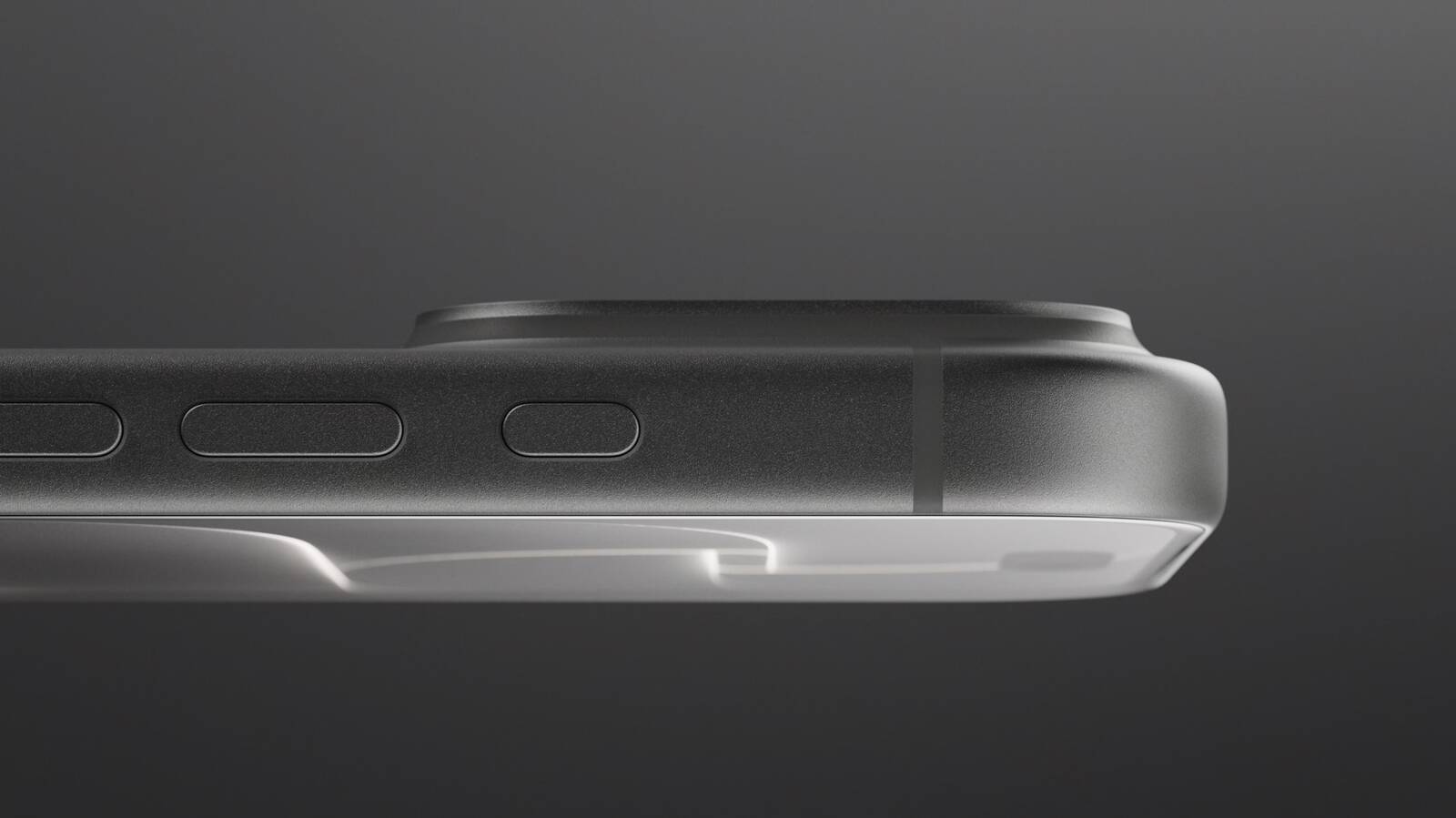
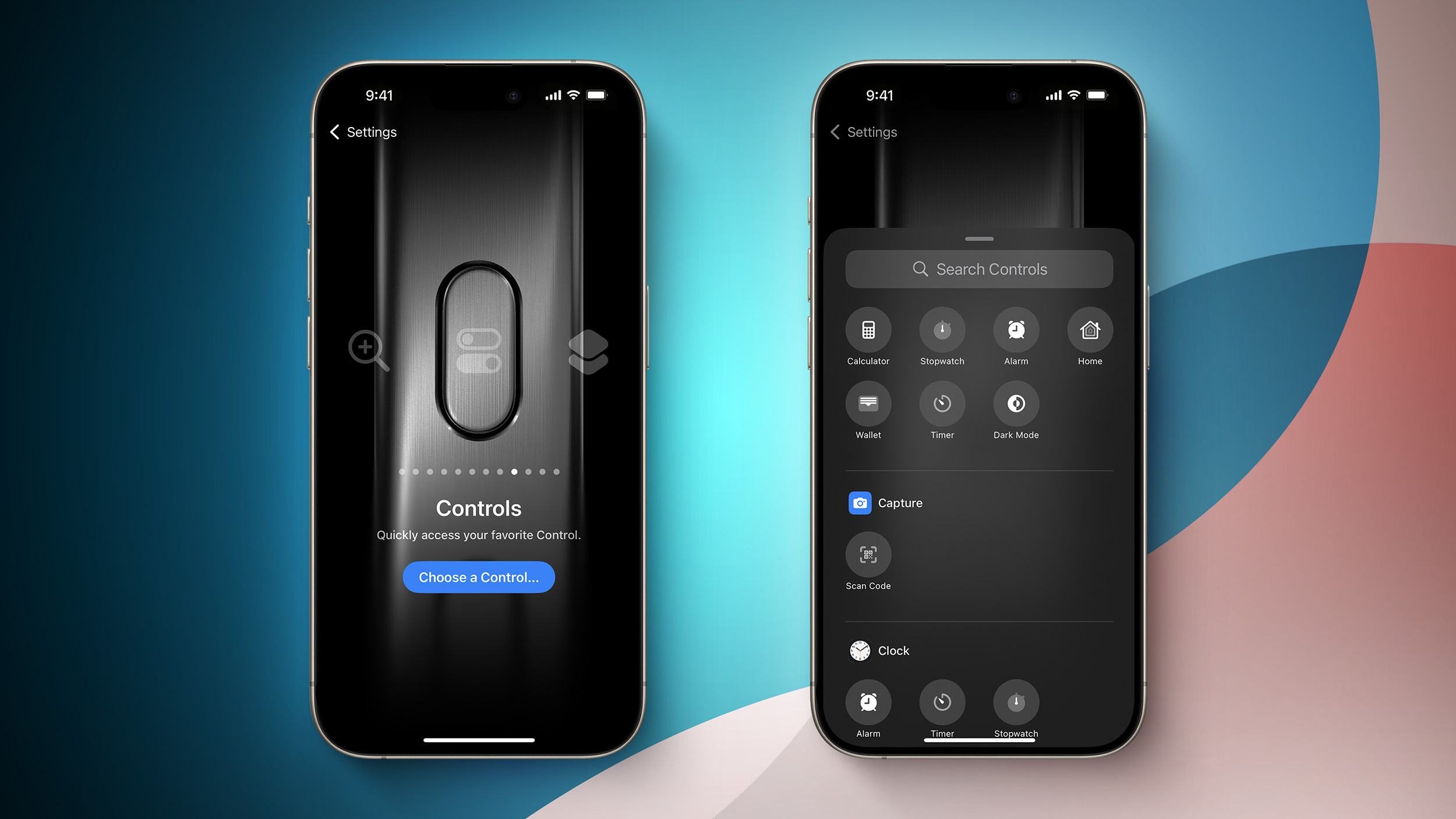
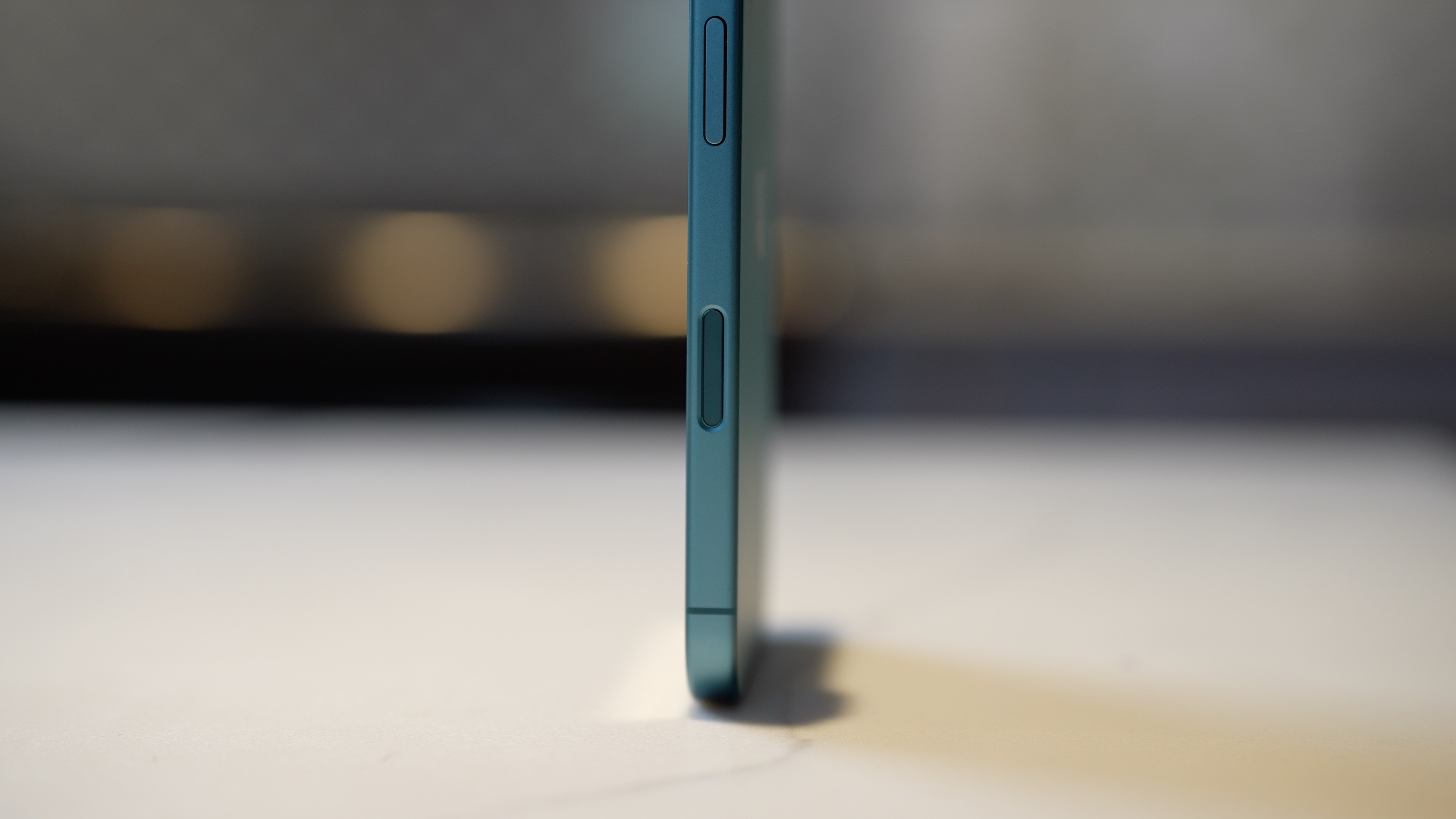 The iPhone 16's Camera Control button.