❌

Lese-Ansicht

'Backglow' Lets You Customize New MacBook Pro's Glowing Apple Logo

A new "Backglow" app created by designer Juan Buis lets you customize the illuminated Apple logo on the lid of the new MacBook Pro models.
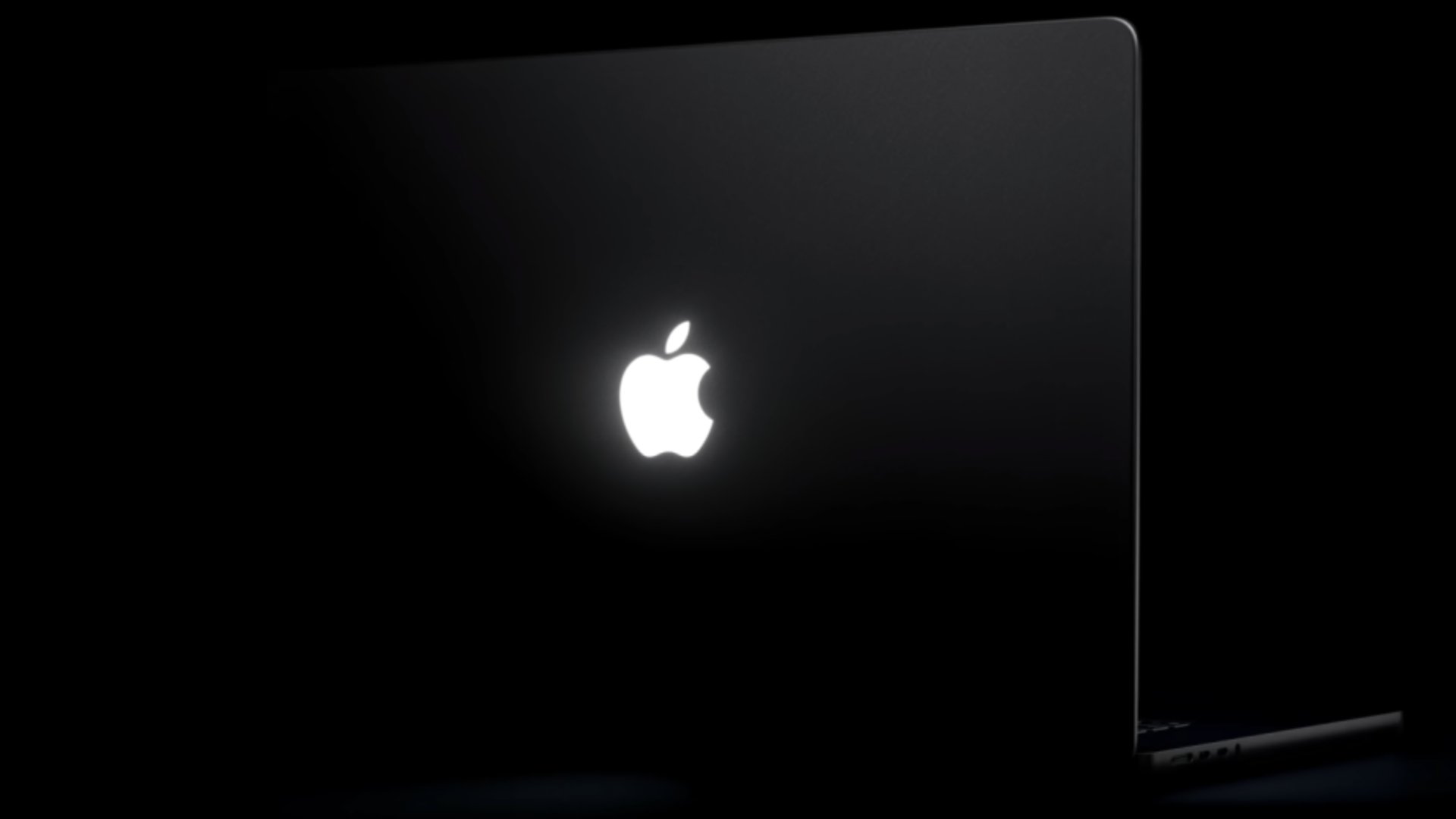

The free version of the app allows you to manually adjust the brightness level of the Apple logo, independent of the MacBook Pro's display brightness level. You can also turn it off entirely with a single click, rather than having to use Terminal.

Another free option is a "Breathe" mode that makes the logo's light gently pulse similarly to the sleep indicator light on older MacBooks.

A one-time payment unlocks the Pro version of the app: $9 for a limited time or $15 later. This gives you two additional modes: "Music" mode makes the logo's light move to the beat of the music you play on your Mac, while "Agents" mode makes the light pulse while Claude Code is working and blinks when your attention is needed.

here's what it can do:

- manually set logo brightness (apple doesn't let you)
- breathe slowly, like the old mac sleep light
- pulse to your music
- blink when claude needs you
- turn the logo light off with one click

try it here: https://t.co/WZTWMq5yAf https://t.co/FI0o9ayKBZ

— juan (@juanbuis) November 6, 2026


Apple began phasing out the glowing logo on MacBooks in 2015, but it brought back the feature with the new 14-inch and 16-inch MacBook Pro models with PROLED XDR displays released on Friday. On older MacBooks, the logo was illuminated by the display's backlight, but OLED displays do not have a backlight, so a new method was required.

Daring Fireball's John Gruber was told that Apple engineered a "custom light source just to enable the logo to glow once again, without adding any additional thickness to the lid." Why? "Because it's awesome," he heard an Apple representative say.

By default, Apple says the logo is illuminated whenever the Mac is awake. It automatically brightens or dims based on the screen's brightness level and your environment's lighting conditions detected by the computer's ambient light sensor.

Buis said the logo is lit by a white LED that does not change colors.
Related Roundup: MacBook Pro
Buyer's Guide: MacBook Pro (Buy Now)
Related Forum: MacBook Pro

This article, "'Backglow' Lets You Customize New MacBook Pro's Glowing Apple Logo" first appeared on MacRumors.com

Discuss this article in our forums
  •  

Early Apple Black Friday Deals on Apple Watch, MacBook Air, and More

Black Friday is now just a few weeks away, taking place on Friday, November 27 in 2026. As always, this will be the best time of the year to shop for great deals, including popular Apple products like AirPods, iPad, Apple Watch, and more.

Note: MacRumors is an affiliate partner with some of these vendors. When you click a link and make a purchase, we may receive a small payment, which helps us keep the site running.
Specifically, in this article we're sharing all of the Apple products that currently have all-time low prices, or discounts that are at least close to their record-low prices. Of course, these are early Black Friday deals, so even better discounts could emerge later in the month, but if you're shopping right now these are all the best prices around.

Table of Contents


You can use the links below to jump directly to the section you're shopping for today.


Our Top Picks


Apple Watch Ultra


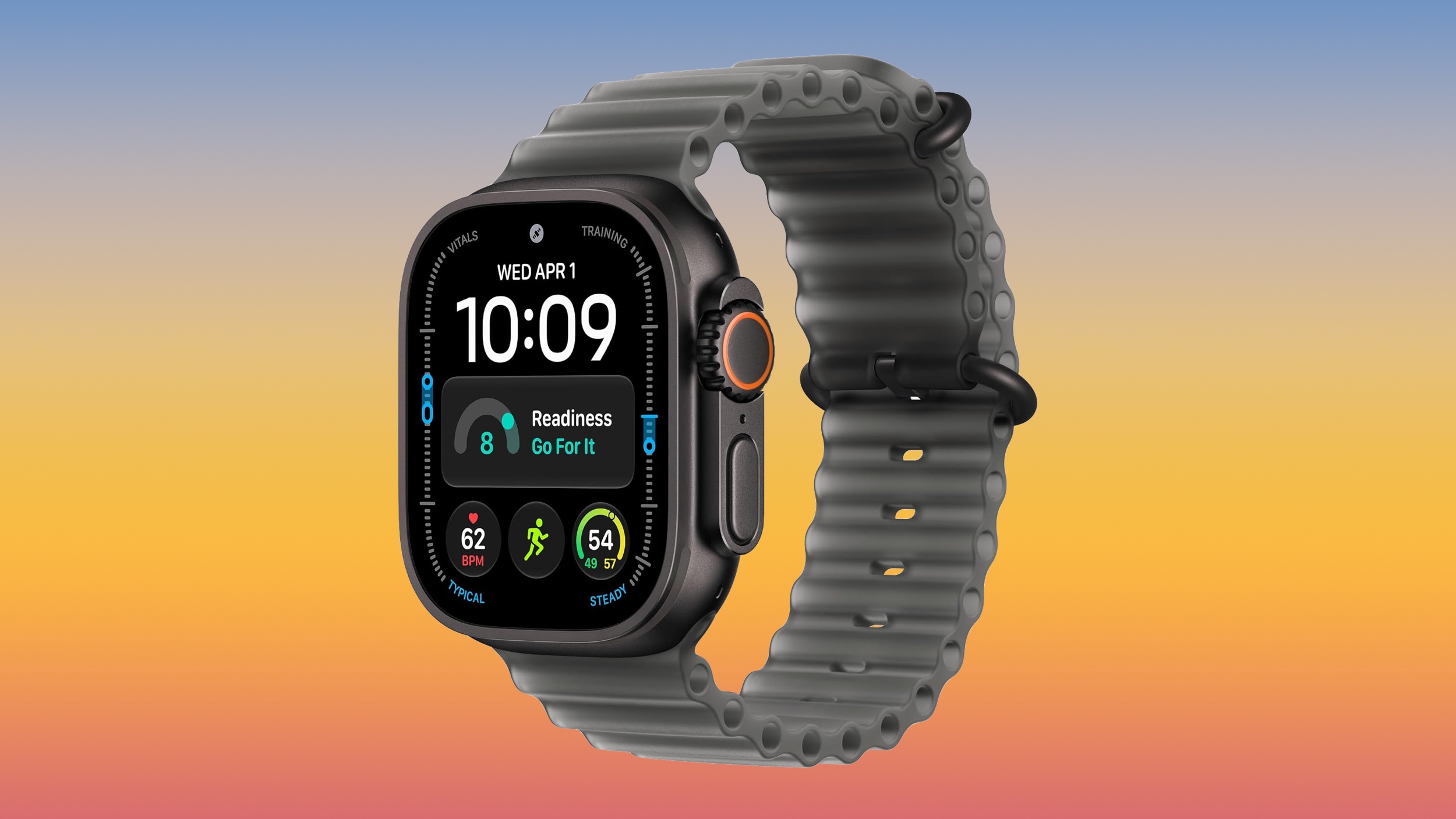
The Apple Watch Ultra 4 has dropped to $699.99 on Amazon in one of the most notable early Black Friday discounts, down from $799.00. This is a match of the all-time low price on the new Ultra 4, which just launched in September.

If you're shopping for a Milanese Loop model, Amazon also has a $99 discount on one of these devices. There are five regular models on sale and two Milanese Loop models, and most have delivery dates of early November on Amazon.


Regarding the previous-generation models, Best Buy this week has a big collection of Apple Watch Ultra 3 models for $549.00, down from $799.00. This is a massive $250 discount on the previous-generation device, and it represents a new all-time low price on these models. You can find similar $250 discounts on the Milanese Loop models at Amazon.


AirTag 2


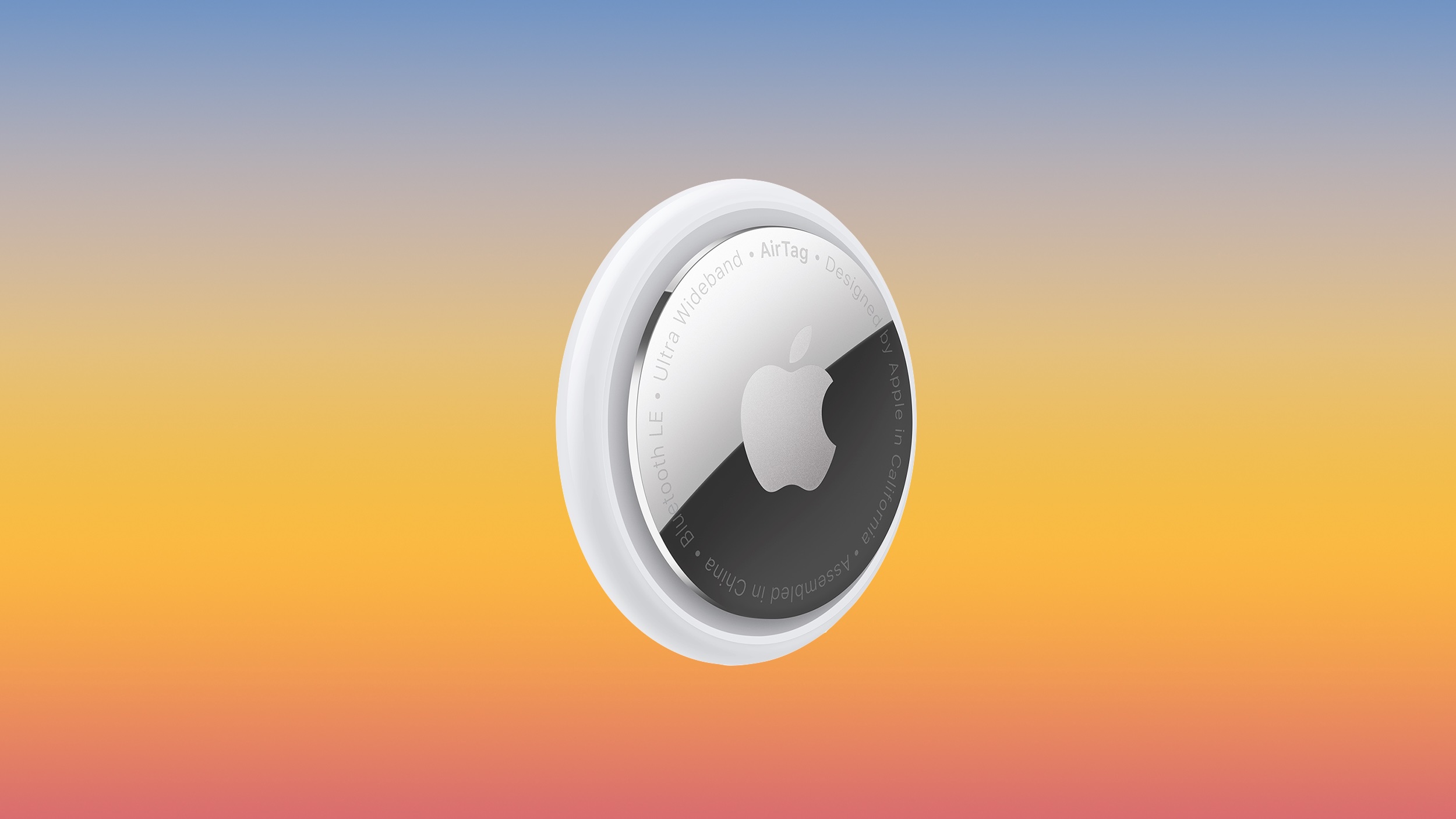
Apple's AirTag 2 has hit $23.00 this week on Amazon, down from $29.00. This deal is on the 1-Pack of the AirTag 2, and it's an all-time low price.


Mac Mini and Mac Studio


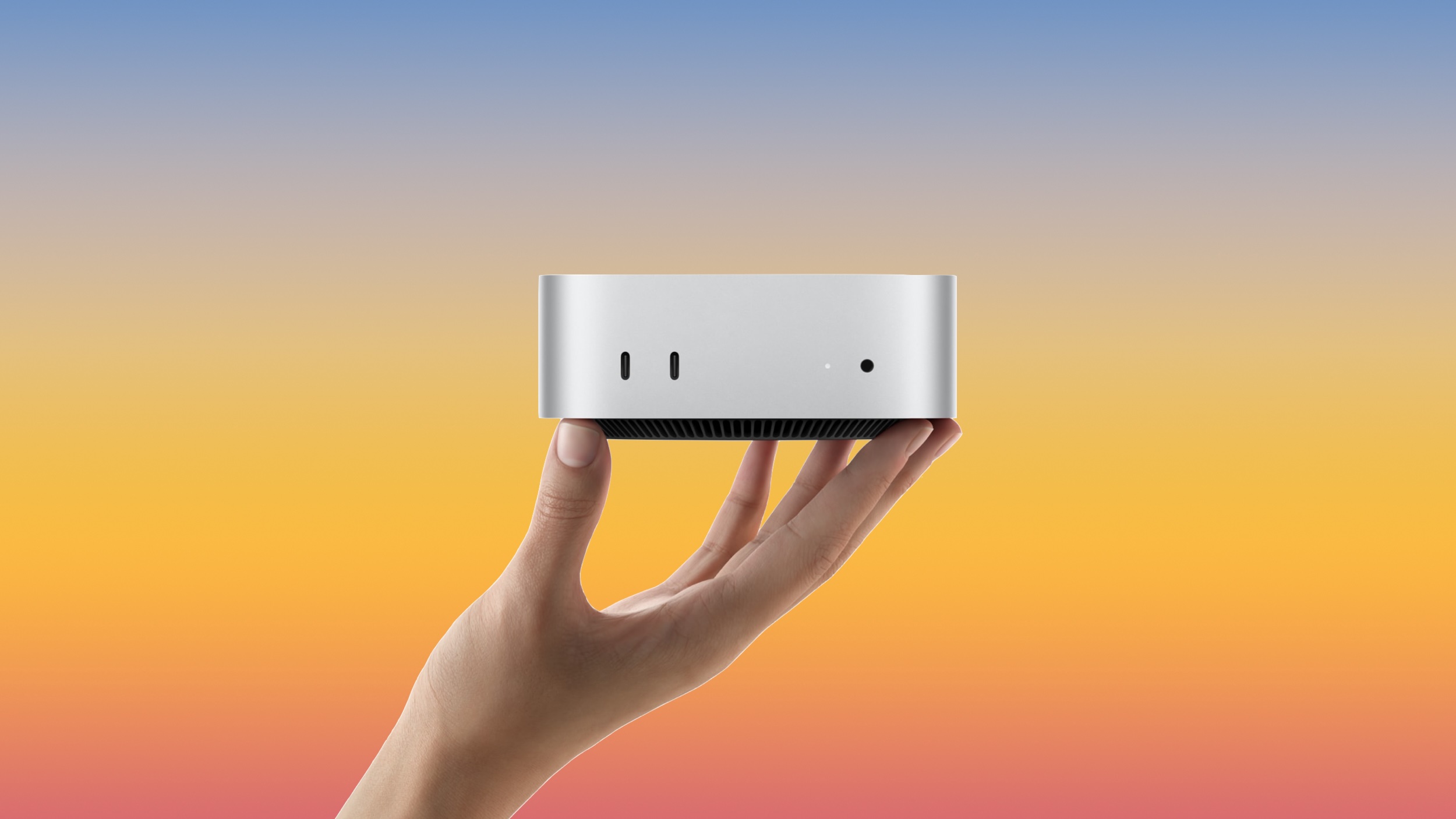
Apple's new Mac mini has had one of the most consistent discounts over the past few weeks, and these $119-$150 markdowns have continued into Black Friday season. Prices start at $779.00 for the entry-level model, and currently include every M6 model, plus the M5 Pro model.


Additionally, one of the best early Black Friday deals is on the M5 Max Mac Studio with 36GB RAM and a 512GB SSD, on sale for $2,299.00, down from $2,499.00.


MacBook Air


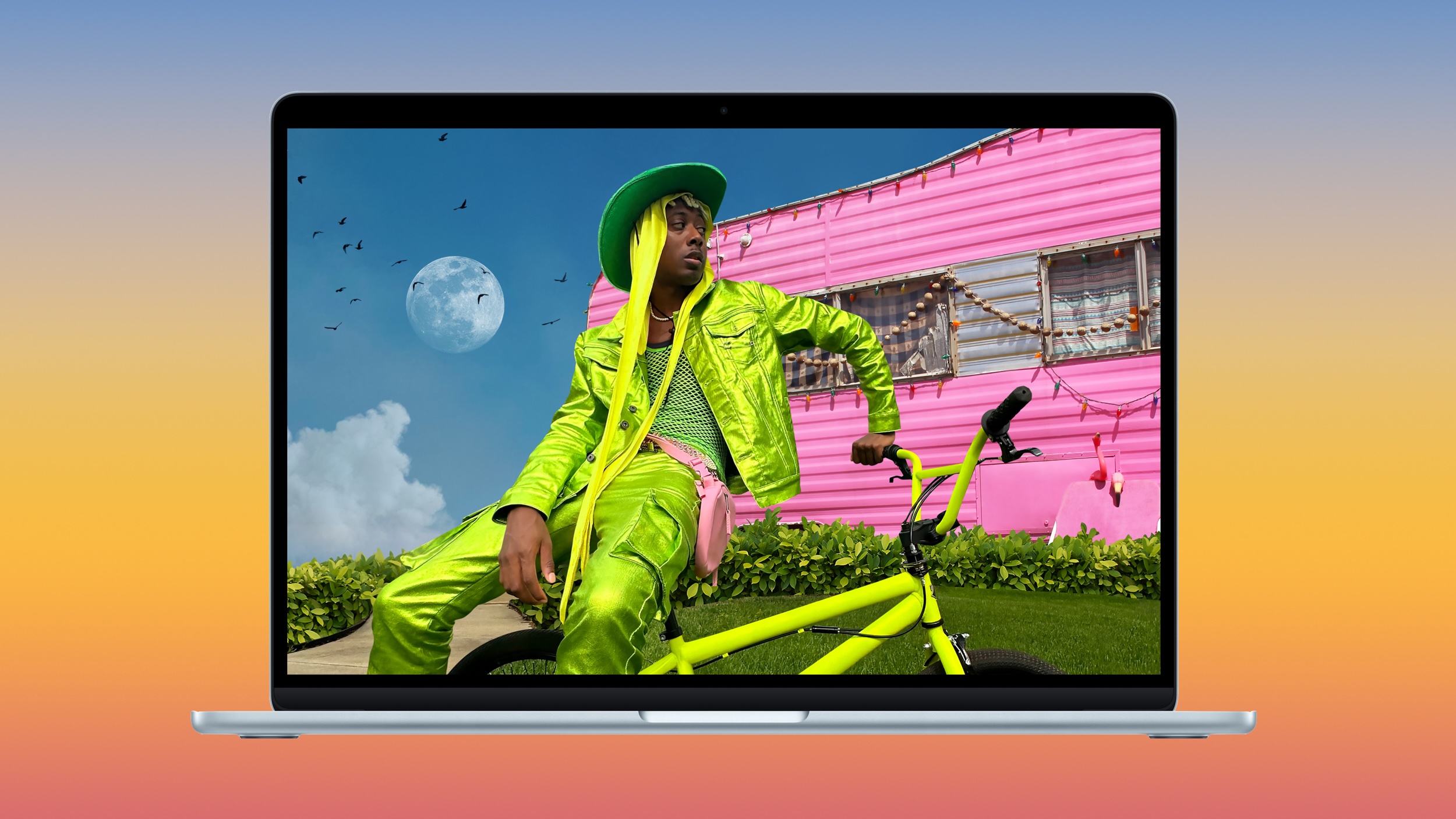
Amazon is taking $199 off nearly every model of the M5 MacBook Air this week, with matches of the best post-hike prices we've ever seen on the computer. Prices now start at $1,099.99 for the 512GB 13-inch model and $1,299.99 for the 512GB 15-inch model.


For the 15-inch M5 MacBook Air models, prices start with the 16GB/512GB model for $1,299.00, down from $1,499.00. You can also get the 16GB/1TB model for $1,549.00, down from $1,799.00, which is a $250 markdown and another all-time low price for Black Friday.


AirPods


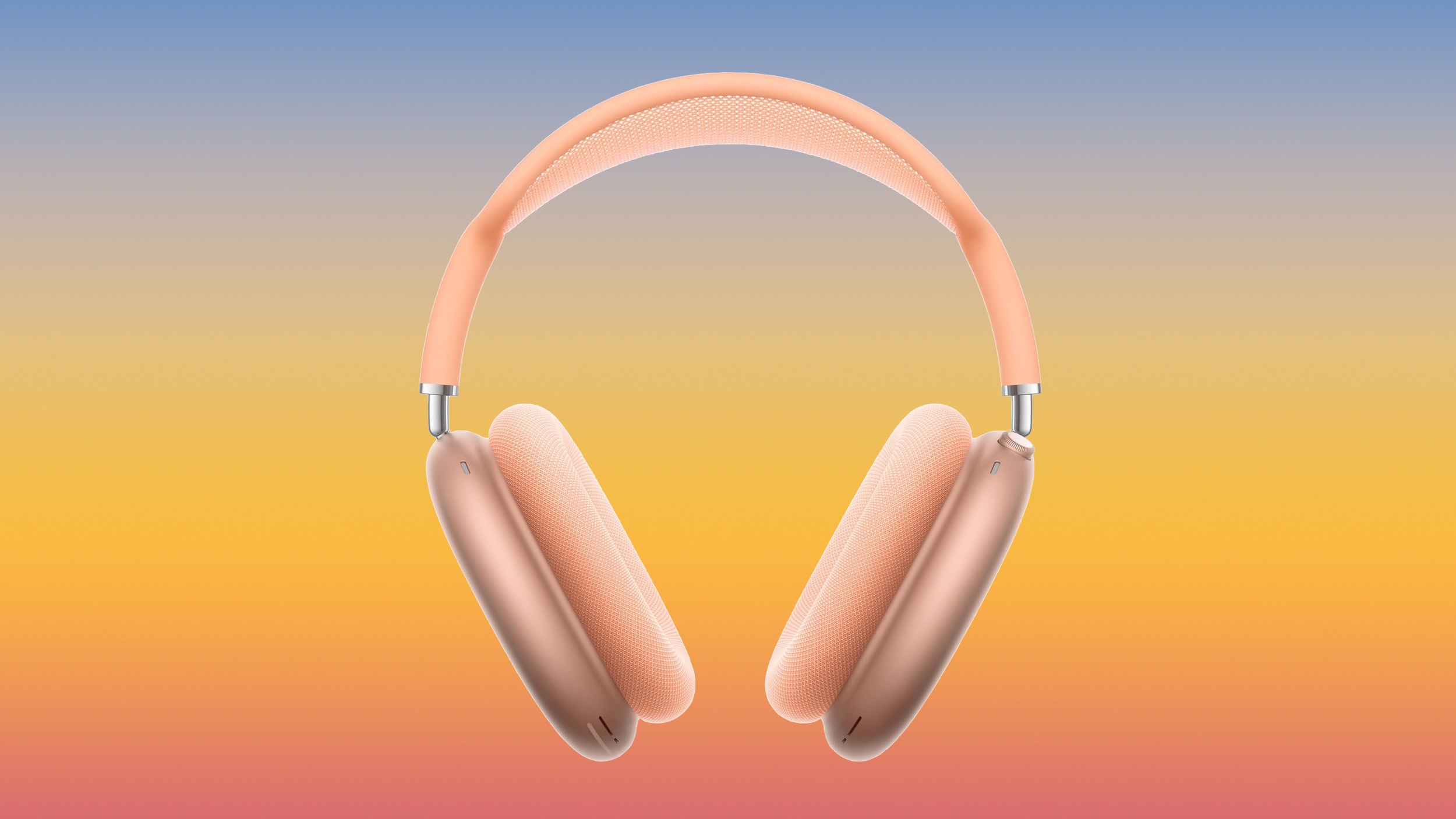
Notable AirPods deals this month include solid second-best prices on the AirPods Pro 3 and AirPods Max 2, with up to $100 off these models.


iPhone 18 Pro and iPhone Duo


Cellular carriers have always offered big savings on the newest iPhone models during the holidays, and Black Friday 2026 sales have kicked off at AT&T and T-Mobile, as well as Best Buy. Right now we're tracking notable offers on the iPhone 18 Pro, iPhone 18 Pro Max, and iPhone Duo. For even more savings, keep an eye on older models during the holiday shopping season.

T-Mobile


  • iPhone 18 Pro and iPhone 18 Pro Max: Up to $1,200 off with eligible trade-in

  • iPhone Duo: Up to $1,200 off with eligible trade-in

  • Apple Watch SE 3: No cost (up to $300) when adding a watch line on a qualifying plan, or get $250 off any Apple Watch when picking up another Apple Watch


T-Mobile is offering the iPhone 18 Pro and iPhone 18 Pro Max for up to $1,200 off when you trade in an old device (in any condition) and purchase the new device on an eligible unlimited plan. You can also get this offer if you switch a line to Experience Beyond 2.0, Experience Beyond, or Go5G Next.


For anyone shopping for the iPhone Duo, you can get up to $1,200 off the iPhone Duo with any condition trade-in on an Experience Beyond plan. This discount will appear in the form of bill credits over the course of 36 months.

Similarly, if you're on the Experience More or Experience Beyond plan, you can get up to $830 off with a trade-in, and up to $730 off with a new line on most other plans. All of these offers have the same payout schedule over the course of 36 months.

AT&T


Over at AT&T, you can get the iPhone 18 Pro and iPhone 18 Pro Max for up to $1,200 off with an iPhone trade-in in any condition. You'll need to upgrade with AT&T Next Up Anytime or switch to get this offer.


Additionally, new and existing customers can get up to $1,200 off the iPhone Duo with an eligible trade-in. If you're switching to AT&T, the carrier will give you up to $800 to pay off your current device balance, and you can save $200 per line when ordering the smartphone online.

In regards to the main offer of up to $1,200 off the iPhone Duo, AT&T says this requires an eligible trade-in of $230 or more, alongside activation of a new line or upgrading an existing line. You'll get this credit over the course of 36 months on your AT&T bill.

You can find the breakdown of each plan tier from AT&T below, and remember that they each require a trade-in as well.

  • Up to $1,200 off iPhone Duo: requires AT&T Premium 2.0 plan or higher / trade-in value of $230 or more

  • Up to $930 off iPhone Duo: requires AT&T Extra 2.0 plan or higher / trade-in value of $130 or more

  • Up to $500 off iPhone Duo: requires Value 2.0 plan / trade-in value of $130 or more

  • Up to $350 off iPhone Duo: requires any eligible unlimited plan / trade-in value of $35-$129


If you switch to AT&T from a different carrier, AT&T will pay off your phone balance at up to $800 off per line. With the $1,200 offer, AT&T is offering the 256GB iPhone 18 Pro at no cost.

Best Buy


Carriers aren't the only place you can save on iPhones this year, with Best Buy offering the same discounts as AT&T and T-Mobile with activation through these carriers at the time of purchase. This is a great option for anyone who shops at Best Buy a lot and likes to rack up member reward points.


Similar to the carriers, you can get the iPhone 18 Pro models and iPhone Duo for up to $1,200 off with qualified activation on cellular plans and a trade-in of an older device. Best Buy supports activation through AT&T and Verizon.

iPhone Cases


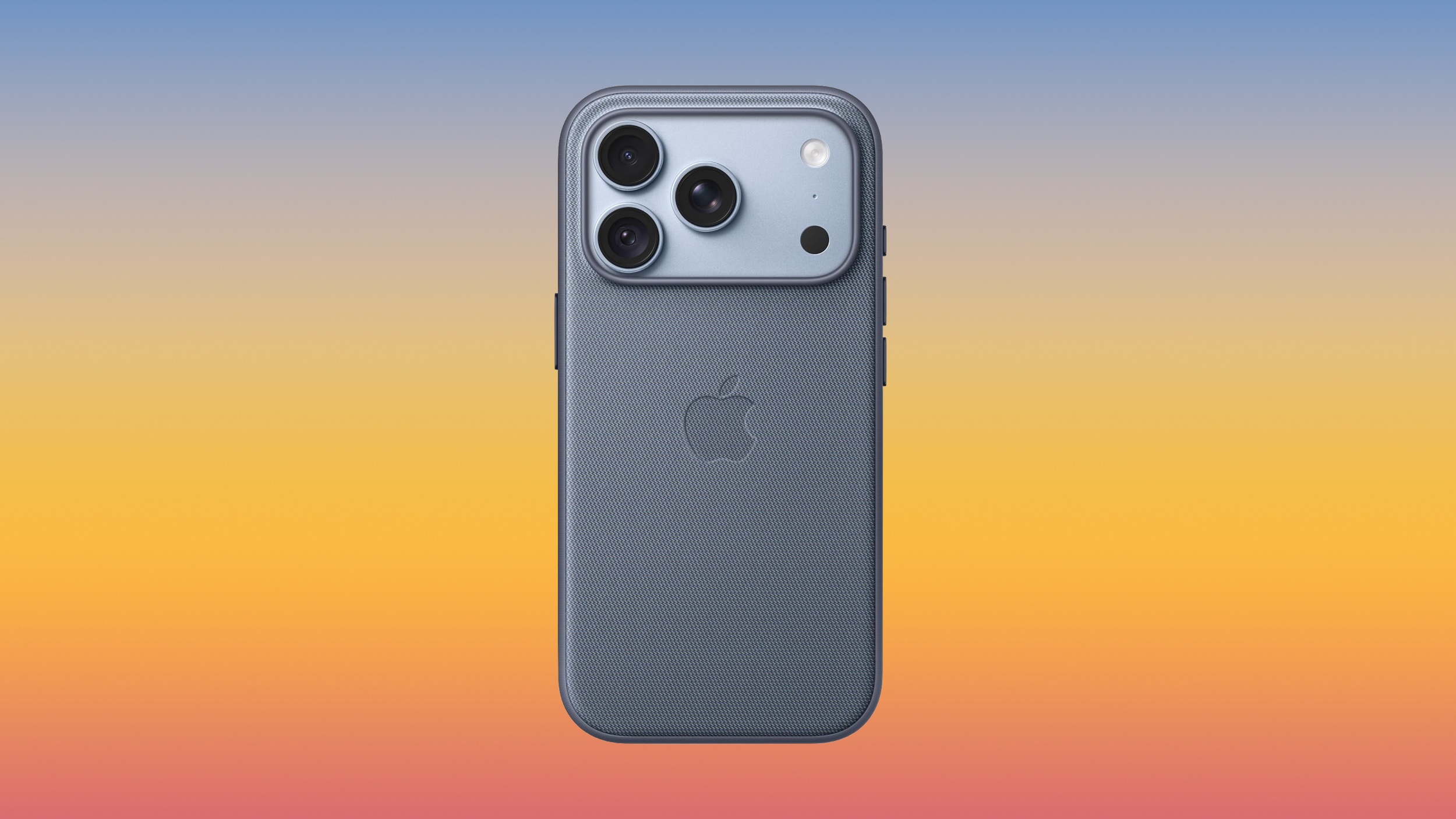
Amazon this week has big discounts across Apple's Clear, Silicone, and TechWoven Cases for the iPhone 18 Pro lineup. Across the board these are the best prices we've tracked to date on the new cases for iPhone 18 Pro and iPhone 18 Pro Max. This time around the deals do not require any coupon codes to see the final sale prices.


Below we're also tracking a few ongoing discounts on iPhone Duo cases from Amazon, ZAGG, and other retailers.

iPhone 18 Pro


iPhone 18 Pro Max


Other Accessories


iPhone Duo


If you're on the hunt for protection for your new iPhone Duo, we've also been keeping track of all the best cases and screen protectors for the new device. The catch with these accessories is that many of them are not on sale given how new the Duo is, but there are overall cheap options you can find on Amazon, plus a great buy two get 20% off deal at ZAGG.


Amazon has some notable TechWoven dupe cases on sale, available for $29.99, which is $50 cheaper than any of Apple's official iPhone Duo cases. Otherwise, you'll find the full list of retailers offering accessories for the iPhone Duo below.

  • Amazon - iPhone Duo cases from Spigen, Speck, ZAGG, and more

  • AT&T - Discounts on iPhone Duo cases and screen protectors from Speck, Spigen, and more

  • Best Buy - iPhone Duo cases from Dbrand, OtterBox, Spigen, Kate Spade, and more

  • Burton Goods - Save on leather cases for iPhone Duo

  • ESR - iPhone Duo Silicone Leather case with Flex Stand

  • Nomad - Leather Folio cases for iPhone Duo

  • OtterBox - Defender cases for iPhone Duo

  • Speck - Presidio Cases for iPhone Duo

  • Target - iPhone Duo cases from ZAGG, Case-Mate, and Kate Spade

  • ZAGG - Save 20% when you buy 2 items from ZAGG, including iPhone Duo cases and screen protectors


More Black Friday Sales


Deals Newsletter


Interested in hearing more about the best deals you can find during the holidays? You can sign up for our Deals Newsletter and we'll keep you updated so you don't miss the biggest deals of the season!


Related Roundups: Apple Black Friday, Apple Deals
Related Forum: Community Discussion

This article, "Early Apple Black Friday Deals on Apple Watch, MacBook Air, and More" first appeared on MacRumors.com

Discuss this article in our forums

  •  

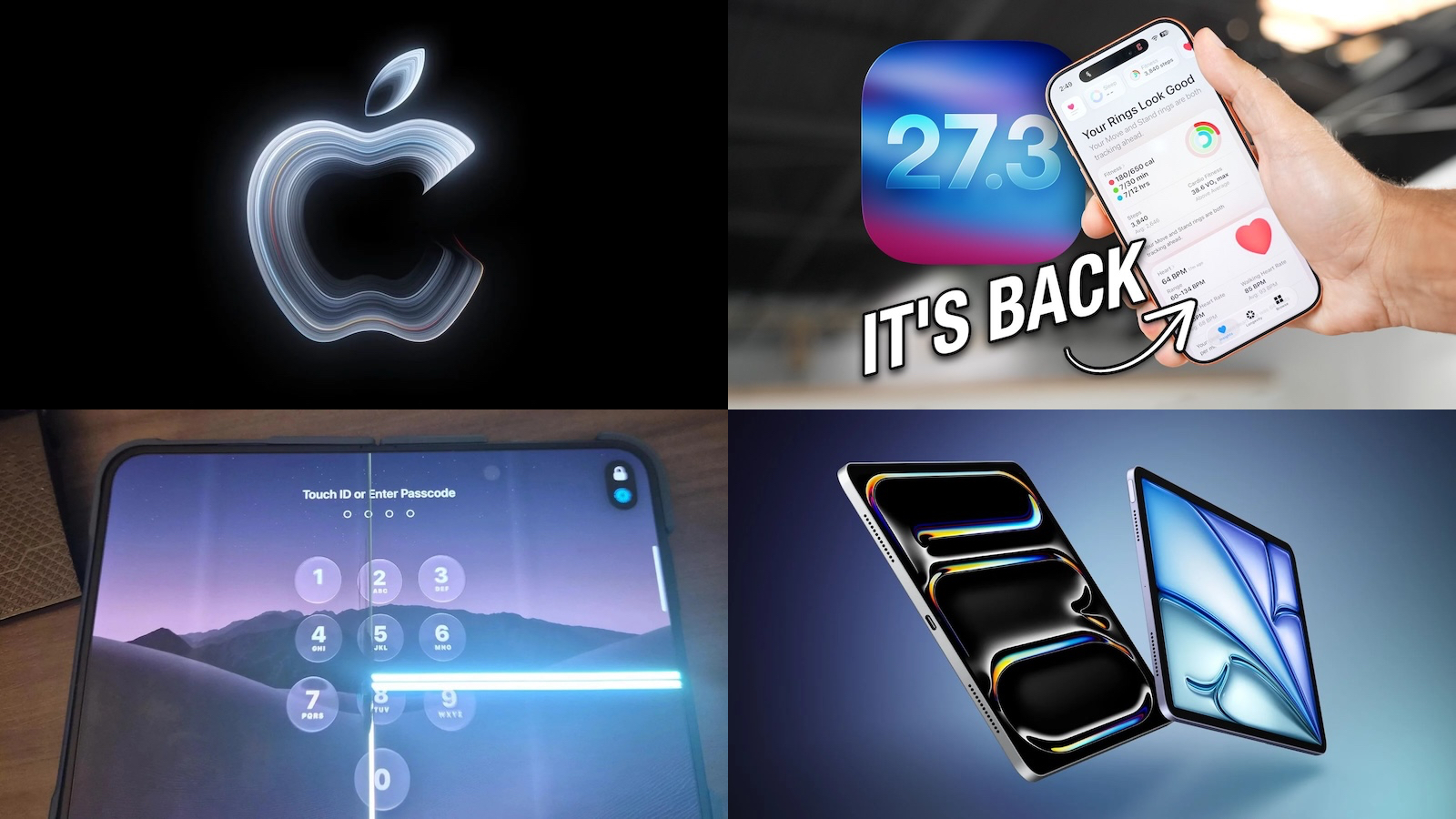
Top Stories: Apple Product Launches, iOS 27.3 Beta, and More

Apple is still rocking and rolling a week into November, with five new products having launched this week and two more still on tap for next week.


Things are also moving forward on the software side with Apple releasing the first betas of iOS 27.3 and related updates, bringing a number of tweaks and new features. We're also looking ahead to new products coming in the first half of 2027, so read on below for all of the details on these stories and more!

Top Stories


Apple Launched Five New Products This Week


Apple released five new products on Friday, November 6, following pre-orders that opened last week, including its first touchscreen MacBook Pro models.


The following new products are now available:

  • iPad mini with OLED display and A20 Pro chip

  • iMac with M6 chip

  • 14-inch MacBook Pro with M6 chip

  • 14-inch MacBook Pro with OLED touchscreen

  • 16-inch MacBook Pro with OLED touchscreen


Apple's HomeView smart home hub and updated Apple TV 4K box will follow next week on Friday, November 13.

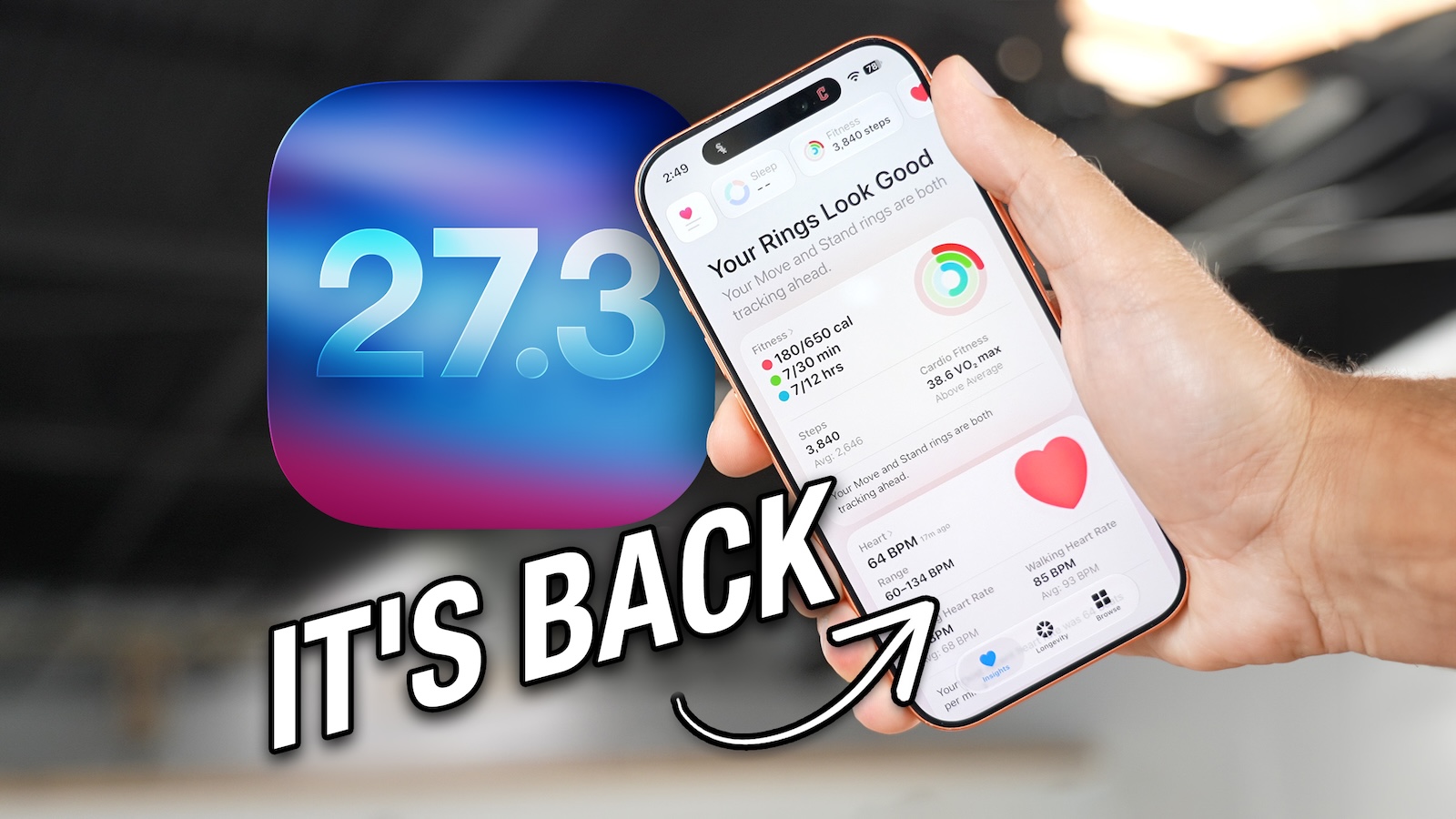
Everything New in the iOS 27.3 Beta


Apple this week started testing iOS 27.3, the biggest update to iOS 27 since it launched in September. iOS 27.3 includes some features Apple showed off earlier this year, and it adds all-new capabilities.


Among the changes in the update are Safari tweaks with a new Vertical Tabs layout option plus an Adaptive Dark Mode feature for websites that don't offer their own dark mode option, Siri AI improvements, an expansion of new iPhone Duo StandBy features to other iPhone models, and more.

The revamped Health app that was in the 27.2 beta for testing but removed prior to the public release has returned in 27.3 and will be seeing a public launch before the end of the year.

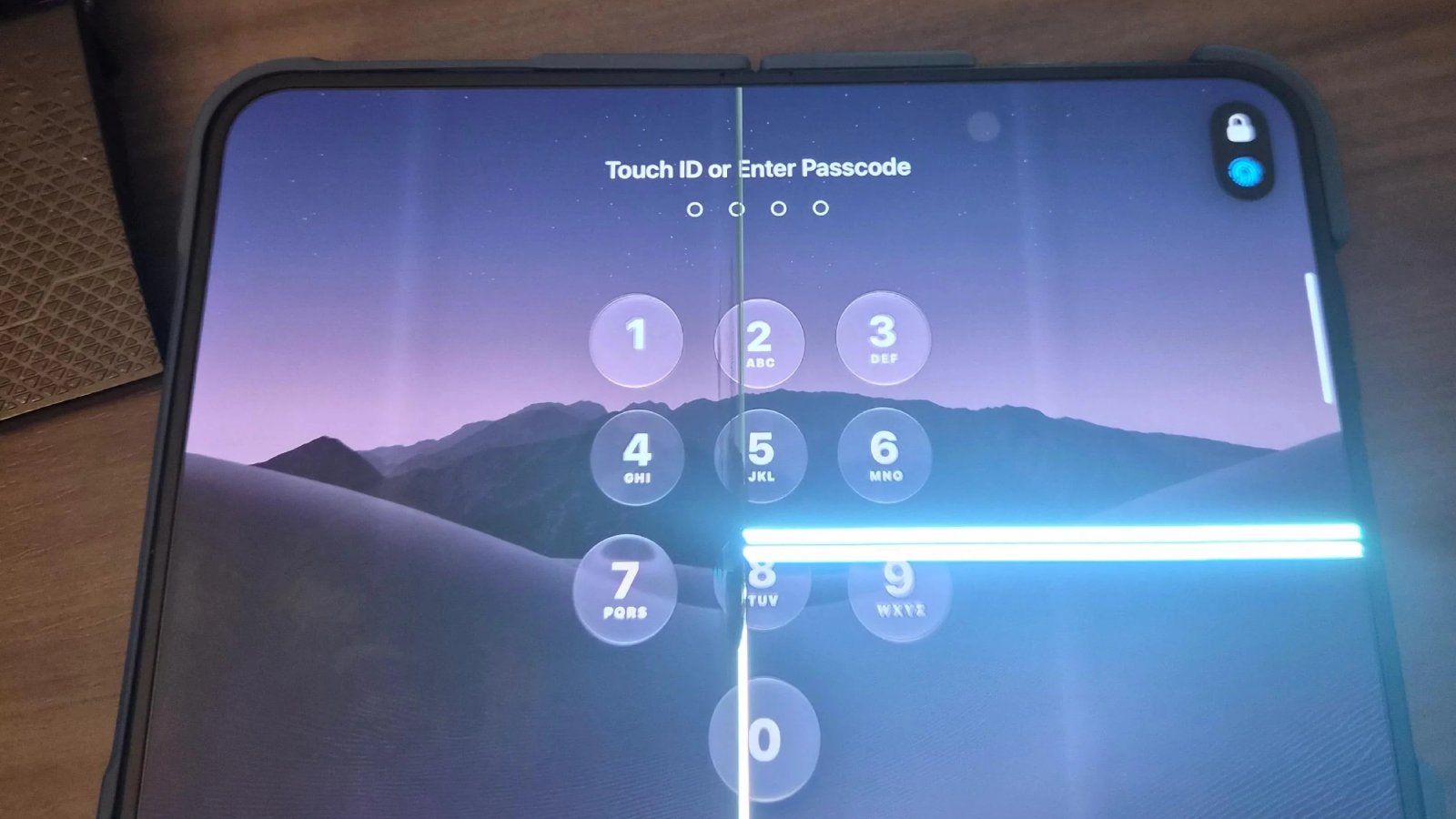
Apple Alerts Stores to iPhone Duo's Display Cracking Issue


In a memo shared with Apple Stores and Apple Authorized Service Providers last week, and later obtained by MacRumors, Apple provided technicians with guidance on how to diagnose and address the iPhone Duo's inner display cracking issue.


If a customer reports the issue, Apple advised technicians to inspect the iPhone Duo and repair or replace it in accordance with their standard procedures. While the instructions themselves are straightforward, the fact that Apple issued an internal memo suggests the issue is widespread enough to warrant official guidance.

Meanwhile, Apple CEO John Ternus this week said Apple is not able to predict when it will be able to meet demand for the foldable iPhone, with Bloomberg's Mark Gurman saying that Apple's change from its original plan to launch the device in November in just two countries has contributed to the difficulties in meeting demand.

Three New iPads Rumored to Launch in First Half of 2027


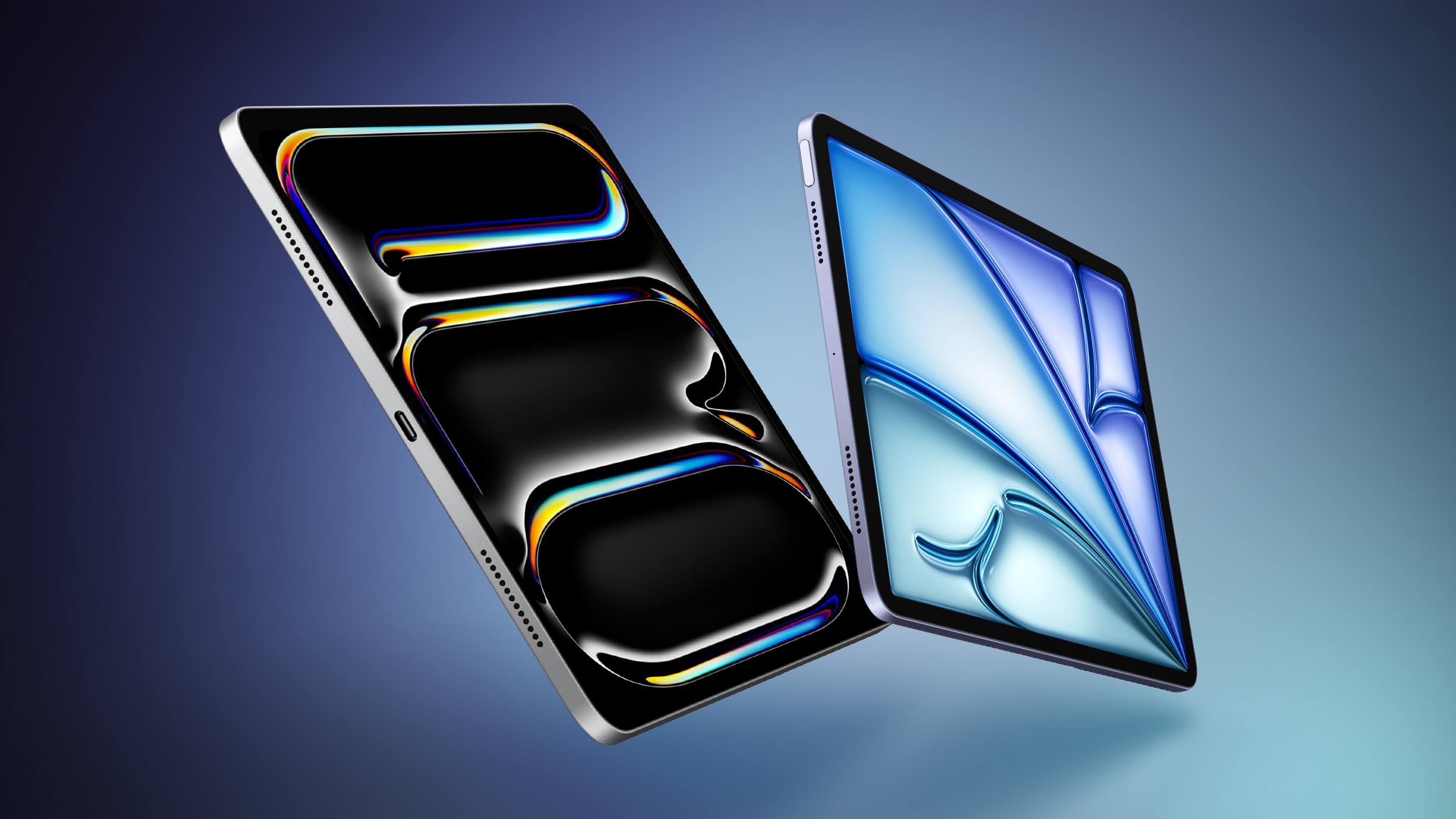
The revamped iPad mini launching this week is one piece of Apple's tablet lineup, and Bloomberg's Mark Gurman says the rest of the lineup should be receiving updates in the first half of next year. The iPad Air will reportedly be getting an upgrade to OLED displays, while iPad Pro and base iPad updates should be more modest.


Before those 2027 updates, there's still some time left in 2026, and while we're not expecting any more major product announcements before the end of the year, plenty of previously announced hardware and software updates are still on their way.

Here's a New Tour of Apple's HomeView Software


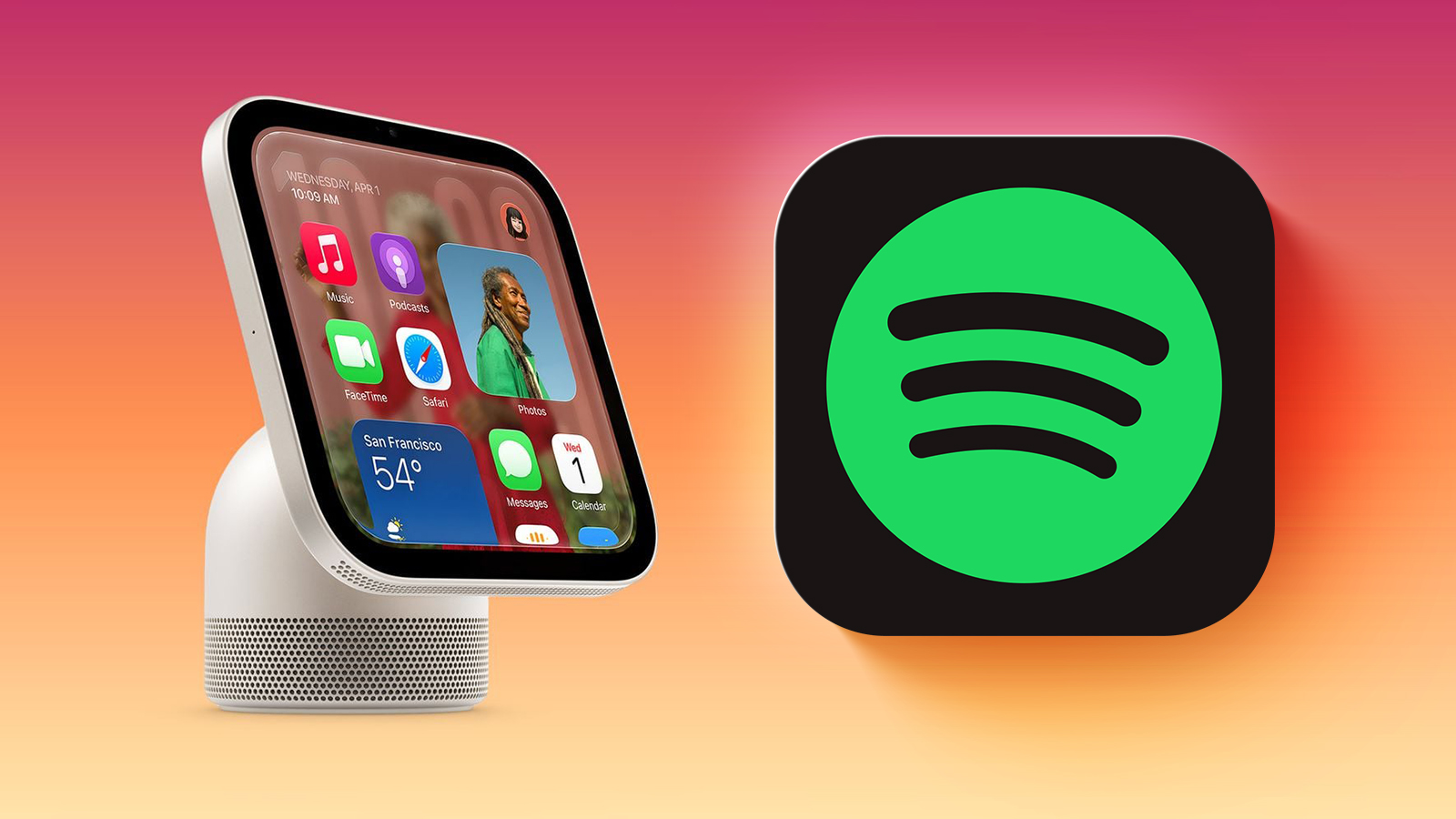
App developer Steve Troughton-Smith over the weekend shared a tour of the software on Apple's upcoming HomeView smart home hub. Apple has already demoed the HomeView to selected tech reporters and content creators, but Troughton-Smith offered a closer look at several features, interfaces, and apps.


CarPlay-enabled audio and video apps from third-party developers will also be supported on HomeView, and Troughton-Smith shared a look at what Spotify will look like on the HomeView as well.

We've known for quite some time that HomeView was ready to be released for quite some time while Apple waited for Siri AI to be launched as the primary interaction mechanism for it. That certainly appears to be the case as it seems the units will initially ship with six-month-old software version 26.5 and will have to be updated to HomeView software version 27.2 during setup.

Apple's Flash Storage Suppliers Are Finally 'Getting Their Revenge'


The Wall Street Journal's Rolfe Winkler last week reported that flash storage suppliers once "bullied" by Apple have been "getting their revenge" on the company over the past year due to a severe memory chip shortage, which stems from AI companies building out massive data centers that utilize significant amounts of flash storage and RAM.


As the iPhone took off, Apple became the world's largest buyer of flash storage, and naturally that gave the company a lot of leverage in negotiations. The report goes into detail about some of the hardball tactics that were employed by Apple and its former head of procurement, Tony Blevins.

Flash suppliers now have the upper hand, however, and high demand for their chips has resulted in shortages that are expected to persist through 2030 with high prices continuing as a result.

MacRumors Newsletter


Each week, we publish an email newsletter like this highlighting the top Apple stories, making it a great way to get a bite-sized recap of the week hitting all of the major topics we've covered and tying together related stories for a big-picture view.

So if you want to have top stories like the above recap delivered to your email inbox each week, subscribe to our newsletter!
This article, "Top Stories: Apple Product Launches, iOS 27.3 Beta, and More" first appeared on MacRumors.com

Discuss this article in our forums

  •  

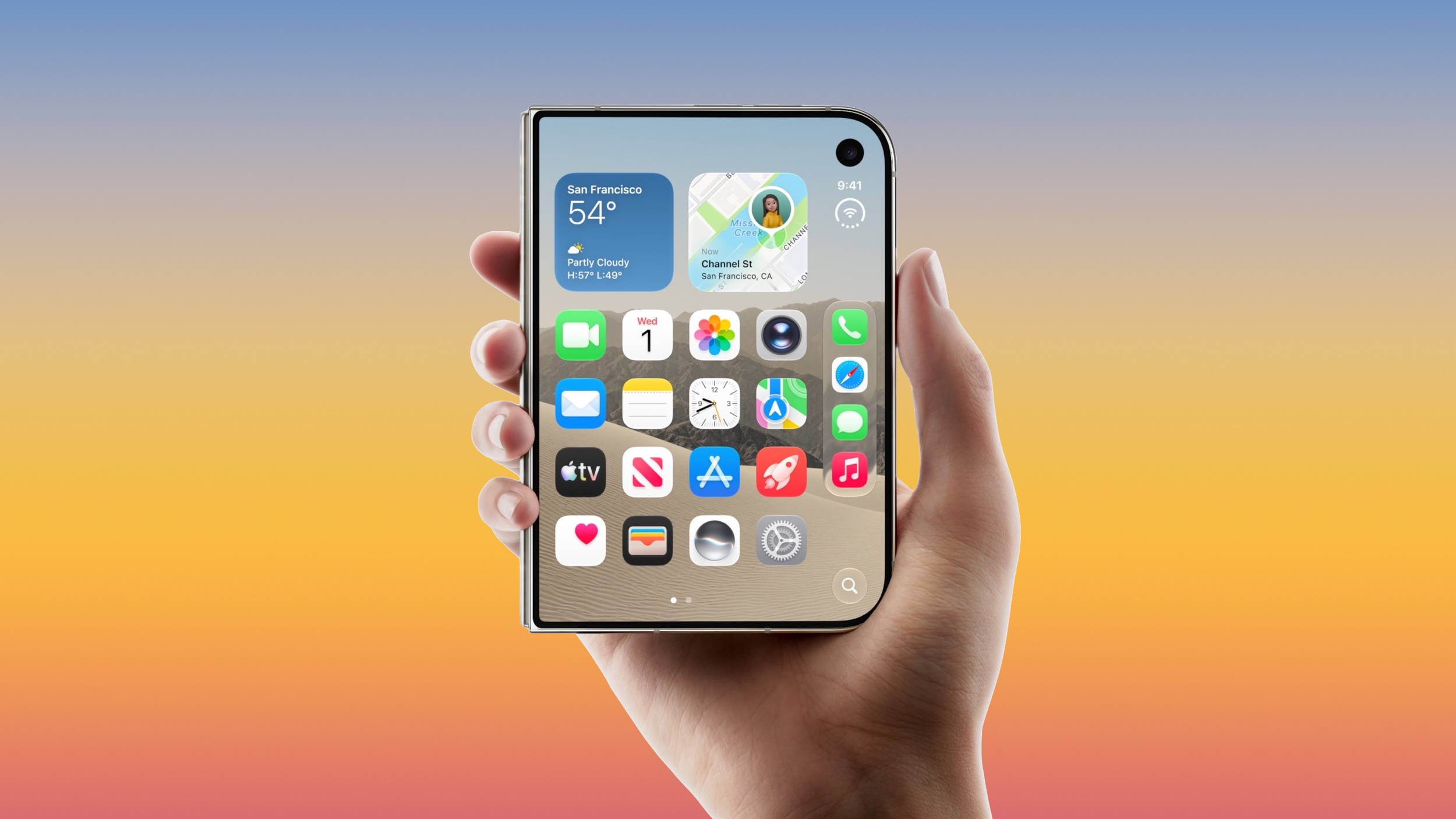
More Fun iPhone Duo Apps: 30 New Picks to Try

When the iPhone Duo launched, we shared a list of some of the fun apps developers created for the new form factor. Two weeks out, developers are continuing to come up with fresh ideas, so we thought we'd share some of our favorites.


Games


  • Marbles Unhinged ($2.99) - Marbles Unhinged is a marble maze designed for the Duo. When you fold it, the floor turns into a ramp. If you stand the top half up, you can bank a marble off of it. When you snap the hinge, the marble launches up.

  • Midnight Fridge ($2.99) - Midnight Fridge turns the ‌iPhone Duo‌ into a tiny refrigerator. It's a memory game where the idea is to look at the magnets on the fridge and then find the items inside.

  • Greens: Mini Golf ($2.99) - Greens is a mini-golf app made for the ‌iPhone Duo‌, and it's playable in any orientation. When folded like a laptop, you can putt on the half on the table, with the upright half serving as a caddie camera.

  • Chirpfold (Free) - Chirpfold is a Flappy Bird-style app where you fold the phone to cause your bird to flap its wings.

  • Valley Run ($0.99) - Valley Run is a neon-themed racing game where you fold the ‌iPhone Duo‌ to direct a marble down a series of challenging tracks.

  • PianoFold ($4.99) - PianoFold is a rhythm game you can play with the ‌iPhone Duo‌ positioned like a laptop. Press and hold on the keys to match the song that's playing. It's free to download, but the full unlock is $4.99.

  • Load Bearing ($5.00) - Load Bearing is a roguelite Tetris-style game that's meant to be played with the Duo half open. The controls are on the bottom, and the blocks fall at the top. It also has deck building elements, so you can put together a set of your preferred block pieces to beat each level.

  • Who's at the Door? (Free) - Who's at the Door? is an app that turns your ‌iPhone Duo‌ into a door. Open it up to see who is on the other side, and if it's something scary, make sure to slam the Duo shut quickly before it gets you.

  • Fold Match ($2.99) - Fold Match is a game where you're given a shape on one side of the Duo and a blank spot where the shape needs to go on the other side. The idea is to position the shape to get to that empty space, but you won't know how close you were until you close the iPhone.

  • Battlefleet Duo (Free) - Battlefleet Duo takes advantage of the Duo's design for a Battleship-style game. In laptop mode, you can see your fleet on the lower screen and the enemy's waters in front of you.


Simple But Clever


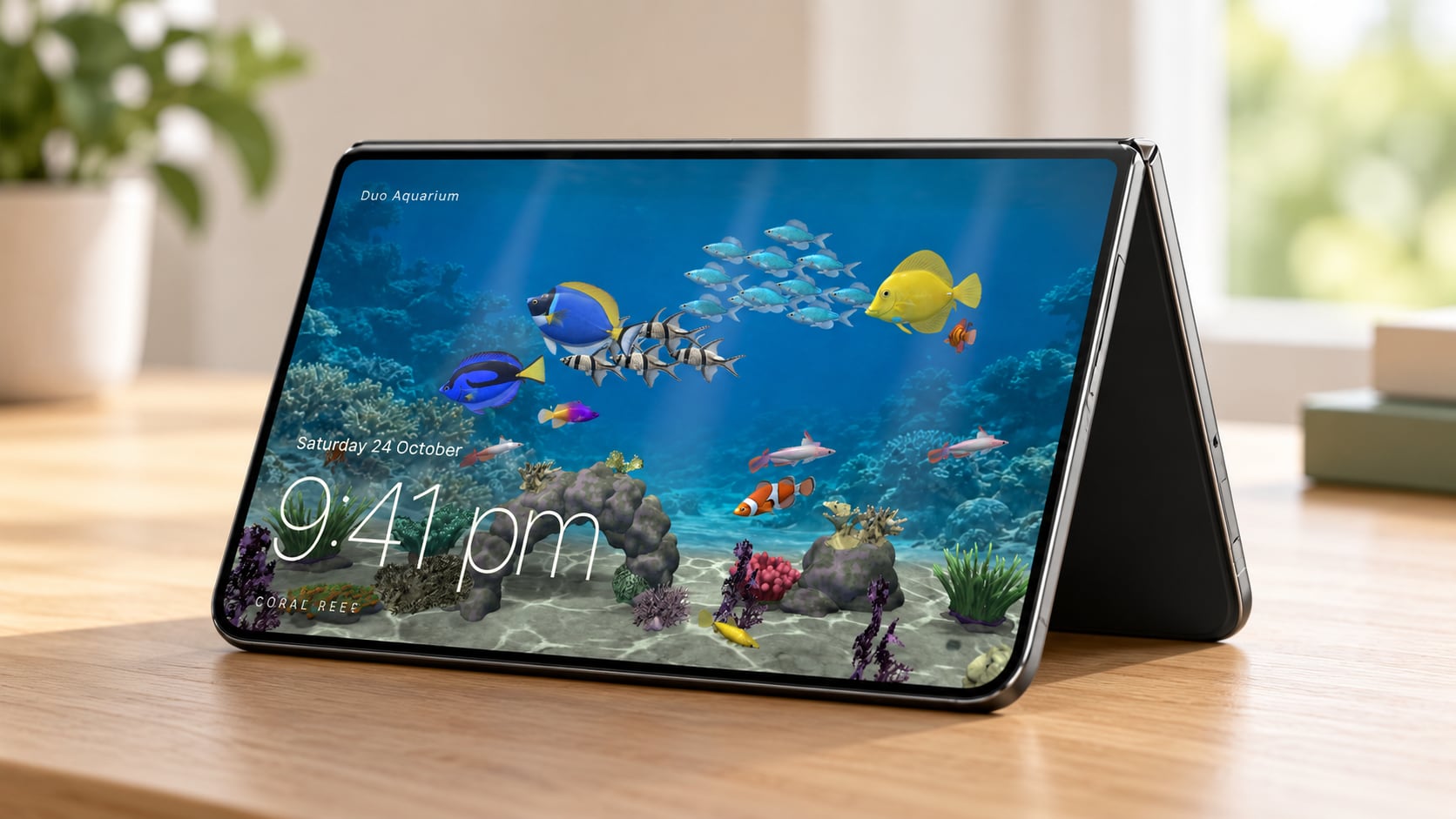
  • Duo Aquarium ($1.00) - As the name suggests, this app turns your ‌iPhone Duo‌ into an aquarium. When in tent mode, it serves as a virtual fish tank and clock. You can choose your fish and your add-ins, then feed them.

  • AltoPaint ($5.99) - AltoPaint is an app that turns the ‌iPhone Duo‌ into a tiny canvas with a paint palette. There are watercolor, oil, and gouache paints with mixable colors.

  • Post Club ($4.99) - Post Club is a cute app where you can pick a typewriter, fold the Duo like a laptop and type up a letter. There are 10 typewriters and 14 paper styles to choose from.

  • Halfpage ($2.99) - Halfpage is another app that turns the ‌iPhone Duo‌ into a typewriter when it's used in a MacBook-like orientation. The keys are at the bottom, and what you type is at the top. It has a simpler design than Post Club.

  • Callsign ($1.49+) - Callsign turns your ‌iPhone Duo‌ into a sign that lets people know if you're free or busy on a call. Just set it up, put it in tent mode, and people can know at a glance not to bother you. It's free to download, and there are different visual packs to unlock with one-off $1.49 purchases.

  • AskZine ($1.99) - AskZine is a Magic 8 Ball-like app where you ask a question, unfold the screen, and see your answer.

  • Lullabox (Free) - Lullabox turns the ‌iPhone Duo‌ into a music box where you can wind the key, lift the lid, and watch a porcelain ballerina spin while soft music plays. The music gets louder as the ‌iPhone Duo‌ is opened further.

  • DuoBook (Free) - DuoBook turns the ‌iPhone Duo‌ into a tiny Mac with a keyboard and trackpad that work like the Mac equivalent. You can also use it to send photos and files to the Mac.


Special Duo Features


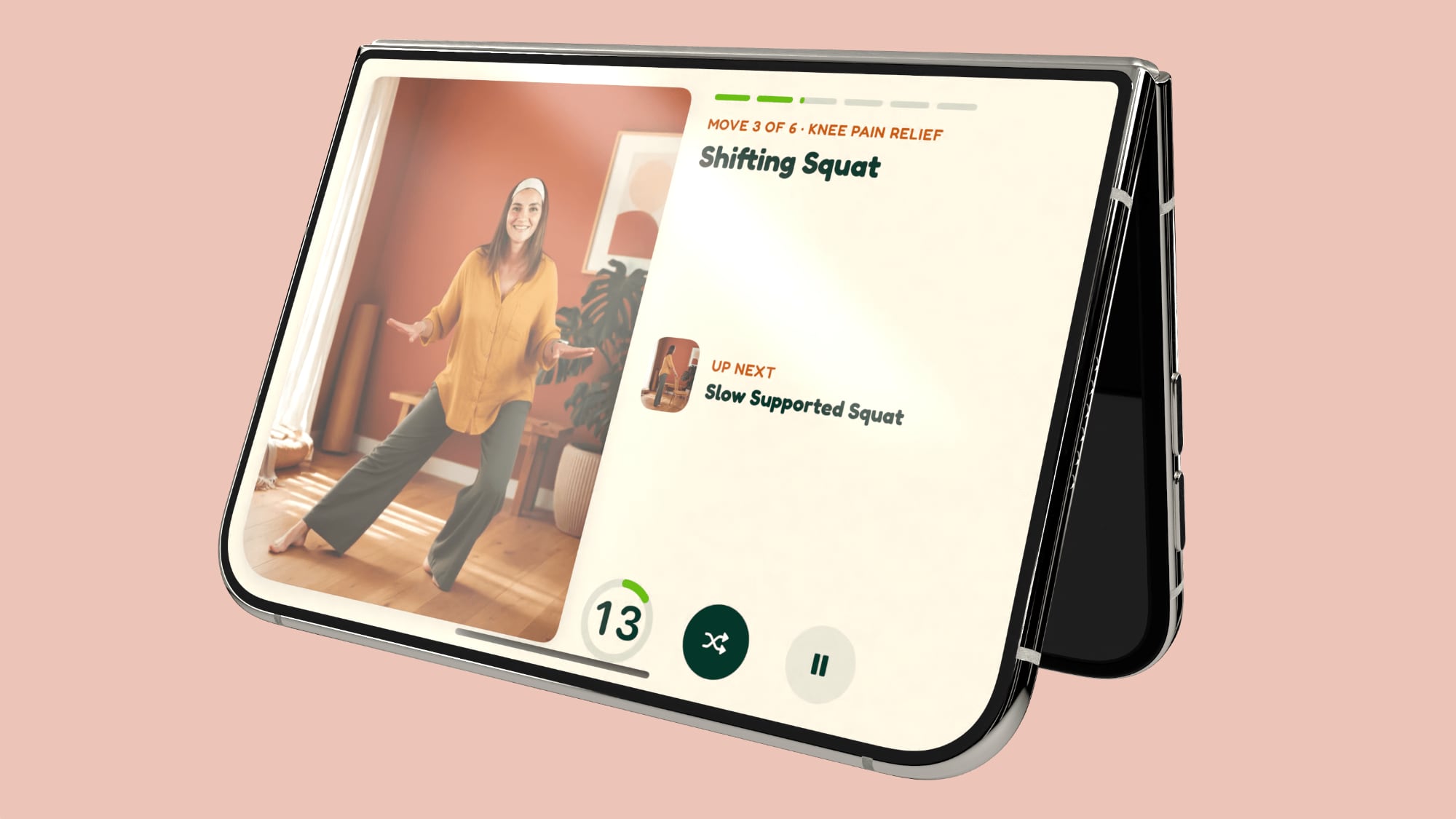
  • Wakeout ($59.99/year) - Fitness app Wakeout was Apple's App of the Year back in 2020. It offers up workout games you can do in just minutes a day. You can put your Duo in tent or laptop mode to follow along with workout moves, playing games with your body.

  • Faro (Free) - Faro is an app that helps you find movies to watch so you don't waste time browsing through Netflix without ever making a choice. On ‌iPhone Duo‌, you can see two films side by side to choose between them, or see your list of picks on one half of the display with details on each movie on the other half.

  • CalibReader (Free) - CalibReader is an EPUB and PDF reader that turns the ‌iPhone Duo‌ into a book. The outer screen shows the title's cover, and when you open it, there's a two-page spread with page-turning animations.

  • Retrocade (Apple Arcade) - Retrocade turns the ‌iPhone Duo‌ into a mini arcade machine and works on the Duo in multiple fold positions.

  • Blankie (Free) - Soundscape app Blankie has a dual view with Now Playing on one side and Sound Mixer on the other. When folded in tent mode, it shows a view of what's playing.


Camera Apps


  • IncrediBooth (Free) - IncrediBooth turns the ‌iPhone Duo‌ into a little photo booth. Press the red button to capture an image, and your photo strip appears on the outer display. It's free to download, with five strips available per day.

  • VNTG (Free) - VNTG is an instant camera app where you close the ‌iPhone Duo‌ to take a shot and then open it up to develop it. It's free to download, with in-app purchases to unlock camera lenses.

  • Flipcorder ($4.99) - Flipcorder is a video recording app that turns the ‌iPhone Duo‌ into a retro camcorder. It's designed to be used for daily video diaries, and each tape is displayed on a shelf in the app. To film, just unfold the Duo. Recordings have classic VHS-style effects.


Less Fun, More Serious


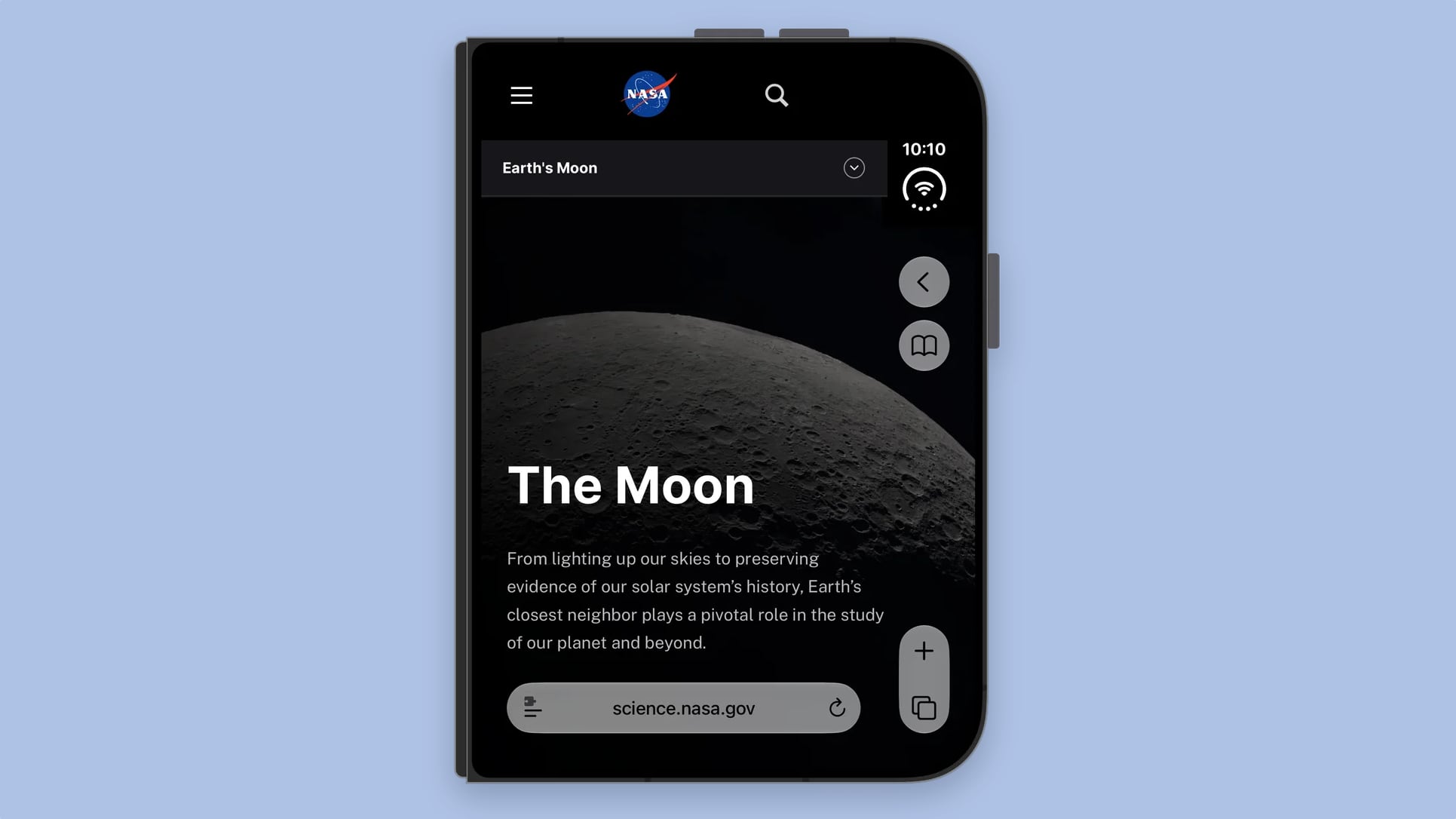
  • Widen ($3.99) - Widen is another extension that expands Safari to take up the width of the outer display. It also hides cookie banners and works in Split View. There are multiple settings, so you can set just pictures to take up the full screen, or opt to have pictures and text expand.

  • SPAN (Free) - SPAN is an app that turns the ‌iPhone Duo‌ into a project tracker and timer. It has different views for each ‌iPhone Duo‌ orientation. SPAN is free to use for the current week, with a $4.99/month pro subscription available for unlimited projects and full monthly and yearly reports.

  • BrainDrain (Free) - BrainDrain is a 60-second brain dump app that helps you sort your thoughts. On the ‌iPhone Duo‌, different Duo orientations have different purposes. You can use it like a laptop in a half fold, type thoughts with the Duo closed, or put it in tent mode to use voice capture.


More Apps


Know of some fun ‌iPhone Duo‌ apps not on our list? Let us know in the comments. Be sure to check out our first iPhone Duo app article too.
Related Roundup: iPhone Duo
Buyer's Guide: iPhone Duo (Buy Now)
Related Forum: iPhone

This article, "More Fun iPhone Duo Apps: 30 New Picks to Try" first appeared on MacRumors.com

Discuss this article in our forums

  •  
❌