Anmelden

Apple Explains How HomeView Keeps Camera Data Private
Apple today shared an in-depth look at how it's using Secure Exclaves to protect camera and microphone data on the HomeView, iPhone 18 Pro, and other products.
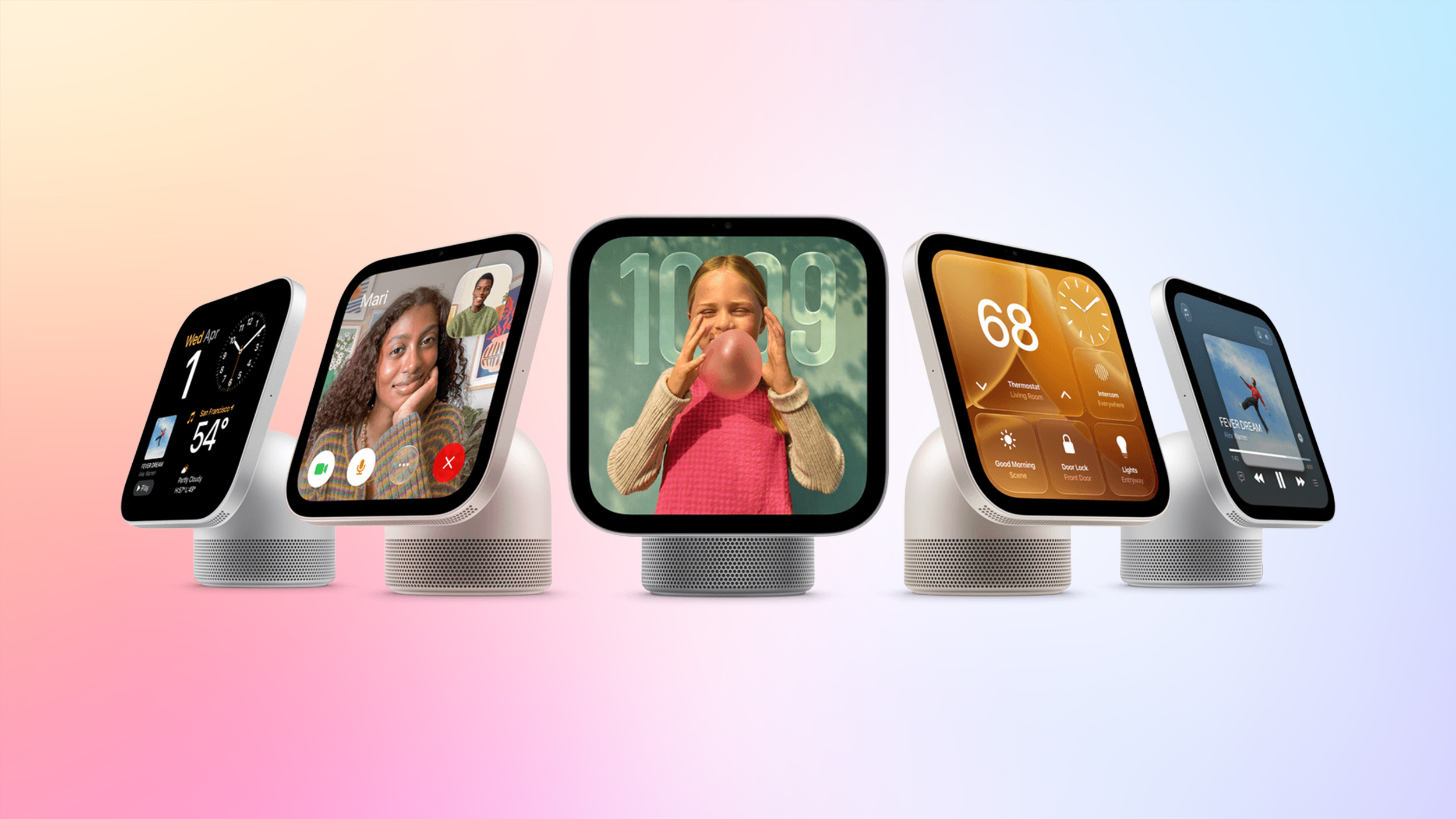
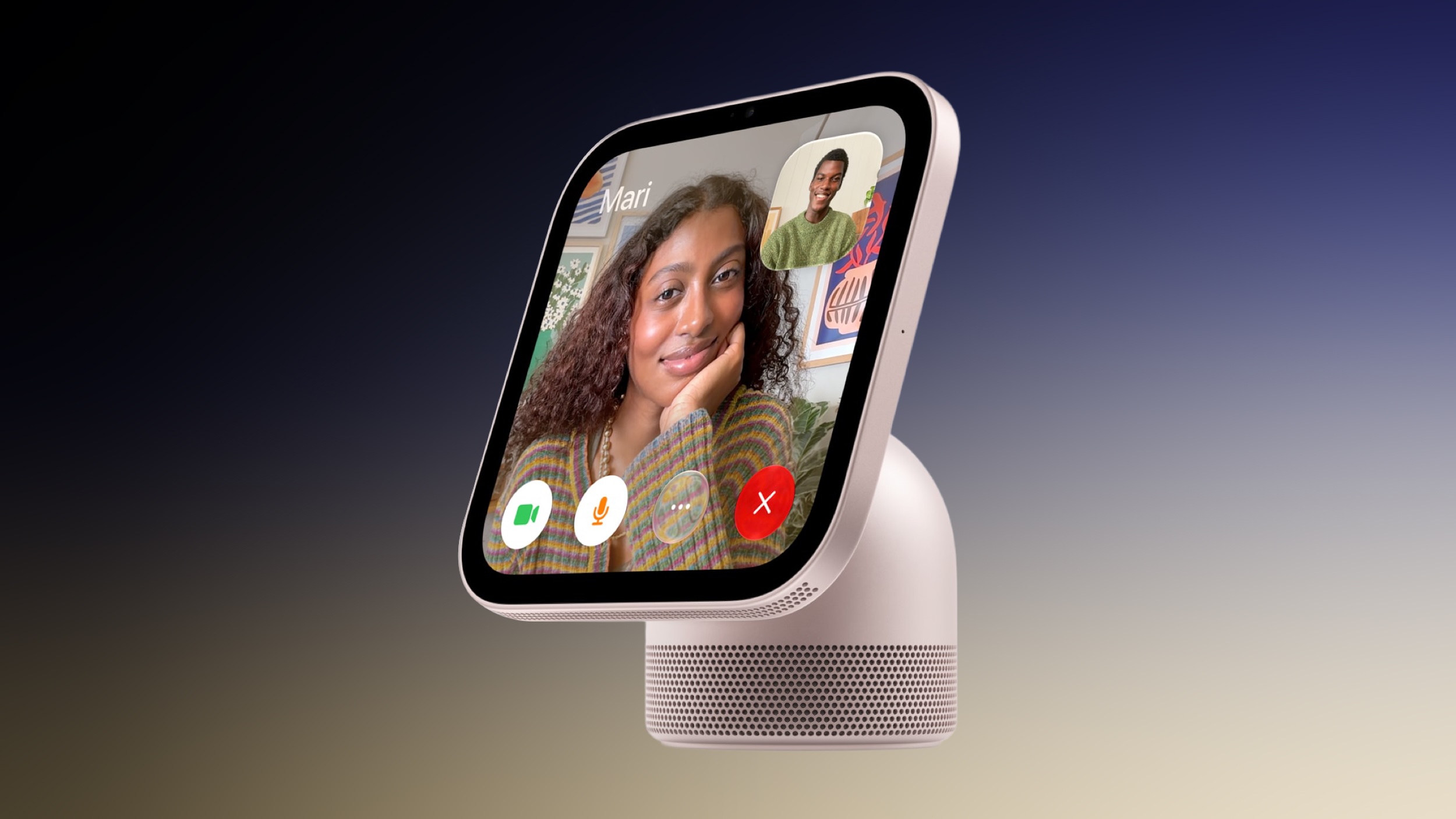
Apple describes Secure Exclaves as compartmentalized runtimes that process camera and microphone data while isolated from the rest of the operating system. Data processed in Secure Exclaves is not available to the rest of the OS, apps, or Apple, but processing can take advantage of the full application processor. Secure Exclaves power sensitive features involving video and audio feeds:
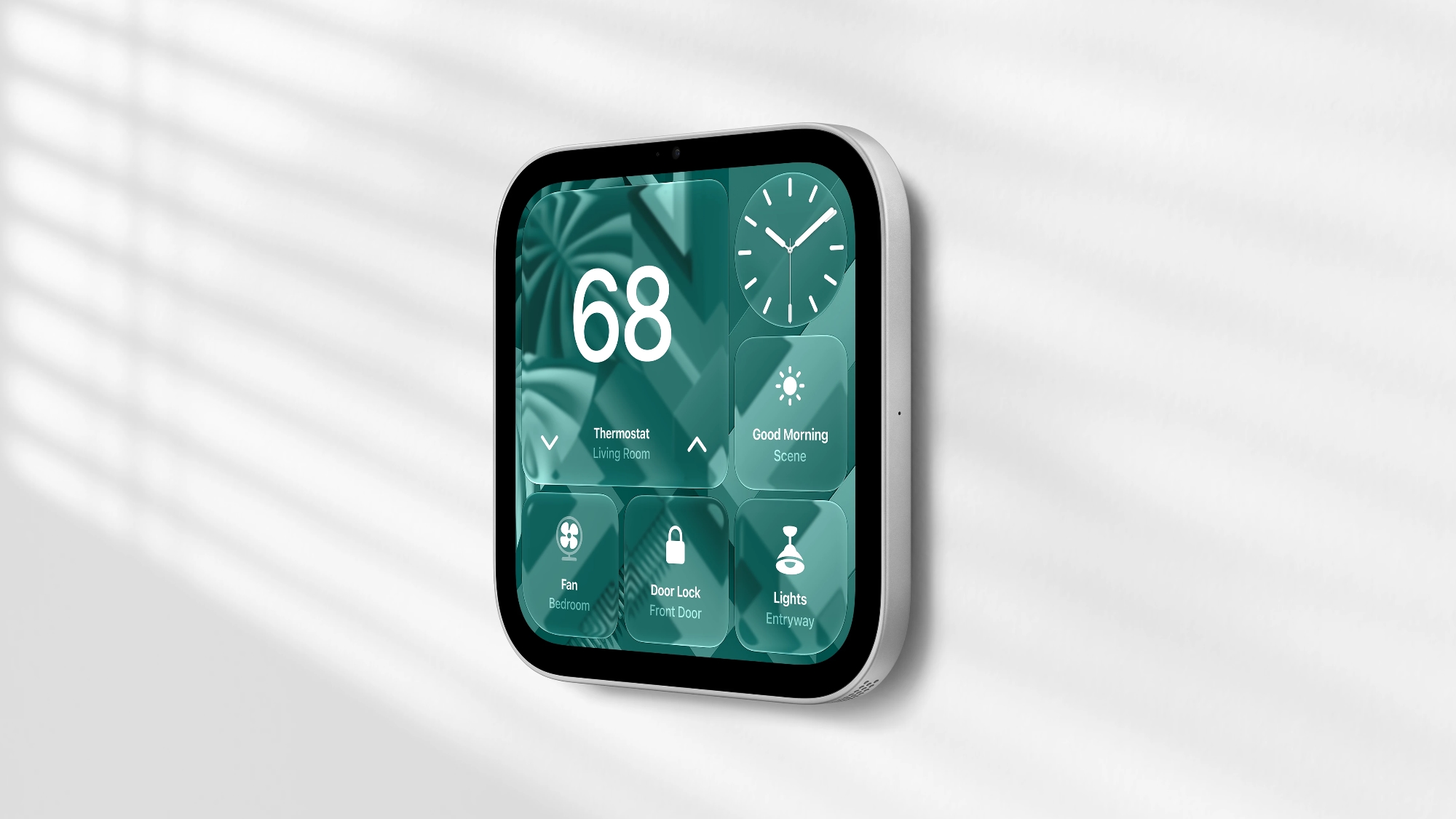
Apple uses the HomeView as an example of how Secure Exclaves work. The device performs passive minimal visual processing continually to detect whether a person is in its field of view. The HomeView sends a continuous stream of camera frames to a camera exclave, which works alongside a person recognition exclave with face and voice recognition models and an identity database. When a person comes into view, the camera exclave detects the person and lets the main OS know that a person may be present, but no image data leaves the Secure Exclave. An audio exclave does the same thing with audio.
The person recognition exclave matches face and voice prints against the identity database of enrolled users, giving a confidence score. The OS gets the person identifier, position, and confidence level, but not any of the actual audio or video. These simple signals are used to activate personal features like Calendar and Messages that depend on identity, with raw sensor data discarded.
Secure Exclaves came about because Apple needed a secure option for ambient video and microphone monitoring, with the groundwork laid starting in iOS 18. Apple devices use indicators for situations where the camera and microphone are actively engaged, but Apple says they weren't ideal for ambient sensing because they would be on all the time. Always-on lights wouldn't give users a way to distinguish between background sensing and active audio and video recording.
There are two modes for a Secure Exclave: ambient mode and active mode. In ambient mode with no indicator, a sensor can respond to triggers, but it only shares small amounts of metadata with the rest of the system. In active mode, full sensor data is given to the operating system, and an indicator informs the user that the system has audio and video access.
Apple has long used indicators, but they are now backed by Secure Exclaves. Secure Exclaves make sure an indicator is active before data is allowed to be transferred from the exclave to the rest of the OS.
Apple built an isolated computing environment that could handle ambient sensing, and the company says isolating memory for Secure Exclaves was a "serious engineering challenge." Full technical details on the process can be found on Apple's security website.
This article, "Apple Explains How HomeView Keeps Camera Data Private" first appeared on MacRumors.com
Discuss this article in our forums
Apple describes Secure Exclaves as compartmentalized runtimes that process camera and microphone data while isolated from the rest of the operating system. Data processed in Secure Exclaves is not available to the rest of the OS, apps, or Apple, but processing can take advantage of the full application processor. Secure Exclaves power sensitive features involving video and audio feeds:
- HomeView - The HomeView uses facial and voice recognition to identify up to six people in a home. The exclave also protects the LED camera indicator on the device.
- Siri Recap and Live Rewind - Record ambient sound for conversation recaps or to caption the last 15 seconds of someone speaking.
- iPhone 18 Pro/iPhone Duo - Protects the iPhone 18 Pro, Pro Max, and Duo on-screen camera and microphone indicators. Also works with "Hey Siri" to protect voice data.
- MacBook Neo - Protects the MacBook Neo camera indicator.
Apple uses the HomeView as an example of how Secure Exclaves work. The device performs passive minimal visual processing continually to detect whether a person is in its field of view. The HomeView sends a continuous stream of camera frames to a camera exclave, which works alongside a person recognition exclave with face and voice recognition models and an identity database. When a person comes into view, the camera exclave detects the person and lets the main OS know that a person may be present, but no image data leaves the Secure Exclave. An audio exclave does the same thing with audio.
The person recognition exclave matches face and voice prints against the identity database of enrolled users, giving a confidence score. The OS gets the person identifier, position, and confidence level, but not any of the actual audio or video. These simple signals are used to activate personal features like Calendar and Messages that depend on identity, with raw sensor data discarded.
Secure Exclaves came about because Apple needed a secure option for ambient video and microphone monitoring, with the groundwork laid starting in iOS 18. Apple devices use indicators for situations where the camera and microphone are actively engaged, but Apple says they weren't ideal for ambient sensing because they would be on all the time. Always-on lights wouldn't give users a way to distinguish between background sensing and active audio and video recording.
There are two modes for a Secure Exclave: ambient mode and active mode. In ambient mode with no indicator, a sensor can respond to triggers, but it only shares small amounts of metadata with the rest of the system. In active mode, full sensor data is given to the operating system, and an indicator informs the user that the system has audio and video access.
Apple has long used indicators, but they are now backed by Secure Exclaves. Secure Exclaves make sure an indicator is active before data is allowed to be transferred from the exclave to the rest of the OS.
Apple built an isolated computing environment that could handle ambient sensing, and the company says isolating memory for Secure Exclaves was a "serious engineering challenge." Full technical details on the process can be found on Apple's security website.
Related Roundup: Apple HomeView
Buyer's Guide: HomeView (Buy Now)
Related Forum: HomePod, HomeView, CarPlay – Home & Auto Tech
This article, "Apple Explains How HomeView Keeps Camera Data Private" first appeared on MacRumors.com
Discuss this article in our forums