
❌

Normale Ansicht

Siri AI Still Not Enabled on HomePod Mini 2 With Latest Software Update

Apple today released HomePod software version 27.2.1, but it does not enable Siri AI on the HomePod mini 2. Apple's website continues to say the feature is "coming in a future software update," but it has not provided a timeframe.
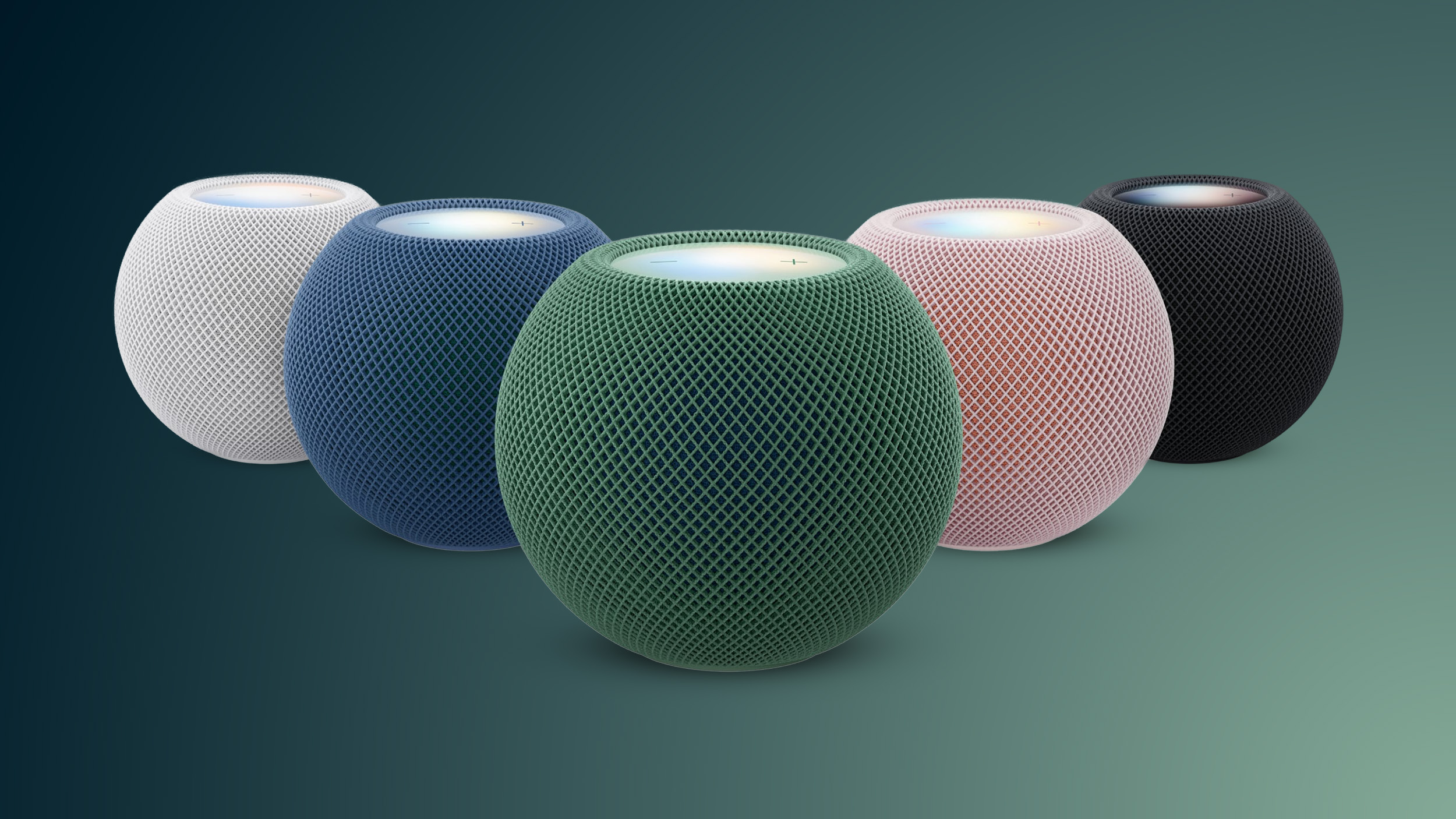

Due to the HomePod mini 2 having only 2GB of RAM, well below the minimum 8GB of RAM required for dedicated Siri AI, personal context requests will require a paired Apple Intelligence–enabled iPhone or iPad with Siri AI turned on.

tvOS 27.2.1 was also released today, and it enables Siri AI on the Apple TV 4K (2nd generation) and Apple TV 4K (3rd generation). Siri AI is an opt-in feature on these devices, so after installing the update you will need to open the Settings app and tap on General → Siri → Siri AI (Beta). This will initiate a download with support.

If you update to tvOS 27.2.1 and take no further action, Siri Classic remains enabled by default.
Related Roundup: HomePod mini 2
Tags: Siri, Siri AI
Buyer's Guide: HomePod Mini (Buy Now)

This article, "Siri AI Still Not Enabled on HomePod Mini 2 With Latest Software Update" first appeared on MacRumors.com

Discuss this article in our forums
  •  

YouTube App Not Working on Your New Apple TV? Here's the Fix

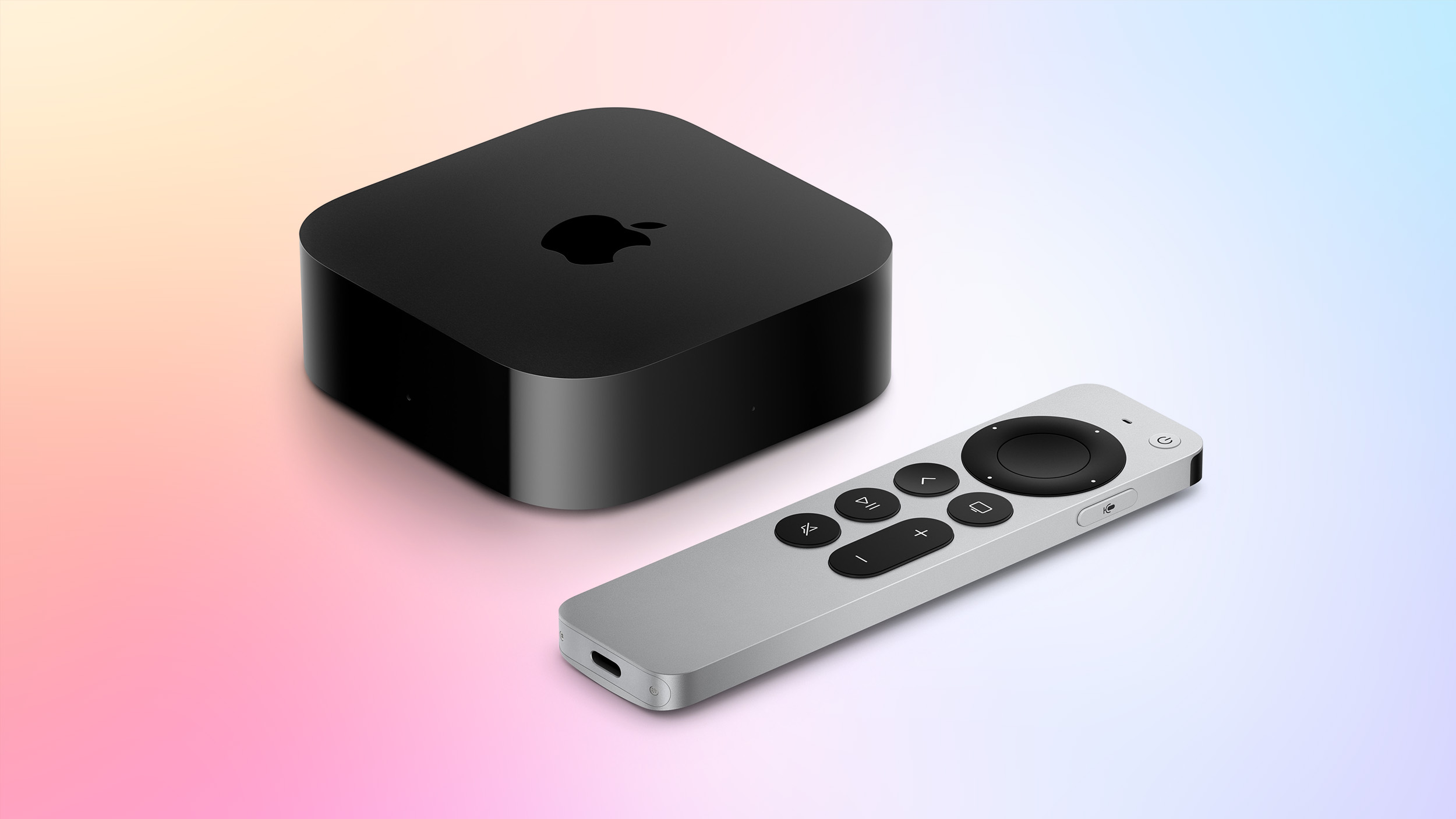
The fourth-generation Apple TV 4K began arriving to customers today, and some users noticed the YouTube app is not working. If you have encountered this issue, make sure tvOS 27.2 is installed via Settings → System → Software Updates. If it already is, you may need to restart the Apple TV via Settings → System → Restart. Last, you may need to uninstall and reinstall the YouTube app.

Update: YouTube appears to have implemented a server-side fix.
Related Roundup: Apple TV
Tag: YouTube
Buyer's Guide: Apple TV (Buy Now)

This article, "YouTube App Not Working on Your New Apple TV? Here's the Fix" first appeared on MacRumors.com

Discuss this article in our forums
  •  

Apple Shares HomeView 27.2 Release Notes With List of Features

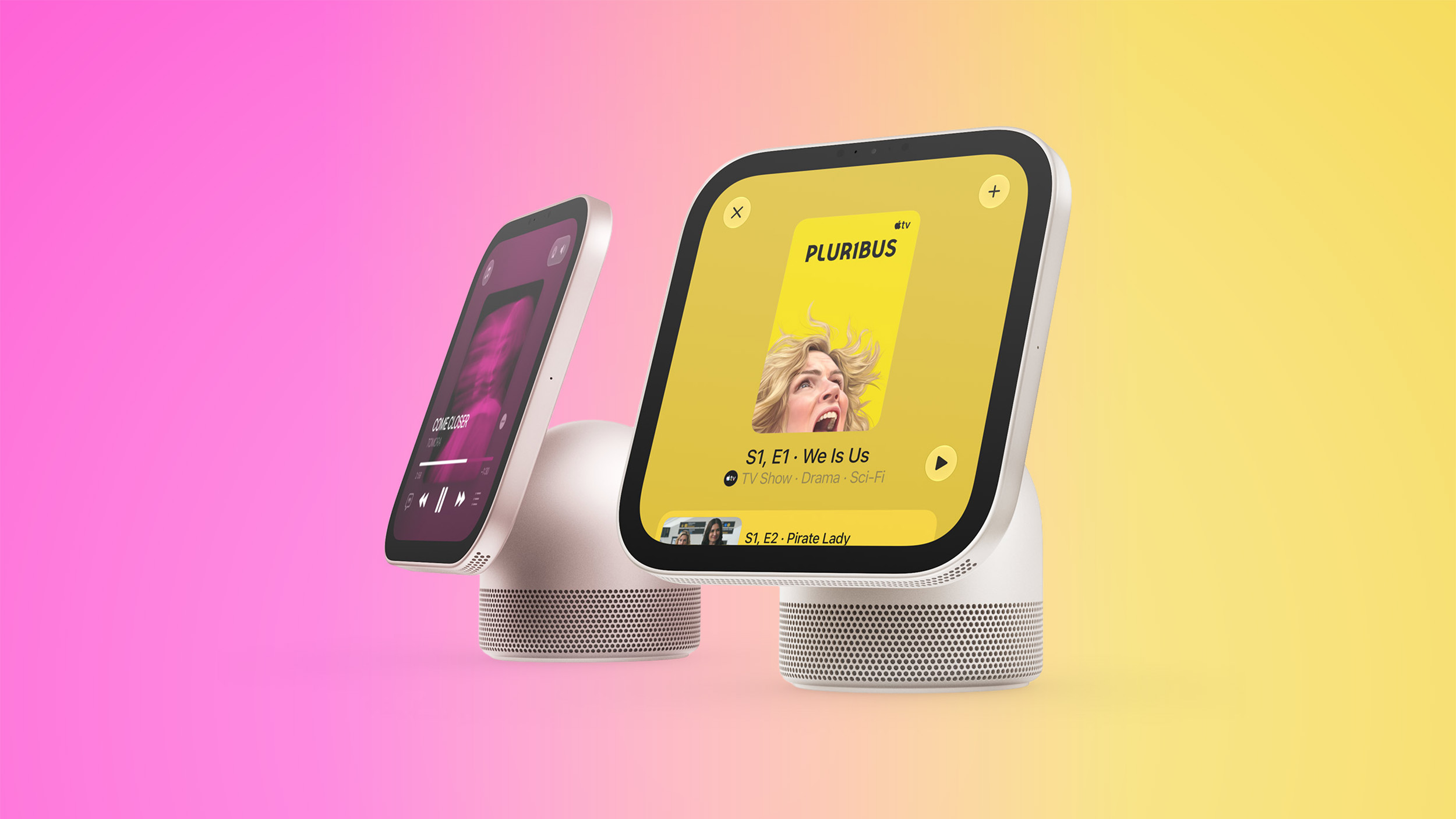
Apple's new HomeView smart home display launched today and the release notes for HomeView software version 27.2 are now available in a support document.


Since these are the first HomeView release notes that Apple has publicly shared, they go over a lot of the device's basic features and functionality:
HomeView software delivers powerful, personalized experiences to enjoy entertainment, stay connected, and manage your smart home. It features a conversational Siri AI that helps you find what you need and get things done. And with multiuser recognition, customizable faces, and deep Apple ecosystem integration, up to six members of your household get content and controls tailored just for them.

Siri AI

  • A more capable and conversational version of Siri that helps you find what you need and get more done

  • Personal context understanding draws on your Apple Intelligence-enabled iPhone to help you find what you're looking for, like that recipe your mother emailed you

  • Broad world knowledge lets you ask questions about virtually any topic and get a detailed answer

  • Rich content discovery makes it easy to find new music and podcasts using natural language

  • HomeView and Siri AI on HomeView are available in English, and require your paired iPhone or iPad to be set to the same English variant¹,²


Entertainment

  • Apple Music lets you enjoy your favorite songs with animated lyrics and Spatial Audio support, alongside easy search and browse capabilities

  • Podcasts lets you enjoy audio and video shows with transcripts and personalized recommendations

  • Apple TV, Apple News, and Audiobooks let you use your iPhone to enjoy your favorite shows, catch up on daily audio stories, or get lost in a good book

  • Supported third-party audio and video apps installed on your iPhone automatically appear on HomeView

  • Multiroom audio allows you to play and control music in sync across multiple HomeView, HomePod, and AirPlay speakers


Connection

  • FaceTime makes it easy to connect with loved ones hands-free, using Center Stage to keep you perfectly framed even as you move around the room

  • Messages lets you easily read and reply to texts using Siri, the onscreen keyboard, or Tapback

  • Intercom allows you to broadcast messages across your home, to specific rooms, or to personal Apple devices

  • Safari lets you browse the web and includes a new Cooking experience that auto-detects supported recipes, reformatting them with step-by-step instructions and inline timers

  • Find My lets you view the location of friends and family, or locate misplaced Apple devices and AirTags

  • Handoff makes it easy to seamlessly move audio, video, websites, or calls directly from your iPhone to HomeView


Home Control

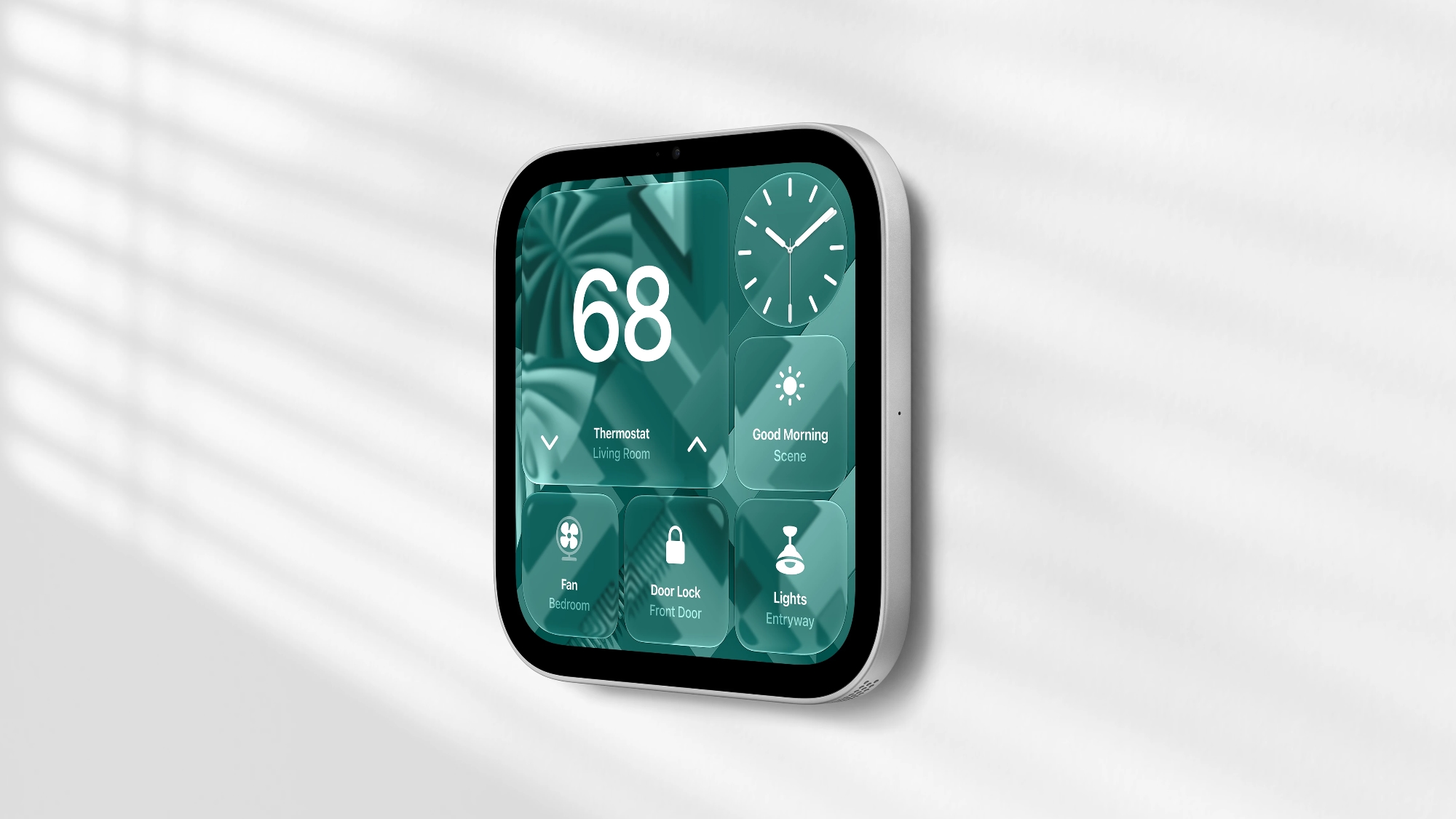
  • Home Modular face offers a concise, glanceable look at your home accessories

  • Home Camera face allows you to livestream up to nine simultaneous camera feeds

  • Home app gives you a dedicated dashboard to control accessories and activate scenes across your entire house

  • Home hub capabilities keep you connected to your HomeKit and Matter accessories, allow you to control your home while away, and enable automations

  • Sound Recognition detects the sounds of smoke and carbon monoxide alarms and alerts you on personal devices like your iPhone, iPad, or Apple Watch


Personalized Experiences

  • Customizable faces let you personalize your space with curated photos, modular home controls, and playful animations like Snoopy

  • Seamless recognition identifies up to six different users by face and voice, instantly displaying their specific Home Screen layout, widgets, and personal content

  • Personal content³ like Messages and Calendar is designed to stay private and be displayed when an enrolled user is recognized, and their recently unlocked iPhone or iPad is present and on the same network

  • Guest experience lets unrecognized people play media and control smart home accessories without accessing a user's personal content


1. Available in English. Spanish language support to come.
2. Some features may not be available in all regions or languages. Some devices may not be available in all regions. Siri AI is available in beta in HomeView software version 27.2. Personal context requests require a paired Apple Intelligence–enabled iPhone or iPad running the latest software version with Siri AI turned on and set to a supported language. Certain Apple Intelligence features that rely on server-side models are subject to daily usage limits. Expanded access to such features will be available for a fee in the future. Use of these features is subject to the Apple Intelligence Terms and Conditions. Learn more.
3. Requires the user to be recognized by their face, and the paired iPhone or iPad must be recently unlocked and connected to the same Wi-Fi network. If disconnected from Wi-Fi, the device must have an active cellular connection in the same location and have recently connected to the same network.
Related Roundup: Apple HomeView
Buyer's Guide: HomeView (Buy Now)

This article, "Apple Shares HomeView 27.2 Release Notes With List of Features" first appeared on MacRumors.com

Discuss this article in our forums
  •  

HomeView in Québec: Apple Says Canadian French Support to Arrive in Software Update

Apple's new HomeView smart home display is available starting today. If you use Canadian French, which is most widely spoken in Québec but also elsewhere, Apple today reiterated that the HomeView will be gaining support for the regional language in a future software update, but it did not provide a timeframe for the update's release.
Related Roundup: Apple HomeView
Buyer's Guide: HomeView (Buy Now)

This article, "HomeView in Québec: Apple Says Canadian French Support to Arrive in Software Update" first appeared on MacRumors.com

Discuss this article in our forums
  •  

Apple Says HomeView Sets New Record in Design-Focused Interview

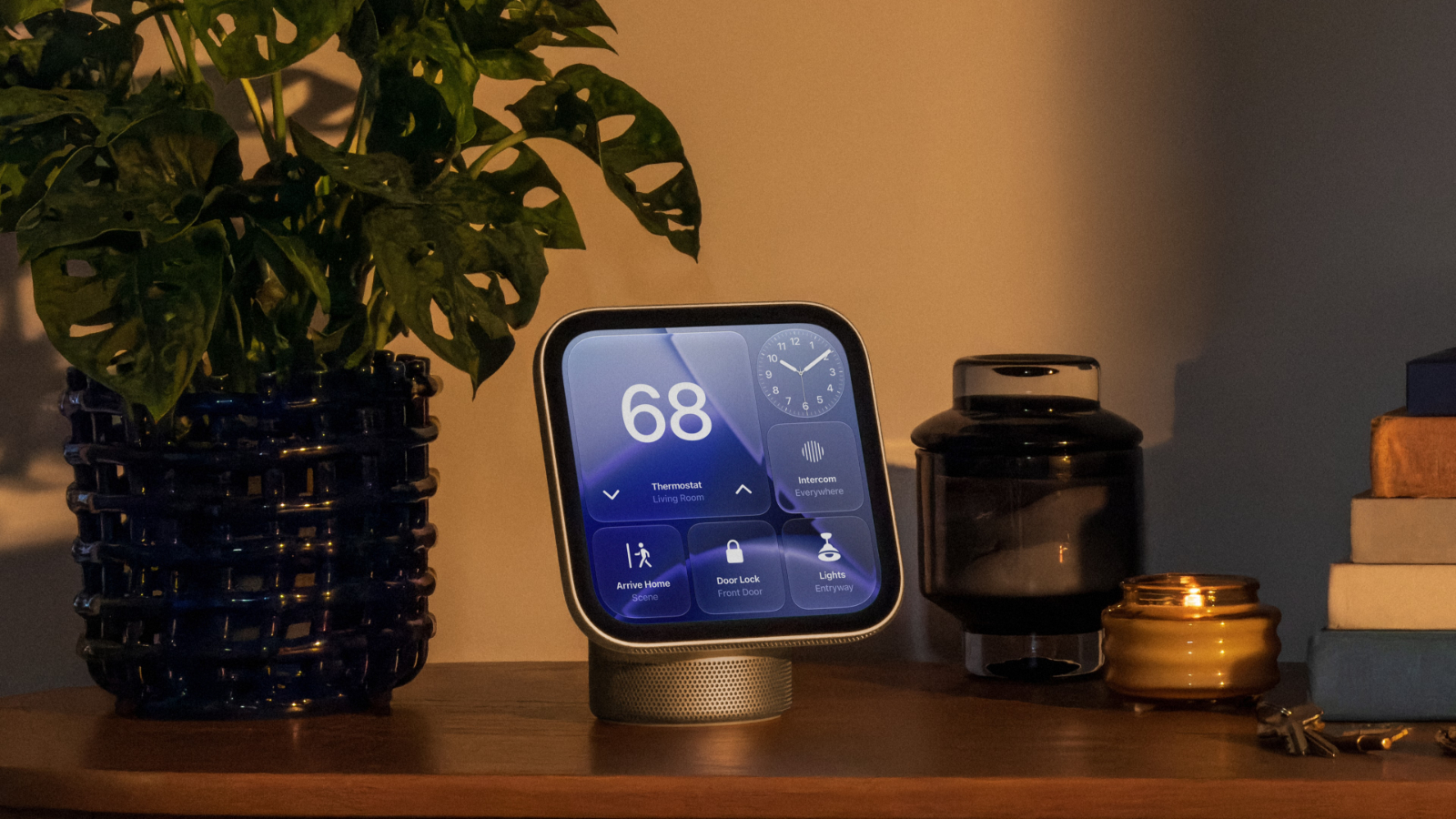
TechRadar's Jacob Krol interviewed Apple's Vice President of Hardware Engineering Matthew Costello about Apple's all-new HomeView smart home display, which is available starting today. The discussion was largely focused on the HomeView's design, with Costello touching on the device achieving a display-related record for Apple products.


Specifically, the HomeView's display brightness can automatically go down to just 0.3 nits, which is a record low for any Apple product. This ultra-low brightness makes the HomeView especially ideal for a bedside table at night.

"I really love the fact that this is the lowest light performance we've ever engineered into a product, so it's down to 0.3 nits," said Costello.

"So officially, I represent the most dim product ever inside of Apple," he quipped.

For comparison, some other Apple products like the latest iPhones and iPad mini are advertised as having a minimum 1-nit display brightness.

HomeView's maximum display brightness is 500 nits.

Unsurprisingly, Costello said the HomeView is designed for the home (truly shocking) and Siri AI.

"It really was constructed around Siri," he said.

"We really custom-built this user interface for the home, so the apps and experiences that matter most in the home setting are really front and center," he added.

"There's no logging in, logging out, which is super cool. It recognizes you and your information, and when you step away, it's gone."

Read more on TechRadar: 'A really fun, hard-fought journey' — I spoke with Apple about the engineering behind HomeView and why it took so long
Related Roundup: Apple HomeView
Buyer's Guide: HomeView (Buy Now)

This article, "Apple Says HomeView Sets New Record in Design-Focused Interview" first appeared on MacRumors.com

Discuss this article in our forums
  •  

Select 'Apple Home Collection' Accessories Now Available to Order

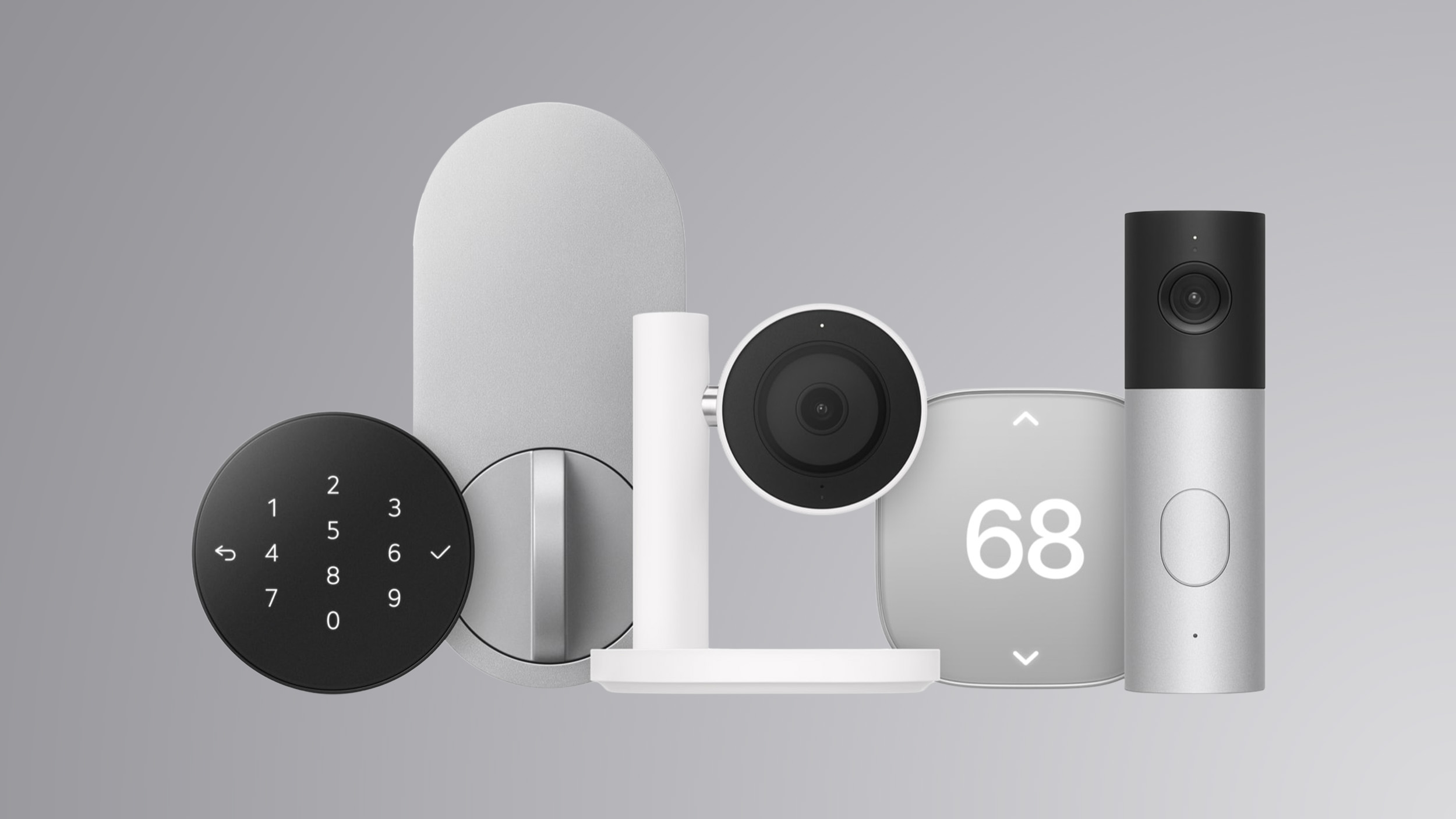
The first three HomeView-compatible smart home accessories in the Apple Home Collection are available to order starting today, including the LG Indoor Cam ($199.95), LG Outdoor Cam ($299.95), and LG Video Doorbell ($249.95). The remaining accessories from LG and Schneider Home are expected to launch by early 2027.
Related Roundup: Apple HomeView
Buyer's Guide: HomeView (Buy Now)

This article, "Select 'Apple Home Collection' Accessories Now Available to Order" first appeared on MacRumors.com

Discuss this article in our forums

  •  
❌