
❌

Normale Ansicht

Siri AI Still Not Enabled on HomePod Mini 2 With Latest Software Update

Apple today released HomePod software version 27.2.1, but it does not enable Siri AI on the HomePod mini 2. Apple's website continues to say the feature is "coming in a future software update," but it has not provided a timeframe.
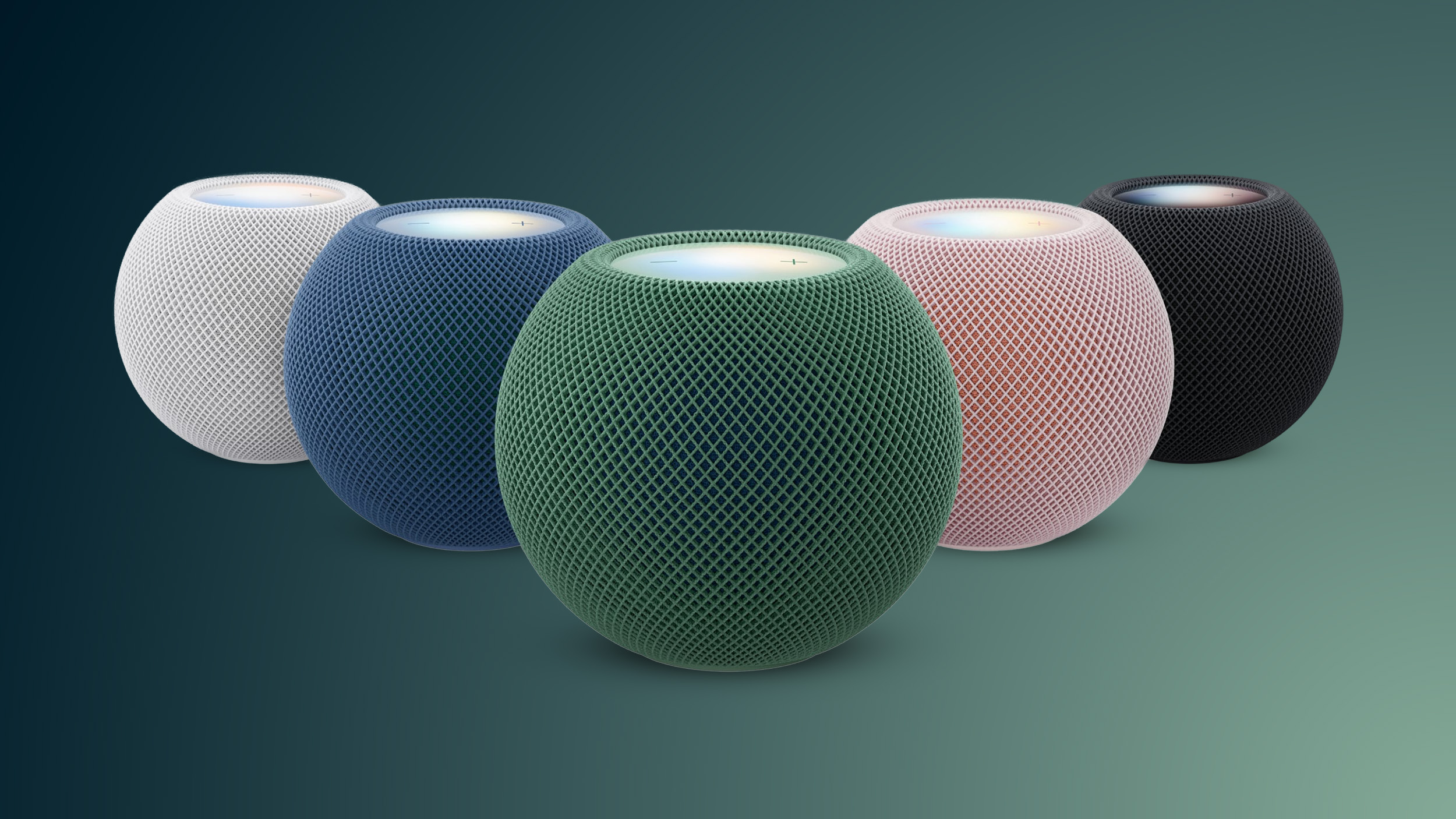

Due to the HomePod mini 2 having only 2GB of RAM, well below the minimum 8GB of RAM required for dedicated Siri AI, personal context requests will require a paired Apple Intelligence–enabled iPhone or iPad with Siri AI turned on.

tvOS 27.2.1 was also released today, and it enables Siri AI on the Apple TV 4K (2nd generation) and Apple TV 4K (3rd generation). Siri AI is an opt-in feature on these devices, so after installing the update you will need to open the Settings app and tap on General → Siri → Siri AI (Beta). This will initiate a download with support.

If you update to tvOS 27.2.1 and take no further action, Siri Classic remains enabled by default.
Related Roundup: HomePod mini 2
Tags: Siri, Siri AI
Buyer's Guide: HomePod Mini (Buy Now)

This article, "Siri AI Still Not Enabled on HomePod Mini 2 With Latest Software Update" first appeared on MacRumors.com

Discuss this article in our forums
  •  

Some HomePod Mini 2 Buyers Returning Units Over Mac Speaker Issues

One of the features of Apple's new HomePod mini 2 speakers is being able to use them as your Mac's default speakers, but it seems to be failing to work as advertised for a number of users, with some owners already returning them, based on the latest MacRumors forum reports.

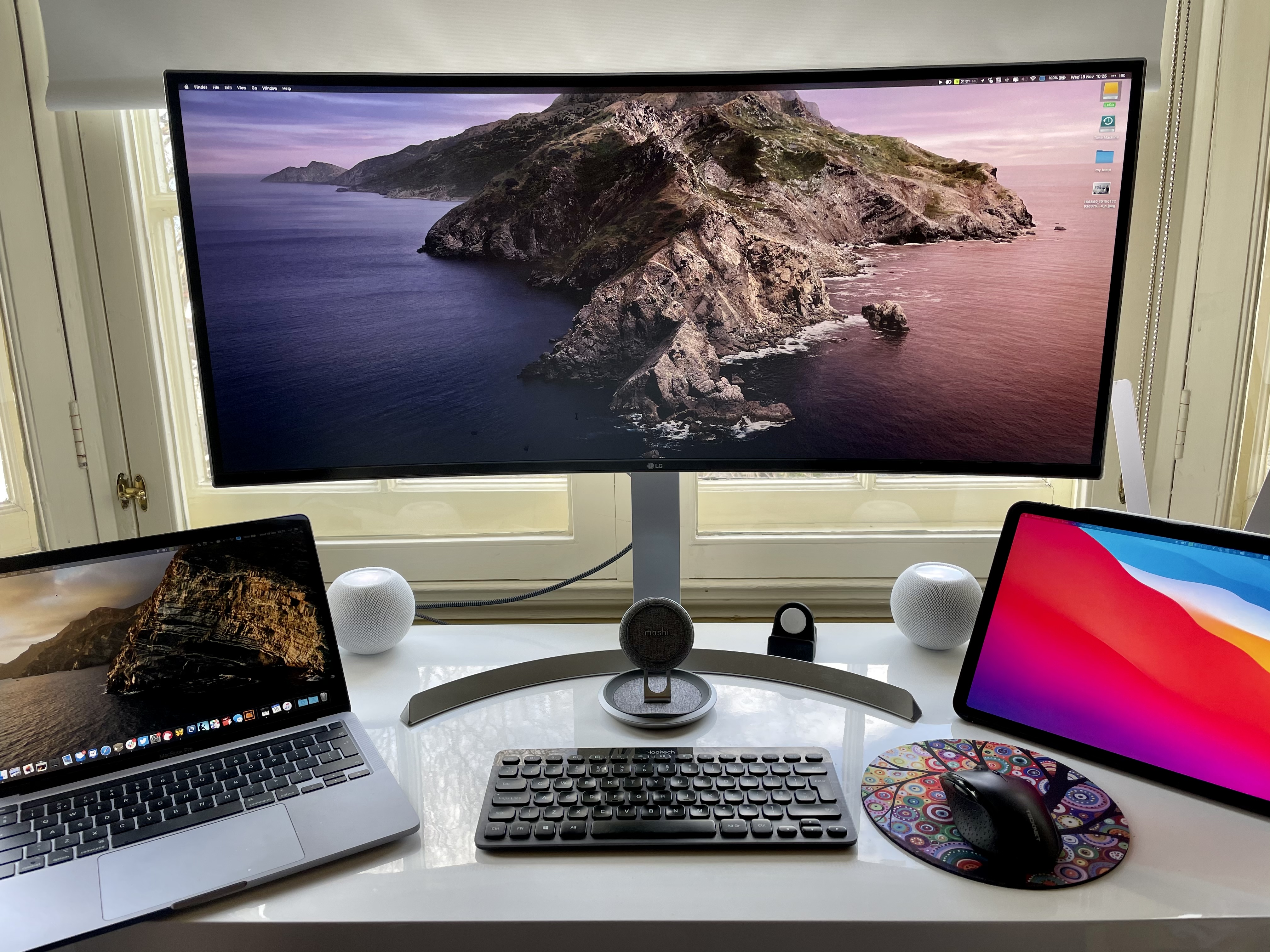
OG HomePod minis in a stereo pair on a Mac (don't try this at home)

The new HomePod mini 2 can be used as a default speaker on all Mac models with Wi-Fi 6E or later, according to Apple. A single HomePod can be used alone, or a pair can be twinned for stereo sound. The same setup never reliably worked with the first-generation HomePod mini, with latency and dropout issues common.

Apple introduced the stated new feature with ‌HomePod‌ Software 27.2, and it's meant to work over "a responsive and persistent AirPlay connection," or a wireless point-to-point link that's designed to survive restarts and sleep. (That's different to ordinary AirPlay, which the previous-generation HomePod uses.) For the HomePod mini 2, the feature requires macOS 27.2. It's also supposed to work with the second-generation HomePod using the same software and the aforementioned Wi-Fi 6E requirement.

So far, new HomePod mini 2 owners are reporting two separate problems. For some, the option to enable the persistent connection never appears at all – even on hardware that meets Apple's stated requirements. For others, the connection works at first, but the Mac then falls back to its built-in or monitor speakers after sleep, a restart, or sometimes even after a single notification sound.

Jennifer Pattison Tuohy ran into the first problem in her review for The Verge. On a Mac mini M4 – meeting Apple's Wi-Fi 6E requirement – the persistent-output option never showed up, and the speakers behaved like ordinary AirPlay devices, along with audio artifacts, dropouts, and output switching after a restart or whenever Siri was activated on a HomePod. Tuohy said that the feature "feels unfinished," and Apple had not responded to her request for comment at the time of writing.

The second problem, though, seems more prevalent, based on MacRumors forum reports. DanJoeWhitaker said they bought a stereo pair solely to use as Mac speakers, but found that the "Play sound effects through" option reverted to their Studio Display speakers within a minute, and that a single notification sound could make their Mac "forget" the HomePods entirely.

Another forum member, Nismo73, tested a pair on a Mac Studio and was greeted by an error message and sound through the machine's internal speaker after the first wake from sleep. Five owners on the forums describe similar failures, and at least two forum members say they're returning the speakers. DanJoeWhitaker said they were told at an Apple Store that they weren't the first to have the problem – Apple Support's senior team reportedly offered no fix, suggesting the issue was "maybe just an early teething bug."

As for the cause, that's still an open question. The most detailed account we've found so far was from a Redditor with an M3 Max MacBook Pro on a UniFi network. Their Mac's logs showed the point-to-point connection failing while the HomePods were on a 6GHz network, with audio falling back to standard AirPlay at around half a second of latency. Moving the speakers to a 5GHz-only network apparently restored the low-latency persistent mode in that setup. But whether the other failures correlate with 6GHz networks or specific router configurations remains unclear.

Let us know in the comments below if you've had a similar experience with your HomePod mini 2.
Related Roundup: HomePod mini 2
Buyer's Guide: HomePod Mini (Buy Now)

This article, "Some HomePod Mini 2 Buyers Returning Units Over Mac Speaker Issues" first appeared on MacRumors.com

Discuss this article in our forums
  •  

HomePod Mini 2's Amount of RAM Confirmed

MacRumors has confirmed that the HomePod mini 2 is equipped with 2GB of RAM supplied by SK Hynix. This is not very surprising given the S10 chip in the Apple Watch Series 10 also has 2GB of RAM, but Apple does not list this information in its tech specs for the HomePod mini 2, so it is worth documenting.
Related Roundup: HomePod mini 2
Buyer's Guide: HomePod Mini (Buy Now)

This article, "HomePod Mini 2's Amount of RAM Confirmed" first appeared on MacRumors.com

Discuss this article in our forums

  •  

„Sound Glow“ – die HomePod-Lichtorgel sechs Jahre später

28. Oktober 2026 um 18:28
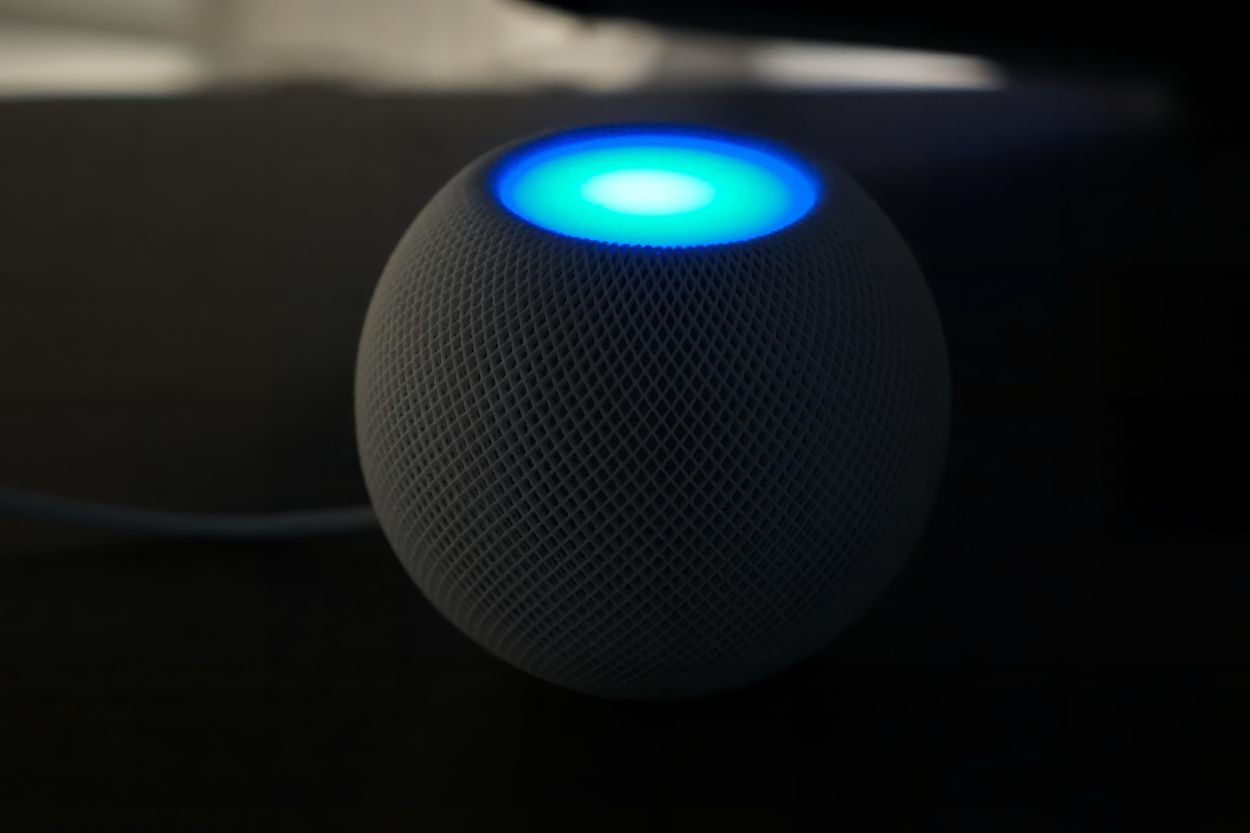
A spherical smart speaker with a mesh exterior and a glowing blue light on top sits on a dark surface, connected by a power cord.

Mit „Sound-Leuchten“ wird die Oberseite des HomePod in ein Lichtdisplay verwandelt, das mit deinem Audio synchronisiert wird und Farben aus dem Albumcover verwendet, wenn du Musik abspielst. Bestimmte Soundlandschaften verfügen über eine eigene Lichtanimation. Die Soundlandschaft „Regen“ zeigt beispielsweise einen sanften, plätschernden Lichteffekt. Wenn die Audiospur kein Artwork hat, verwendet „Sound-Leuchten“ eine Standardanimation.

Support.Apple.com

„Sound Glow“ lässt mit 27.2 die HomePods der zweiten Generation sowie beide Mini-Generationen leuchten. Die Lichtorgel ist nicht auf Apple Music beschränkt, funktioniert aber auch nicht bei beliebiger AirPlay-Wiedergabe. Sound von Videos bleibt generell unbeleuchtet; allerdings überredet auch YouTube Music den Smartspeaker dazu nicht. Bei mir zeigt sich dort nicht einmal die „Standardanimation“, auch wenn die Songs definitiv „Artworks“ in der iOS-App besitzen.

Apples Hintergrundgeräusche und Klanglandschaften visualisiert der Lautsprecher dagegen augenblicklich, genau wie alle Alben, die Nautiline wiedergibt. Brain.fm kümmert die HomePod-RGB-LED-Matrix so gar nicht; Radiosender über Broadcasts jedoch schon.

Was mich allerdings mehr als dieses technische Detail umtreibt: Warum ist „Sound-Leuchten“ jetzt – nach sechs Jahren und mit der Vorstellung von den Minis 2 – erst ein Feature?

  •  
❌