❌

Lese-Ansicht

Siri Recap Hands-On: Private, But Not Very Useful

With the watchOS 27.3 beta, Apple started testing Siri Recap. ‌Siri‌ Recap lets the Series 12 and Ultra 4 Apple Watch models listen to conversations to generate a brief summary of what was discussed. Actual audio is sectioned off from apps, Apple, and the rest of the OS, and then discarded after a summary is generated.
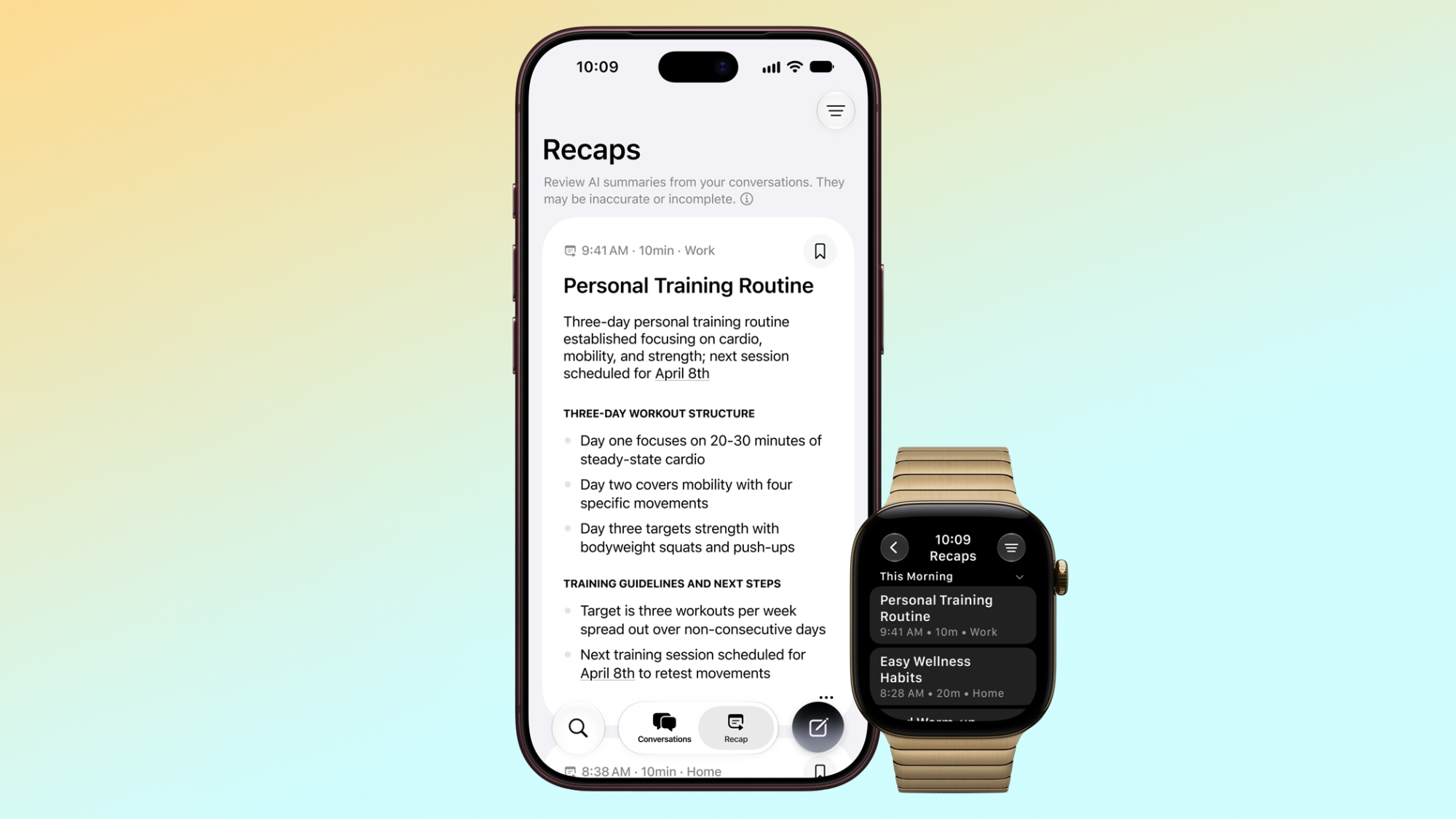

It's a privacy-forward way of tracking what's going on around you, but after two weeks of testing, it's clear that the privacy safeguards limit its usefulness. Overly brief summaries, lack of speaker labeling, and no original audio to compare against make ‌Siri‌ Recap unreliable.

Before I get into my experience, I want to make it clear that ‌Siri‌ Recap is a beta feature in beta software. It hasn't been released yet, Apple hasn't finished refining it, and it won't be available to the public until watchOS 27.3 launches in December. Still, the bones are in place. Some of the issues I encountered could improve before release, but others are the result of the way it's built.

My first recaps were from YouTube videos and Instagram Reels. ‌Siri‌ Recap can tell when I'm watching TV shows and movies, but it can't distinguish a YouTube video from a real-life conversation. I was surprised it summarized dialogue I wasn't involved in instead of waiting until it recognized my voice (which ‌Siri‌ can do). Listening in on ambient conversations makes it feel a little stalker-like. When ‌Siri‌ Recap is turned on, it's listening, and there's no indication for the people around you.
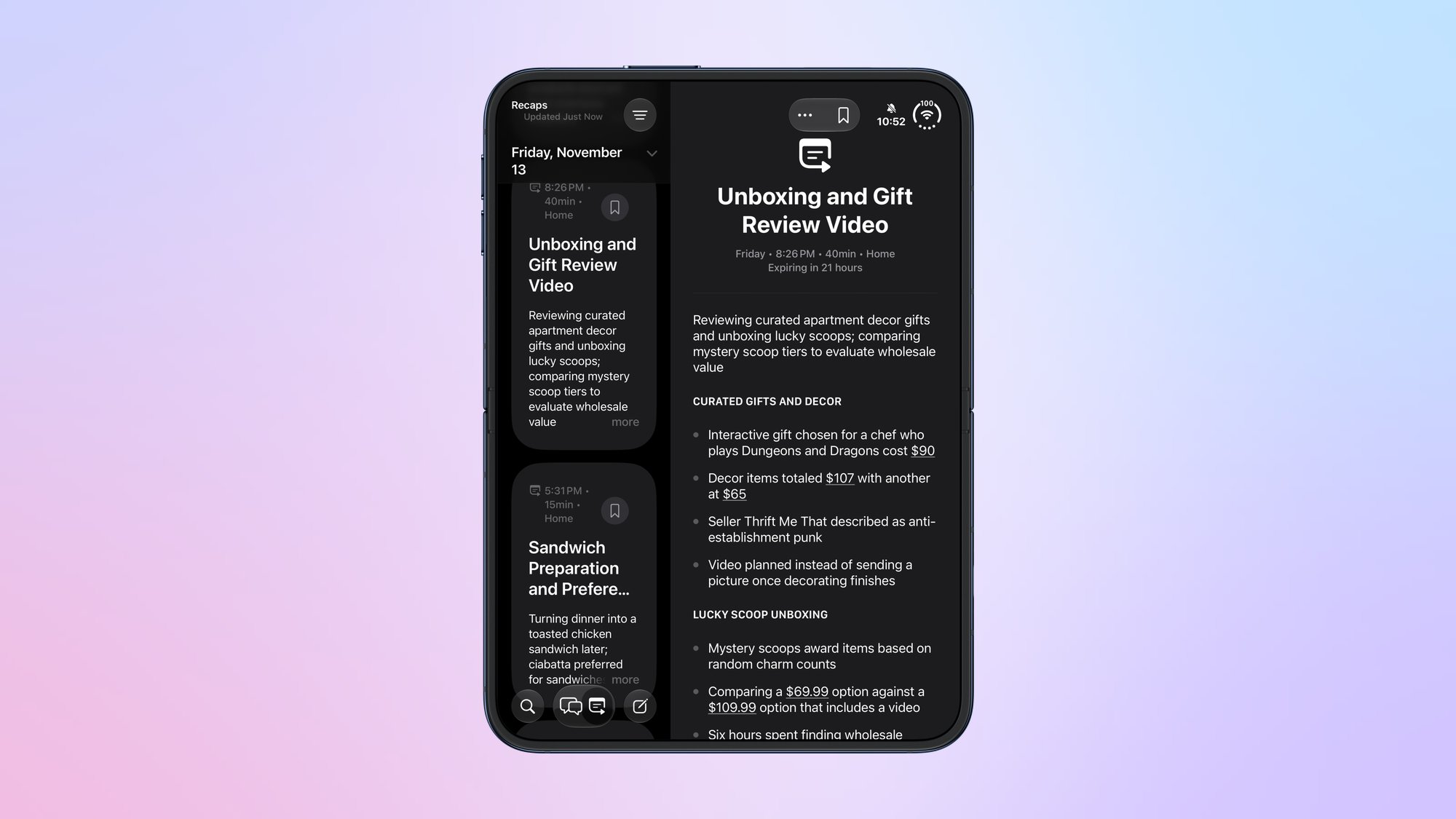

Most of my other recaps summarized short, inconsequential conversations with my partner that I don't need or want to revisit. I don't need to remember that my breakfast on Friday had one too many pieces of vegan bacon, or that my cat was playing with a silica packet. I don't need to remember discussions about Grand Theft Auto VI or that I saw a rabbit in the driveway the other day. There is an option to only have ‌Siri‌ Recap on at certain times of the day or in certain locations, which would eliminate that issue. Ironically, ‌Siri‌ did the best at summarizing shorter interactions I don't care about.
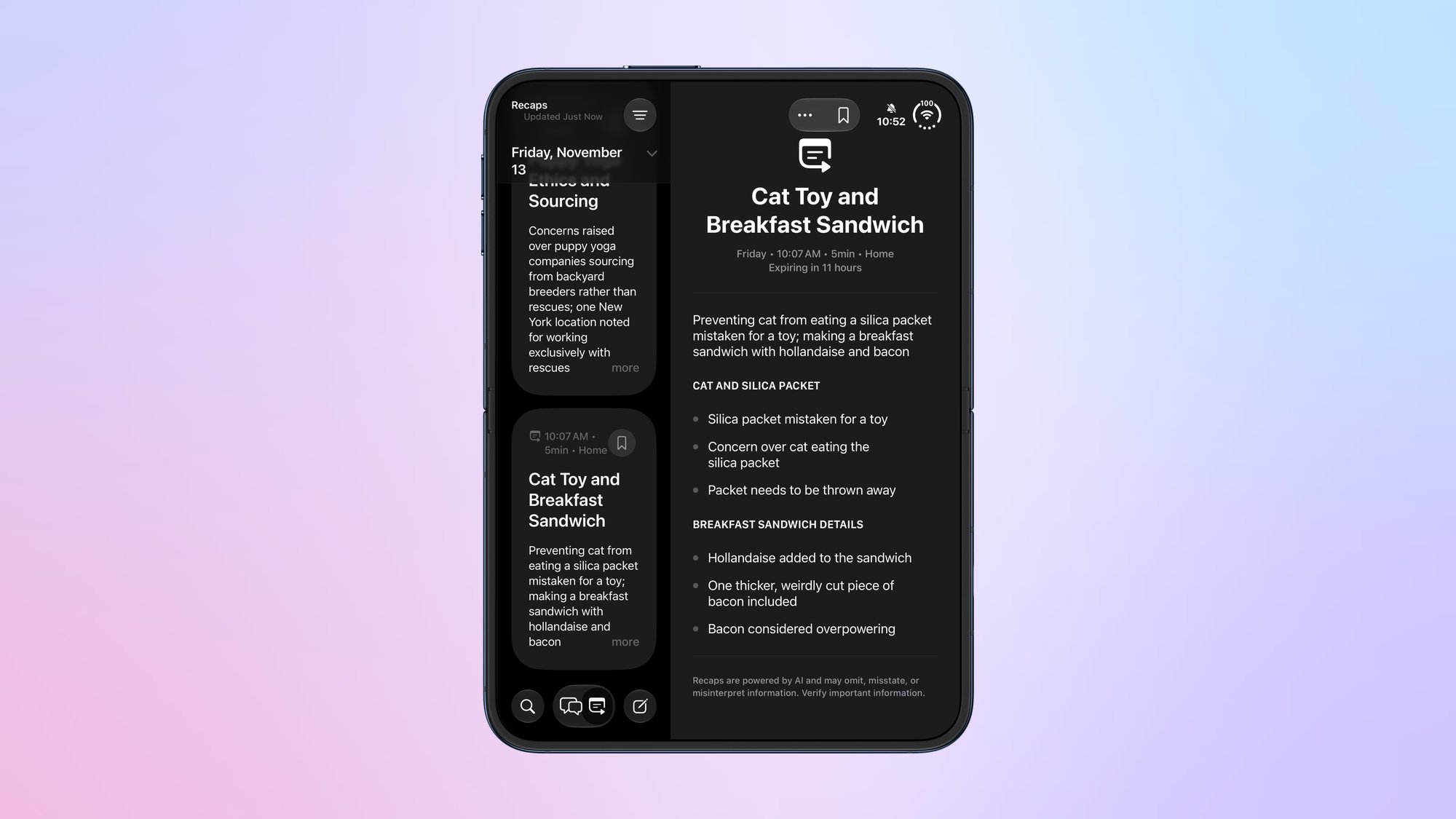

I've taken my cats to a few vet appointments recently, so I had an opportunity to test ‌Siri‌ Recap with genuinely important conversations where I get a flood of information. After the first visit, I learned ‌Siri‌ and I don't have the same opinion on the details that matter, and I found that summaries of longer conversations are just too concise and inaccurate to be helpful.

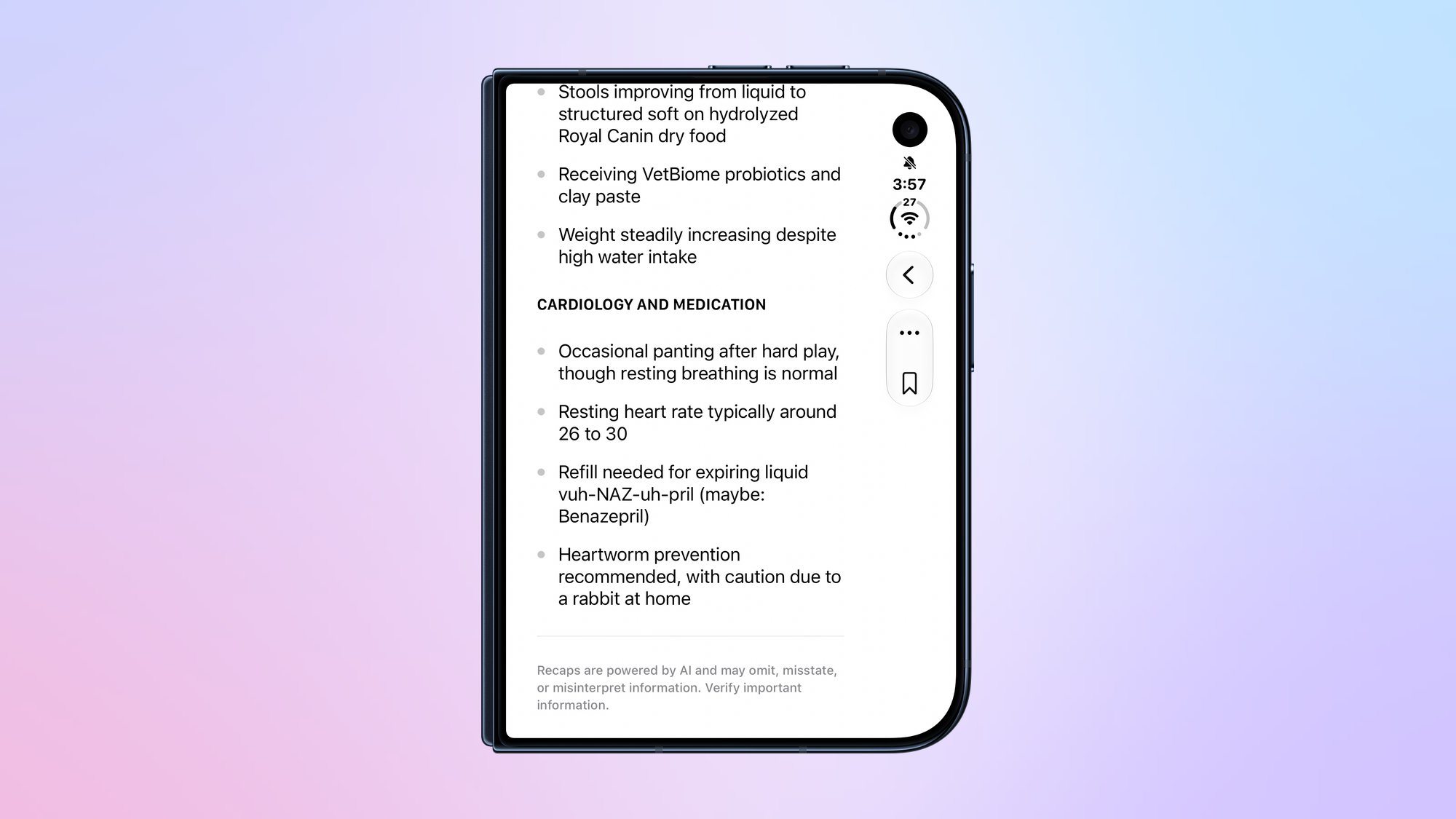
I told the vet my cat is picky and will only eat one kind of dry food, but stays hydrated because she drinks a lot of water. In a separate part of the conversation, I said she was gaining weight even though her prescription food isn't for kittens. ‌Siri‌ combined those two parts of the conversation into a summary that doesn't make sense, and I had that issue in almost every long conversation.

A few minutes later, I asked for a recommendation on heartworm medication because I've read about some problematic products that can make cats sick. The vet relayed a story about needing a particular brand for her cat because she has a rabbit at home, and rabbits are sensitive to a lot of medications. ‌Siri‌ Recap doesn't label speakers, so the summary of that conversation turned into a confusing amalgamation suggesting I have a rabbit at home. Inappropriately combining unrelated concepts is likely something that can be fixed, but the lack of speaker labels is intentional.

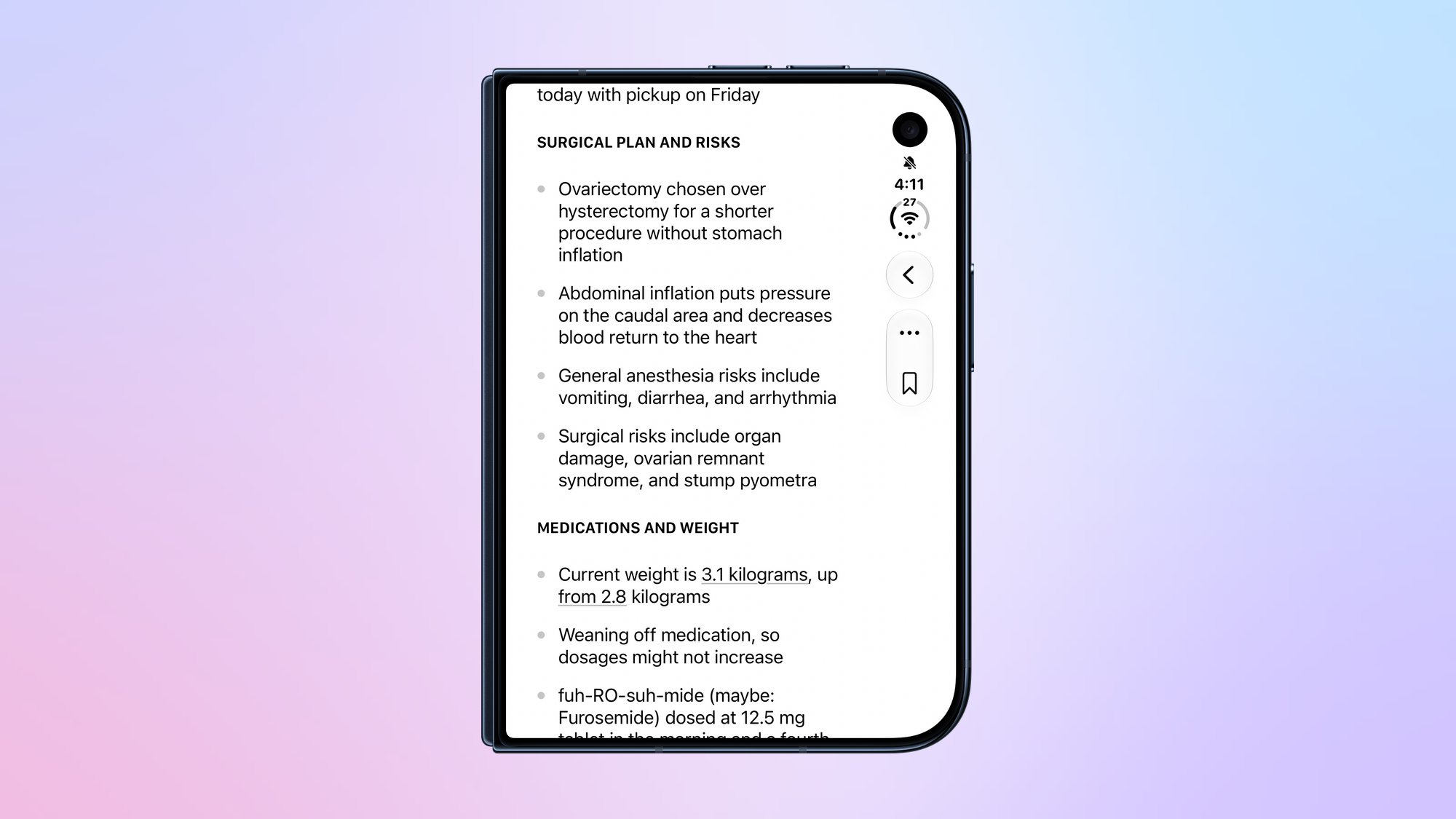
During a pre-surgery consultation, I think I ran into another limitation. Apple says potentially harmful content isn't summarized, which could cover a broad range of topics. Important parts of the conversation with the vet aren't in the summary, like some of the scarier surgical risks and resuscitation preferences. ‌Siri‌ doesn't say if anything was skipped because of the content, so I don't know if that information wasn't considered important or if it was filtered out.

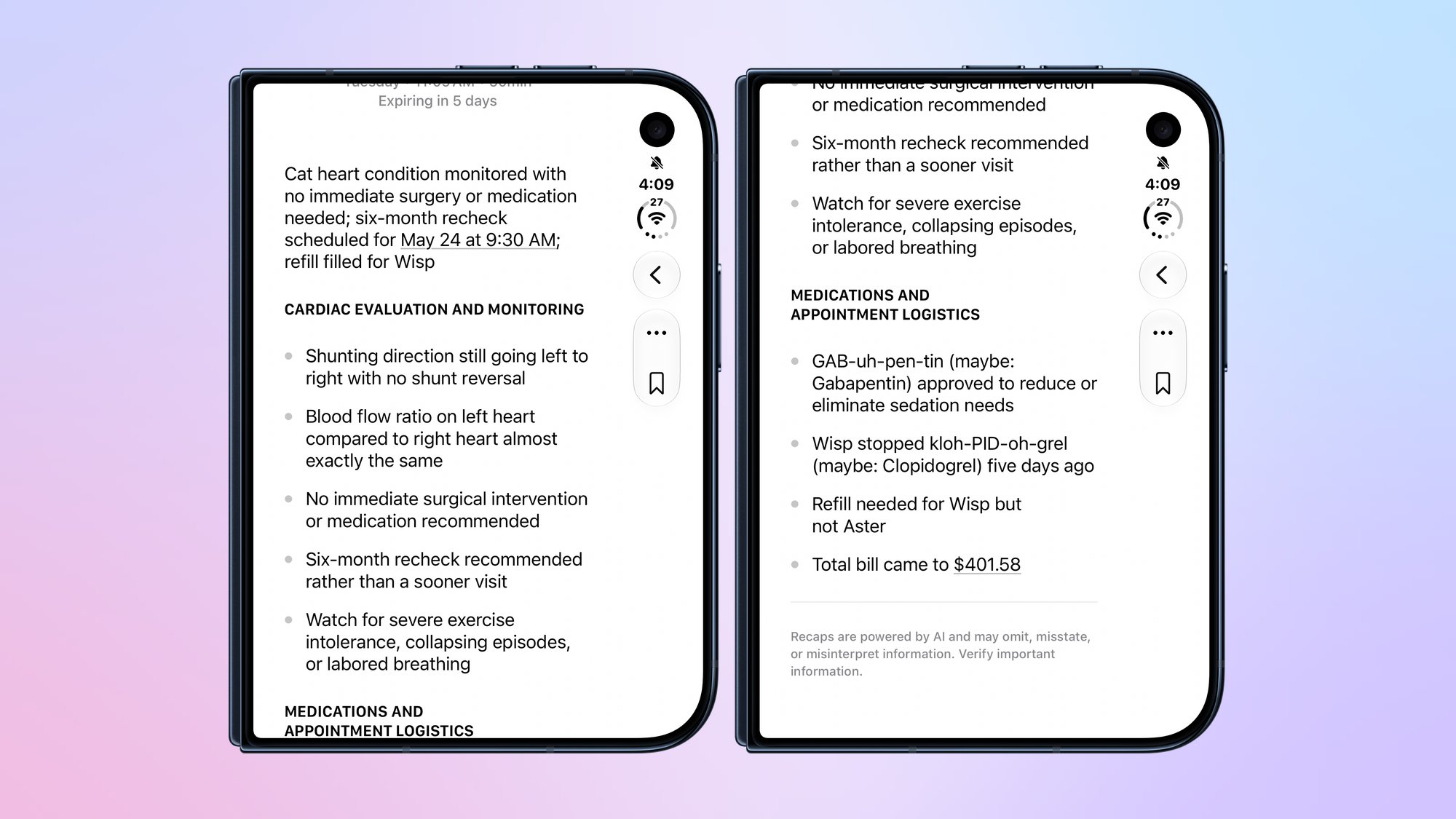
Some of what ‌Siri‌ recapped was useful. If conversations were fact-heavy, ‌Siri‌ did a good job getting everything down, especially when dates were involved. I scheduled a follow-up appointment and ‌Siri‌ got the date right and the exact total of the bill when it was spoken aloud. Apple does say ‌Siri‌ Recap doesn't include financial info, so I'm not sure what counts. ‌Siri‌ is also surprisingly good at interpreting spoken medication names like benazepril and clopidogrel and correctly guessing what they're meant to be.

During a third vet visit, the recap did get many of the major points, but going over those notes made me realize this kind of summarization may not work, even when accurate. I had my own memory of the conversation and knew what I thought was important, but some of what ‌Siri‌ kept wasn't what mattered to me.

Those ‌Siri‌ details I re-read were cemented in my memory over other information when I revisited the conversation later in the week, subtly changing how I remember the appointment. I worry having notes that aren't my own will overwrite what I would have remembered without them. It's almost like having a picture of something that happened in my head, and then having someone tell me it happened differently.
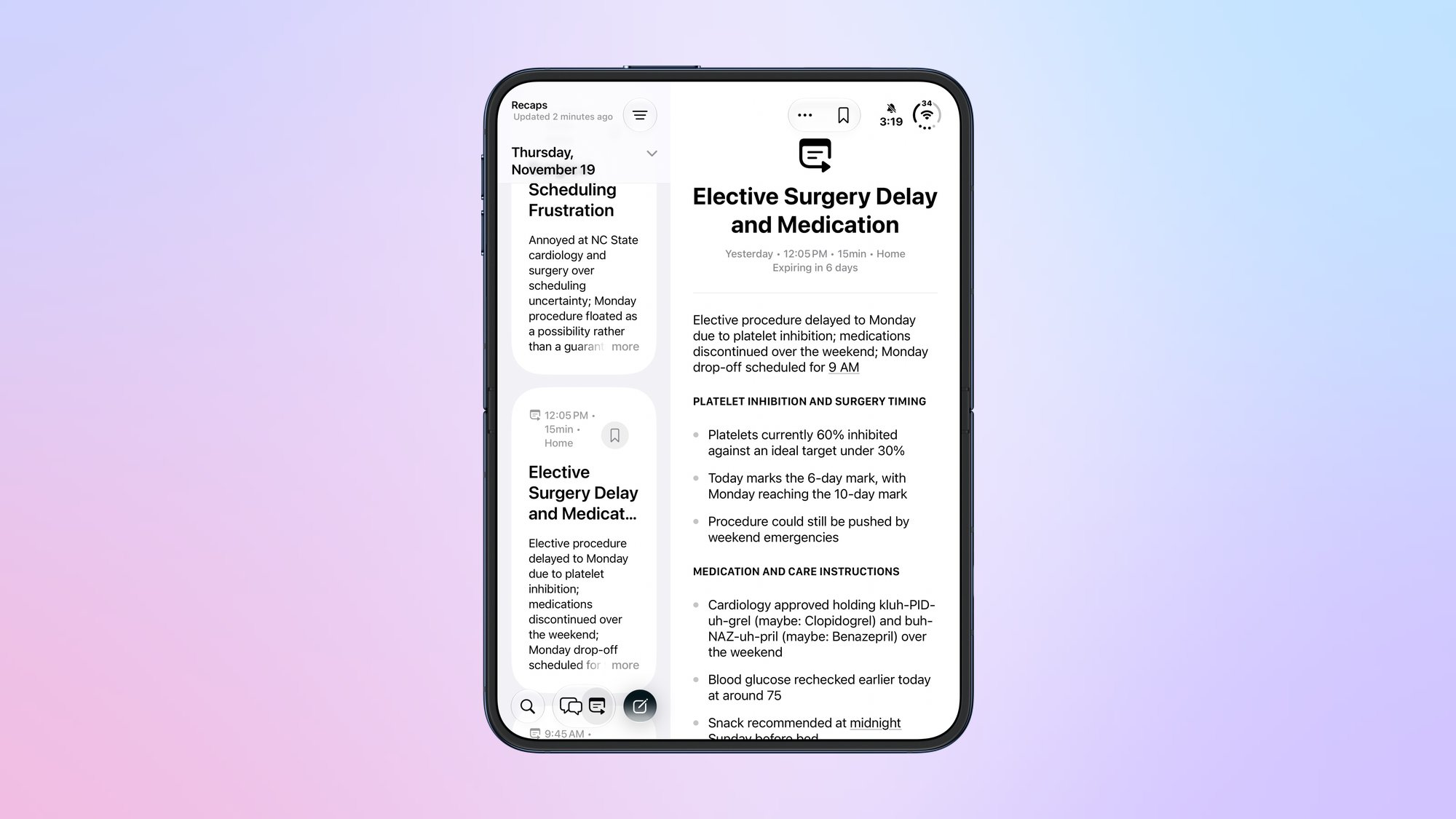

‌Siri‌ Recap doesn't transcribe entire conversations for privacy reasons, but that leaves ‌Siri‌ to decide what's important enough to be written down in a discussion. I don't trust ‌Siri‌ to make that kind of decision, personally, and there's no option to check what ‌Siri‌ is leaving out since there are no raw files. I wouldn't want ‌Siri‌ Recap to record conversations in full because of the privacy concerns, but Apple's summarization alternative has shortcomings that affect its usefulness.

‌Siri‌ picks and chooses what matters, and in my two-week test, ‌Siri‌ merged concepts and conversations in ways that were more confusing than helpful over and over again. ‌Siri‌ Recap isn't a feature I'm going to use, and it's not a feature I'd recommend to others.
Related Roundups: watchOS 26, watchOS 27
Tag: Siri
Related Forum: Apple Watch

This article, "Siri Recap Hands-On: Private, But Not Very Useful" first appeared on MacRumors.com

Discuss this article in our forums

  •  

Save on Headphones This Black Friday With Major Deals on Beats, Sony, Soundcore, and More

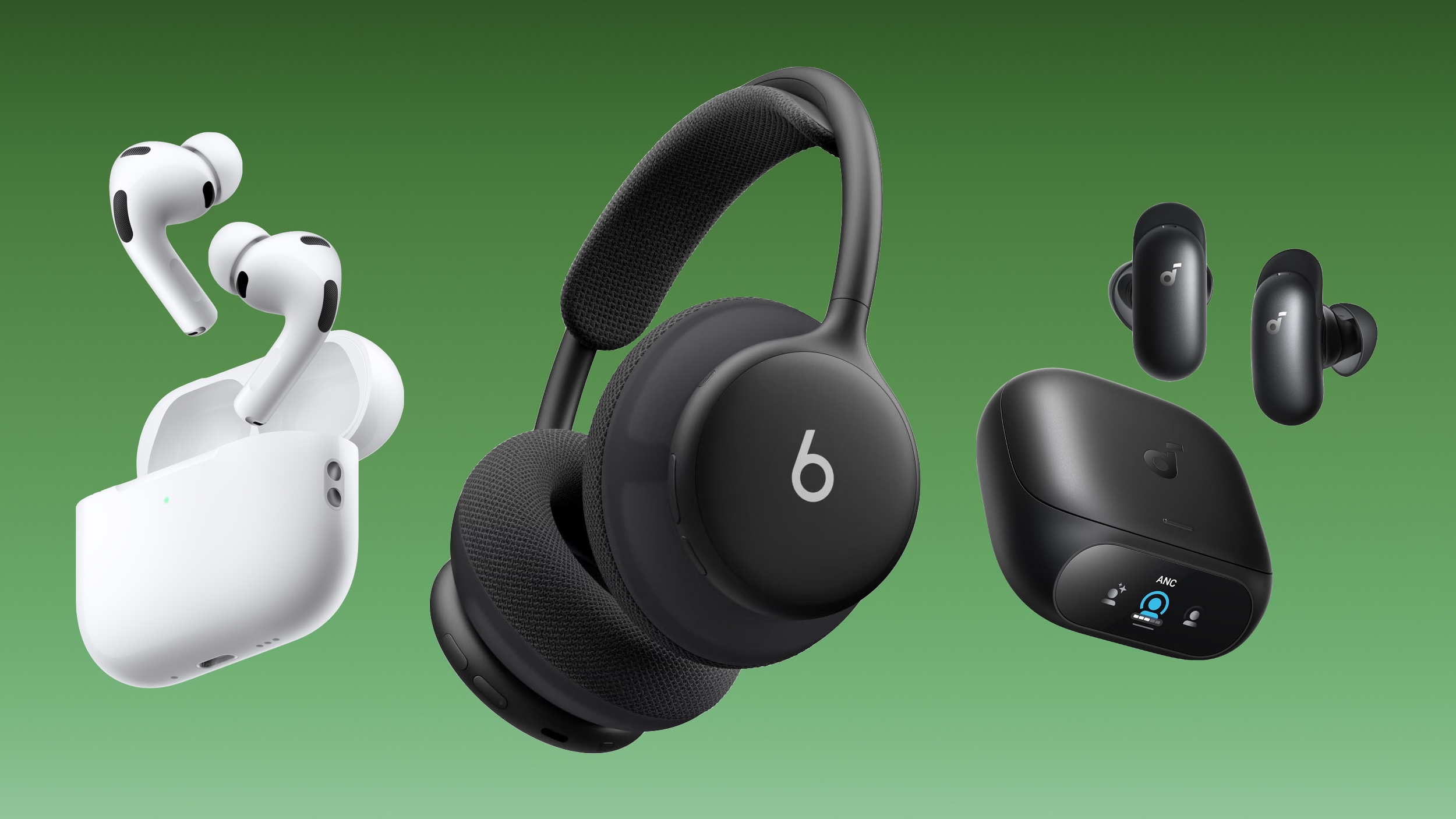
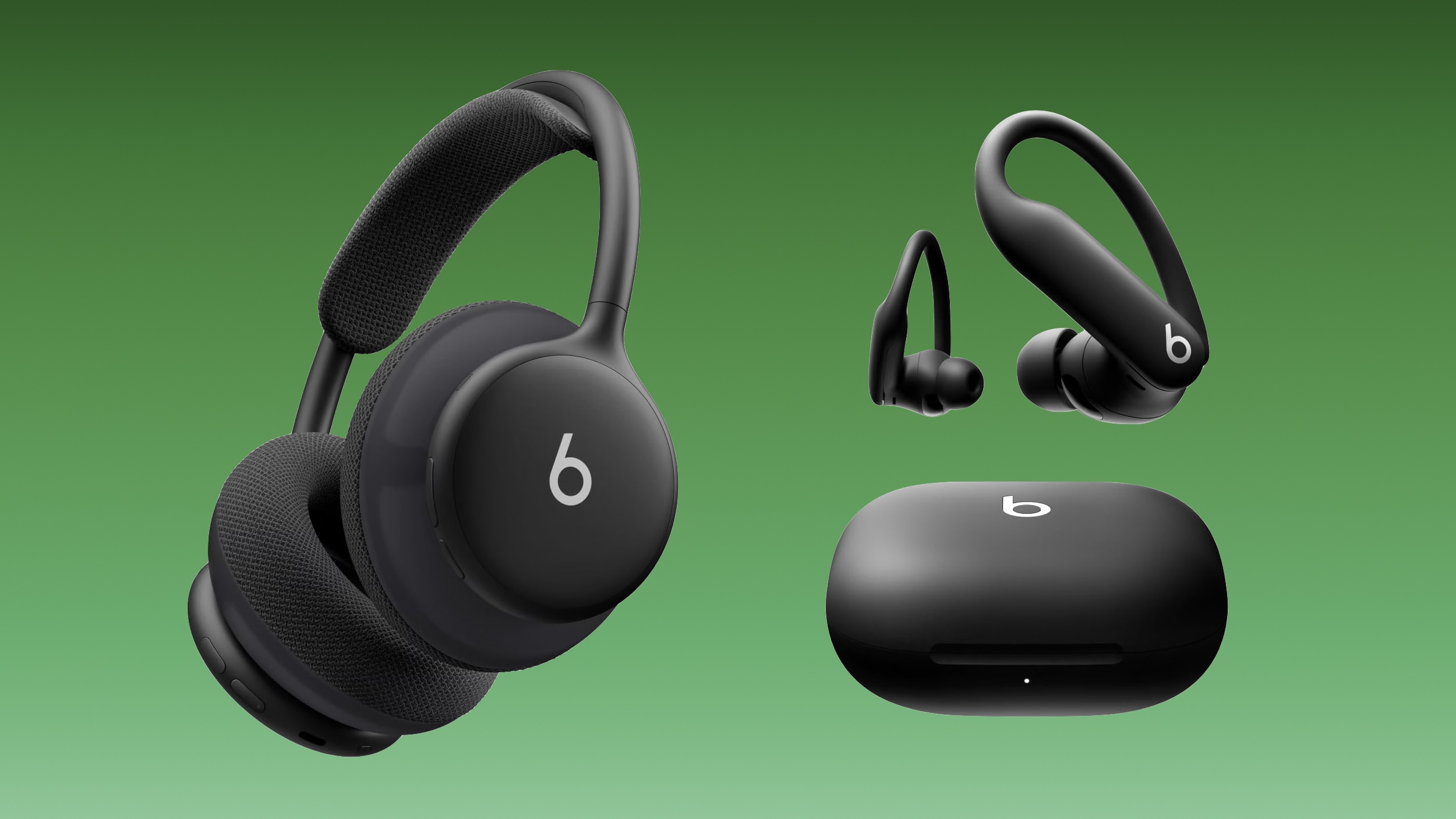
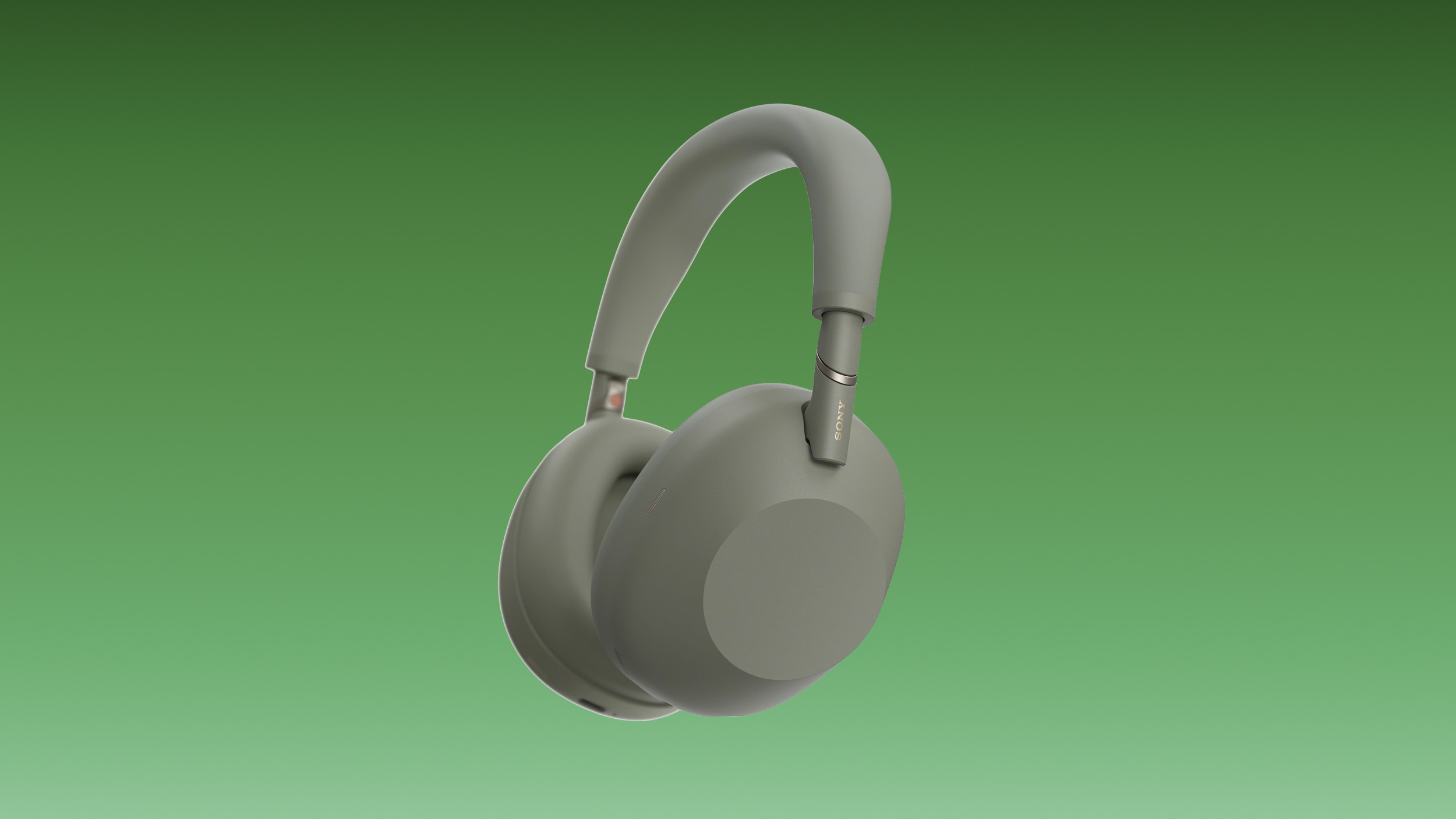
There are some big discounts hitting earbuds and headphones for Black Friday this year, with markdowns on audio devices from Apple, Beats, Sony, Anker, Bose, and more. We've compiled all of the best of these deals in the lists below, all of which are available on Amazon.

Note: MacRumors is an affiliate partner with some of these vendors. When you click a link and make a purchase, we may receive a small payment, which helps us keep the site running.
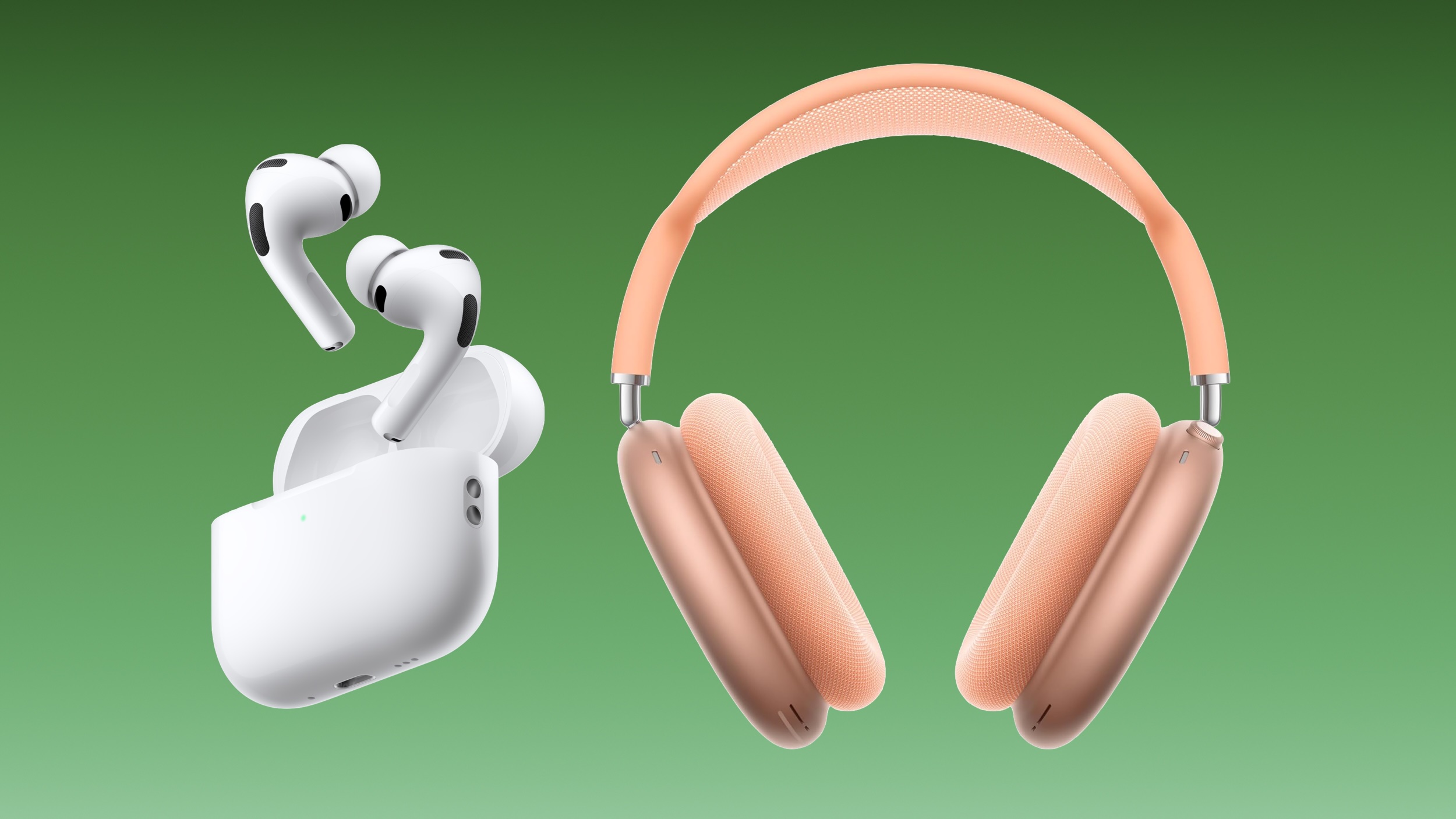
AirPods


Beats


Sony


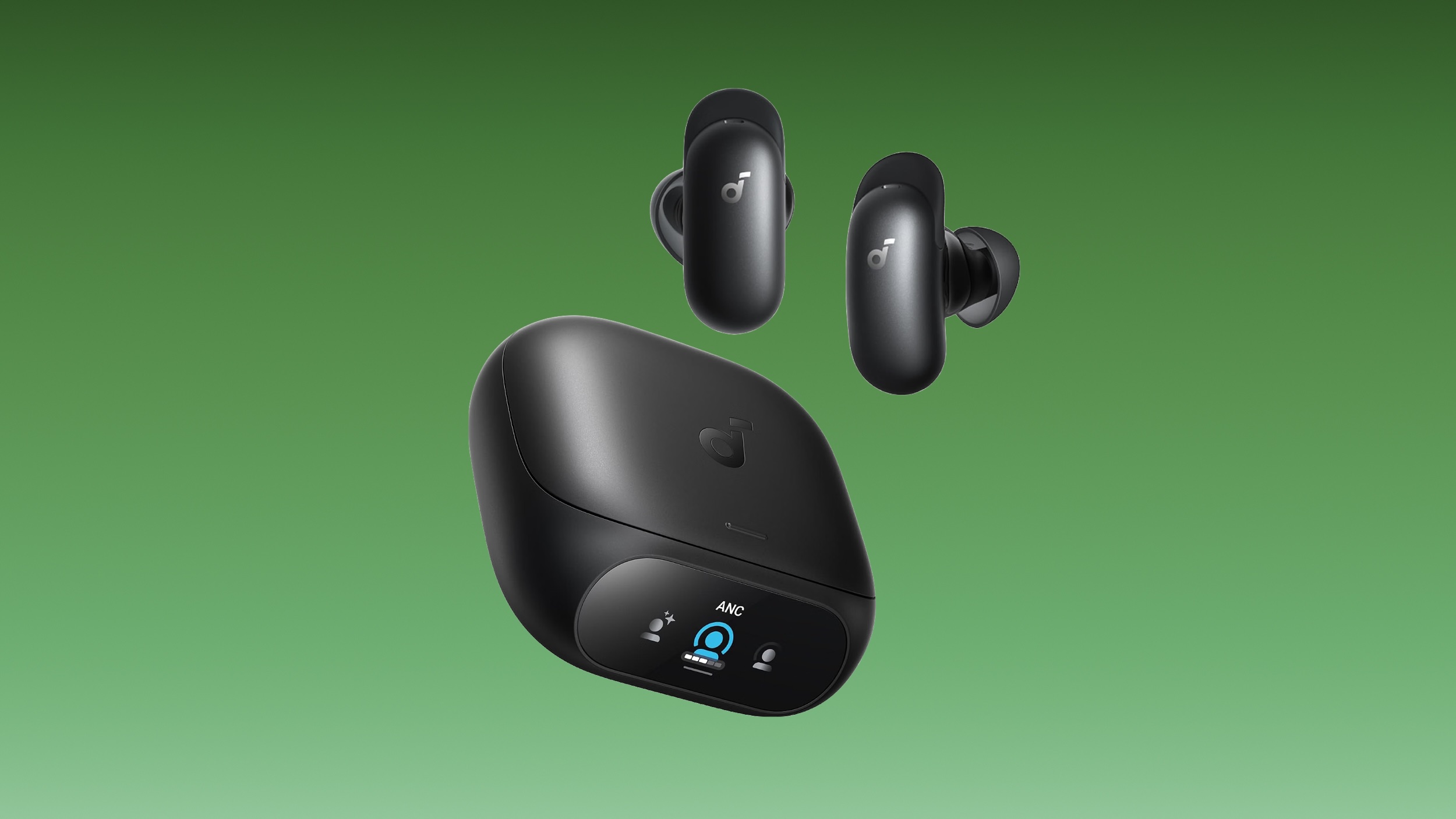
Soundcore by Anker


More Deals


If you're on the hunt for more discounts, be sure to visit our Apple Deals roundup where we recap the best Apple-related bargains of the past week.


Deals Newsletter


Interested in hearing more about the best deals you can find during the holidays? You can sign up for our Deals Newsletter and we'll keep you updated so you don't miss the biggest deals of the season!


Related Roundup: Apple Deals

This article, "Save on Headphones This Black Friday With Major Deals on Beats, Sony, Soundcore, and More" first appeared on MacRumors.com

Discuss this article in our forums

  •  

MacRumors Giveaway: Win a 512GB OLED iPad Mini and a Year of Astropad Workbench

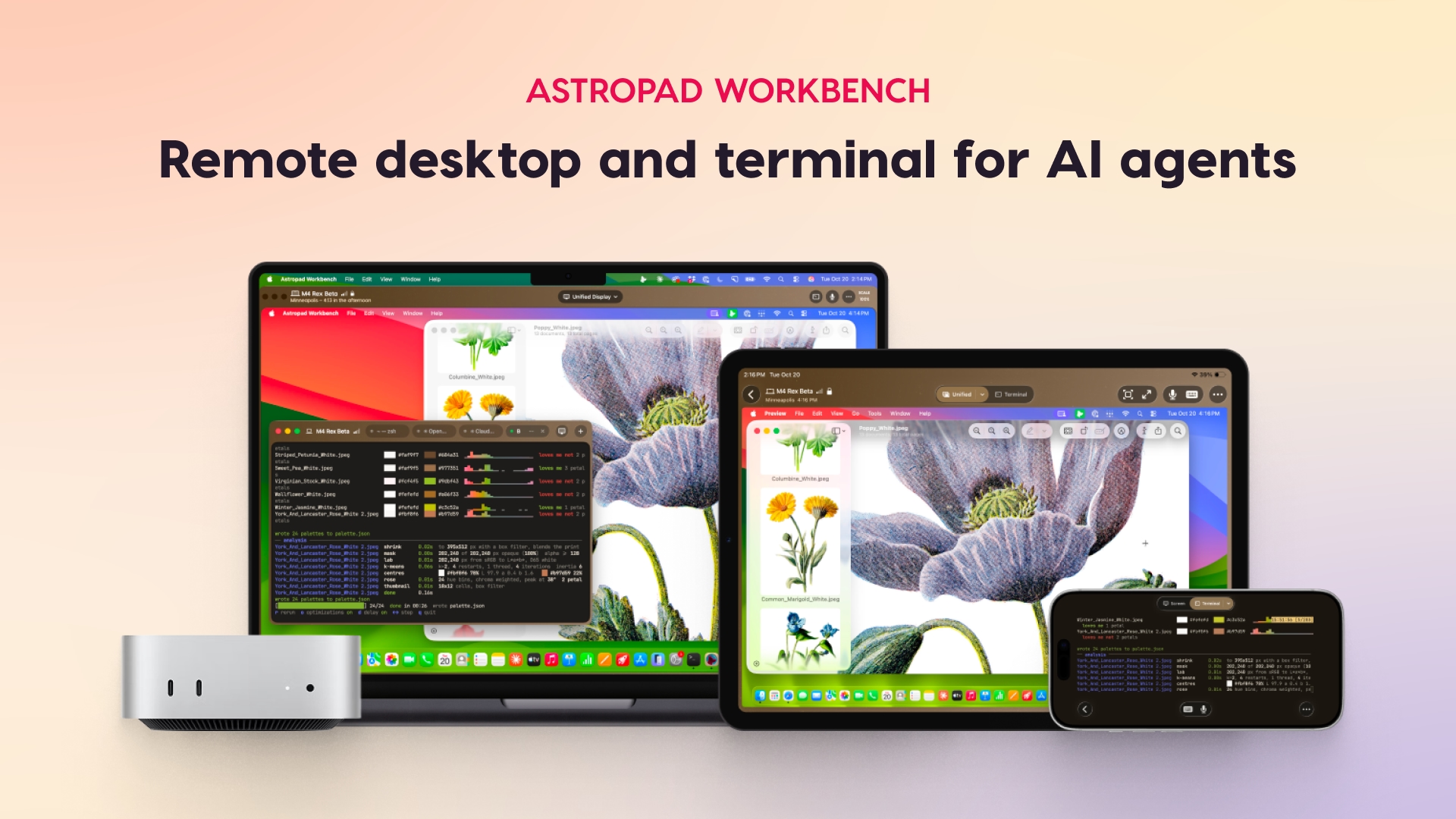
For this week's giveaway, we've teamed up with Astropad to offer MacRumors readers a chance to win a high-end 512GB OLED iPad mini with full A20 Pro chip and a free year of the Astropad Workbench software to go along with it.


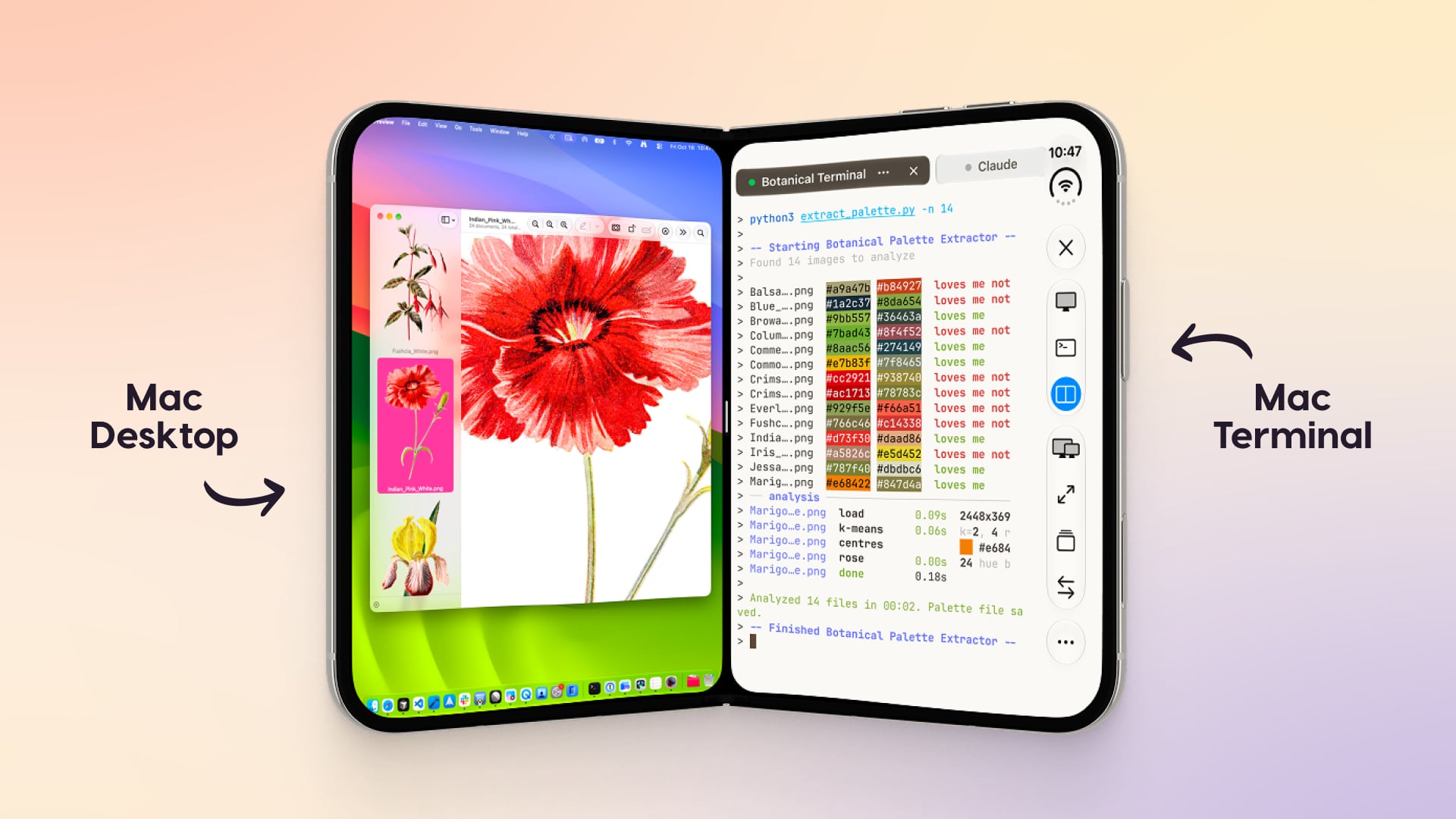
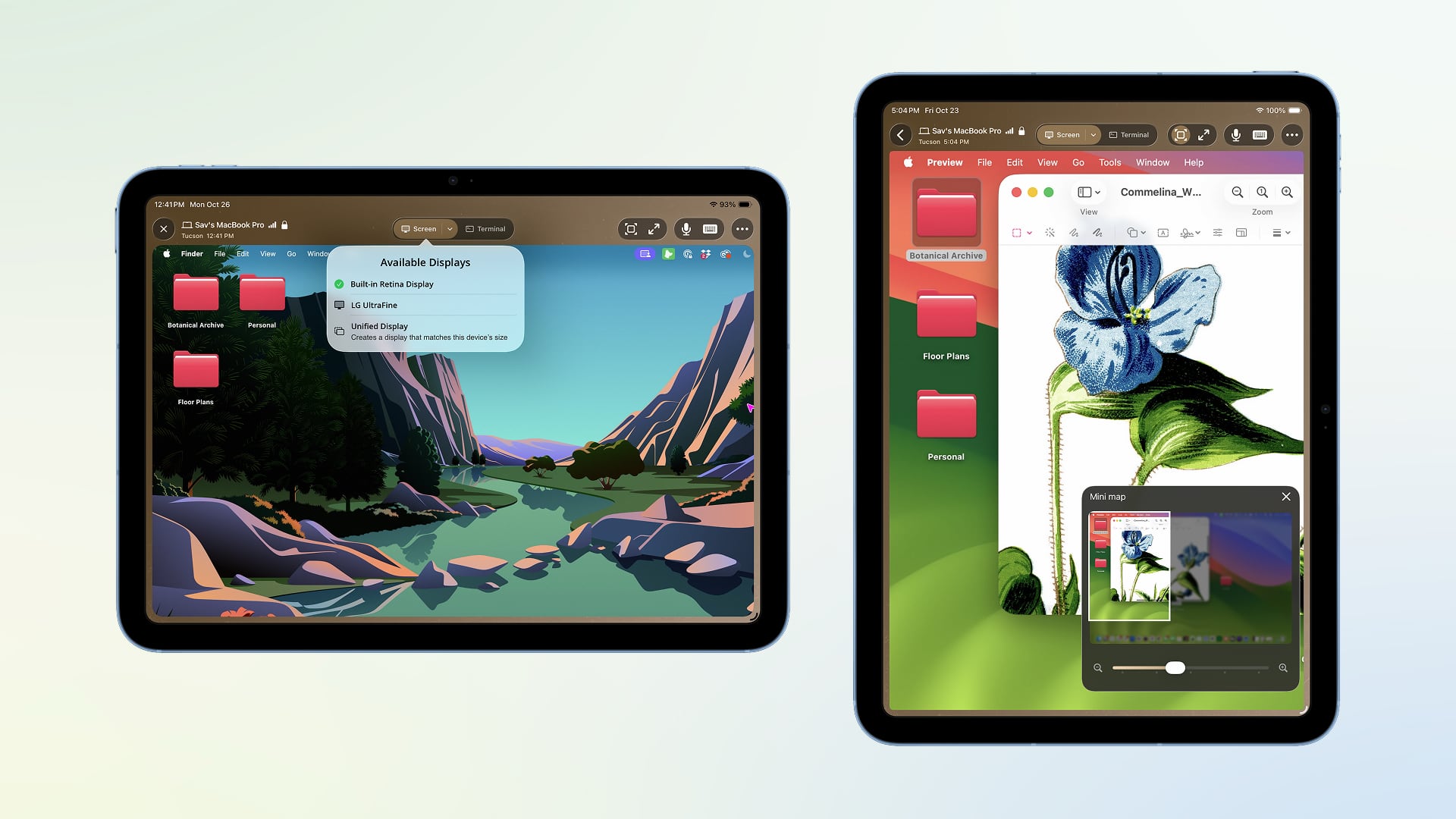
Astropad Workbench is a remote desktop app and terminal built for using AI agents. It lets you control and monitor AI agents remotely, so it is a good fit for people who have a local AI setup or a service that gives an AI agent access to a Mac. Workbench supports everything from local LLMs to Claude Code, Codex, Xcode, and Cursor. With Workbench 1.4, the latest update, you can switch from the Terminal to the full desktop from the toolbar without needing to reconnect.

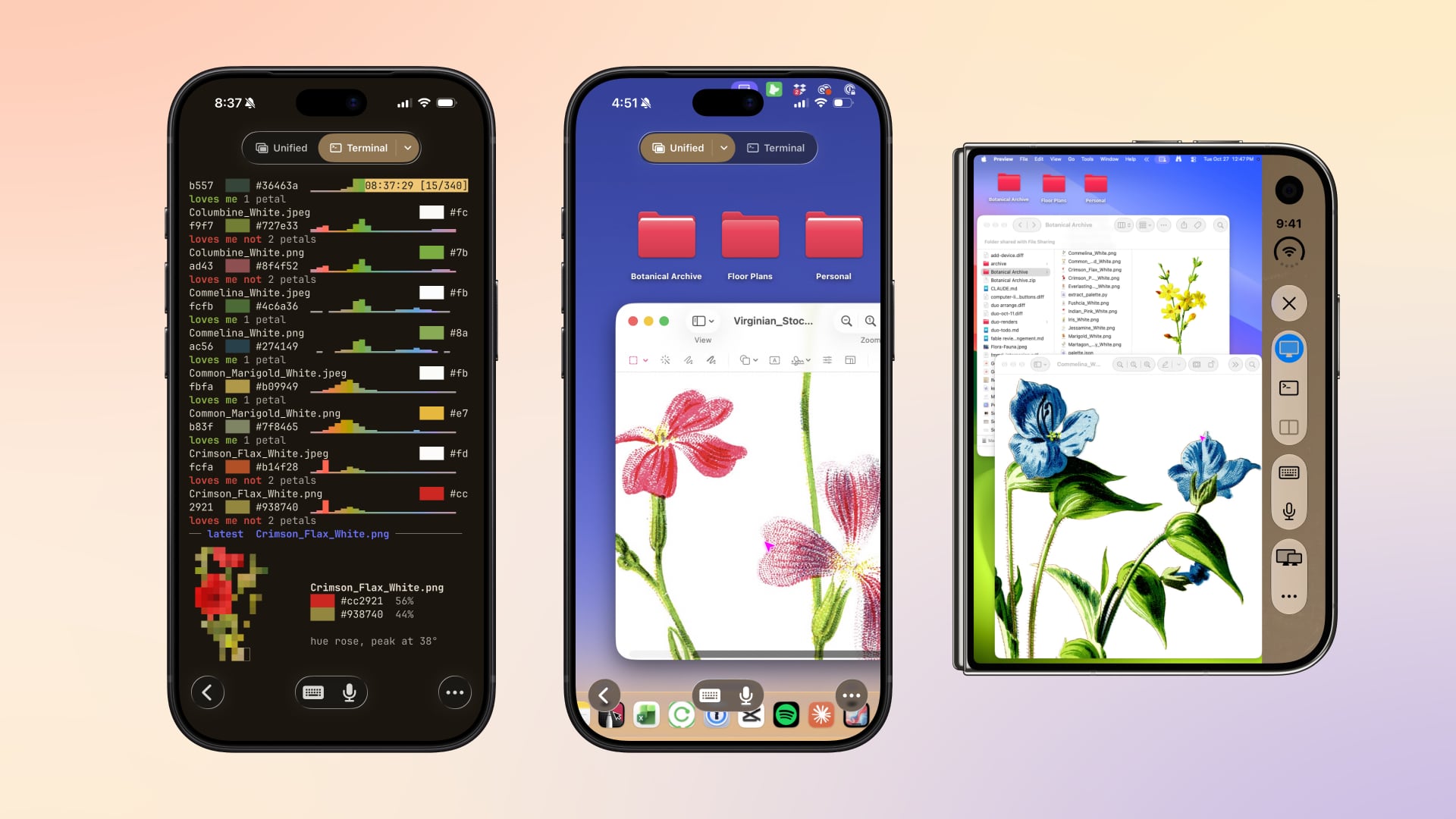
There are Astropad Workbench apps for Mac, iPad, and iPhone, so you can use your iPhone or ‌iPad‌ to interface with your Mac desktop and give commands to AI agents from wherever you are. Setup is simple, without the need for network configuration. Apps run natively on all supported devices, including the iPhone Duo.


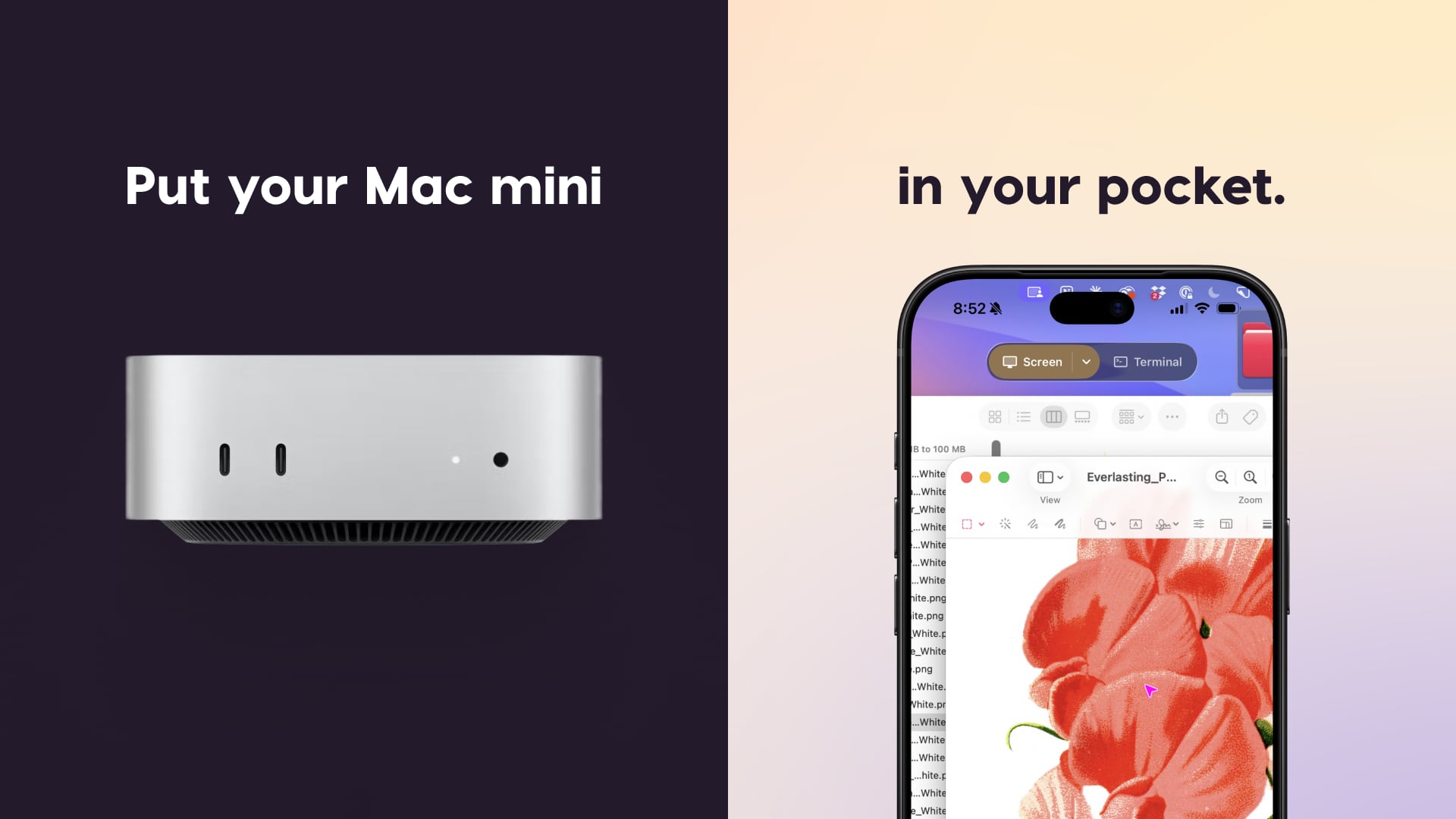
You can even set Workbench up on a headless Mac mini with no display attached and access content from your iPhone or ‌iPad‌. Workbench also combines multiple Mac displays into one screen that matches the resolution of a remote device.


It's easy to check logs and output to verify agent work, restart failed tasks, and reconnect to long-running jobs. Multiple Macs are supported and you can switch between several machines connected to a single Workbench account. Intelligent sleep management makes sure your Mac is awake when you need it. Terminal sessions continue running after you disconnect, so you can start a session on one device like an ‌iPad‌ and then check in on it later from another device.

The app supports high-fidelity streaming for accurate colors and crisp text, an interactive mini-map for quick navigation, low latency, speech-to-text input, drag-and-drop file transfers, and on the ‌iPad‌, Apple Pencil support. There are no display recordings saved, and end-to-end AES–256 encryption is included. You can also veil your Mac's screen while a remote session is in progress so no one can see what you're doing.


Workbench is free for 20 minutes of daily access, with paid plans available at $14.99 per month or $79.99 per year. The app requires macOS 15 or later, iOS 26 or later, and iPadOS 26 or later. It works best with an Apple silicon Mac, though there is limited support for Intel Macs.


We have a free year of Astropad Workbench and a 512GB ‌OLED‌ ‌iPad mini‌ with Wi-Fi for one lucky MacRumors reader. To enter to win, use the widget below and enter an email address. Email addresses will be used solely for contact purposes to reach the winner(s) and send the prize(s). You can earn additional entries by subscribing to our weekly newsletter, subscribing to our YouTube channel, following us on Twitter, following us on Instagram, following us on Threads, or visiting the MacRumors Facebook page.

Due to the complexities of international laws regarding giveaways, only U.S. residents who are 18 years or older, UK residents who are 18 years or older, and Canadian residents who have reached the age of majority in their province or territory are eligible to enter. All federal, state, provincial, and/or local taxes, fees, and surcharges are the sole responsibility of the prize winner. To offer feedback or get more information on the giveaway restrictions, please refer to our Site Feedback section, as that is where discussion of the rules will be redirected.


Astropad Giveaway
The contest will run from today (November 20) at 9:00 a.m. Pacific Time through 9:00 a.m. Pacific Time on November 27. The winner will be chosen randomly on or shortly after November 27 and will be contacted by email. The winner will have 48 hours to respond and provide a shipping address before a new winner is chosen.
Related Roundup: iPad mini
Tags: Giveaway, OLED
Buyer's Guide: iPad Mini (Buy Now)
Related Forum: iPad

This article, "MacRumors Giveaway: Win a 512GB OLED iPad Mini and a Year of Astropad Workbench" first appeared on MacRumors.com

Discuss this article in our forums

  •  

Anker's Black Friday Steals: The Lowest Prices Yet on MagSafe Favorites

Anker's big Black Friday sale has officially kicked off this week, with many discounts being matched (or beaten) at Amazon. Anker's SOLIX brand also has major savings on portable power stations, with up to 54 percent off select accessories.

Note: MacRumors is an affiliate partner with Anker. When you click a link and make a purchase, we may receive a small payment, which helps us keep the site running.
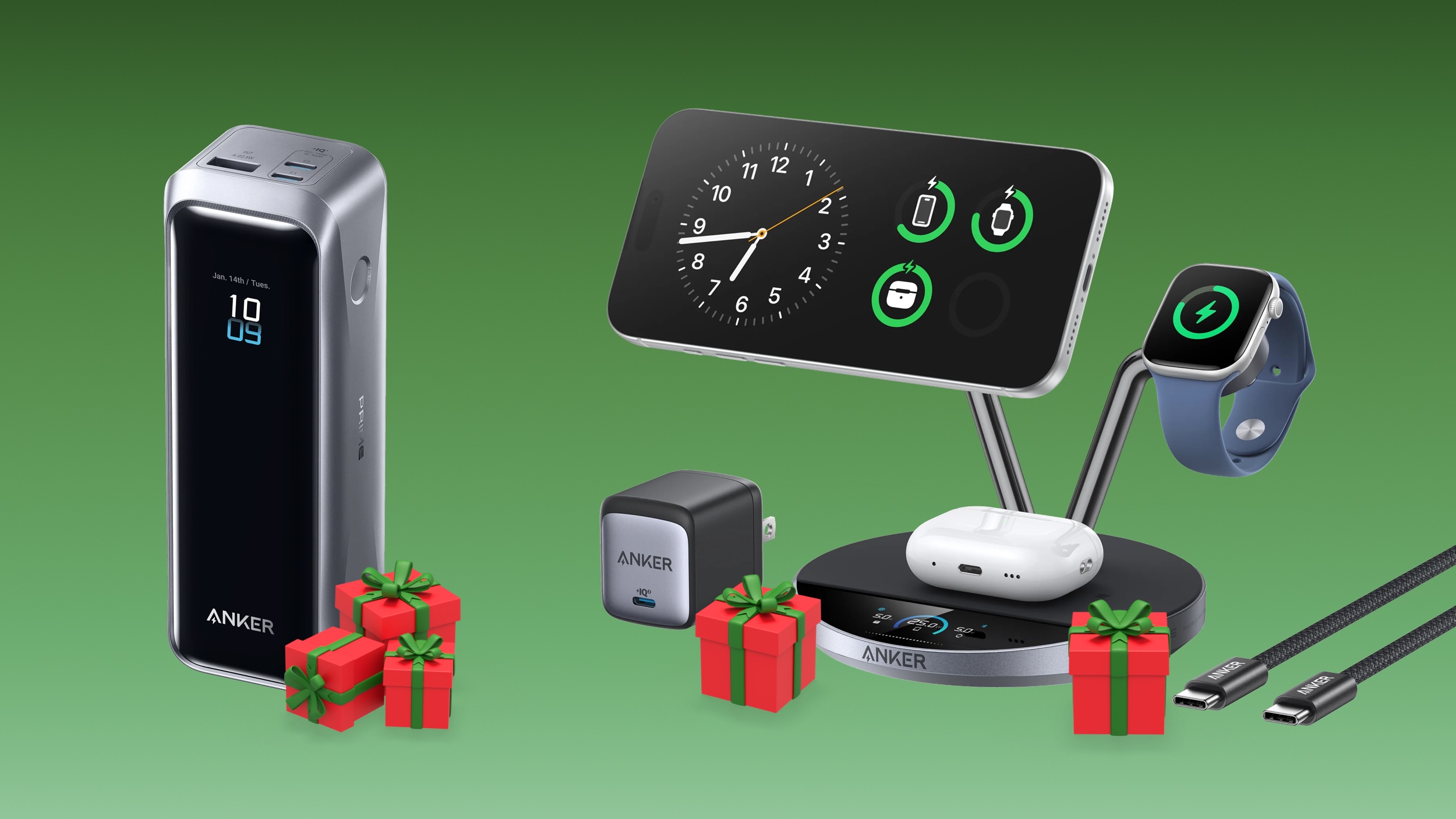
Amazon has one of the highlights of this event, with the new Anker Prime 3-in-1 Wireless Charging Station on sale for $128.24, down from $229.99. There's also the Anker Prime 3-in-1 Foldable Wireless Charger for $94.74, down from $149.99. Both of these are MagSafe-compatible chargers, and these prices are matching the previous Amazon all-time lows.


Amazon also has the new MagGo 2 Magnetic Power Banks on sale for $85.99, down from $109.99. These are color matched to go with the new iPhone 18 Pro models, and feature a 10,000 mAh battery.


On Anker's website, you can get up to 49% off Anker's best wall chargers, power banks, MagSafe-compatible accessories, cables, power strips, docks, and more. There's also Anker's popular blind boxes, which contain contain surprise accessories at a discount.

There are four blind boxes available, starting at $39.99 for the Silver Blind Box, which contains one of four randomly selected accessories that have potential value of up to $129.99. For every blind box, you are guaranteed to at least save some money, as each box is priced below the cheapest accessory that you could receive.

Anker on Amazon


SOLIX Portable Power Stations


Portable Batteries


Wireless Chargers


Wall Chargers and Hubs


If you're on the hunt for more discounts, be sure to visit our Apple Deals roundup where we recap the best Apple-related bargains of the past week.


Deals Newsletter


Interested in hearing more about the best deals you can find during the holidays? You can sign up for our Deals Newsletter and we'll keep you updated so you don't miss the biggest deals of the season!


Related Roundup: Apple Deals

This article, "Anker's Black Friday Steals: The Lowest Prices Yet on MagSafe Favorites" first appeared on MacRumors.com

Discuss this article in our forums

  •  

The MacRumors Show: What's Next for iPhone Duo?

On this week's episode of The MacRumors Show, we discuss the iPhone Duo's new Face Unlock feature and all of the latest rumors about Apple's next-generation foldable iPhone.

Subscribe to The MacRumors Show YouTube channel for more videos

Apple this week added "Unlock with Front Camera" to the existing ‌iPhone Duo‌ in iOS 27.3 beta 2. The optional feature allows users to unlock the phone with facial recognition when it is closed, providing an alternative to the side-mounted Touch ID sensor. It does not offer Face ID's depth-sensing authentication, and ‌Touch ID‌ remains necessary for Apple Pay and accessing saved passwords.

The addition makes unlocking more convenient when fingerprint recognition is impractical, such as with wet hands, but introduces a distinction between unlocking the phone and authenticating sensitive actions. The same beta adds "Close to Lock," allowing users to lock the device when folding it shut instead of transferring their app to the outer display.


‌Face ID‌ remains one of the biggest questions surrounding the next ‌iPhone Duo‌. Bloomberg's Mark Gurman says Apple has developed second-generation prototypes with ‌Face ID‌ beneath the outer display, but subsequently warned that the company is running out of time to finalize the feature. It could instead arrive with the third generation.

Meanwhile, the leaker known as "Digital Chat Station" claims current engineering units retain Touch ID, a 7.6-inch inner display, and a 5.4-inch outer display. ‌Face ID‌ limited to the outside would also leave a practical question about authentication when the phone is unfolded, potentially giving Apple a reason to retain fingerprint recognition alongside facial authentication.

The second-generation ‌iPhone Duo‌ is expected to launch in the fall of 2027. Its development reportedly received formal approval earlier this year, and Apple was already said to be testing it with iOS 28 in June.

Apple's longer-term goals reportedly include a thinner and lighter design, a dedicated telephoto camera, and Action button functionality. Gurman previously predicted that smaller components and computational processing could enable ‌Face ID‌ and a telephoto camera by the third generation.

Gurman says a third-generation model could arrive as early as 2028 with slightly larger inner and outer displays. He separately discussed a potential inner screen of around 7.9 to 8.1 inches for a future model, rather than a separate larger "Max" version. A bigger chassis could provide more room for additional hardware, but would also raise questions about added weight.

The leaker known as "Fixed Focus Digital" has linked improvements in the touchscreen MacBook Pro's hinge to work on the second- and third-generation ‌iPhone Duo‌. Reliability remains part of the discussion following reports of cracked displays on the current model.

For the controls, Apple could restore the missing Action button's functionality without adding another physical button. According to the leaker known as "Instant Digital," iPhones launching from the second half of 2027 could combine the controls, using a single press to open the camera and a long press for a customizable action.

The MacRumors Show has its own YouTube channel, so make sure you're subscribed to keep up with new episodes and clips.

You can also listen to ‌The MacRumors Show‌ on Apple Podcasts, Spotify, Overcast, or other podcast apps. You can also copy our RSS feed directly into your player.


If you haven't already listened to the previous episode of The MacRumors Show, catch up to hear our discussion about Apple's new HomeView and Apple TV 4K, including their hardware, everyday usefulness, and experiences with Siri AI.

Subscribe to ‌The MacRumors Show‌ for new episodes every week, where we discuss some of the topical news breaking here on MacRumors, often joined by familiar guests such as Tyler Stalman, Michael Fisher, Kayci Lacob, Kevin Nether, John Gruber, Mark Gurman, Jon Prosser, Luke Miani, Matthew Cassinelli, Brian Tong, Quinn Nelson, Jared Nelson, Eli Hodapp, Mike Bell, Sara Dietschy, iJustine, Jon Rettinger, Andru Edwards, Arnold Kim, Ben Sullins, Marcus Kane, Christopher Lawley, Frank McShan, David Lewis, Sam Kohl, Federico Viticci, Thomas Frank, Jonathan Morrison, Ross Young, Ian Zelbo, and Rene Ritchie.

‌The MacRumors Show‌ is on X @MacRumorsShow, so be sure to give us a follow to keep up with the podcast. You can also email us at podcast@macrumors.com or head over to The MacRumors Show forum thread. Remember to rate and review the podcast, and let us know what subjects and guests you would like to see in the future.
Related Roundup: iPhone Duo
Buyer's Guide: iPhone Duo (Buy Now)
Related Forum: iPhone

This article, "The MacRumors Show: What's Next for iPhone Duo?" first appeared on MacRumors.com

Discuss this article in our forums

  •  
❌