❌

Lese-Ansicht

10 Free iPhone Duo Apps Worth Downloading

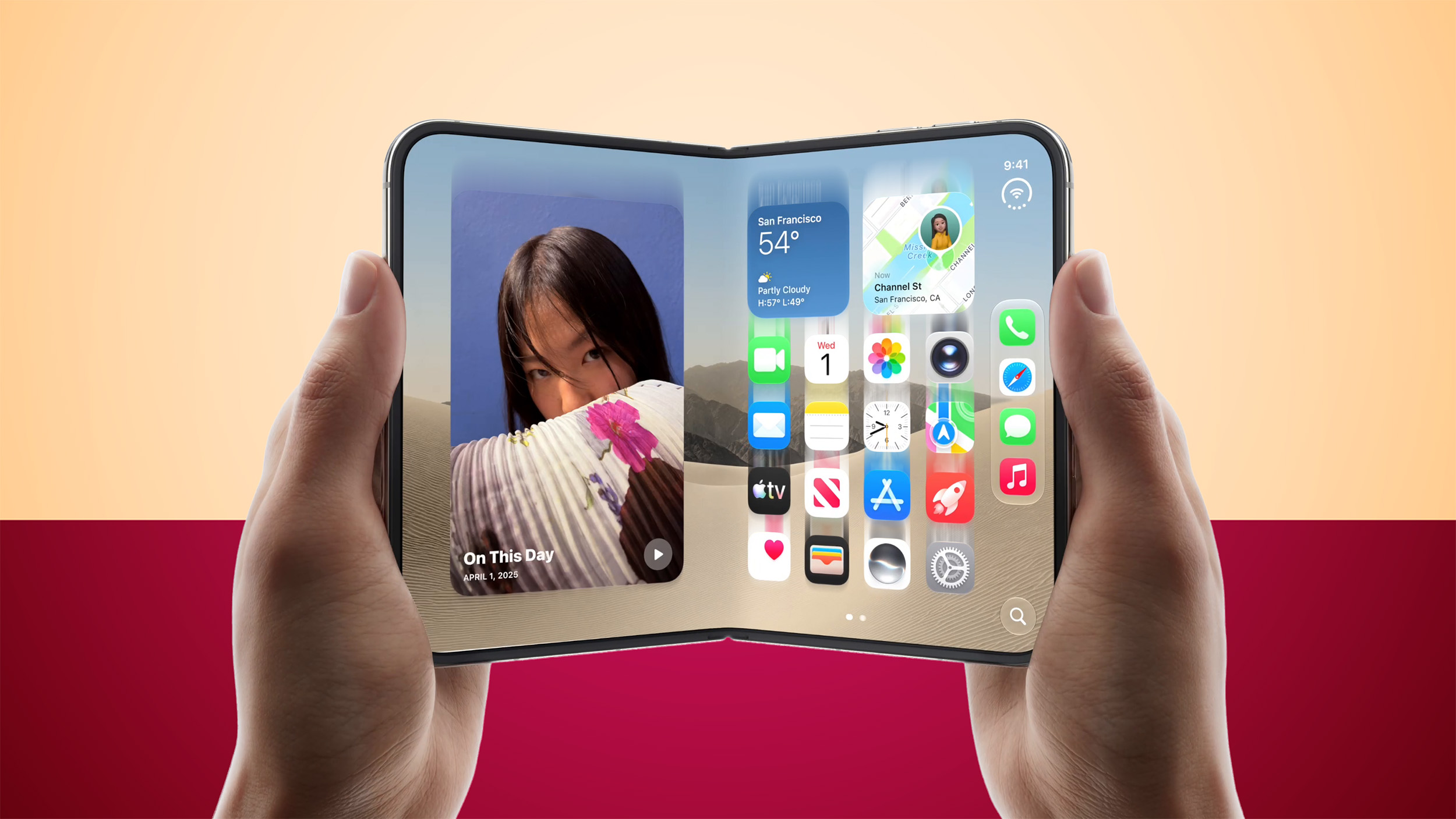
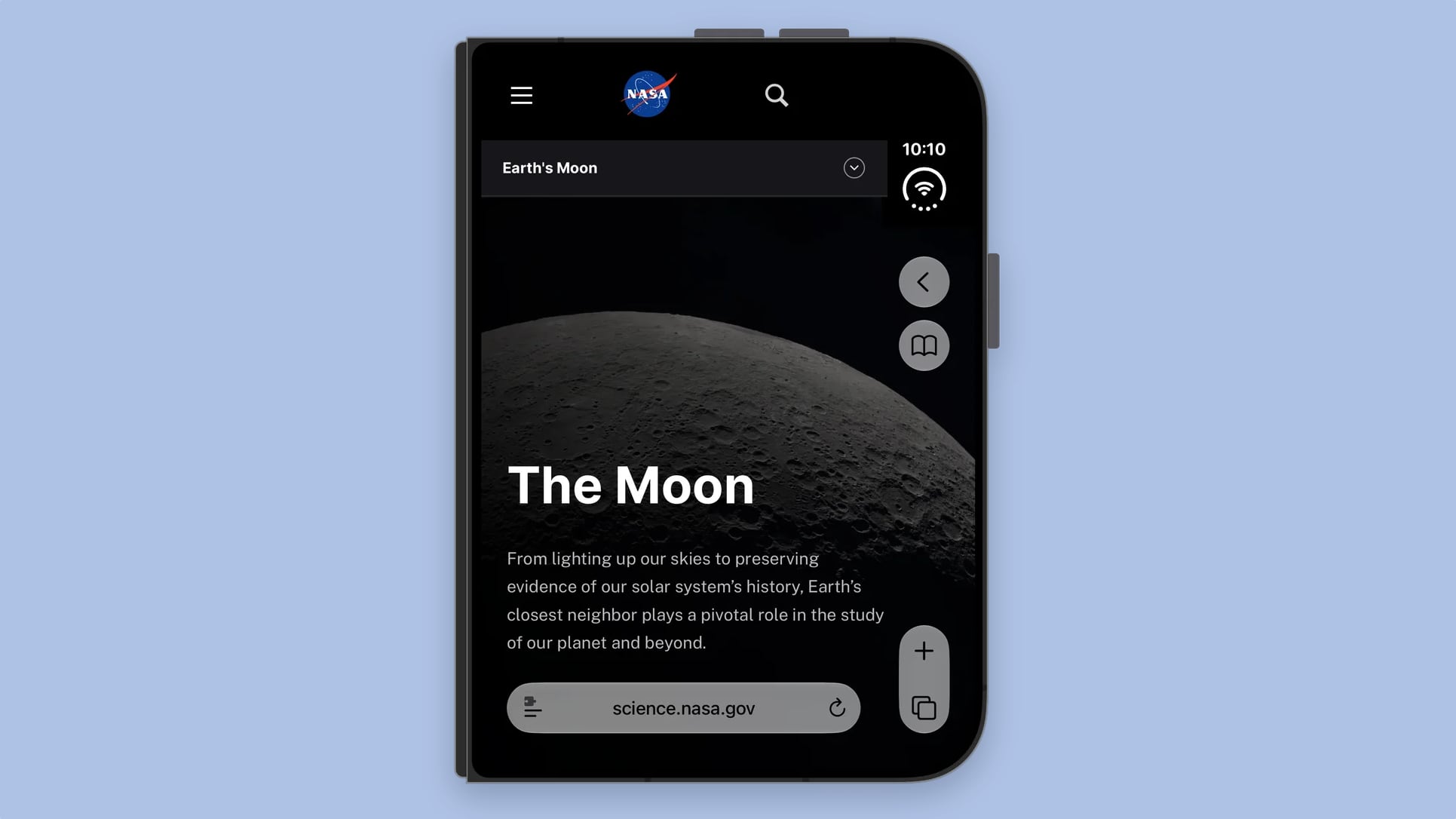
We've done two rounds of iPhone Duo app picks so far, and now we're back with an overview of some of the best Duo apps you can get for free. MacRumors videographer Dan Barbera demos his suggestions for apps worth checking out.


Dan's list includes Delta Game Emulator, Bear, Fantastical, MD Vinyl, and several more. The apps are free or have a free component, though some do offer paid upgrades.

We have a list of fun iPhone Duo apps and a second list featuring even more titles. Have an ‌iPhone Duo‌ app you think we should check out? Let us know in the comments below.
Related Roundup: iPhone Duo
Buyer's Guide: iPhone Duo (Buy Now)
Related Forum: iPhone

This article, "10 Free iPhone Duo Apps Worth Downloading" first appeared on MacRumors.com

Discuss this article in our forums

  •  

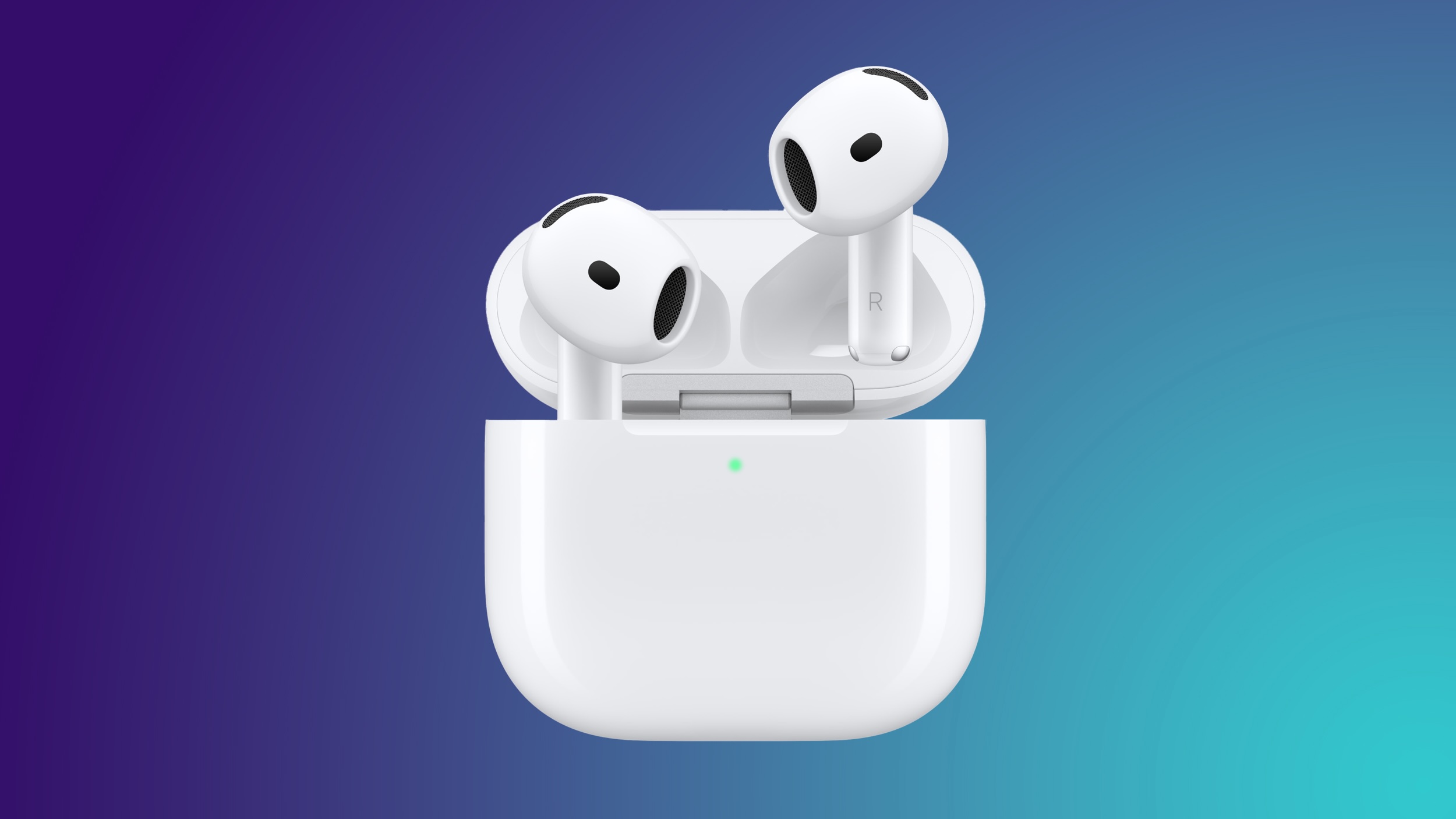
Apple Releases New AirPods Firmware

Apple today released new firmware for the AirPods Pro 2, AirPods Pro 3, AirPods 4, AirPods 5, and AirPods Max 2. The firmware has a build number of 9B47, up from 9A348/9A350.


Apple has been beta testing the new firmware for the last several weeks. In a support document, Apple merely mentioned the new firmware contains "bug fixes and other improvements."

Firmware updates can be downloaded by connecting the AirPods to an Apple device and connecting them to power. It can take a few hours for new firmware to be installed because there is no software update option like there is for other Apple devices.
Related Forum: AirPods

This article, "Apple Releases New AirPods Firmware" first appeared on MacRumors.com

Discuss this article in our forums

  •  

Apple Announces Swift Student Challenge Ahead of WWDC 2027

Apple today announced the Swift Student Challenge for 2027, with submissions set to be accepted from February 8 to February 28, 2027.


The Swift Student Challenge is an annual contest that gives young developers worldwide a chance to show off their creativity and app development skills by creating an app. Apple says students should submit an app built in Xcode or Swift Playground that can be experienced within three minutes.

Students can submit an app for any platform this year, which is new. In prior years, apps were designed for iOS devices.

Ahead of the contest, Apple is offering students tutorials and Meet with Apple online sessions to learn new coding intelligence features and get inspiration for their projects. There are also Develop in Swift tutorials covering Swift UI, AI and machine learning, and spatial computing.

Apple will select winners who "demonstrate excellence in innovation, creativity, social impact, or inclusivity." A group of Distinguished Winners will be invited to Apple Park in Cupertino, California to attend Apple's WWDC 2027 event. Rules and eligibility details can be found on the Swift Student Challenge website.

Apple hasn't announced dates for WWDC 2027, but the event is typically held in June. In 2027, Apple will announce iOS 28, iPadOS 28, macOS 28, and other '28 software updates.
This article, "Apple Announces Swift Student Challenge Ahead of WWDC 2027" first appeared on MacRumors.com

Discuss this article in our forums

  •  

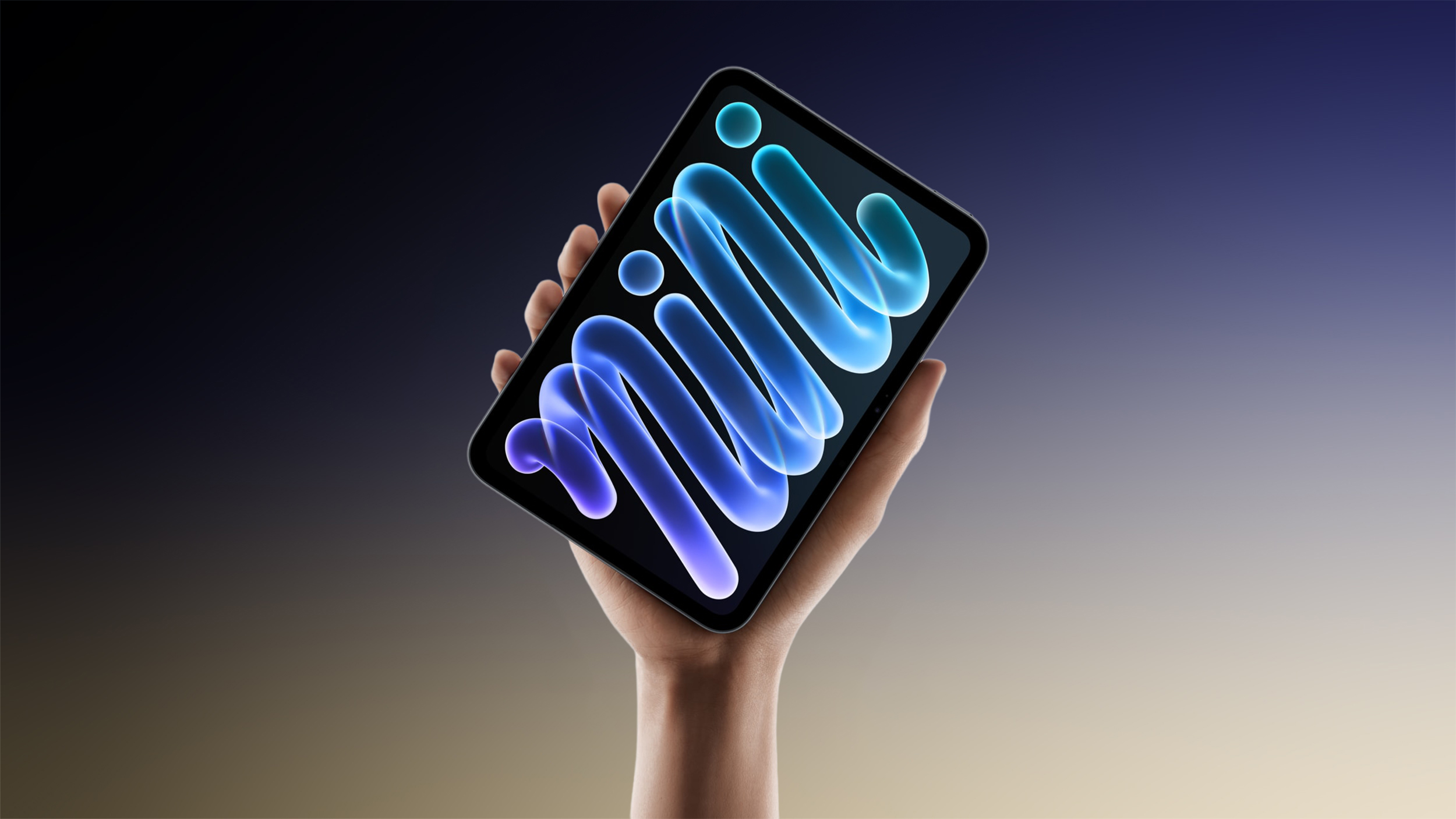
iPad Mini 2021 vs. 2026 Buyer's Guide: Is It Worth Upgrading?

Apple's eighth-generation iPad mini went on sale earlier this month with a larger OLED display, a thinner and lighter design, the A20 Pro chip, and water and dust resistance. If you still use the sixth-generation ‌iPad mini‌ from 2021, the upgrade also brings changes that debuted on the 2024 model, including Apple Intelligence, Apple Pencil Pro support, and twice the USB-C transfer speed.


The new ‌iPad mini‌ starts at $699 for 128GB with Wi-Fi or $849 with cellular in the United States. The discontinued 2021 model started at $499 and $649, respectively, with 64GB of storage. Both support iPadOS 27.2, have Touch ID in the top button, and are rated for up to 10 hours of web browsing over Wi-Fi or watching video. Both displays also run at 60Hz.

Display, Design, and Accessories


‌iPad mini‌ (sixth generation, 2021) ‌iPad mini‌ (eighth generation, 2026)
8.3-inch display 8.5-inch display
Liquid Retina display with LED backlighting and IPS technology Super Retina XDR ‌OLED‌ display with 2,000,000:1 contrast ratio
2266-by-1488 resolution at 326 ppi 2316-by-1512 resolution at 326 ppi
Wider display borders 24% thinner display borders
500 nits maximum brightness 600 nits maximum SDR and full-screen HDR brightness, with up to 1,200 nits peak HDR brightness and 1-nit minimum brightness
Standard antireflective glass Standard antireflective glass or optional nano-texture glass on 256GB and 512GB models for $100, with a polishing cloth included
IP67 water and dust resistance, rated for a maximum depth of 1 meter for up to 30 minutes
Available in Space Gray, Starlight, Pink, and Purple Available in Midnight and Starlight
Supports ‌Apple Pencil‌ (second generation) and ‌Apple Pencil‌ (USB-C) Supports ‌Apple Pencil‌ Pro and ‌Apple Pencil‌ (USB-C)
‌Apple Pencil‌ hover and ‌Apple Pencil‌ Pro features including squeeze, barrel roll, haptic feedback, and Find My
Polyurethane Smart Folio, also compatible with the 2024 ‌iPad mini‌ Two-panel TechWoven Smart Folio with adjustable viewing angles, available separately in Navy Blue and Taupe for $79
94% fiber-based packaging 100% fiber-based packaging and 35% recycled content overall


Dimensions and Weight


‌iPad mini‌ (2021) ‌iPad mini‌ (2026)
Height 7.69 inches (195.4 mm) 7.69 inches (195.3 mm)
Width 5.3 inches (134.8 mm) 5.22 inches (132.6 mm)
Thickness 0.25 inch (6.3 mm) 0.21 inch (5.4 mm)
Weight (Wi-Fi) 0.65 pound (293 grams) 0.56 pound (255 grams)
Weight (Wi-Fi + Cellular) 0.66 pound (297 grams) 0.58 pound (263 grams)


The 2026 model is about 14% thinner and 13% lighter in its Wi-Fi configuration. The cellular model is about 11% lighter.

A15 Bionic vs. A20 Pro


‌iPad mini‌ (2021) ‌iPad mini‌ (2026)
Chip A15 Bionic A20 Pro
Manufacturing process 5-nanometer (TSMC N5P) 2-nanometer (TSMC N2)
CPU 6 cores (2 performance cores and 4 efficiency cores) 128GB and 256GB: 5 cores (2 super cores and 3 efficiency cores)
512GB: 6 cores (2 super cores and 4 efficiency cores)
GPU 5 cores 7 cores
Graphics features Dynamic Caching, hardware-accelerated mesh shading, and hardware-accelerated ray tracing
Neural Accelerators Dedicated Neural Accelerators in each GPU core
Neural Engine 16 cores 128GB and 256GB: 16 cores
512GB: Dual 16-core Neural Engine (32 cores total)
Memory 4GB 12GB
‌Apple Intelligence‌ ‌Apple Intelligence‌ and Siri AI, with support for Apple's larger on-device model for more expressive ‌Siri‌ voices and improved dictation
Storage 64GB or 256GB 128GB, 256GB, or 512GB


Apple claims up to 2.2 times the CPU performance and up to four times the GPU performance of the 2021 ‌iPad mini‌ in its tests. Against the 2024 A17 Pro model, Apple says it delivers more than twice the unified memory bandwidth and up to 4.5 times the speed in large language model token generation.

Cameras and Audio


‌iPad mini‌ (2021) ‌iPad mini‌ (2026)
Front camera on the portrait edge Front camera on the landscape edge
12MP front camera with Center Stage and an ƒ/2.4 aperture 12MP front camera with Center Stage and an ƒ/2.0 aperture
Smart HDR 3 on the front and rear cameras Smart HDR 4 on the front and rear cameras
Retina Flash for the front camera Retina Flash with True Tone for the front camera
Quad-LED True Tone rear flash Adaptive True Tone rear flash
Automatic document detection and scanning in the Camera app, with adaptive flash to reduce shadows
Landscape stereo speakers with external speaker holes Acoustic Display stereo audio with display-coupled woofers and concealed tweeters, without external speaker holes
Dual microphones Updated dual microphones for clearer calls and recordings
HEVC, H.264, and ProRes playback, with Dolby Vision and HDR10 support Apple also lists AV1 playback and HDR10+ and HLG support


Connectivity, Charging, and Price


‌iPad mini‌ (2021) ‌iPad mini‌ (2026)
Third-party wireless networking chip Apple N1 wireless networking chip
Wi-Fi 6 Wi-Fi 7
Bluetooth 5.0 Bluetooth 6
Thread
Third-party 5G modem (cellular models) Apple C2 5G modem (cellular models)
U.S. cellular model A2568 supports LTE band 46 U.S. cellular model A3596 adds 5G bands n14, n26, n70, and n75 and LTE band 106, and drops LTE band 46
UMTS/HSPA/HSPA+/DC-HSDPA support UMTS/HSPA/HSPA+ support
Nano-SIM or eSIM (cellular models) eSIM only (cellular models)
USB-C with USB 3 speeds up to 5Gb/s USB-C with USB 3 speeds up to 10Gb/s
External display output up to 4K at 30Hz External display output up to 4K at 60Hz
Extended external display mode with iPadOS 27.2
19.3Wh battery 18.9Wh battery
Fast charging up to 50% in around 30 minutes with a 35W or higher USB-C power adapter, sold separately
Now discontinued Starts at $699 (Wi-Fi) or $849 (Wi-Fi + Cellular)


Both the 2021 and 2026 models are rated for up to nine hours of web browsing over cellular. Apple claims up to 50% faster cellular data speeds with the C2 modem compared with the 2024 ‌iPad mini‌.

Should You Upgrade?


If your 2021 model still feels responsive and lasts long enough for reading, browsing, and taking notes, keeping it makes sense for now, and if battery life is your only complaint, a battery service may be enough.

However, for many 2021 ‌iPad mini‌ owners, the 2026 model is a worthwhile upgrade. If you've had yours since launch, its battery has had five years to wear down, and 64GB can feel cramped if you keep games or downloaded video on it. The new model gives you a fresh battery and twice the storage if you're coming from the 64GB version. Apple still rates both models for up to 10 hours when new, but the 2026 model can charge to 50% in around 30 minutes with a 35W or higher adapter.

The ‌OLED‌ display and lighter design are the changes you're most likely to notice every day. The screen can get dimmer for reading in bed and brighter for HDR video, and the lower weight makes the ‌iPad mini‌ easier to hold one-handed for long stretches. Both displays run at 60Hz, with no ProMotion. The A20 Pro and extra memory matter more if you play demanding games, edit photos or video, or often find that apps reload when you switch back to them.

Some of the smaller changes matter more depending on where you use your ‌iPad mini‌. IP67 water and dust resistance is useful if you take it outdoors, read by the pool, or use it in the kitchen. The landscape front camera is better positioned for calls when the iPad is propped up horizontally, and extended display support lets you use a monitor as a separate workspace.

Which Model Should You Buy?


The discontinued 2024 iPad mini is a good middle ground if your 2021 model is showing its age and you're happy with its display. It gives you more base storage, ‌Apple Intelligence‌, faster USB-C transfers, and ‌Apple Pencil‌ Pro support, and you can reuse your existing Smart Folio. Apple lists the 128GB Wi-Fi model for $509 through its Certified Refurbished store when available, with a new battery and a one-year warranty. Remaining new stock from third-party retailers is also worth considering at a low enough price.

If prices are close at the same storage capacity, buy the 2026 model. At $699, it makes the most sense if you specifically want the ‌OLED‌ display, lighter body, or water resistance. If you use a Smart Folio, factor in $79 for the redesigned version. The USB-C ‌Apple Pencil‌ works with either newer model, while the second-generation ‌Apple Pencil‌ needs replacing. Both newer cellular models use eSIM, so check with your carrier if you currently use a physical SIM.

A used 2021 ‌iPad mini‌ is still a reasonable buy at around $300 or lower if you want a second device for reading, notes, or streaming and 64GB is enough. Battery condition matters more than cosmetic wear; if the price of a 256GB unit or the cost of a battery service brings it close to a refurbished 2024 model, the newer device is still the better buy.

If you're buying the 2026 model, 128GB at $699 is enough for most buyers. If you're already close to filling 128GB on your current ‌iPad‌, the $799 256GB model gives you room to grow. Nano-texture glass brings that configuration to $899 and is worth considering if you regularly contend with glare. The $999 512GB model makes the most sense if you need the extra space for games, media, or projects. It also gets an additional CPU core and a second Neural Engine, which are worth weighing if you use apps that can take advantage of them.
Related Roundup: iPad mini
Buyer's Guide: iPad Mini (Buy Now)
Related Forum: iPad

This article, "iPad Mini 2021 vs. 2026 Buyer's Guide: Is It Worth Upgrading?" first appeared on MacRumors.com

Discuss this article in our forums

  •  

New Apple TV Sign Language Feature Announced

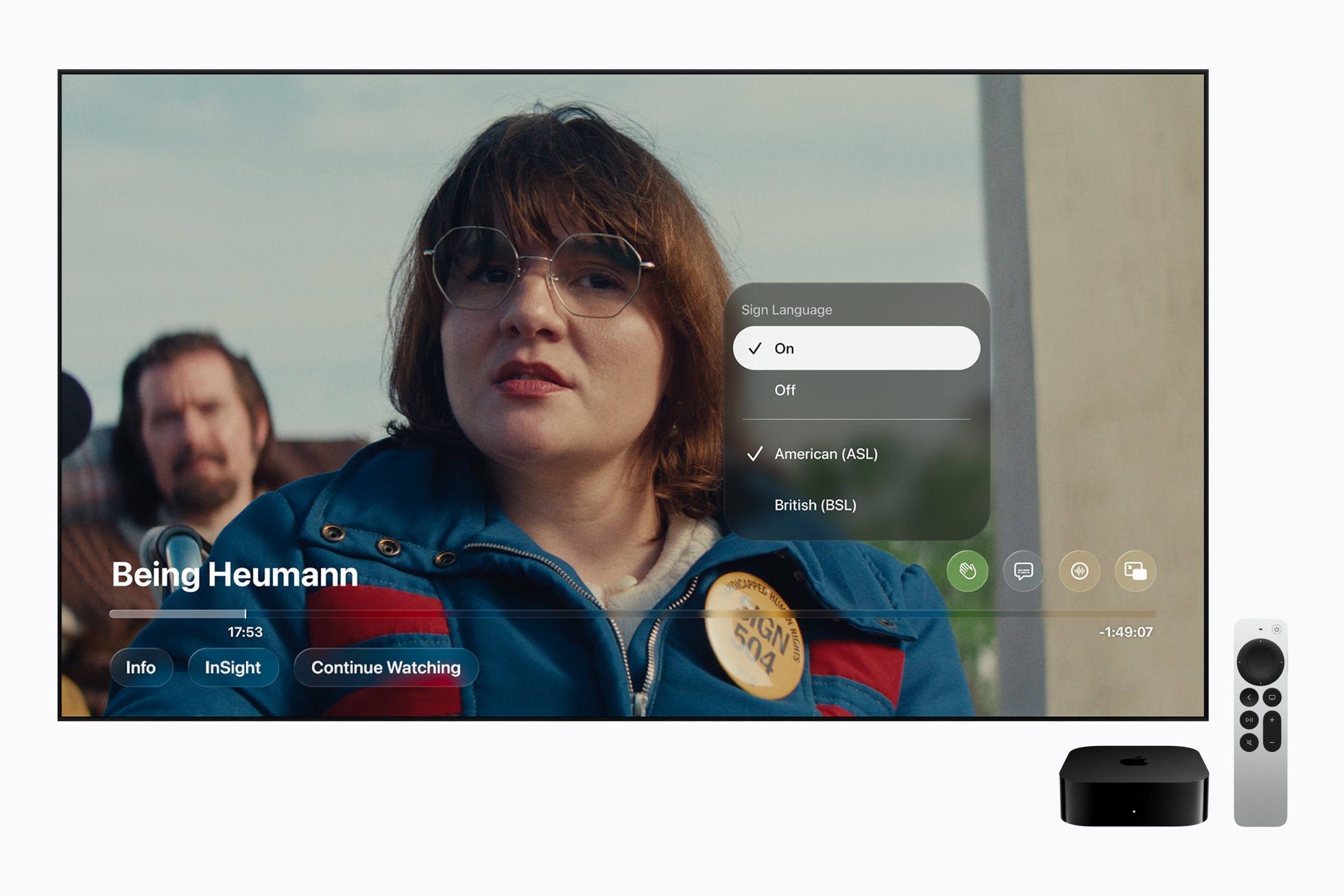
Apple today announced a new accessibility feature for the Apple TV app that gives viewers the option to watch supported movies and shows with on-screen sign language interpretation. An interpreter will appear in the bottom-right corner of the screen, with the experience said to have been designed and tested by Deaf and native signers.


The feature is available in the Apple TV app on devices running iOS 27.2, iPadOS 27.2, macOS 27.2, tvOS 27.2, and visionOS 27.2 or later.

American Sign Language (ASL) and British Sign Language (BSL) interpretation will be available for Being Heumann, which chronicles the story of disability rights activist Judy Heumann. The movie begins streaming in the Apple TV app on Friday.

Apple said sign language interpretation will also be available for the movie F1, and for the movies Way of the Warrior Kid and Greyhound later this year. Over time, the option will expand to additional Apple Original films and series.

"Each performance is carefully crafted to fit and complement the Apple Original film it interprets," said Apple.

Titles with sign language interpretation will be labeled with a Sign Language icon. Viewers can enable the feature in the Apple TV app's settings, and then press the Sign Language button while watching a supported movie or show. Search will also make it easier to find titles that feature sign language with simple phrases like "with ASL."


As sign language interpretation becomes more widely available across streaming services, a new "Movies & Shows with American Sign Language" collection will be added to the Apple TV app. Apple mentioning plural "streaming services" suggests that the option will eventually be available for more than just Apple Originals.

"At Apple, we believe everyone should be able to enjoy great stories and entertainment," said Sarah Herrlinger, Apple's Senior Director of Global Accessibility Policy and Initiatives. "Bringing sign language interpretation to Apple TV is an exciting step forward in making the viewing experience more accessible and inclusive for Deaf audiences."
Related Roundup: Apple TV
Buyer's Guide: Apple TV (Buy Now)

This article, "New Apple TV Sign Language Feature Announced" first appeared on MacRumors.com

Discuss this article in our forums

  •  

Disable Touch on MacBook Pro PROLED XDR and When Using Sidecar

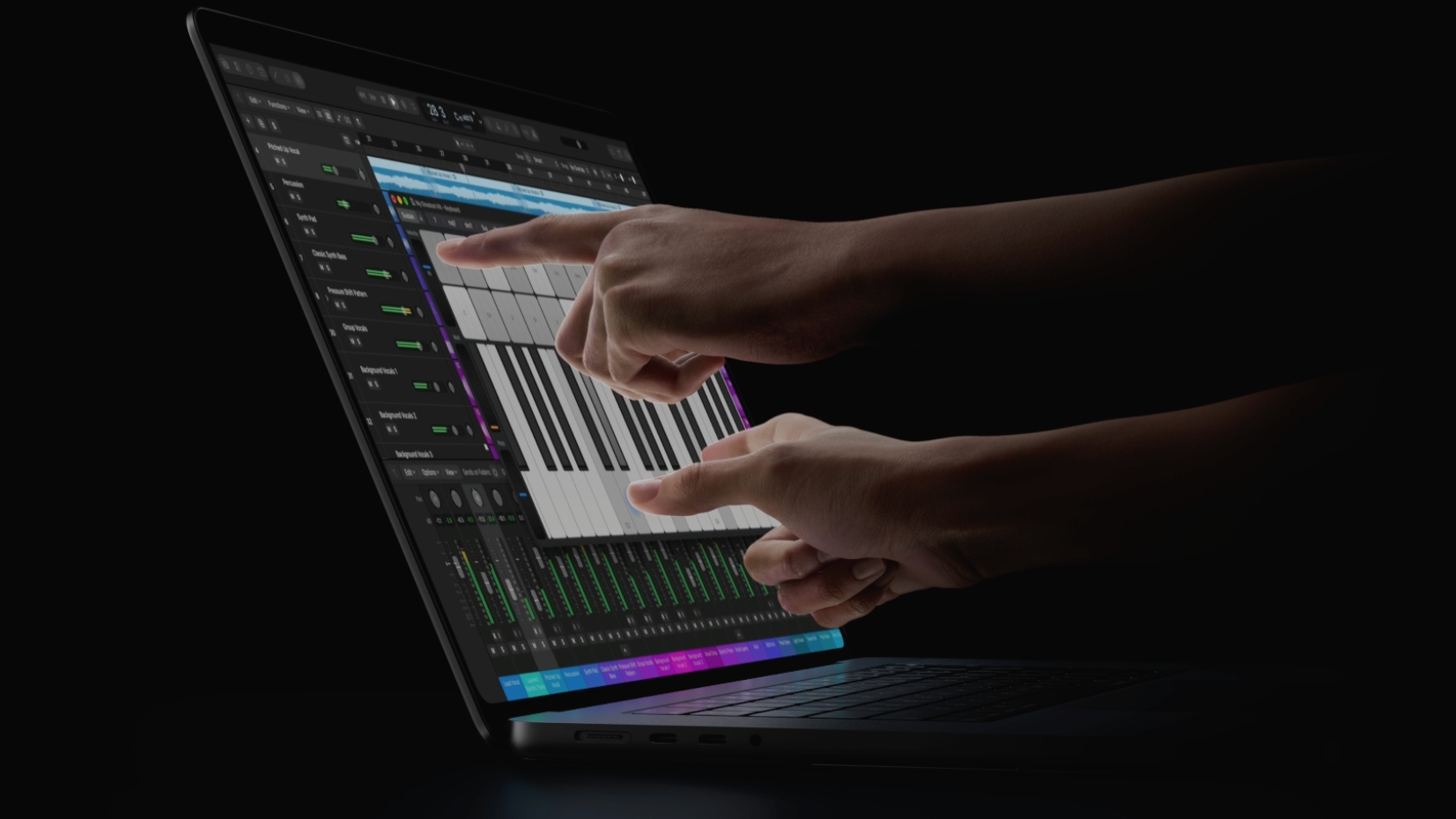
Apple has long rejected the idea of a touchscreen Mac, so moving ahead with one was always going to be a major shift in the company's thinking. In 2010, Steve Jobs argued that "touch surfaces don't want to be vertical," citing the arm fatigue that comes from repeatedly reaching up to a screen.

Some would call this sacrilege...

More than a decade later, in 2021, Apple's then-hardware engineering chief John Ternus remarked that the Mac was made exclusively for indirect input and that Apple saw no compelling reason to change its approach.

"We make the world's best touch computer on an iPad. It's totally optimized for that. And the Mac is totally optimized for indirect input. We haven't really felt a reason to change that," Ternus said in an interview with Joanna Stern.

Touch Comes to the Mac


Fast forward to 2026, and Apple has had a change of heart. The new MacBook Pro with PROLED XDR is the first Mac to adopt touchscreen technology. Many younger people who grew up with smartphones and tablets expect to interact with their computers the same way they do with their mobile devices, and that expectation appears to have twisted Apple's arm (no pun intended).

Of course, just because the new MacBook Pro models have a touchscreen doesn't mean you have to use it. If you forget it's even there, you can turn off the function and pretend it doesn't exist. If you use Sidecar with an iPad on another Mac, you can turn off touch in the same way.

Turn Off Touch on MacBook Pro and Sidecar


The steps are the same whether you want to disable the MacBook Pro's touchscreen or touch input in Sidecar:

  1. Click the Apple logo in the top-left corner of the menu bar and choose System Settings....

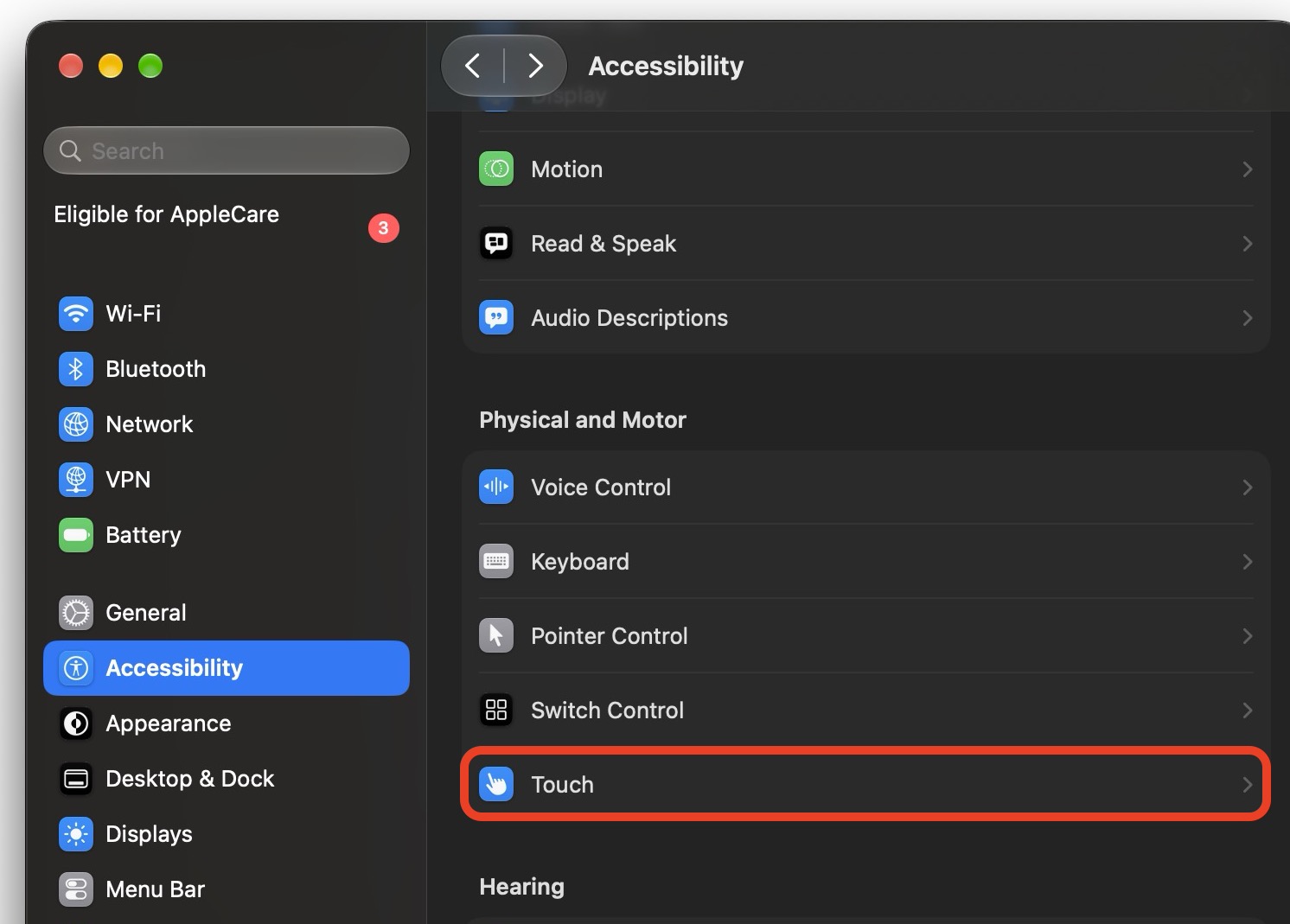
  2. Select Accessibility in the sidebar.

  3. Under "Physical and Motor," click Touch.
    settings
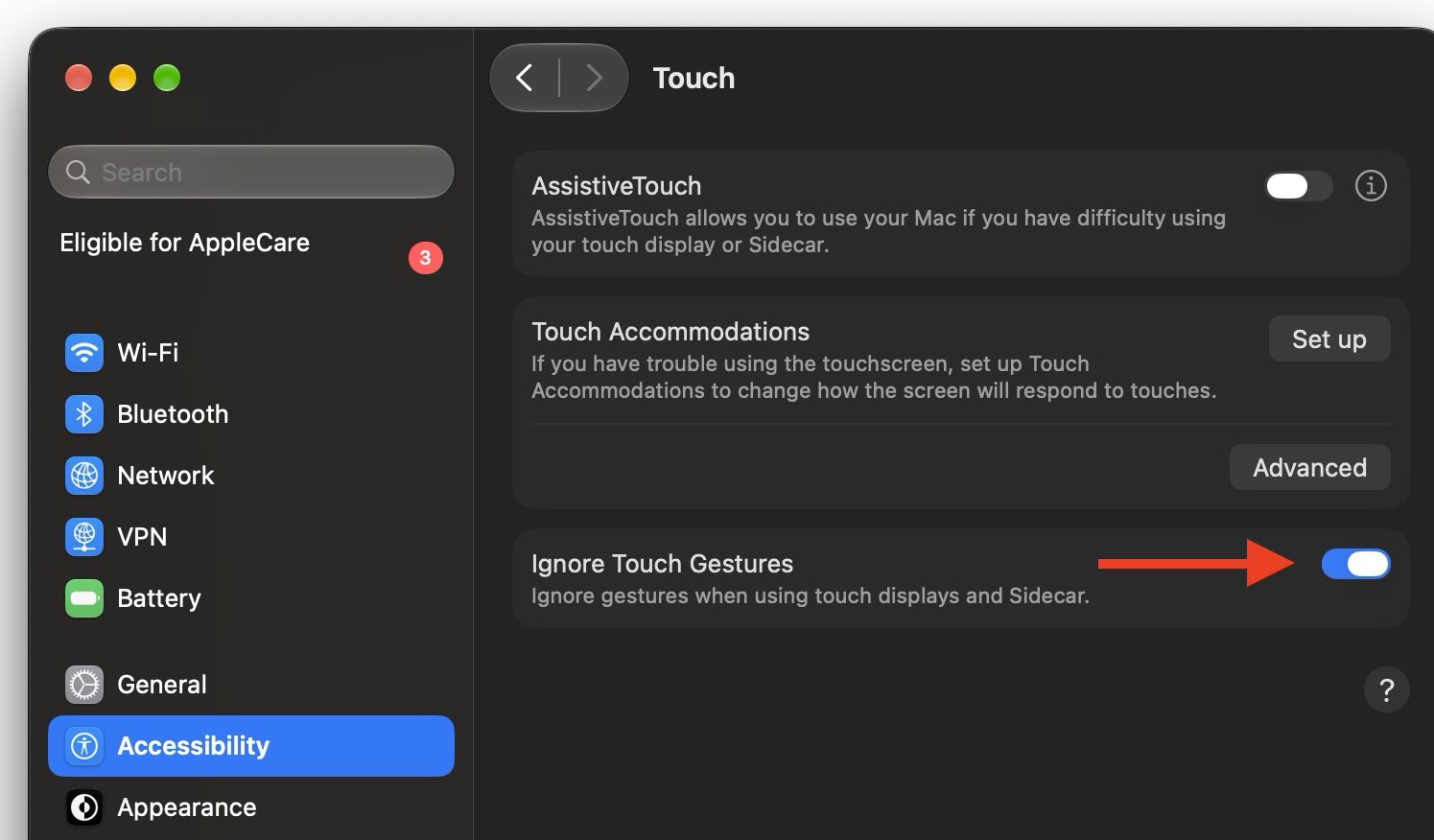
  4. Toggle on the switch next to Ignore Touch Gestures.
    settings
That's all there is to it. Your Mac will now ignore touch input, and since the setting covers Sidecar too, an iPad you use as a second display will ignore touches as well. If you ever want touch back, return to the same screen and toggle off Ignore Touch Gestures.

Touch Friendly, Not Touch First


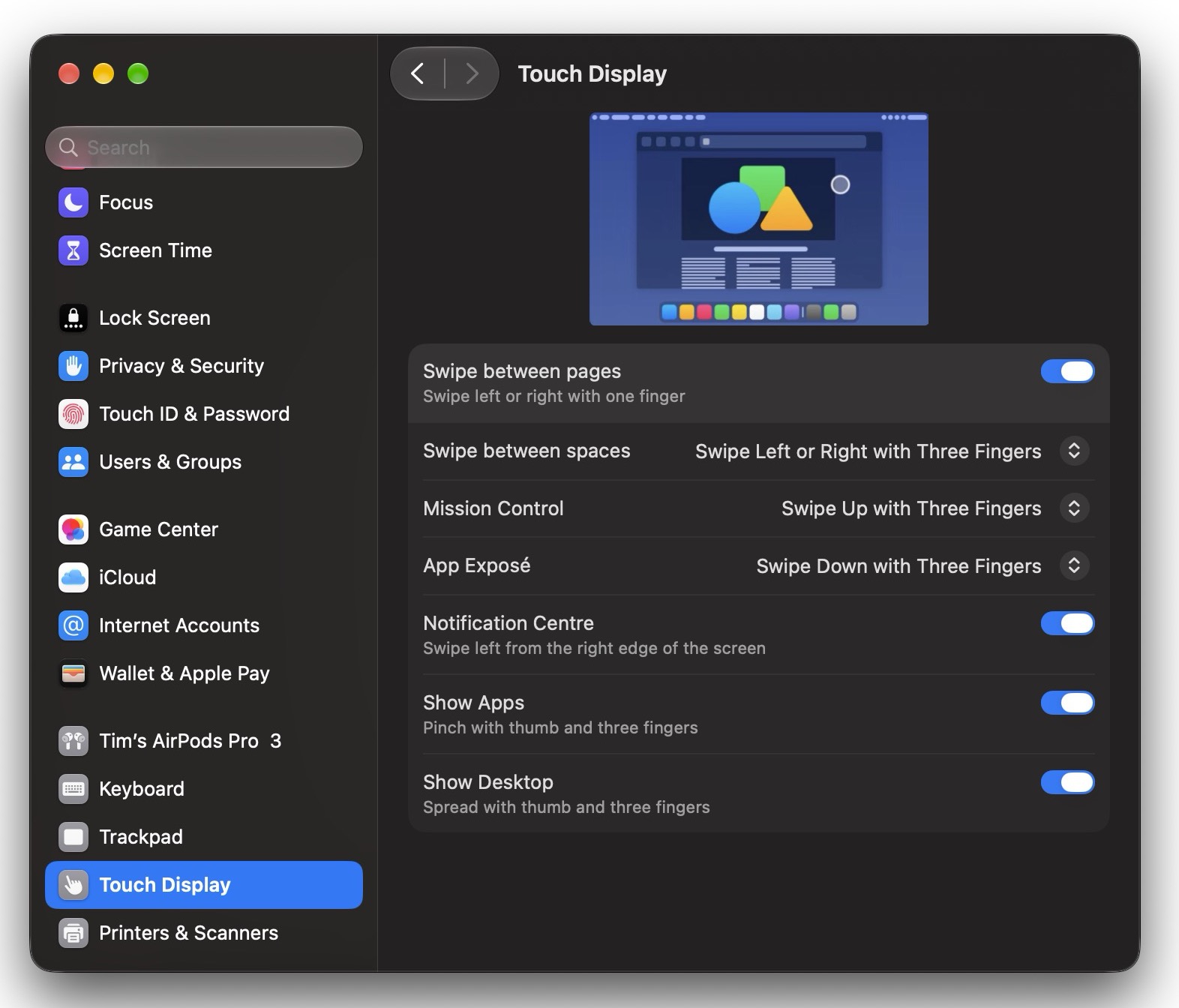
If some gestures prove useful but others keep being triggered by accident, you can adjust them individually instead of disabling touch altogether. In System Settings, select Touch Display in the sidebar, where each gesture can be switched off, and Swipe between spaces, Mission Control, and App Exposé also have pop-up menus for changing how the gesture is performed.

settings
Don't overlook the fact that the Accessibility ➝ Touch screen (where "Ignore Touch Gestures" lives) offers further customization options. Touch Accommodations changes how the screen responds to taps, swipes, and touch-and-hold input. AssistiveTouch can also be found on this settings menu if you want alternative ways to control the screen, and the Accessibility ➝ Zoom menu includes an option to zoom using the touch display or Sidecar.


Whatever you think about touch on a Mac, one group with a genuine reason to leave it on is app developers. Xcode's iOS Simulator responds to direct touch, so you can test your app's taps, swipes, and pinches right on the screen instead of approximating them with a trackpad and keyboard modifiers.
Related Roundup: MacBook Pro
Tag: Sidecar
Buyer's Guide: MacBook Pro (Buy Now)
Related Forum: MacBook Pro

This article, "Disable Touch on MacBook Pro PROLED XDR and When Using Sidecar" first appeared on MacRumors.com

Discuss this article in our forums

  •  

Anker's Early Black Friday Sale Surprises With Mystery Boxes and Big Discounts

Early Black Friday deals are in full swing at many retailers, and Anker is joining in today with an event that includes big discounts on popular accessories, plus special blind box surprises. This sale will run through November 18th, after which Anker will switch over to its official Black Friday week sale.

Note: MacRumors is an affiliate partner with Anker. When you click a link and make a purchase, we may receive a small payment, which helps us keep the site running.

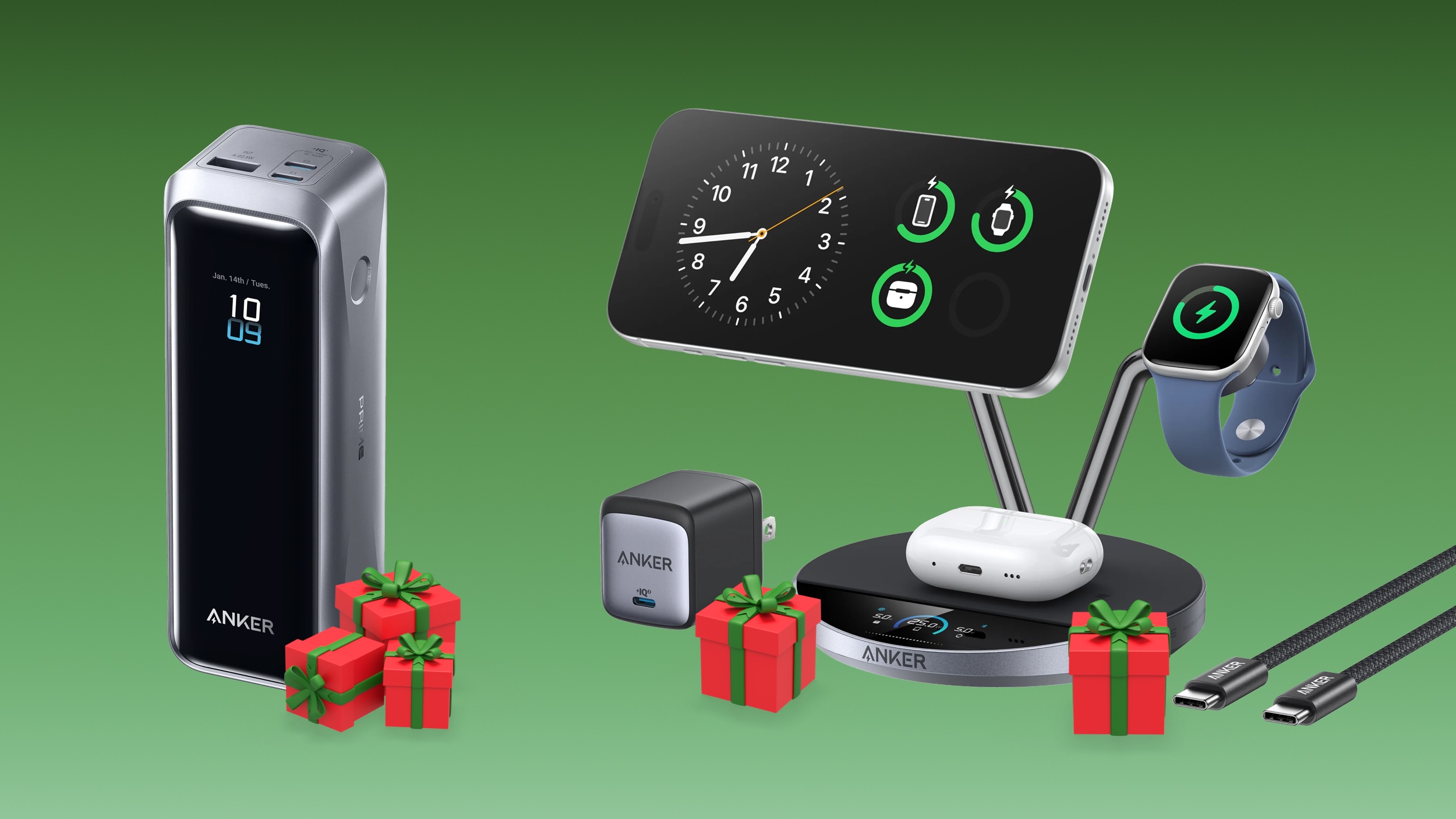
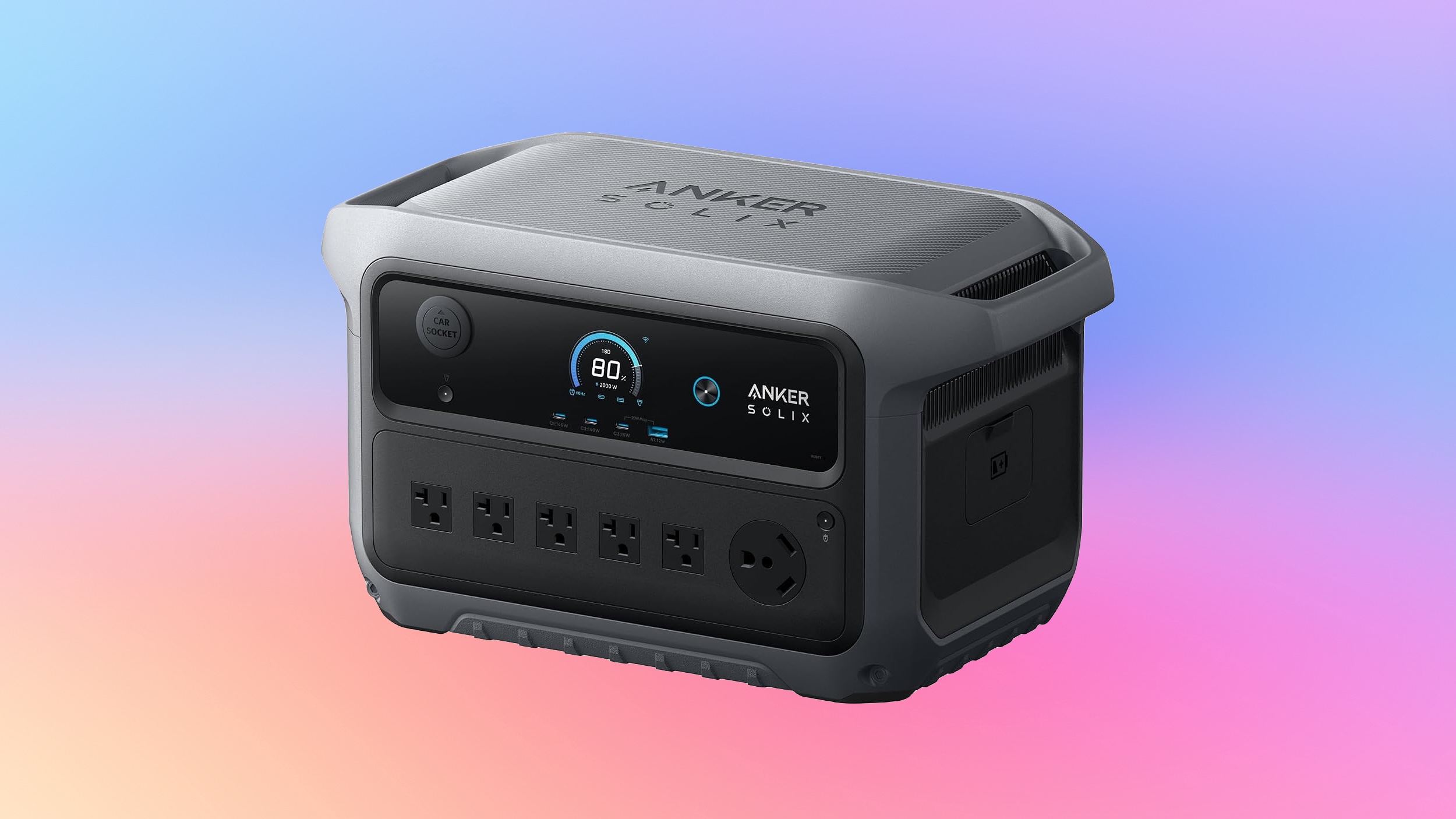
During this sale, you can get up to 46% off Anker's best wall chargers, power banks, MagSafe-compatible accessories, cables, power strips, docks, and more. There's also Anker's popular blind boxes, which contain contain surprise accessories at a discount.


There are four blind boxes available, starting at $39.99 for the Silver Blind Box, which contains one of four randomly selected accessories that have potential value of up to $129.99. For every blind box, you are guaranteed to at least save some money, as each box is priced below the cheapest accessory that you could receive.

Portable Batteries


Wireless Chargers


Wall Chargers and Hubs


If you're on the hunt for more discounts, be sure to visit our Apple Deals roundup where we recap the best Apple-related bargains of the past week.


Deals Newsletter


Interested in hearing more about the best deals you can find during the holidays? You can sign up for our Deals Newsletter and we'll keep you updated so you don't miss the biggest deals of the season!


Related Roundups: Apple Black Friday, Apple Deals
Related Forum: Community Discussion

This article, "Anker's Early Black Friday Sale Surprises With Mystery Boxes and Big Discounts" first appeared on MacRumors.com

Discuss this article in our forums

  •  

Amazon Begins Early Black Friday Sale, Featuring Sitewide Discounts on Tech and Decor

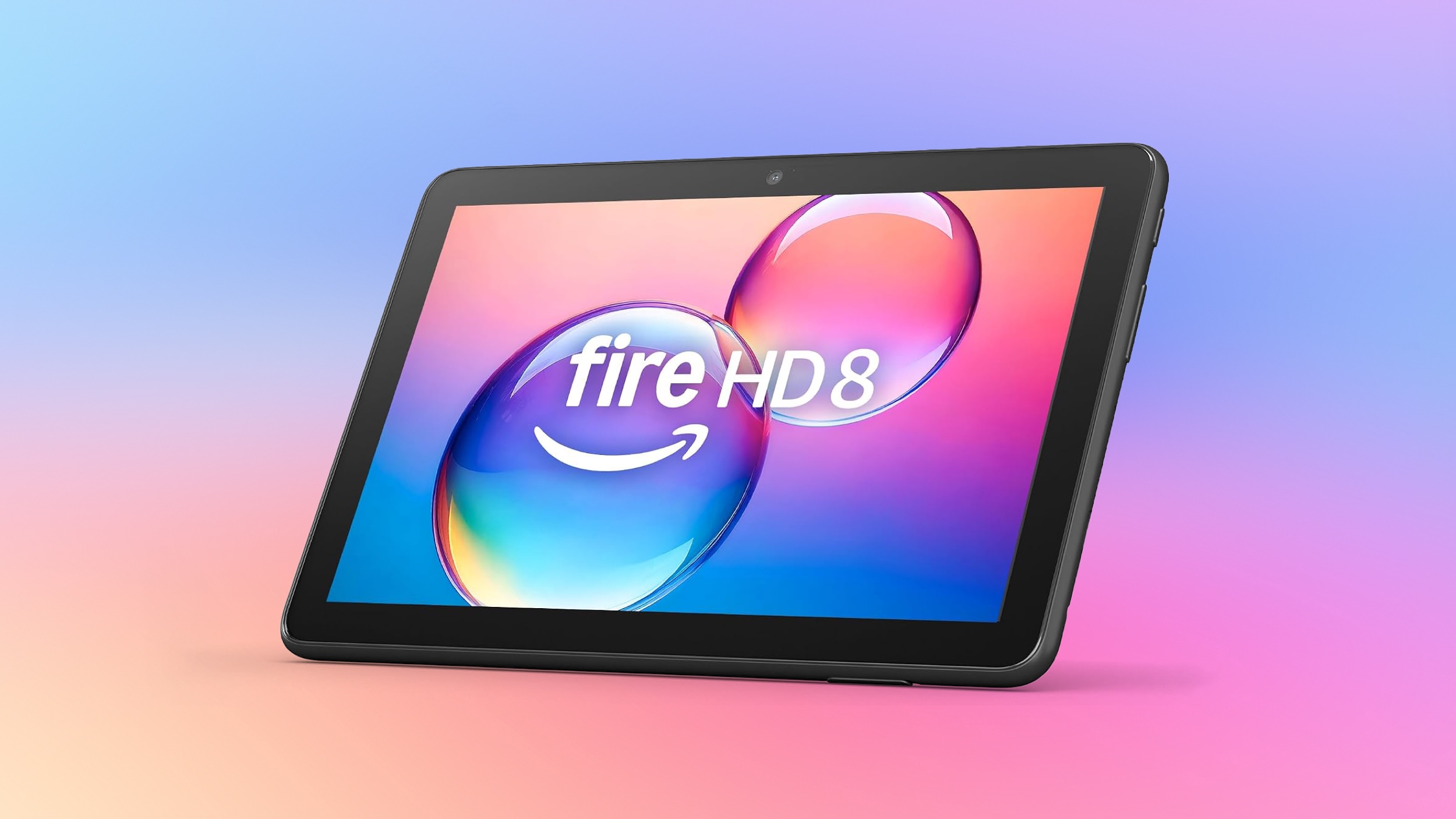
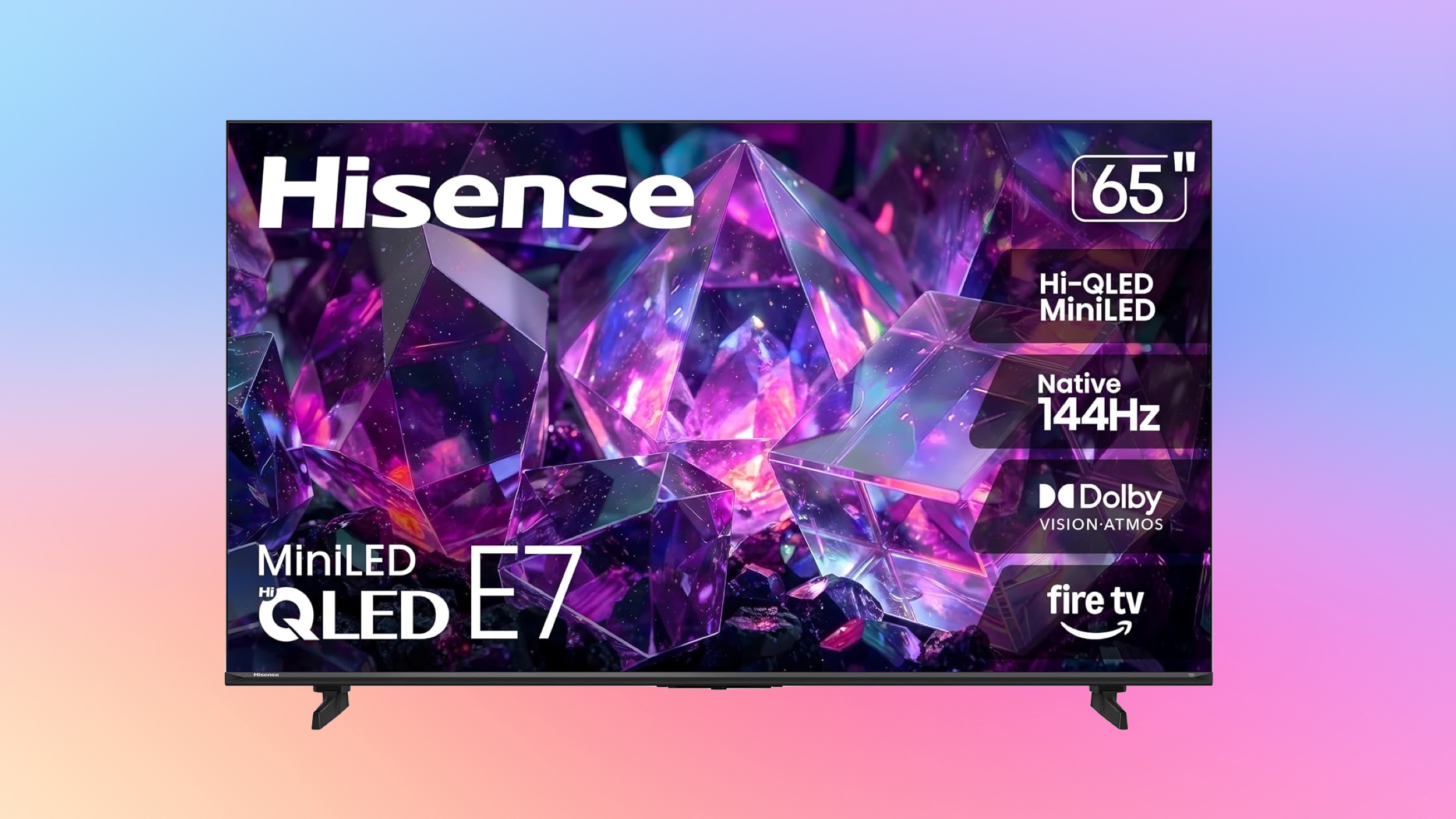
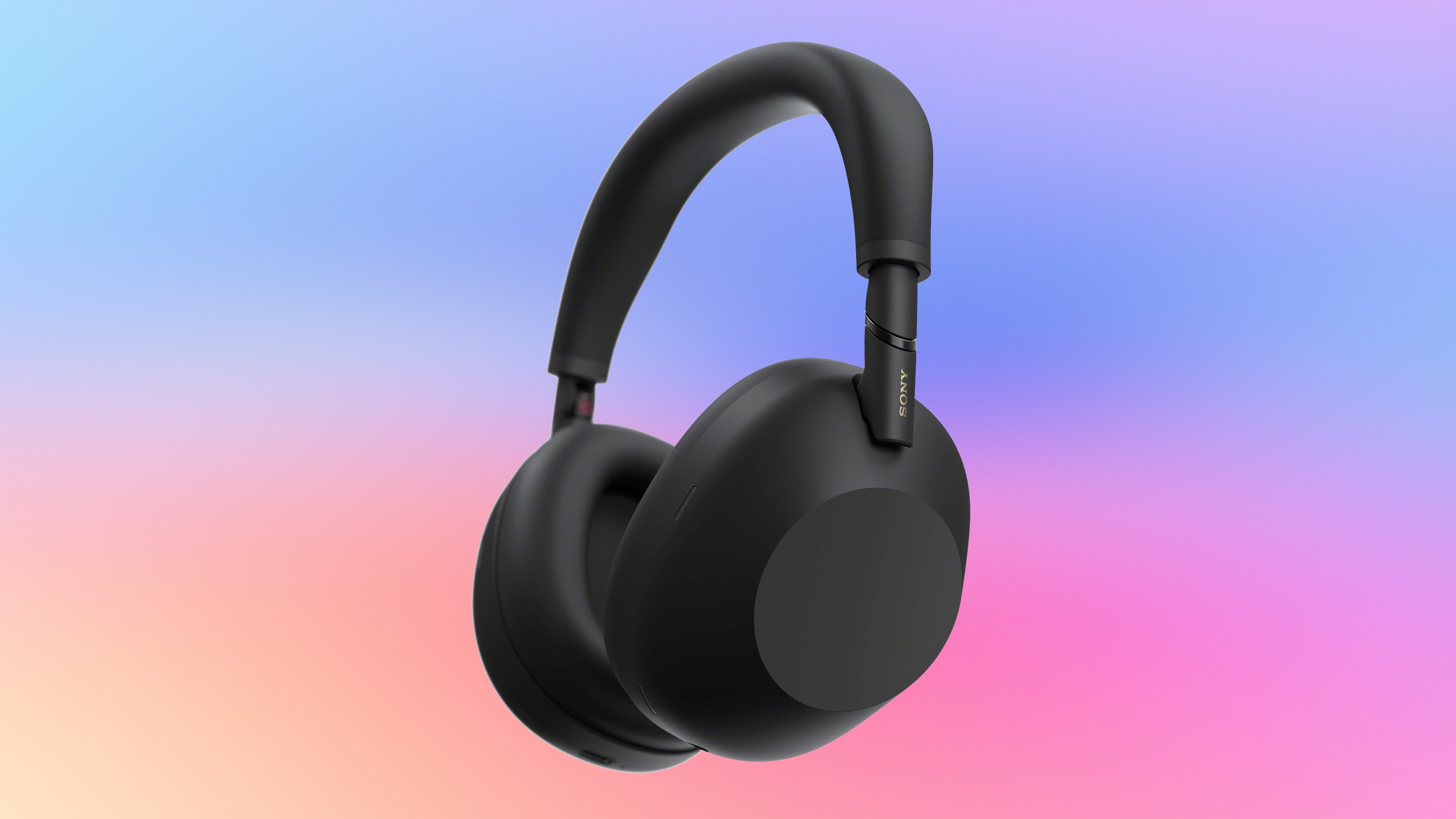
Amazon has joined in on early Black Friday deals this week, with sitewide savings across TVs, headphones, Amazon devices, Apple products, and much more. Another retailer offering a major early Black Friday sale right now is Best Buy.

Note: MacRumors is an affiliate partner with Amazon. When you click a link and make a purchase, we may receive a small payment, which helps us keep the site running.

Amazon's official Black Friday sale is set to kick off next Thursday, November 19, but ahead of that time it's offering big early discounts for the season. The official Black Friday event will run through Cyber Monday on November 30, with major deal drops happening at both midnight and 8 a.m. Pacific Time during both events.

Amazon Early Black Friday


Apple


TVs and Monitors


Audio


Home


If you're on the hunt for more discounts, be sure to visit our Apple Deals roundup where we recap the best Apple-related bargains of the past week.


Deals Newsletter


Interested in hearing more about the best deals you can find during the holidays? You can sign up for our Deals Newsletter and we'll keep you updated so you don't miss the biggest deals of the season!


Related Roundups: Apple Black Friday, Apple Deals
Related Forum: Community Discussion

This article, "Amazon Begins Early Black Friday Sale, Featuring Sitewide Discounts on Tech and Decor" first appeared on MacRumors.com

Discuss this article in our forums

  •  

iPhone 20 Pro: Ten Big Changes That Could Redefine Apple's Flagship

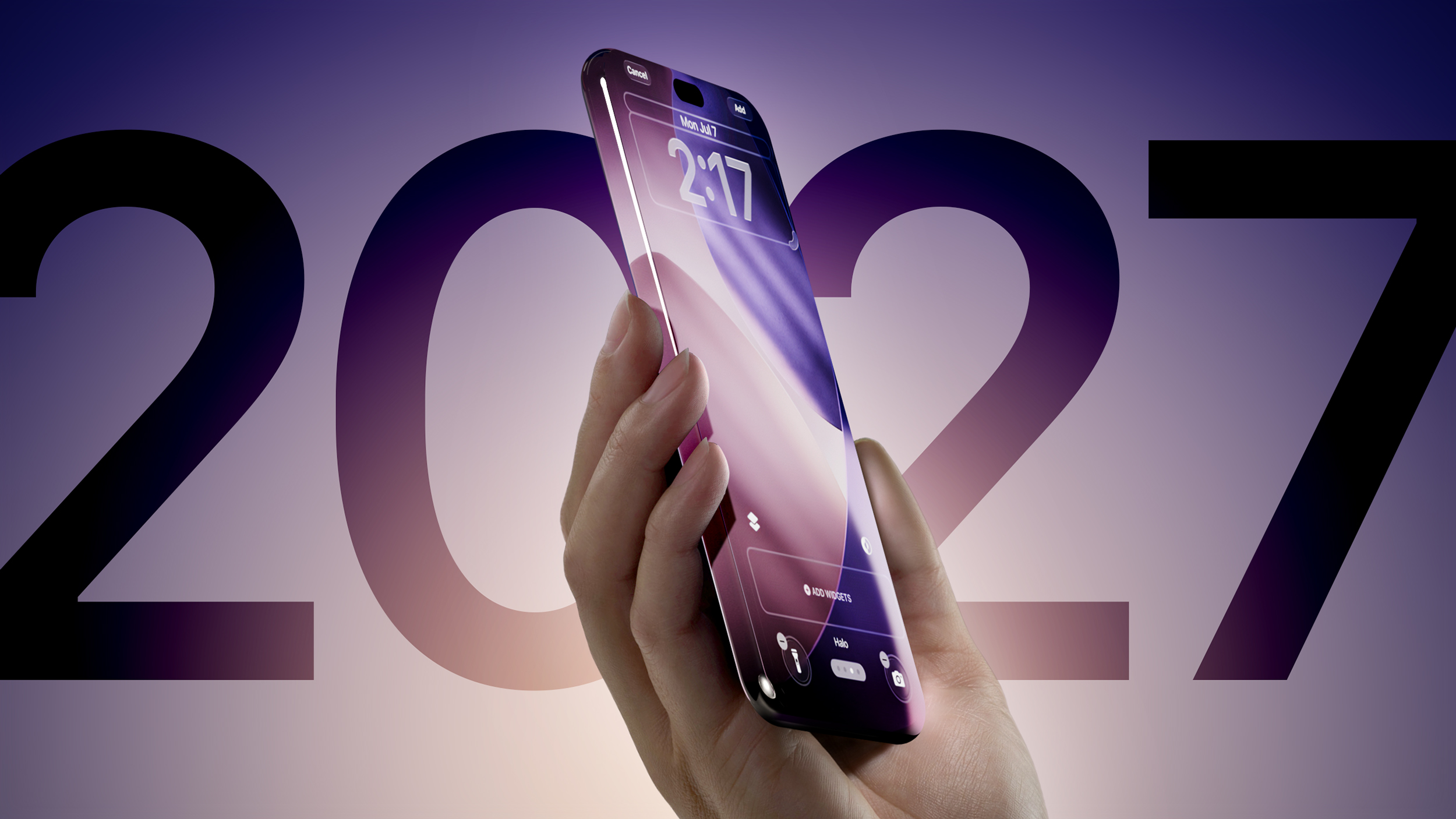
In 2017, Apple celebrated the iPhone's 10th birthday with the iPhone X, the biggest redesign in the product's history. For the device's 20th anniversary, all the rumors indicate that the company is preparing another landmark redesign.


The commemorative "iPhone 20" model isn't expected until September 2027, but leaks have been piling up for months. According to Bloomberg's Mark Gurman, Apple is already deep into its development, and the picture forming across multiple reports is of an iPhone that looks like a single, uninterrupted slab of glass. Here's what we're expecting:

  • A quad-curved, all-glass design: The display glass reportedly curves away on all four sides, concealing the metal frame during normal use. Apple is said to be working with Samsung on an "equal-depth quad-curved" display to achieve the effect.

  • Advanced OLED technology: Apple was reportedly planning a brighter, thinner Samsung OLED panel using Color Filter on Encapsulation (COE) for the anniversary iPhone, but a more recent report suggests the technology has slipped: UBI Research does not expect COE on Apple's Pro iPhones until 2029, casting doubt on its inclusion in the 2027 model.

  • Under-display Face ID and camera: Apple is reportedly continuing to test hardware that would eliminate the final visible cutout from the front of the device. Apple already debuted an under-display camera on the iPhone Duo's inner screen, but reviewers criticized its image quality. Whether an improved version will be ready for the iPhone 20's rumored fall 2027 launch remains uncertain.

  • Solid-state buttons: Apple is said to be testing haptic replacements for the Side, Volume, Action, and Camera Control buttons. The buttons could be integrated directly into the device's frame, with no actual physical movement when pressed, yet retaining a tactile responsiveness.

  • Apple modem in the United States: Apple is developing modems that it hopes will outperform Qualcomm's on speed and AI functionality; its third-generation modem, due in 2027, is the one expected to finally exceed Qualcomm's. The C1 and C1X are used in the iPhone 16e and iPhone Air, and the C2 now powers the iPhone 18 Pro and iPhone Duo. Only the U.S. iPhone 18 Pro Max still uses a Qualcomm modem.

  • Custom Apple image sensor: Apple is said to be developing its own stacked image sensor to replace the Sony sensors it has traditionally used for the iPhone. Apple has reportedly already developed a working prototype. The sensor is said to use LOFIC technology, which would let each pixel store varying amounts of light and potentially reach up to 20 stops of dynamic range.

  • A 2-nanometer A21 chip: The 20th anniversary models are expected to feature a second-generation 2-nanometer chip. Following the A20 Pro in this year's iPhone 18 Pro models, the anniversary models would likely be powered by the A21 Pro.

  • Silicon anode battery: Apple is reportedly exploring a new battery technology that uses a silicon anode capable of storing more lithium ions per gram, potentially delivering longer battery life without increasing the physical size of the battery.

  • Mobile high bandwidth memory: Apple is rumored to be evaluating vertically stacked DRAM technology to improve memory bandwidth and boost on-device AI performance.

  • Two sizes: The two anniversary models are expected to be slightly larger than the iPhone 18 Pro and iPhone 18 Pro Max, with Digital Chat Station claiming 6.41-inch and 6.96-inch displays, the larger of which would likely be marketed as a 7-inch panel.

With all that said, we're still ahead of a rumored fall 2027 launch, and Apple's plans shift constantly behind closed doors, plus features this ambitious have a habit of slipping a year or two. Under-display Face ID in particular has been "two years away" for about five years now.

Still, taken together, the leaks describe the most dramatic iPhone rethink since 2017. If even half of the features make it to the shipped device, the iPhone 20 should be worth holding out for. For everything we know so far, check out our dedicated guide.

This article, "iPhone 20 Pro: Ten Big Changes That Could Redefine Apple's Flagship" first appeared on MacRumors.com

Discuss this article in our forums

  •  

Apple Releases iOS 27.2.1 With Bug Fixes

Apple today released iOS 27.2.1, a minor update to the iOS 27 operating system. iOS 27.2.1 comes two weeks after the launch of iOS 27.2.


iOS 27.2.1 includes addresses bugs and patches security vulnerabilities according to Apple's release notes for the update.

You can download iOS 27.2.1 over the air by going to Settings > General > Software Update.

Apple has also released iOS 26.7.3 and iOS 18.7.12 updates for devices not running ‌iOS 27‌.
Related Roundups: iOS 27, iPadOS 27
Related Forum: iOS 27

This article, "Apple Releases iOS 27.2.1 With Bug Fixes" first appeared on MacRumors.com

Discuss this article in our forums

  •  

Apple Releases macOS Golden Gate 27.2.1

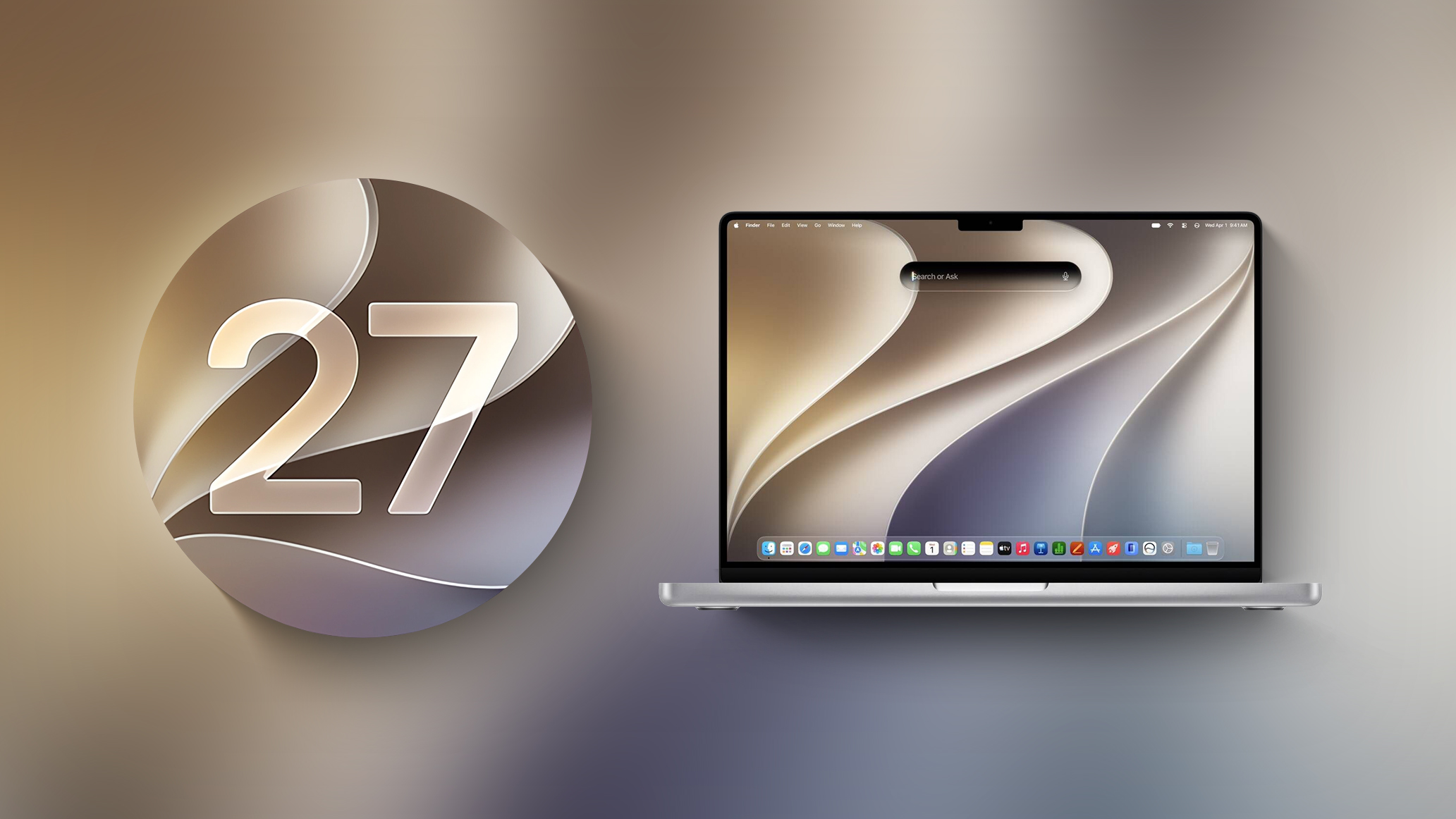
Apple today released macOS Golden Gate 27.2.1, a minor update for the ‌macOS Golden Gate‌ operating system.


‌macOS Golden Gate‌ includes bug fixes and security updates, according to Apple's release notes. The update likely includes a fix to prevent command-line tools from accepting eMudhra's compromised web certificates.

Apple already blocked the compromised certificates on October 19, so most users are already protected.

You can download ‌macOS Golden Gate‌ 27.2.1 over the air through the Software Update section of the System Settings app.
Related Roundup: macOS Golden Gate
Related Forum: macOS Golden Gate

This article, "Apple Releases macOS Golden Gate 27.2.1" first appeared on MacRumors.com

Discuss this article in our forums

  •  

This Could Be Your Last Chance to Pre-Order the HomeView at a Discount

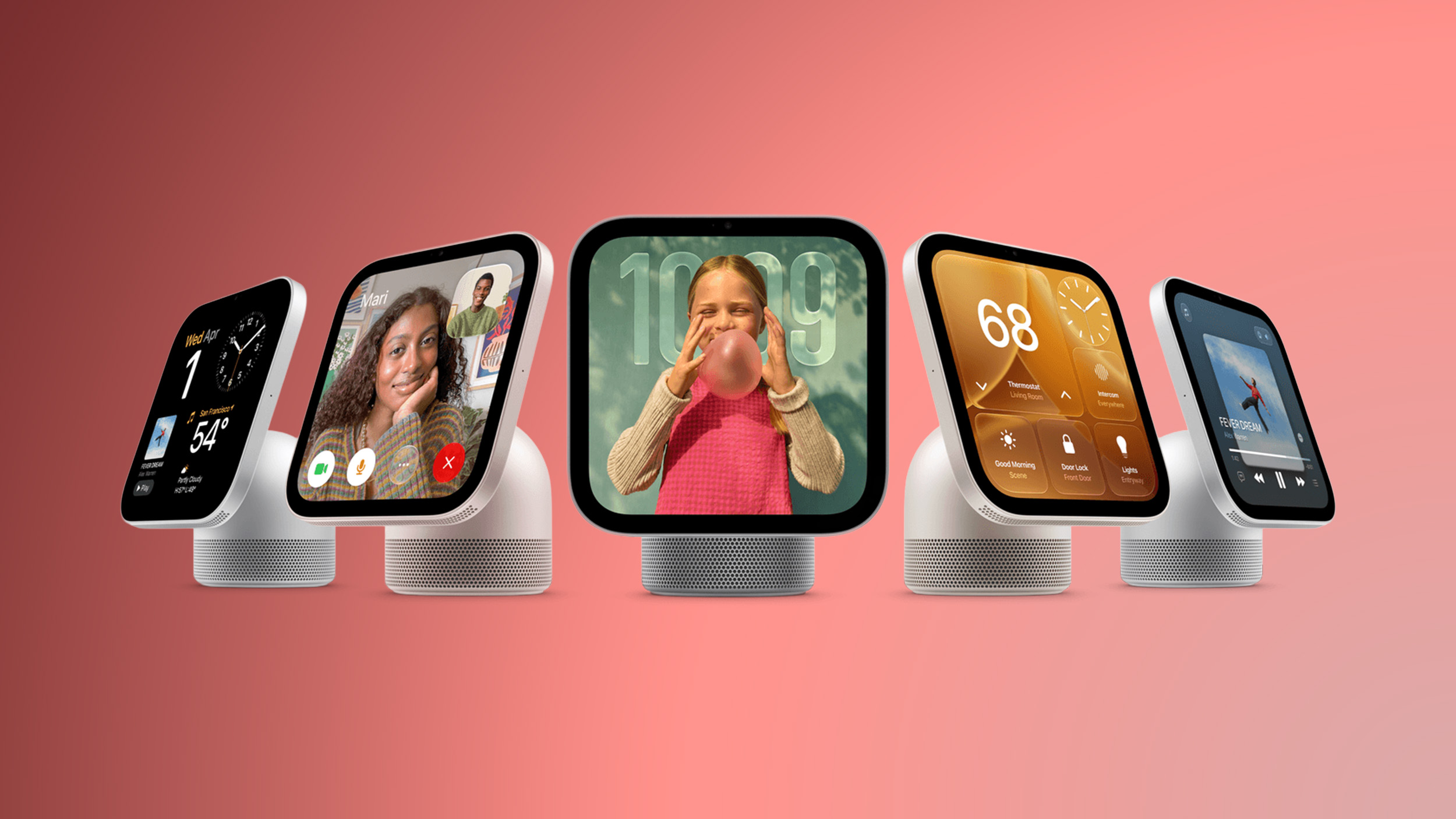
Apple's newest product, the HomeView, will launch this Friday, November 13. Because we're in the final stretch of days for pre-ordering the device, we wanted to give a heads up that Amazon's pre-order discount is still live and could disappear at any time ahead of launch day.

Note: MacRumors is an affiliate partner with some of these vendors. When you click a link and make a purchase, we may receive a small payment, which helps us keep the site running.

You can pre-order the Space Gray HomeView for $289.99, down from $299.00. Although only a $9 discount, this is still biggest deal we've seen on the HomeView, and as of writing only Amazon is offering any sort of discount on the device.


If you're on the hunt for more discounts, be sure to visit our Apple Deals roundup where we recap the best Apple-related bargains of the past week.


Deals Newsletter


Interested in hearing more about the best deals you can find during the holidays? You can sign up for our Deals Newsletter and we'll keep you updated so you don't miss the biggest deals of the season!


Related Roundup: Apple Deals

This article, "This Could Be Your Last Chance to Pre-Order the HomeView at a Discount" first appeared on MacRumors.com

Discuss this article in our forums

  •  

Satechi Offers MacRumors Readers 30% Off Select Accessories in Early Black Friday Sale

Satechi and MacRumors have partnered up to offer our readers 30 percent off a collection of Satechi's best charging and travel accessories. This sale will run through this Sunday, November 15, so you have the rest of this week to shop all of the discounts.

Note: MacRumors is an affiliate partner with Satechi. When you click a link and make a purchase, we may receive a small payment, which helps us keep the site running.

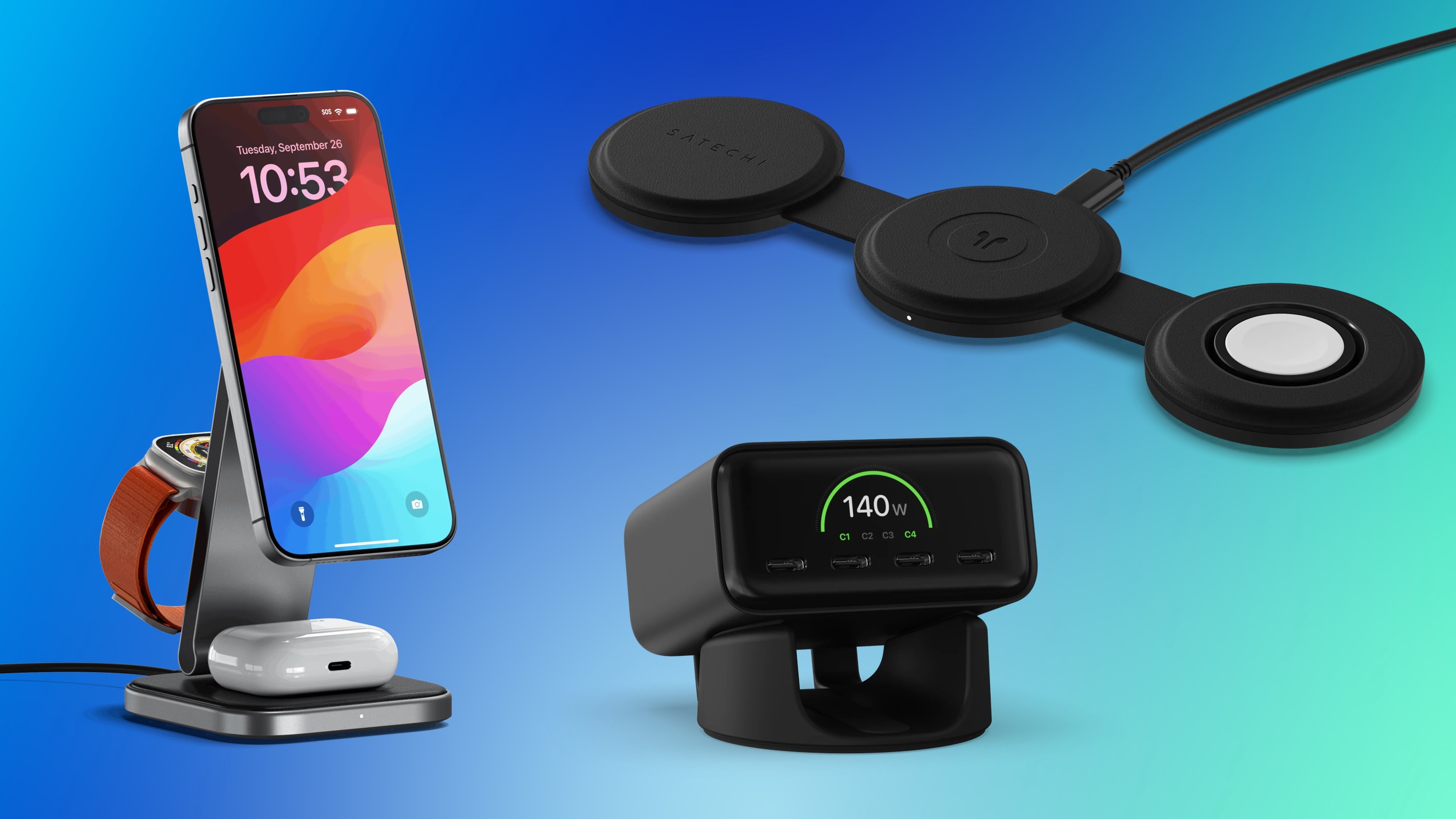
Our exclusive sale covers six of Satechi's accessories, including five charging accessories, plus a MagSafe-compatible iPhone wallet. In order to see the sale prices, add one of the devices to your cart on Satechi's website, then enter the code 30MR2026 at checkout to get 30 percent off.

Note: Use code 30MR2026 to see final sale prices.


Our code only works on the accessories listed below, and you can buy multiple at once if you're interested in more than one of the deals. Remember to make your purchases before November 15, when the sale will end.


We're recapping all of the best early Black Friday accessories in our main post, including great discounts on TVs, smart home products, and much more. If you're on the hunt for more discounts, be sure to visit our Apple Deals roundup where we recap the best Apple-related bargains of the past week.


Deals Newsletter


Interested in hearing more about the best deals you can find during the holidays? You can sign up for our Deals Newsletter and we'll keep you updated so you don't miss the biggest deals of the season!


Related Roundup: Apple Deals

This article, "Satechi Offers MacRumors Readers 30% Off Select Accessories in Early Black Friday Sale" first appeared on MacRumors.com

Discuss this article in our forums

  •  

iPhone 18e Could Feature Bigger Display and Battery

Apple's standard iPhone 18 and the lower-cost iPhone 18e will both feature 6.3-inch displays and use the same battery, according to the leaker known as "Fixed Focus Digital."


In a new post on Weibo, the leaker shared an annotated, side-by-side diagram of the phones' purported internals, labeled "Taycan" for the ‌iPhone 18‌ and "Nevera" for the iPhone 18e. Fixed Focus Digital said the diagram was already circulating online and broadly matched what their sources had told them. They pointed to the battery as an example of the interchangeable parts they had previously described.

The diagram's annotations list a 4,430 mAh battery for both models. That would be an increase of about 21% from 3,671 mAh for the standard ‌iPhone 18‌ and about 11% from 4,005 mAh for the iPhone 18e. The notes attribute the extra room in the standard model to changes to the bottom speaker and haptic engine. The diagram also shows two rear cameras on the standard ‌iPhone 18‌, including an Ultra Wide camera, and a single rear camera on the iPhone 18e, just like previous models.

A 6.3-inch display would be a noticeable step up from the 6.1-inch screen on the iPhone 17e. Fellow Weibo leaker "Digital Chat Station" previously claimed the iPhone 18e would retain a 6.12-inch OLED display at 60Hz, along with a single 48-megapixel rear camera and a potential upgrade to the front-facing camera. The same source expects the standard iPhone 18 to retain its 6.3-inch display with a refresh rate of up to 120Hz, along with a larger battery.

In an earlier post, Fixed Focus Digital said a new chip was the only iPhone 18e upgrade they could confirm at the time and suggested the two models would share some manufacturing processes.

Digital Chat Station expects the iPhone 18e to contain Apple's 2nm A20 chip, up from the 3nm A19 in the ‌iPhone 17e‌. Analyst Ming-Chi Kuo has said Apple's lower-end spring 2027 iPhones will pair the A20 chip with 9GB of RAM, up from 8GB. Both models are also rumored to get Apple's C2 modem, which would replace the Snapdragon X80 in the iPhone 17 and the C1X in the ‌iPhone 17e‌.

The iPhone 18e is expected to launch in spring 2027 alongside the standard ‌iPhone 18‌ and second-generation iPhone Air. The ‌iPhone 17e‌ launched at $599 with 256GB of storage, and it is unclear if it will get a price increase like other iPhone models.
Related Roundups: iPhone 17e, iPhone 18
Buyer's Guide: iPhone 17e (Caution)
Related Forum: iPhone

This article, "iPhone 18e Could Feature Bigger Display and Battery" first appeared on MacRumors.com

Discuss this article in our forums

  •  

Apple Store Subscription Sign-Up Controversy Exposed

In a series of YouTube videos shared over the past two weeks, electronics technician and consumer rights advocate Louis Rossmann has exposed a controversy in which some Apple Store employees have allegedly signed up customers for auto-renewing subscription trials for Apple One and other services without their informed consent.


Here is how the process works at Apple Stores in the United States:
  • A customer visits an Apple Store.

  • An employee at the store asks if the customer would like to scan a QR code for a personalized shopping experience ("Connect and Personalize").

  • If the customer agrees, the employee can view some of the customer's information on their company-issued device, including which Apple devices they own, which Apple services they are subscribed to, and which Apple subscription offers are available to them based on their recent purchases.

  • The employee can proceed to show the customer their available subscription offers, presented with "Agree" and "Decline" buttons on the employee's device. The default payment method associated with the customer's Apple Account is automatically available for subscription sign-ups, so long as it has not expired.
The problem is that some employees allegedly activated these trials without adequately explaining to the customers that they would be automatically charged at a later date, according to tipsters who contacted Rossmann. For example, some employees would allegedly rush through the process or were even told to position the trials as "gifts."

Until early last week, Apple was tracking a metric known as the "services attach rate," with a target of 40% for each retail employee at at least some U.S. stores. In other words, employees were encouraged to get at least four out of every 10 customers they assisted with a device purchase to also sign up for at least one subscription.

In some cases, employees allegedly even tapped the "Agree" button themselves without receiving the customer's informed consent, seemingly in an attempt to ensure that their "services attach rate" was as high as possible.

"Top performers in my store and market just include them and don't show the customer the accept/decline screen during checkout," one anonymous person alleged. "I've confirmed with others that this happens at other stores, and I've had many employees admit to me that they do this. It is unfortunate that this is our culture now."

Apple does email customers when a new trial has been activated on their accounts, but unsuspecting customers might not pay attention or realize that the email pertains to a subscription that will automatically renew later.

Metric Removed, Reminder Issued


MacRumors has confirmed that Apple removed the services metric for employees early last week, just days after Rossmann's videos were published. However, the official explanation we were given for the metric's removal is that it is less relevant during the holiday season, when customers are often purchasing Apple products as gifts for others.

Later in the week, Apple issued an internal memo to retail employees reminding them of the importance of respecting customer privacy and obtaining consent, including when offering subscription trials and using the "Connect and Personalize" system, but also for things such as Apple Upgrade sign-ups and Genius Bar work authorizations.

The memo was issued ahead of the first weekend of Apple's holiday shopping season, which kicked off on Friday. During the holidays, Apple hires additional employees to help assist with an influx of customers, so the reminder was timely for new staff.

Whether these actions were timed solely around the holiday shopping season or were also influenced by Rossmann's videos, we cannot say for sure. In any case, the actions conveniently address some of the concerns highlighted by Rossmann.

How to Check Your Subscriptions


On an iPhone, open the Settings app and tap on your name at the top of the screen. Next, tap on "Subscriptions" and you will see a list of any subscriptions that are active on your Apple Account, including trials. You can tap on any individual subscription and tap on the "Cancel Subscription" or "Cancel All Services" button to cancel.

If you wish to dispute a transaction with Apple, go to reportaproblem.apple.com, select the "Request a refund" option, and follow the steps.

As always, regularly review your credit card or bank statements to ensure that you have not been charged for any subscriptions unexpectedly.
This article, "Apple Store Subscription Sign-Up Controversy Exposed" first appeared on MacRumors.com

Discuss this article in our forums

  •  

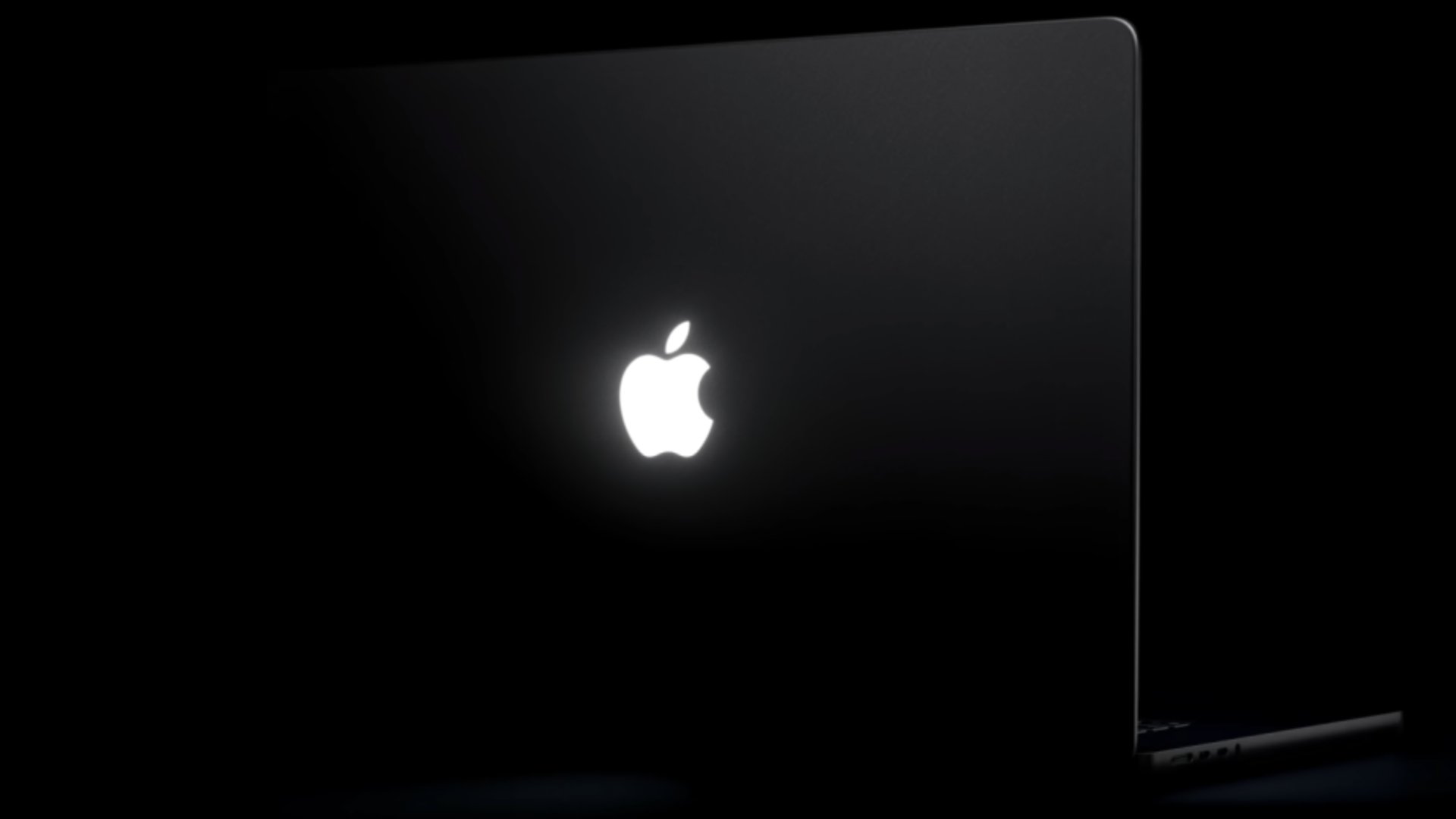
'Backglow' Lets You Customize New MacBook Pro's Glowing Apple Logo

A new "Backglow" app created by designer Juan Buis lets you customize the illuminated Apple logo on the lid of the new MacBook Pro models.


The free version of the app allows you to manually adjust the brightness level of the Apple logo, independent of the MacBook Pro's display brightness level. You can also turn it off entirely with a single click, rather than having to use Terminal.

Another free option is a "Breathe" mode that makes the logo's light gently pulse similarly to the sleep indicator light on older MacBooks.

A one-time payment unlocks the Pro version of the app: $9 for a limited time or $15 later. This gives you two additional modes: "Music" mode makes the logo's light move to the beat of the music you play on your Mac, while "Agents" mode makes the light pulse while Claude Code is working and blinks when your attention is needed.

here's what it can do:

- manually set logo brightness (apple doesn't let you)
- breathe slowly, like the old mac sleep light
- pulse to your music
- blink when claude needs you
- turn the logo light off with one click

try it here: https://t.co/WZTWMq5yAf https://t.co/FI0o9ayKBZ

— juan (@juanbuis) November 6, 2026


Apple began phasing out the glowing logo on MacBooks in 2015, but it brought back the feature with the new 14-inch and 16-inch MacBook Pro models with PROLED XDR displays released on Friday. On older MacBooks, the logo was illuminated by the display's backlight, but OLED displays do not have a backlight, so a new method was required.

Daring Fireball's John Gruber was told that Apple engineered a "custom light source just to enable the logo to glow once again, without adding any additional thickness to the lid." Why? "Because it's awesome," he heard an Apple representative say.

By default, Apple says the logo is illuminated whenever the Mac is awake. It automatically brightens or dims based on the screen's brightness level and your environment's lighting conditions detected by the computer's ambient light sensor.

Buis said the logo is lit by a white LED that does not change colors.
Related Roundup: MacBook Pro
Buyer's Guide: MacBook Pro (Buy Now)
Related Forum: MacBook Pro

This article, "'Backglow' Lets You Customize New MacBook Pro's Glowing Apple Logo" first appeared on MacRumors.com

Discuss this article in our forums

  •  

Early Apple Black Friday Deals on Apple Watch, MacBook Air, and More

Black Friday is now just a few weeks away, taking place on Friday, November 27 in 2026. As always, this will be the best time of the year to shop for great deals, including popular Apple products like AirPods, iPad, Apple Watch, and more.
Note: MacRumors is an affiliate partner with some of these vendors. When you click a link and make a purchase, we may receive a small payment, which helps us keep the site running.

Specifically, in this article we're sharing all of the Apple products that currently have all-time low prices, or discounts that are at least close to their record-low prices. Of course, these are early Black Friday deals, so even better discounts could emerge later in the month, but if you're shopping right now these are all the best prices around.

Table of Contents


You can use the links below to jump directly to the section you're shopping for today.


Our Top Picks


Apple Watch Ultra
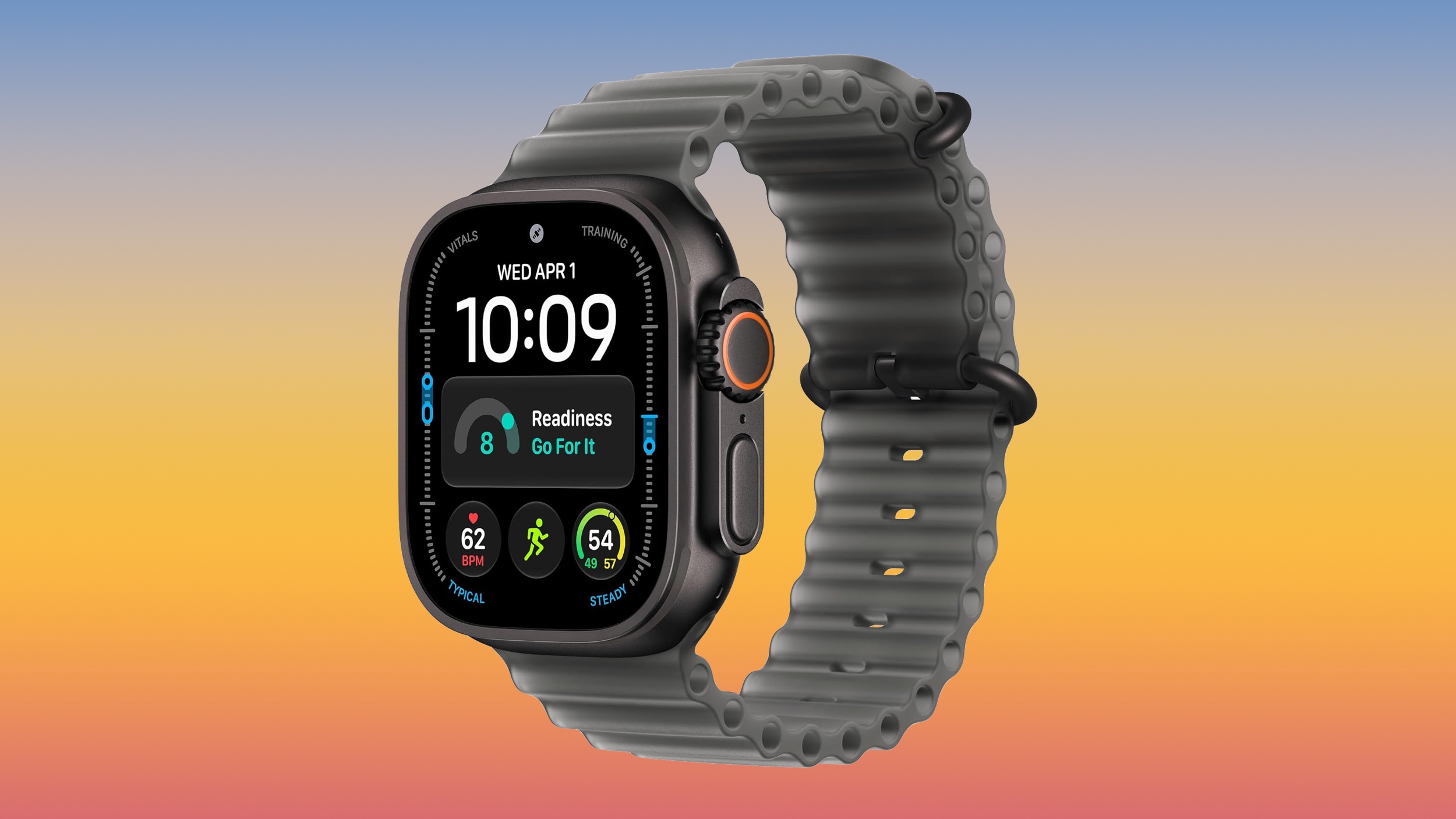


The Apple Watch Ultra 4 has dropped to $699.99 on Amazon in one of the most notable early Black Friday discounts, down from $799.00. This is a match of the all-time low price on the new Ultra 4, which just launched in September.

If you're shopping for a Milanese Loop model, Amazon also has a $99 discount on one of these devices. There are five regular models on sale and two Milanese Loop models, and most have delivery dates of early November on Amazon.


Regarding the previous-generation models, Best Buy this week has a big collection of Apple Watch Ultra 3 models for $549.00, down from $799.00. This is a massive $250 discount on the previous-generation device, and it represents a new all-time low price on these models. You can find similar $250 discounts on the Milanese Loop models at Amazon.


AirTag 2
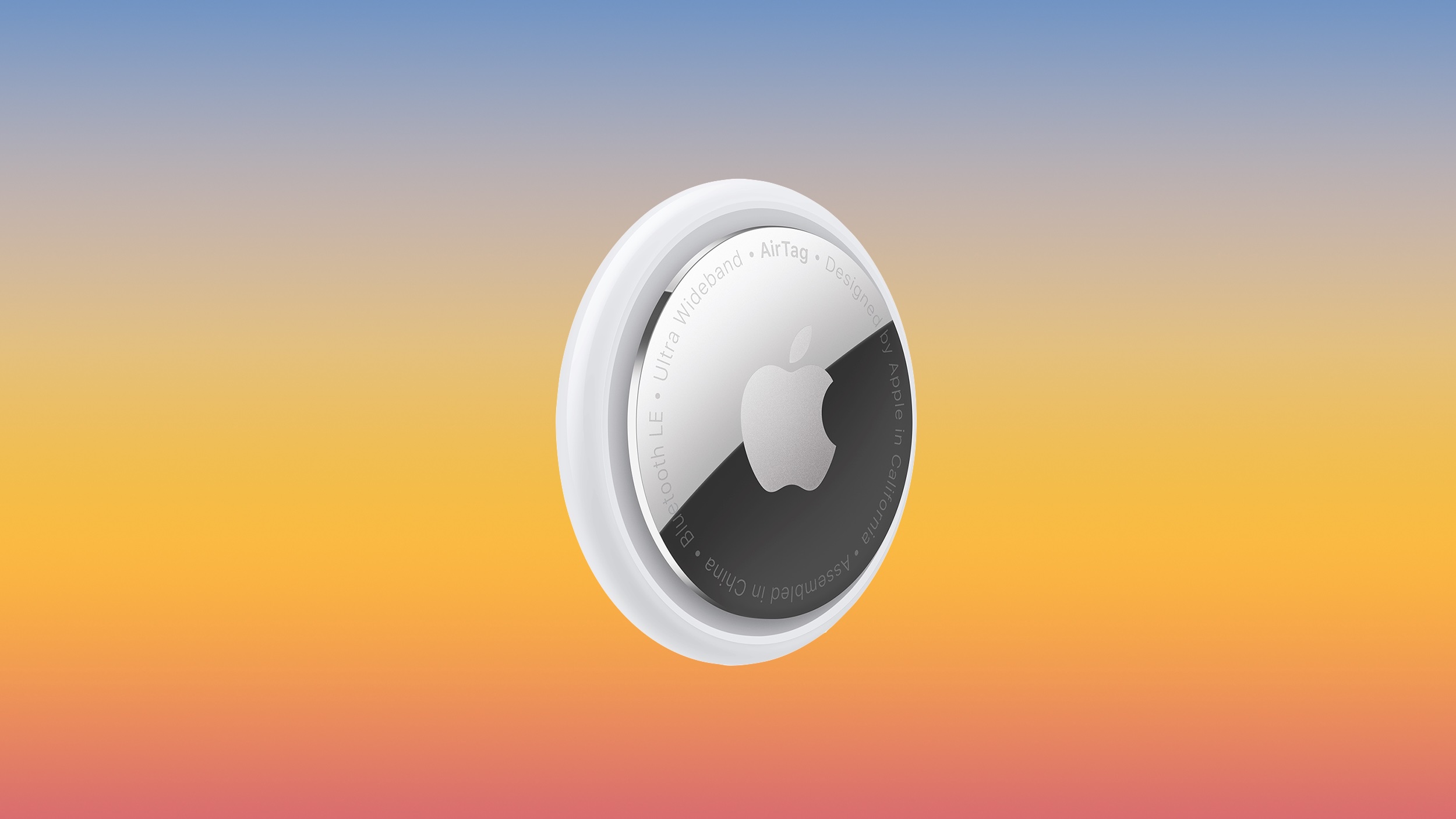


Apple's AirTag 2 has hit $23.00 this week on Amazon, down from $29.00. This deal is on the 1-Pack of the AirTag 2, and it's an all-time low price.


Mac Mini and Mac Studio
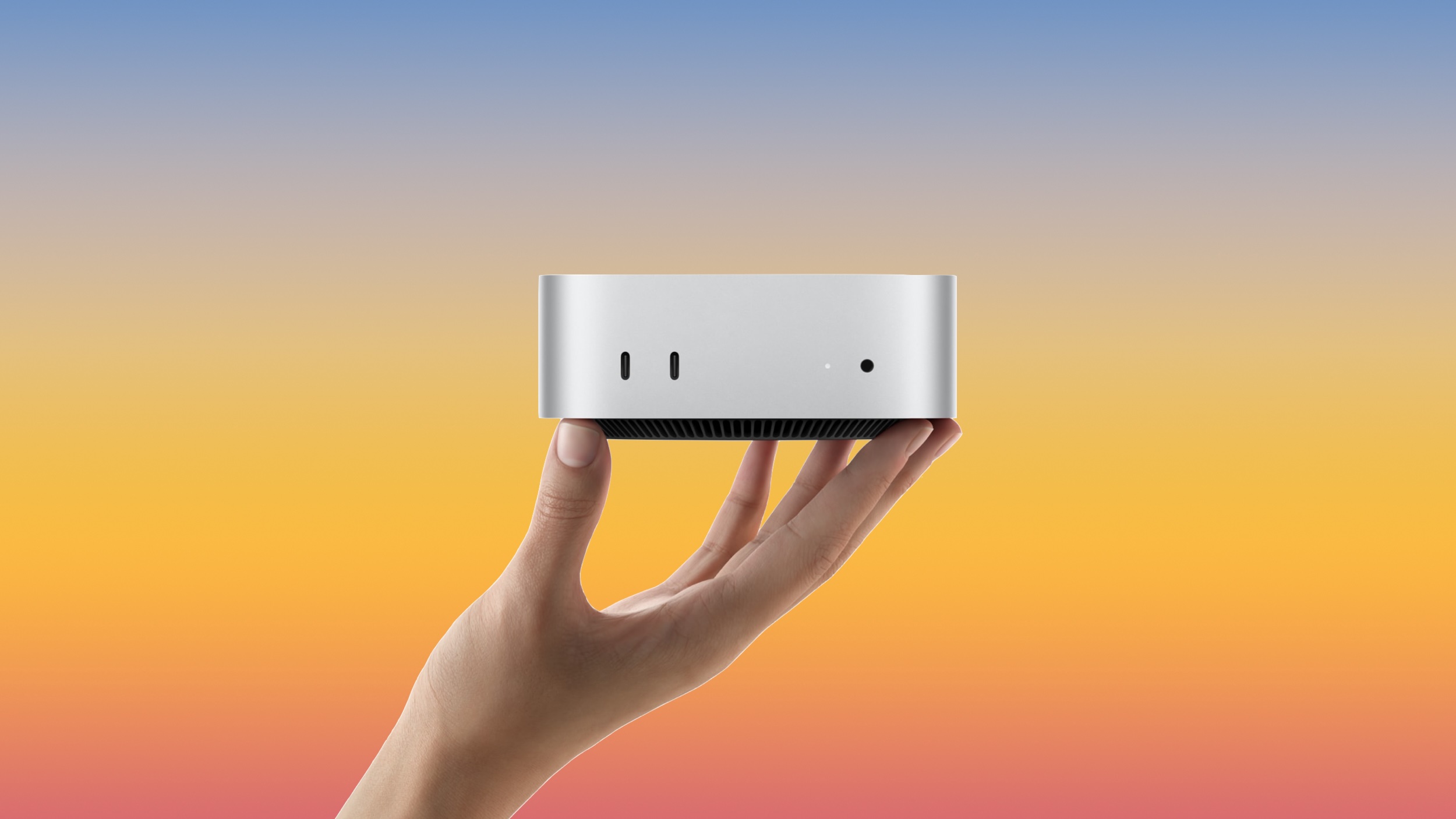


Apple's new Mac mini has had one of the most consistent discounts over the past few weeks, and these $119-$150 markdowns have continued into Black Friday season. Prices start at $779.00 for the entry-level model, and currently include every M6 model, plus the M5 Pro model.


Additionally, one of the best early Black Friday deals is on the M5 Max Mac Studio with 36GB RAM and a 512GB SSD, on sale for $2,299.00, down from $2,499.00.


MacBook Air
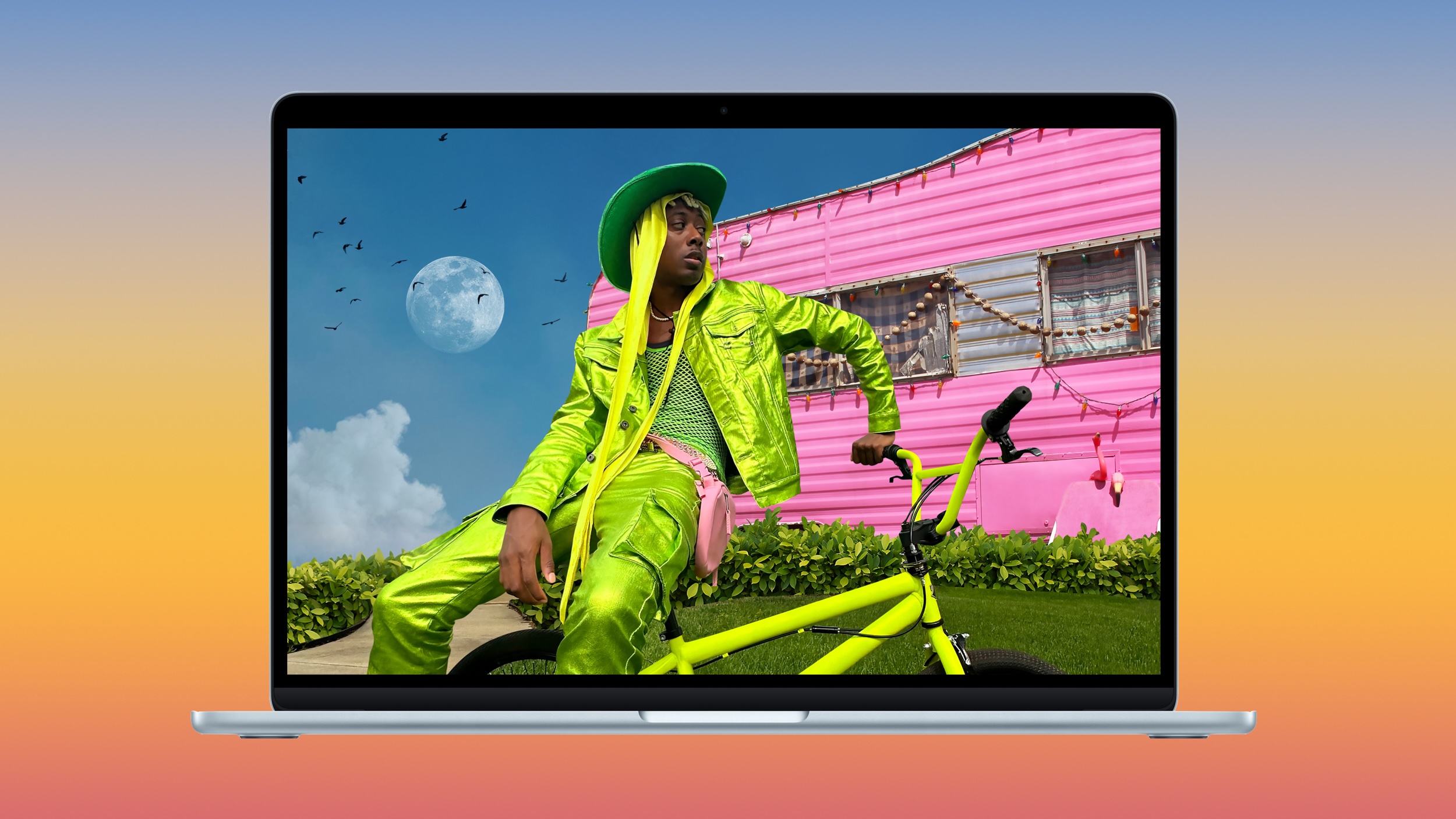


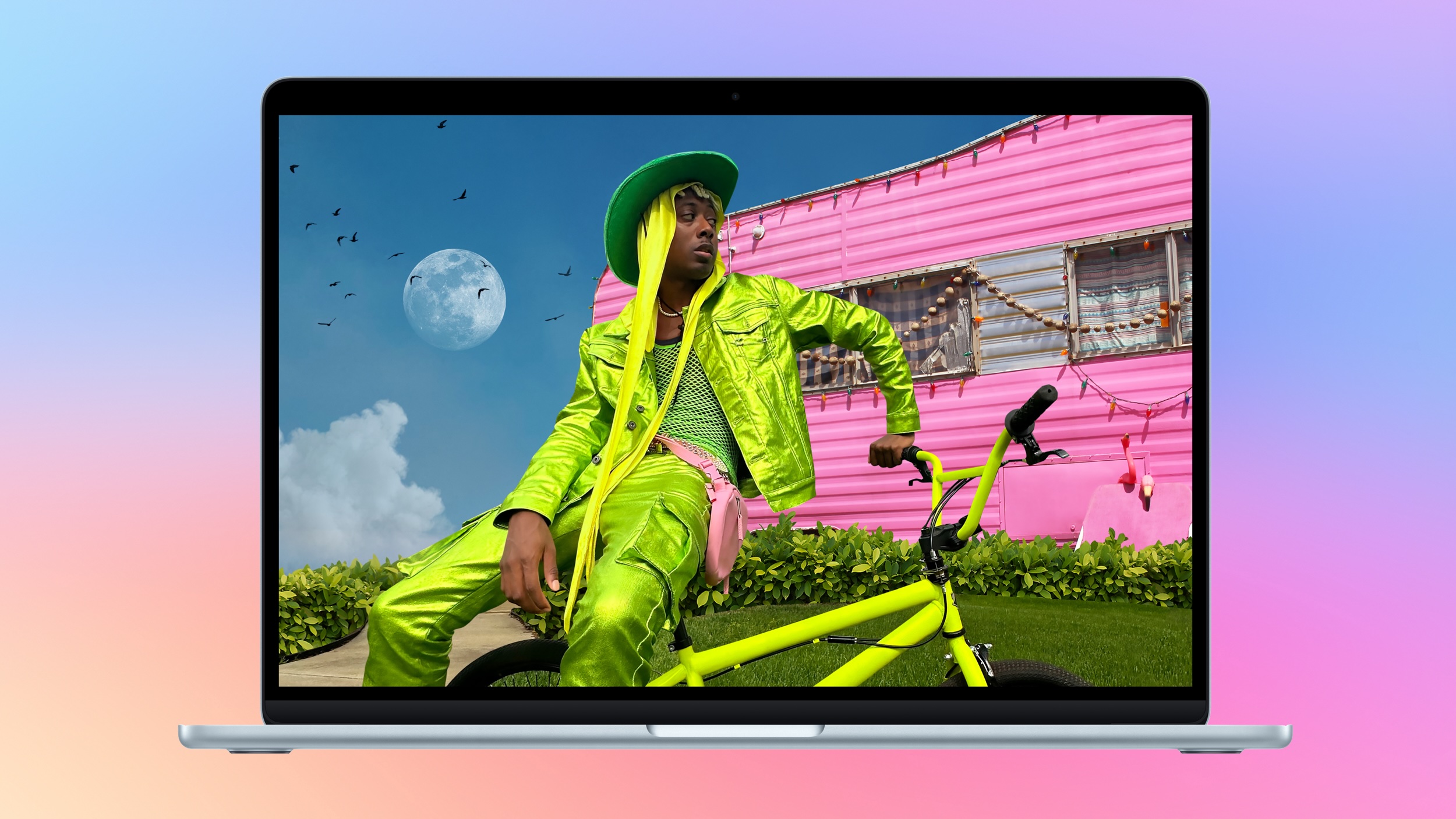
Amazon is taking $199 off nearly every model of the M5 MacBook Air this week, with matches of the best post-hike prices we've ever seen on the computer. Prices now start at $1,099.99 for the 512GB 13-inch model and $1,299.99 for the 512GB 15-inch model.


For the 15-inch M5 MacBook Air models, prices start with the 16GB/512GB model for $1,299.00, down from $1,499.00. You can also get the 16GB/1TB model for $1,549.00, down from $1,799.00, which is a $250 markdown and another all-time low price for Black Friday.


AirPods
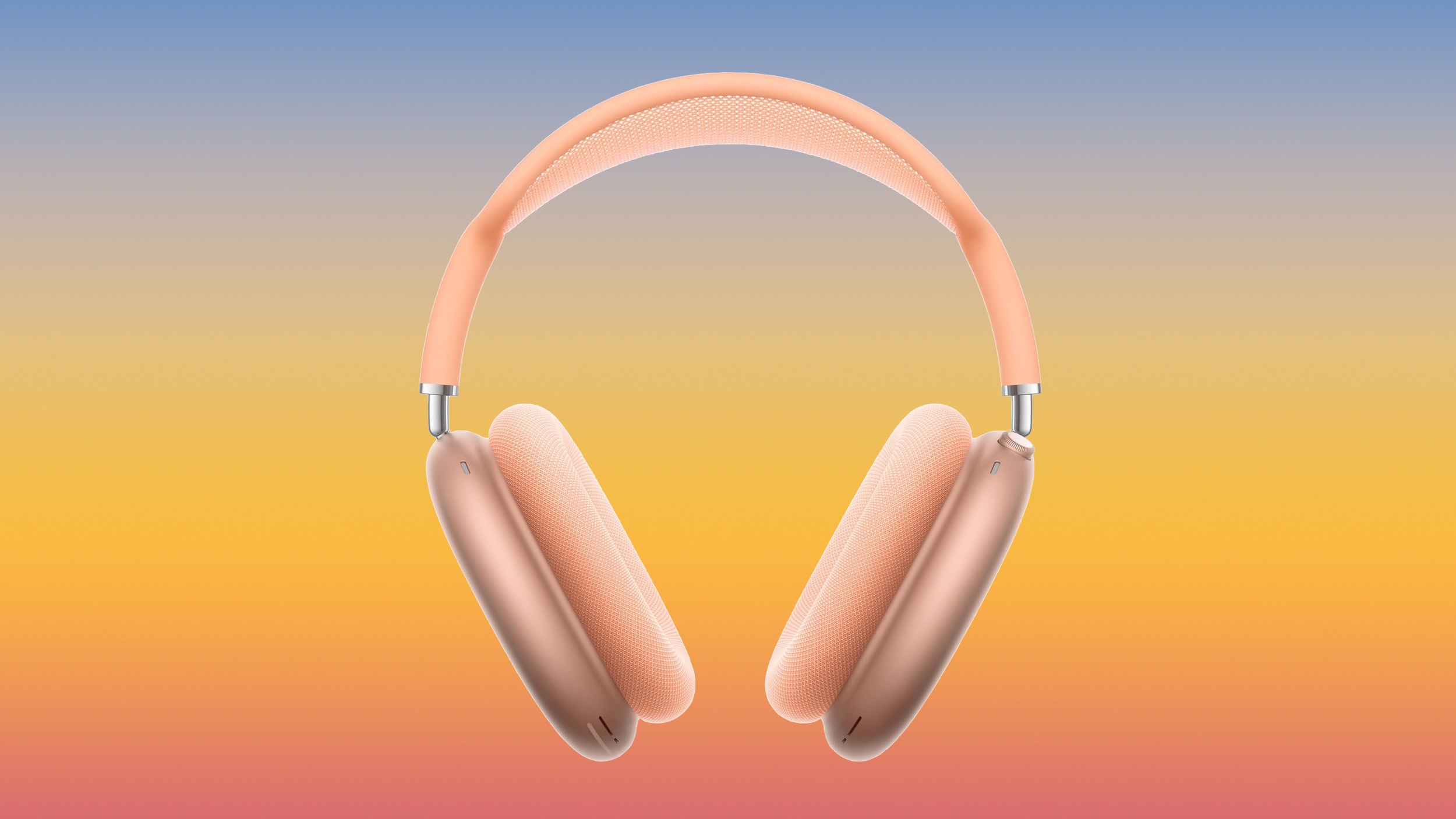


Notable AirPods deals this month include solid second-best prices on the AirPods Pro 3 and AirPods Max 2, with up to $100 off these models.


iPhone 18 Pro and iPhone Duo
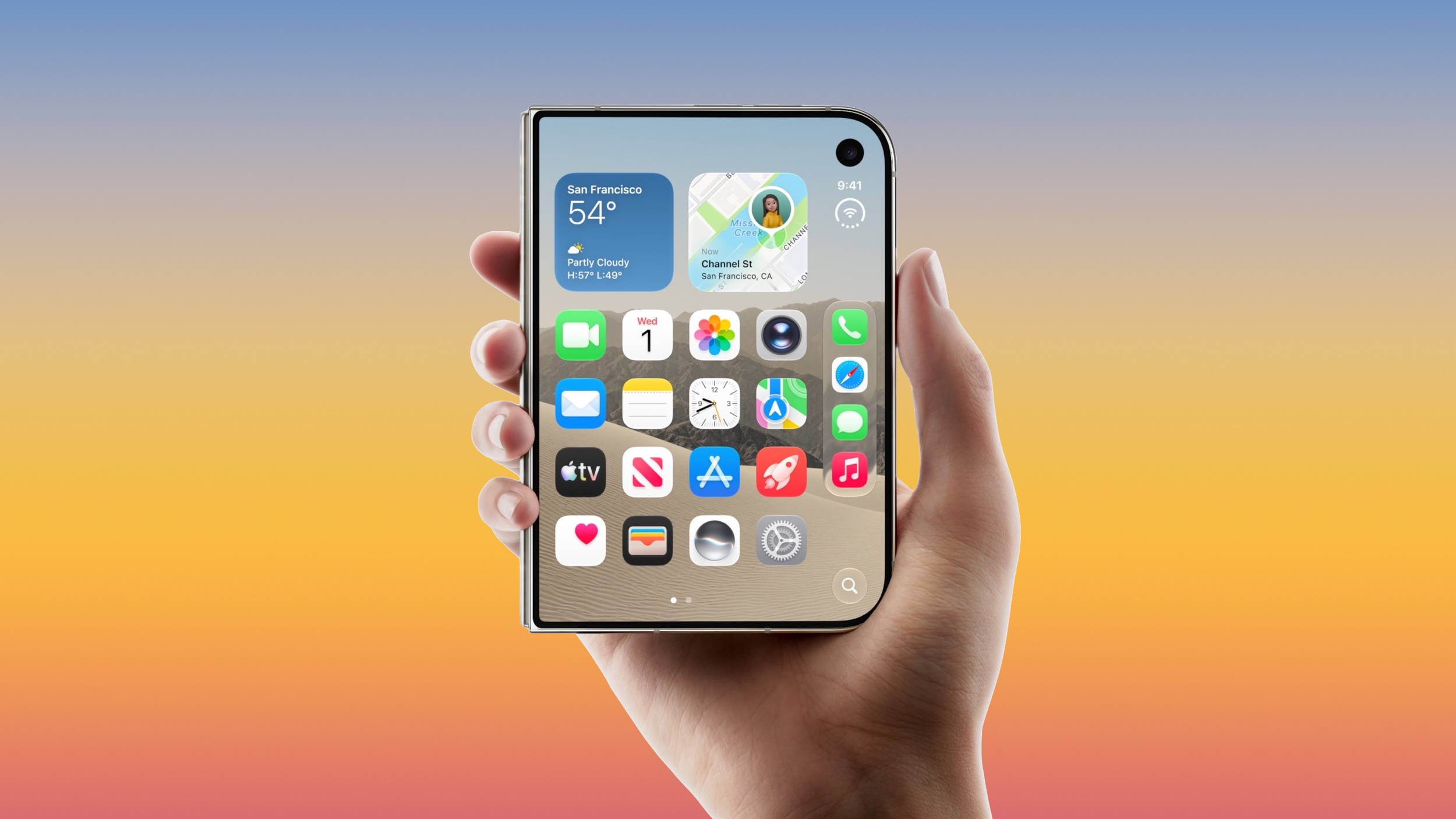


Cellular carriers have always offered big savings on the newest iPhone models during the holidays, and Black Friday 2026 sales have kicked off at AT&T and T-Mobile, as well as Best Buy. Right now we're tracking notable offers on the iPhone 18 Pro, iPhone 18 Pro Max, and iPhone Duo. For even more savings, keep an eye on older models during the holiday shopping season.

T-Mobile


  • iPhone 18 Pro and iPhone 18 Pro Max: Up to $1,200 off with eligible trade-in

  • iPhone Duo: Up to $1,200 off with eligible trade-in

  • Apple Watch SE 3: No cost (up to $300) when adding a watch line on a qualifying plan, or get $250 off any Apple Watch when picking up another Apple Watch


T-Mobile is offering the iPhone 18 Pro and iPhone 18 Pro Max for up to $1,200 off when you trade in an old device (in any condition) and purchase the new device on an eligible unlimited plan. You can also get this offer if you switch a line to Experience Beyond 2.0, Experience Beyond, or Go5G Next.


For anyone shopping for the iPhone Duo, you can get up to $1,200 off the iPhone Duo with any condition trade-in on an Experience Beyond plan. This discount will appear in the form of bill credits over the course of 36 months.

Similarly, if you're on the Experience More or Experience Beyond plan, you can get up to $830 off with a trade-in, and up to $730 off with a new line on most other plans. All of these offers have the same payout schedule over the course of 36 months.

AT&T


Over at AT&T, you can get the iPhone 18 Pro and iPhone 18 Pro Max for up to $1,200 off with an iPhone trade-in in any condition. You'll need to upgrade with AT&T Next Up Anytime or switch to get this offer.


Additionally, new and existing customers can get up to $1,200 off the iPhone Duo with an eligible trade-in. If you're switching to AT&T, the carrier will give you up to $800 to pay off your current device balance, and you can save $200 per line when ordering the smartphone online.

In regards to the main offer of up to $1,200 off the iPhone Duo, AT&T says this requires an eligible trade-in of $230 or more, alongside activation of a new line or upgrading an existing line. You'll get this credit over the course of 36 months on your AT&T bill.

You can find the breakdown of each plan tier from AT&T below, and remember that they each require a trade-in as well.

  • Up to $1,200 off iPhone Duo: requires AT&T Premium 2.0 plan or higher / trade-in value of $230 or more

  • Up to $930 off iPhone Duo: requires AT&T Extra 2.0 plan or higher / trade-in value of $130 or more

  • Up to $500 off iPhone Duo: requires Value 2.0 plan / trade-in value of $130 or more

  • Up to $350 off iPhone Duo: requires any eligible unlimited plan / trade-in value of $35-$129


If you switch to AT&T from a different carrier, AT&T will pay off your phone balance at up to $800 off per line. With the $1,200 offer, AT&T is offering the 256GB iPhone 18 Pro at no cost.

Best Buy


Carriers aren't the only place you can save on iPhones this year, with Best Buy offering the same discounts as AT&T and T-Mobile with activation through these carriers at the time of purchase. This is a great option for anyone who shops at Best Buy a lot and likes to rack up member reward points.


Similar to the carriers, you can get the iPhone 18 Pro models and iPhone Duo for up to $1,200 off with qualified activation on cellular plans and a trade-in of an older device. Best Buy supports activation through AT&T and Verizon.

iPhone Cases
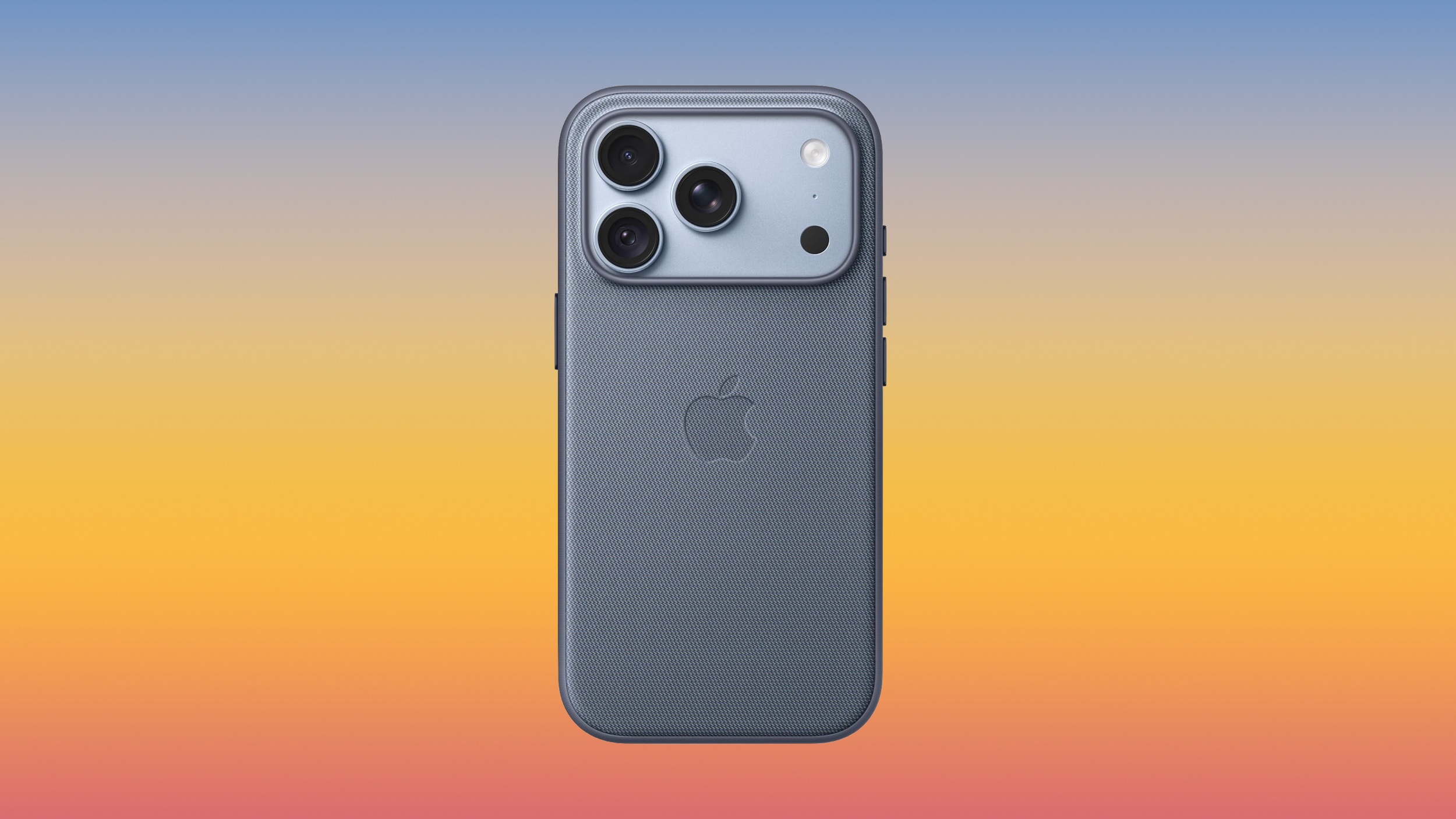


Amazon this week has big discounts across Apple's Clear, Silicone, and TechWoven Cases for the iPhone 18 Pro lineup. Across the board these are the best prices we've tracked to date on the new cases for iPhone 18 Pro and iPhone 18 Pro Max. This time around the deals do not require any coupon codes to see the final sale prices.


Below we're also tracking a few ongoing discounts on iPhone Duo cases from Amazon, ZAGG, and other retailers.

iPhone 18 Pro


iPhone 18 Pro Max


Other Accessories


iPhone Duo


If you're on the hunt for protection for your new iPhone Duo, we've also been keeping track of all the best cases and screen protectors for the new device. The catch with these accessories is that many of them are not on sale given how new the Duo is, but there are overall cheap options you can find on Amazon, plus a great buy two get 20% off deal at ZAGG.


Amazon has some notable TechWoven dupe cases on sale, available for $29.99, which is $50 cheaper than any of Apple's official iPhone Duo cases. Otherwise, you'll find the full list of retailers offering accessories for the iPhone Duo below.

  • Amazon - iPhone Duo cases from Spigen, Speck, ZAGG, and more

  • AT&T - Discounts on iPhone Duo cases and screen protectors from Speck, Spigen, and more

  • Best Buy - iPhone Duo cases from Dbrand, OtterBox, Spigen, Kate Spade, and more

  • Burton Goods - Save on leather cases for iPhone Duo

  • ESR - iPhone Duo Silicone Leather case with Flex Stand

  • Nomad - Leather Folio cases for iPhone Duo

  • OtterBox - Defender cases for iPhone Duo

  • Speck - Presidio Cases for iPhone Duo

  • Target - iPhone Duo cases from ZAGG, Case-Mate, and Kate Spade

  • ZAGG - Save 20% when you buy 2 items from ZAGG, including iPhone Duo cases and screen protectors


More Black Friday Sales


Deals Newsletter


Interested in hearing more about the best deals you can find during the holidays? You can sign up for our Deals Newsletter and we'll keep you updated so you don't miss the biggest deals of the season!


Related Roundups: Apple Black Friday, Apple Deals
Related Forum: Community Discussion

This article, "Early Apple Black Friday Deals on Apple Watch, MacBook Air, and More" first appeared on MacRumors.com

Discuss this article in our forums

  •  

Top Stories: Apple Product Launches, iOS 27.3 Beta, and More

Apple is still rocking and rolling a week into November, with five new products having launched this week and two more still on tap for next week.


Things are also moving forward on the software side with Apple releasing the first betas of iOS 27.3 and related updates, bringing a number of tweaks and new features. We're also looking ahead to new products coming in the first half of 2027, so read on below for all of the details on these stories and more!

Top Stories


Apple Launched Five New Products This Week


Apple released five new products on Friday, November 6, following pre-orders that opened last week, including its first touchscreen MacBook Pro models.


The following new products are now available:

  • iPad mini with OLED display and A20 Pro chip

  • iMac with M6 chip

  • 14-inch MacBook Pro with M6 chip

  • 14-inch MacBook Pro with OLED touchscreen

  • 16-inch MacBook Pro with OLED touchscreen


Apple's HomeView smart home hub and updated Apple TV 4K box will follow next week on Friday, November 13.

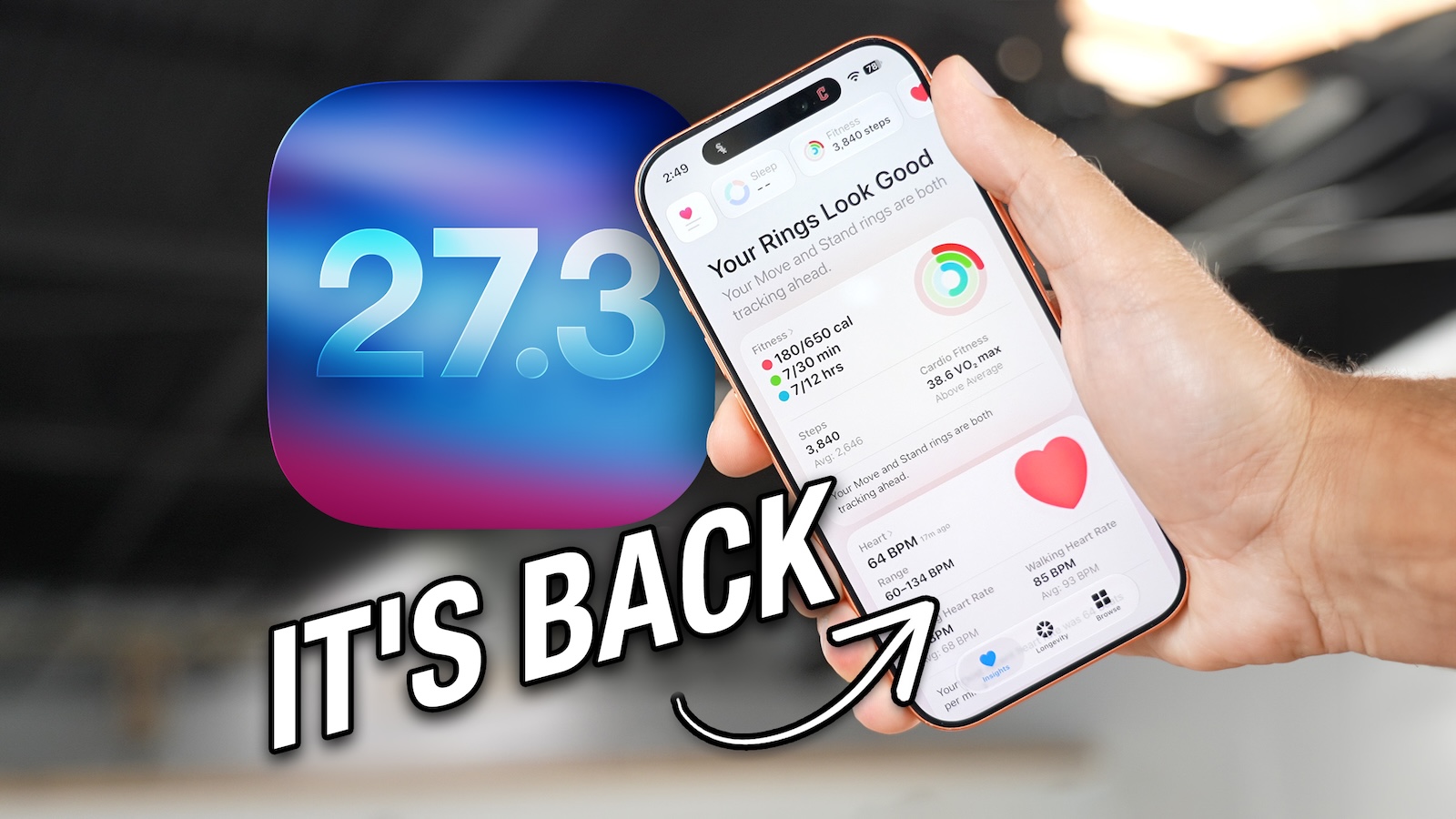
Everything New in the iOS 27.3 Beta


Apple this week started testing iOS 27.3, the biggest update to iOS 27 since it launched in September. iOS 27.3 includes some features Apple showed off earlier this year, and it adds all-new capabilities.


Among the changes in the update are Safari tweaks with a new Vertical Tabs layout option plus an Adaptive Dark Mode feature for websites that don't offer their own dark mode option, Siri AI improvements, an expansion of new iPhone Duo StandBy features to other iPhone models, and more.

The revamped Health app that was in the 27.2 beta for testing but removed prior to the public release has returned in 27.3 and will be seeing a public launch before the end of the year.

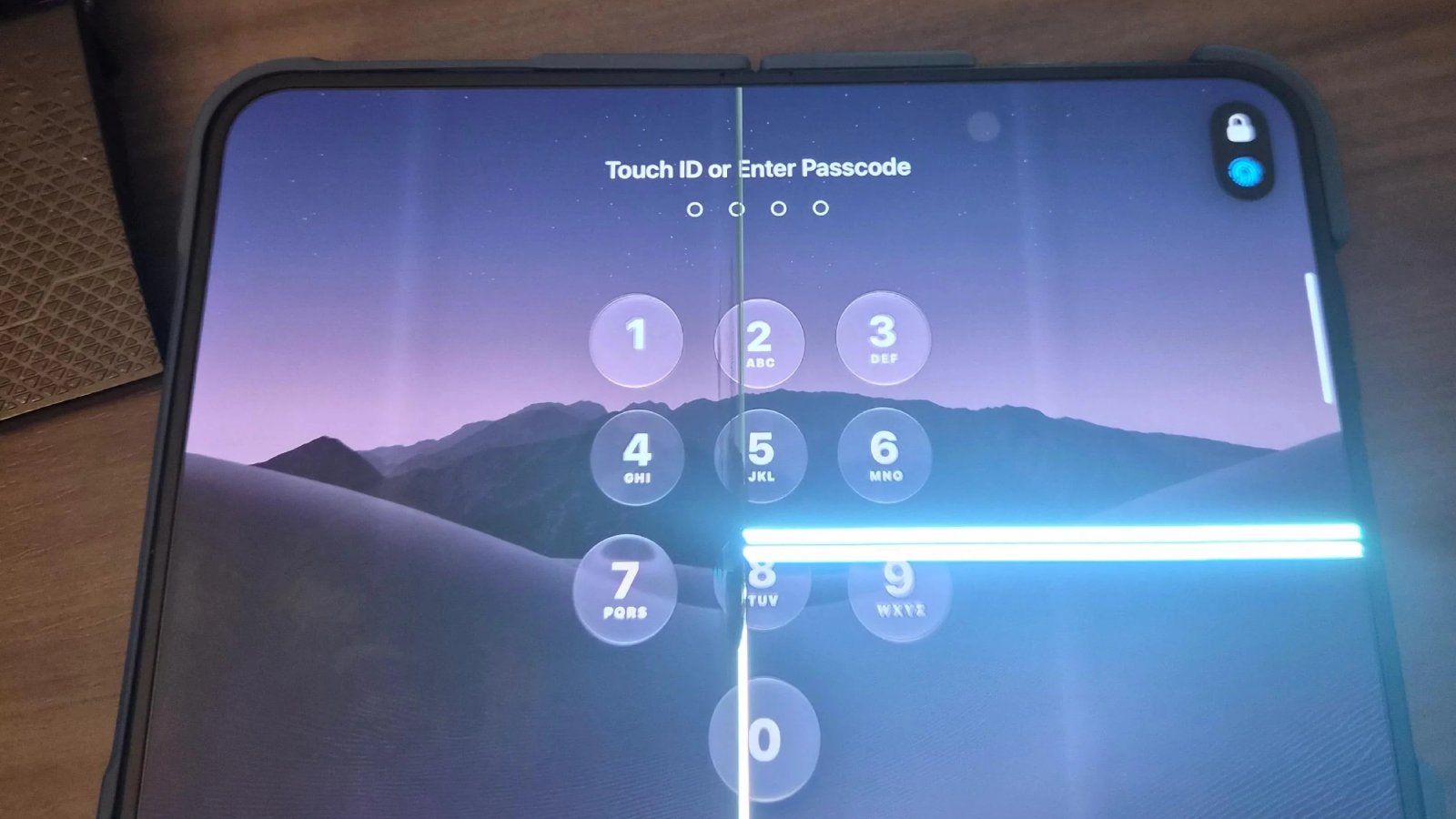
Apple Alerts Stores to iPhone Duo's Display Cracking Issue


In a memo shared with Apple Stores and Apple Authorized Service Providers last week, and later obtained by MacRumors, Apple provided technicians with guidance on how to diagnose and address the iPhone Duo's inner display cracking issue.


If a customer reports the issue, Apple advised technicians to inspect the iPhone Duo and repair or replace it in accordance with their standard procedures. While the instructions themselves are straightforward, the fact that Apple issued an internal memo suggests the issue is widespread enough to warrant official guidance.

Meanwhile, Apple CEO John Ternus this week said Apple is not able to predict when it will be able to meet demand for the foldable iPhone, with Bloomberg's Mark Gurman saying that Apple's change from its original plan to launch the device in November in just two countries has contributed to the difficulties in meeting demand.

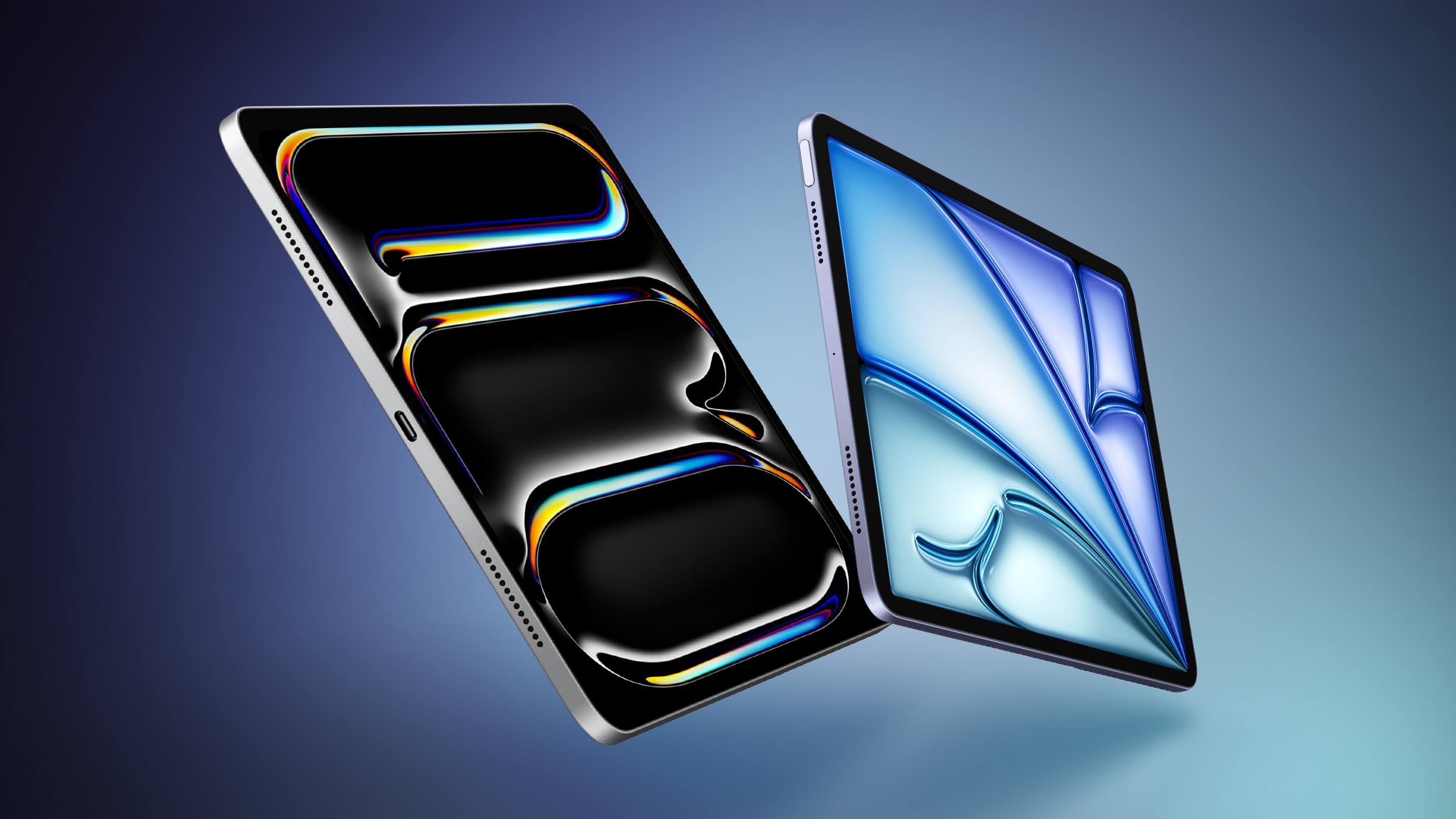
Three New iPads Rumored to Launch in First Half of 2027


The revamped iPad mini launching this week is one piece of Apple's tablet lineup, and Bloomberg's Mark Gurman says the rest of the lineup should be receiving updates in the first half of next year. The iPad Air will reportedly be getting an upgrade to OLED displays, while iPad Pro and base iPad updates should be more modest.


Before those 2027 updates, there's still some time left in 2026, and while we're not expecting any more major product announcements before the end of the year, plenty of previously announced hardware and software updates are still on their way.

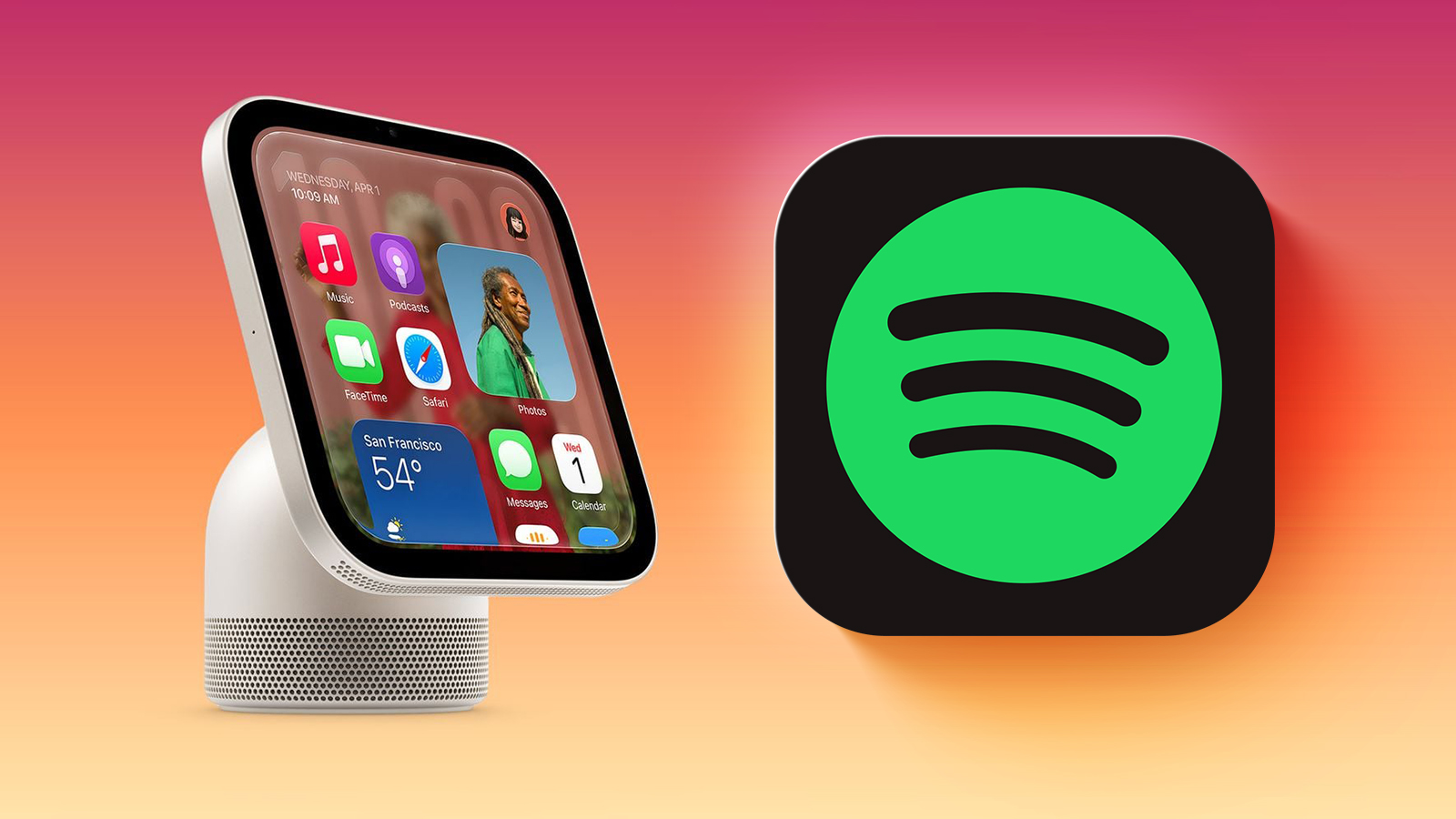
Here's a New Tour of Apple's HomeView Software


App developer Steve Troughton-Smith over the weekend shared a tour of the software on Apple's upcoming HomeView smart home hub. Apple has already demoed the HomeView to selected tech reporters and content creators, but Troughton-Smith offered a closer look at several features, interfaces, and apps.


CarPlay-enabled audio and video apps from third-party developers will also be supported on HomeView, and Troughton-Smith shared a look at what Spotify will look like on the HomeView as well.

We've known for quite some time that HomeView was ready to be released for quite some time while Apple waited for Siri AI to be launched as the primary interaction mechanism for it. That certainly appears to be the case as it seems the units will initially ship with six-month-old software version 26.5 and will have to be updated to HomeView software version 27.2 during setup.

Apple's Flash Storage Suppliers Are Finally 'Getting Their Revenge'


The Wall Street Journal's Rolfe Winkler last week reported that flash storage suppliers once "bullied" by Apple have been "getting their revenge" on the company over the past year due to a severe memory chip shortage, which stems from AI companies building out massive data centers that utilize significant amounts of flash storage and RAM.


As the iPhone took off, Apple became the world's largest buyer of flash storage, and naturally that gave the company a lot of leverage in negotiations. The report goes into detail about some of the hardball tactics that were employed by Apple and its former head of procurement, Tony Blevins.

Flash suppliers now have the upper hand, however, and high demand for their chips has resulted in shortages that are expected to persist through 2030 with high prices continuing as a result.

MacRumors Newsletter


Each week, we publish an email newsletter like this highlighting the top Apple stories, making it a great way to get a bite-sized recap of the week hitting all of the major topics we've covered and tying together related stories for a big-picture view.

So if you want to have top stories like the above recap delivered to your email inbox each week, subscribe to our newsletter!
This article, "Top Stories: Apple Product Launches, iOS 27.3 Beta, and More" first appeared on MacRumors.com

Discuss this article in our forums

  •  

More Fun iPhone Duo Apps: 30 New Picks to Try

When the iPhone Duo launched, we shared a list of some of the fun apps developers created for the new form factor. Two weeks out, developers are continuing to come up with fresh ideas, so we thought we'd share some of our favorites.


Games


  • Marbles Unhinged ($2.99) - Marbles Unhinged is a marble maze designed for the Duo. When you fold it, the floor turns into a ramp. If you stand the top half up, you can bank a marble off of it. When you snap the hinge, the marble launches up.

  • Midnight Fridge ($2.99) - Midnight Fridge turns the ‌iPhone Duo‌ into a tiny refrigerator. It's a memory game where the idea is to look at the magnets on the fridge and then find the items inside.

  • Greens: Mini Golf ($2.99) - Greens is a mini-golf app made for the ‌iPhone Duo‌, and it's playable in any orientation. When folded like a laptop, you can putt on the half on the table, with the upright half serving as a caddie camera.

  • Chirpfold (Free) - Chirpfold is a Flappy Bird-style app where you fold the phone to cause your bird to flap its wings.

  • Valley Run ($0.99) - Valley Run is a neon-themed racing game where you fold the ‌iPhone Duo‌ to direct a marble down a series of challenging tracks.

  • PianoFold ($4.99) - PianoFold is a rhythm game you can play with the ‌iPhone Duo‌ positioned like a laptop. Press and hold on the keys to match the song that's playing. It's free to download, but the full unlock is $4.99.

  • Load Bearing ($5.00) - Load Bearing is a roguelite Tetris-style game that's meant to be played with the Duo half open. The controls are on the bottom, and the blocks fall at the top. It also has deck building elements, so you can put together a set of your preferred block pieces to beat each level.

  • Who's at the Door? (Free) - Who's at the Door? is an app that turns your ‌iPhone Duo‌ into a door. Open it up to see who is on the other side, and if it's something scary, make sure to slam the Duo shut quickly before it gets you.

  • Fold Match ($2.99) - Fold Match is a game where you're given a shape on one side of the Duo and a blank spot where the shape needs to go on the other side. The idea is to position the shape to get to that empty space, but you won't know how close you were until you close the iPhone.

  • Battlefleet Duo (Free) - Battlefleet Duo takes advantage of the Duo's design for a Battleship-style game. In laptop mode, you can see your fleet on the lower screen and the enemy's waters in front of you.


Simple But Clever


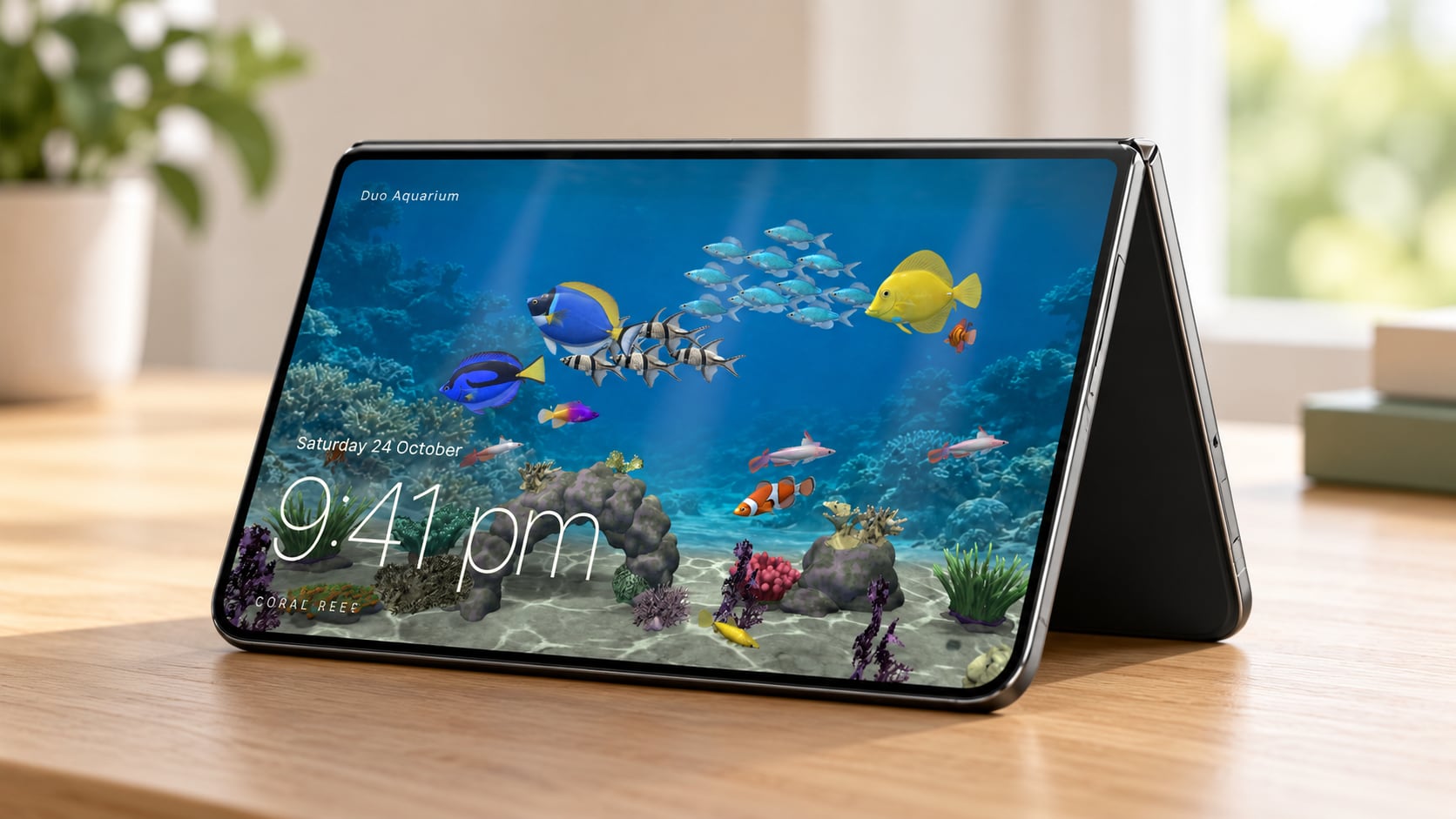
  • Duo Aquarium ($1.00) - As the name suggests, this app turns your ‌iPhone Duo‌ into an aquarium. When in tent mode, it serves as a virtual fish tank and clock. You can choose your fish and your add-ins, then feed them.

  • AltoPaint ($5.99) - AltoPaint is an app that turns the ‌iPhone Duo‌ into a tiny canvas with a paint palette. There are watercolor, oil, and gouache paints with mixable colors.

  • Post Club ($4.99) - Post Club is a cute app where you can pick a typewriter, fold the Duo like a laptop and type up a letter. There are 10 typewriters and 14 paper styles to choose from.

  • Halfpage ($2.99) - Halfpage is another app that turns the ‌iPhone Duo‌ into a typewriter when it's used in a MacBook-like orientation. The keys are at the bottom, and what you type is at the top. It has a simpler design than Post Club.

  • Callsign ($1.49+) - Callsign turns your ‌iPhone Duo‌ into a sign that lets people know if you're free or busy on a call. Just set it up, put it in tent mode, and people can know at a glance not to bother you. It's free to download, and there are different visual packs to unlock with one-off $1.49 purchases.

  • AskZine ($1.99) - AskZine is a Magic 8 Ball-like app where you ask a question, unfold the screen, and see your answer.

  • Lullabox (Free) - Lullabox turns the ‌iPhone Duo‌ into a music box where you can wind the key, lift the lid, and watch a porcelain ballerina spin while soft music plays. The music gets louder as the ‌iPhone Duo‌ is opened further.

  • DuoBook (Free) - DuoBook turns the ‌iPhone Duo‌ into a tiny Mac with a keyboard and trackpad that work like the Mac equivalent. You can also use it to send photos and files to the Mac.


Special Duo Features


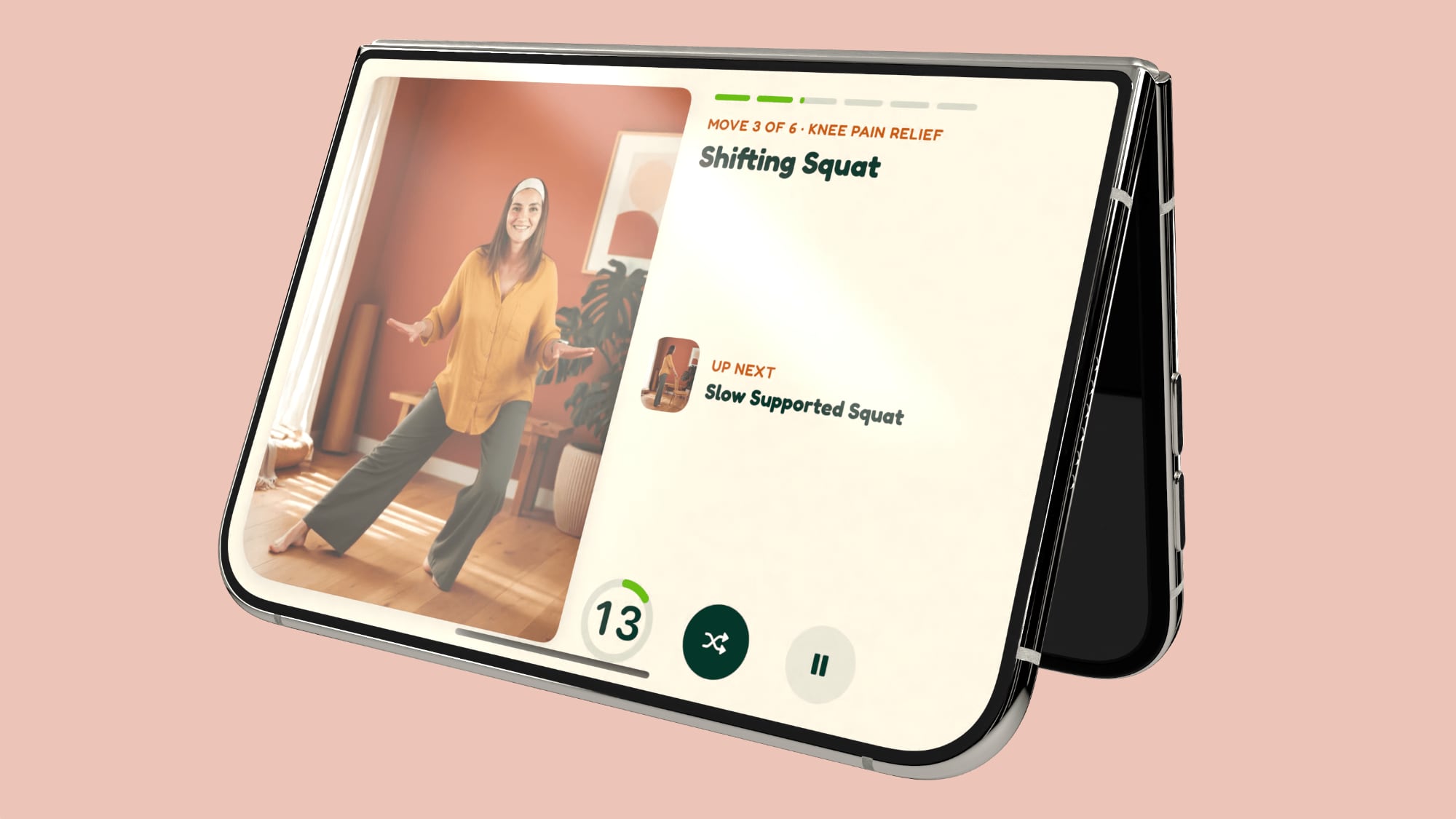
  • Wakeout ($59.99/year) - Fitness app Wakeout was Apple's App of the Year back in 2020. It offers up workout games you can do in just minutes a day. You can put your Duo in tent or laptop mode to follow along with workout moves, playing games with your body.

  • Faro (Free) - Faro is an app that helps you find movies to watch so you don't waste time browsing through Netflix without ever making a choice. On ‌iPhone Duo‌, you can see two films side by side to choose between them, or see your list of picks on one half of the display with details on each movie on the other half.

  • CalibReader (Free) - CalibReader is an EPUB and PDF reader that turns the ‌iPhone Duo‌ into a book. The outer screen shows the title's cover, and when you open it, there's a two-page spread with page-turning animations.

  • Retrocade (Apple Arcade) - Retrocade turns the ‌iPhone Duo‌ into a mini arcade machine and works on the Duo in multiple fold positions.

  • Blankie (Free) - Soundscape app Blankie has a dual view with Now Playing on one side and Sound Mixer on the other. When folded in tent mode, it shows a view of what's playing.


Camera Apps


  • IncrediBooth (Free) - IncrediBooth turns the ‌iPhone Duo‌ into a little photo booth. Press the red button to capture an image, and your photo strip appears on the outer display. It's free to download, with five strips available per day.

  • VNTG (Free) - VNTG is an instant camera app where you close the ‌iPhone Duo‌ to take a shot and then open it up to develop it. It's free to download, with in-app purchases to unlock camera lenses.

  • Flipcorder ($4.99) - Flipcorder is a video recording app that turns the ‌iPhone Duo‌ into a retro camcorder. It's designed to be used for daily video diaries, and each tape is displayed on a shelf in the app. To film, just unfold the Duo. Recordings have classic VHS-style effects.


Less Fun, More Serious


  • Widen ($3.99) - Widen is another extension that expands Safari to take up the width of the outer display. It also hides cookie banners and works in Split View. There are multiple settings, so you can set just pictures to take up the full screen, or opt to have pictures and text expand.

  • SPAN (Free) - SPAN is an app that turns the ‌iPhone Duo‌ into a project tracker and timer. It has different views for each ‌iPhone Duo‌ orientation. SPAN is free to use for the current week, with a $4.99/month pro subscription available for unlimited projects and full monthly and yearly reports.

  • BrainDrain (Free) - BrainDrain is a 60-second brain dump app that helps you sort your thoughts. On the ‌iPhone Duo‌, different Duo orientations have different purposes. You can use it like a laptop in a half fold, type thoughts with the Duo closed, or put it in tent mode to use voice capture.


More Apps


Know of some fun ‌iPhone Duo‌ apps not on our list? Let us know in the comments. Be sure to check out our first iPhone Duo app article too.
Related Roundup: iPhone Duo
Buyer's Guide: iPhone Duo (Buy Now)
Related Forum: iPhone

This article, "More Fun iPhone Duo Apps: 30 New Picks to Try" first appeared on MacRumors.com

Discuss this article in our forums

  •  

Hands-On With Apple's New OLED Touchscreen MacBook Pro

Happy touch your Mac day! Apple's new PROLED MacBook Pro is now in the hands of customers. We picked up one of the new machines to get our greasy fingerprints all over that pristine OLED display.


It's been five years since Apple last redesigned the ‌MacBook Pro‌, so it was due for an update. The PROLED ‌MacBook Pro‌ looks a lot like the mini-LED model, but it's thinner and lighter. The 14-inch model is about half a millimeter thinner and weighs just over three pounds, while the 16-inch model is almost a millimeter thinner and weighs four pounds. Apple shaved off about half a pound for the 14-inch model and 0.7 pounds for the 16-inch model, and while that doesn't sound like much, it makes a big difference. You can feel how much lighter it is the second you take it out of the box. Apple brought back the glowing logo for the PROLED ‌MacBook Pro‌, so everyone around you will know you have the fancy new ‌OLED‌ model.

The ‌OLED‌ display is the major new feature, and it looks as good as you would expect from a display in a laptop starting at $2,899. Blacks are true black, and since each pixel lights up individually, there's none of the bloom you get with mini-LED when viewing bright objects on a dark background. The PROLED ‌MacBook Pro‌ can get super bright too, and that brightness paired with the deep blacks, HDR content looks great. ‌OLED‌ sometimes isn't bright enough outdoors, but that's not the case here.

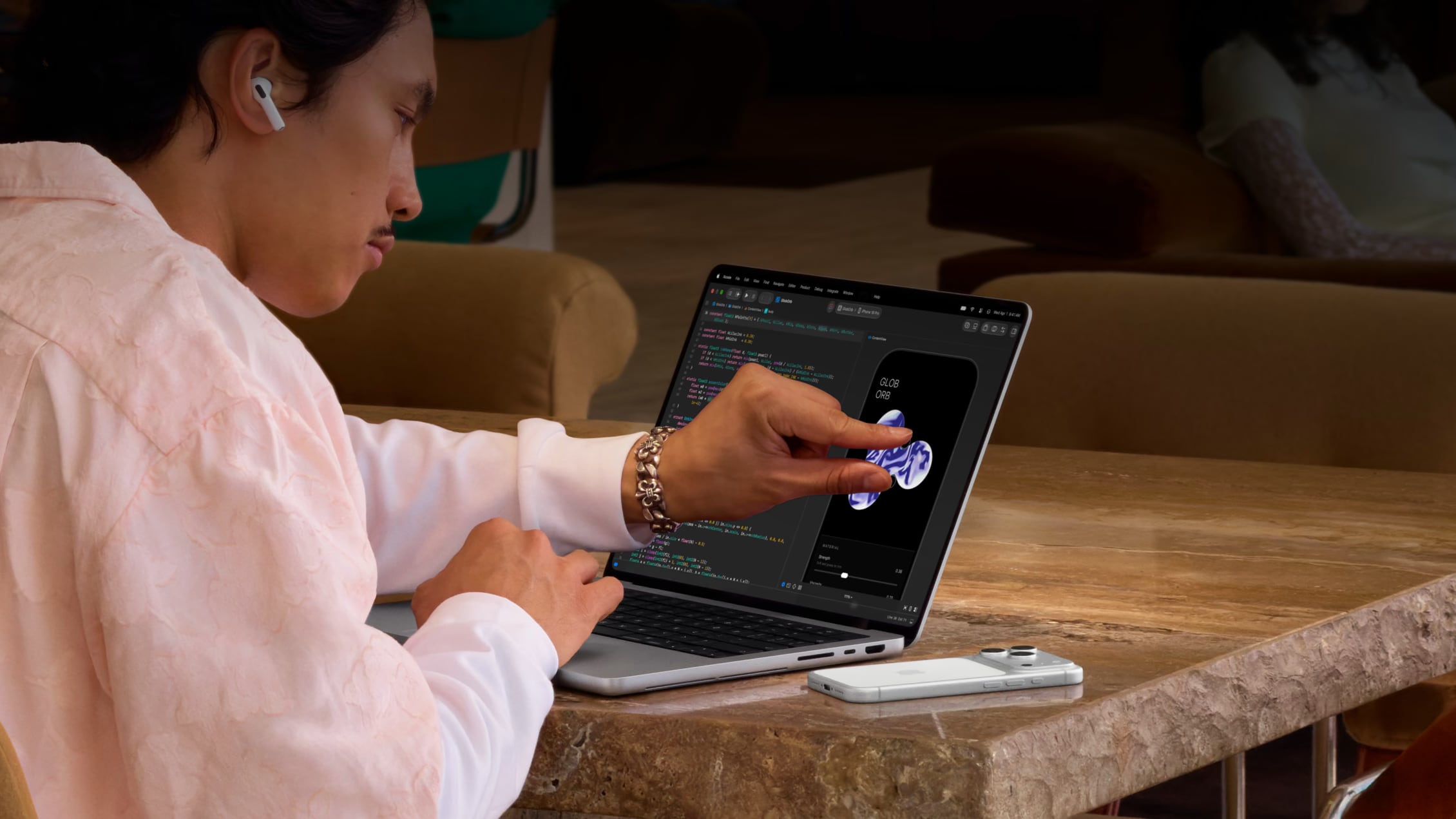
The display bezels are thinner, and the 16-inch machine is actually 16.3 inches instead of 16.2. There's also an iPhone-like Dynamic Island that replaces the notch and houses Siri AI, Live Activities, and more. The ‌Dynamic Island‌ makes sense because you can now touch the ‌MacBook Pro‌'s display. It works like touching an iPhone or iPad, so you can swipe through webpages, tap buttons, drag and drop, and pinch to zoom.

Touch isn't meant to replace the trackpad and keyboard, but it's there if you want it. Apple made some tweaks to macOS, so menu options expand a little more when you touch them than when you click them, and tiny window resizing buttons get larger. Apple put a sturdier hinge in the PROLED ‌MacBook Pro‌ so the display won't move as much when you tap it, but it's not perfect. It does still jiggle depending on where you tap.

The touch feature is fine, but it's probably not a reason to go out and get the PROLED ‌MacBook Pro‌. It has the potential to be useful in some situations, but it's not going to dramatically change the way most people use a laptop.

New chips weren't ready in time for the PROLED machines, so they use the same M5 Pro and M5 Max as the mini-LED models. That's a disappointment in a laptop that starts at almost $3,000. Since Apple is still selling the mini-LED models, you're basically paying a $400 premium for the higher-end ‌OLED‌ display, the thinner and lighter design, and the touch functionality.

The better display and the lighter weight are going to be worth the price for some people, and the touch is just a bonus.
Related Roundup: MacBook Pro
Tag: OLED
Buyer's Guide: MacBook Pro (Buy Now)
Related Forum: MacBook Pro

This article, "Hands-On With Apple's New OLED Touchscreen MacBook Pro" first appeared on MacRumors.com

Discuss this article in our forums

  •  
❌