❌

Normale Ansicht

Hands-On With Apple's New OLED Touchscreen MacBook Pro

Happy touch your Mac day! Apple's new PROLED MacBook Pro is now in the hands of customers. We picked up one of the new machines to get our greasy fingerprints all over that pristine OLED display.


It's been five years since Apple last redesigned the ‌MacBook Pro‌, so it was due for an update. The PROLED ‌MacBook Pro‌ looks a lot like the mini-LED model, but it's thinner and lighter. The 14-inch model is about half a millimeter thinner and weighs just over three pounds, while the 16-inch model is almost a millimeter thinner and weighs four pounds. Apple shaved off about half a pound for the 14-inch model and 0.7 pounds for the 16-inch model, and while that doesn't sound like much, it makes a big difference. You can feel how much lighter it is the second you take it out of the box. Apple brought back the glowing logo for the PROLED ‌MacBook Pro‌, so everyone around you will know you have the fancy new ‌OLED‌ model.

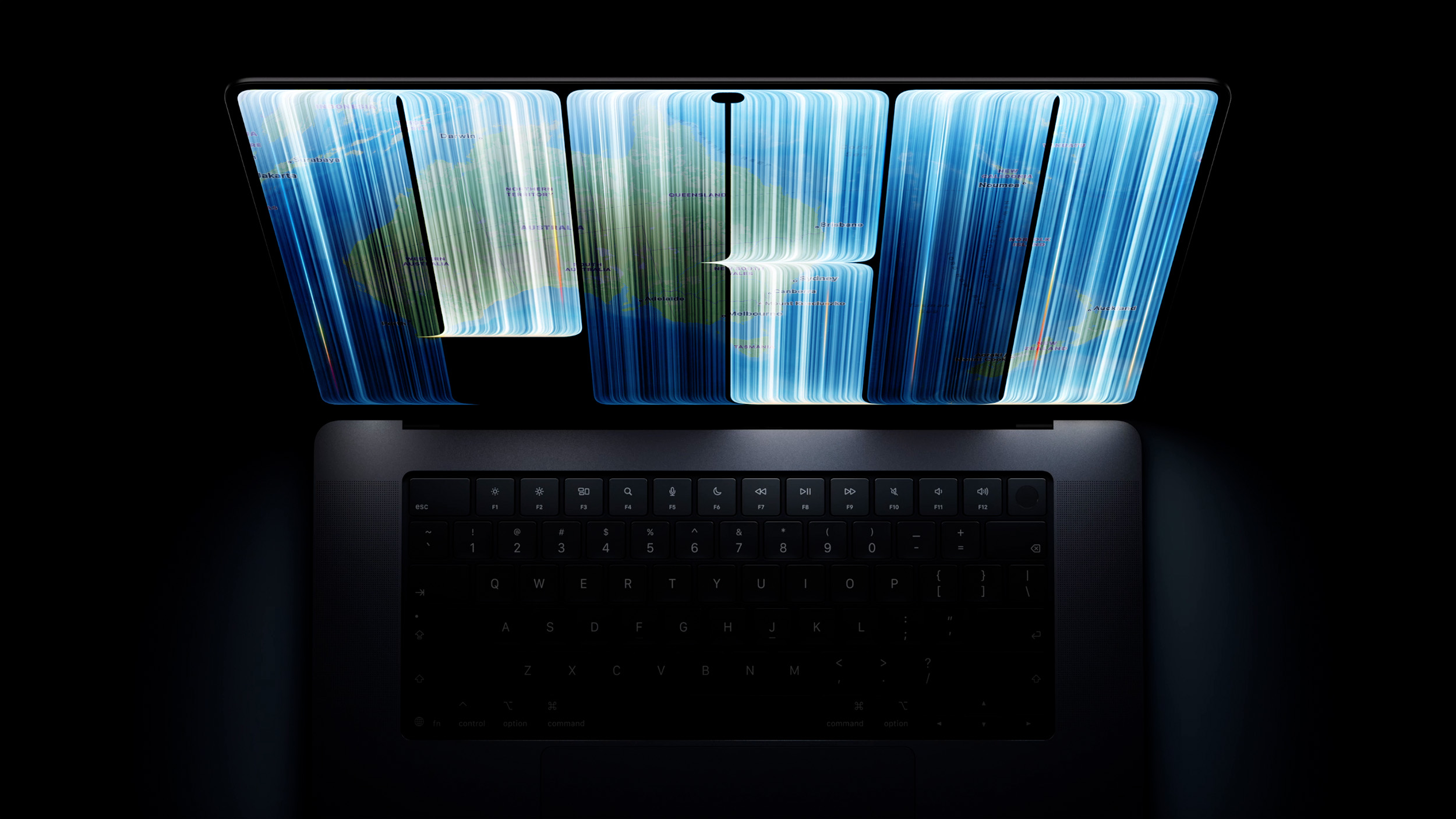
The ‌OLED‌ display is the major new feature, and it looks as good as you would expect from a display in a laptop starting at $2,899. Blacks are true black, and since each pixel lights up individually, there's none of the bloom you get with mini-LED when viewing bright objects on a dark background. The PROLED ‌MacBook Pro‌ can get super bright too, and that brightness paired with the deep blacks, HDR content looks great. ‌OLED‌ sometimes isn't bright enough outdoors, but that's not the case here.

The display bezels are thinner, and the 16-inch machine is actually 16.3 inches instead of 16.2. There's also an iPhone-like Dynamic Island that replaces the notch and houses Siri AI, Live Activities, and more. The ‌Dynamic Island‌ makes sense because you can now touch the ‌MacBook Pro‌'s display. It works like touching an iPhone or iPad, so you can swipe through webpages, tap buttons, drag and drop, and pinch to zoom.

Touch isn't meant to replace the trackpad and keyboard, but it's there if you want it. Apple made some tweaks to macOS, so menu options expand a little more when you touch them than when you click them, and tiny window resizing buttons get larger. Apple put a sturdier hinge in the PROLED ‌MacBook Pro‌ so the display won't move as much when you tap it, but it's not perfect. It does still jiggle depending on where you tap.

The touch feature is fine, but it's probably not a reason to go out and get the PROLED ‌MacBook Pro‌. It has the potential to be useful in some situations, but it's not going to dramatically change the way most people use a laptop.

New chips weren't ready in time for the PROLED machines, so they use the same M5 Pro and M5 Max as the mini-LED models. That's a disappointment in a laptop that starts at almost $3,000. Since Apple is still selling the mini-LED models, you're basically paying a $400 premium for the higher-end ‌OLED‌ display, the thinner and lighter design, and the touch functionality.

The better display and the lighter weight are going to be worth the price for some people, and the touch is just a bonus.
Related Roundup: MacBook Pro
Tag: OLED
Buyer's Guide: MacBook Pro (Buy Now)
Related Forum: MacBook Pro

This article, "Hands-On With Apple's New OLED Touchscreen MacBook Pro" first appeared on MacRumors.com

Discuss this article in our forums

  •  

Control the Glowing Apple Logo on Your New MacBook Pro

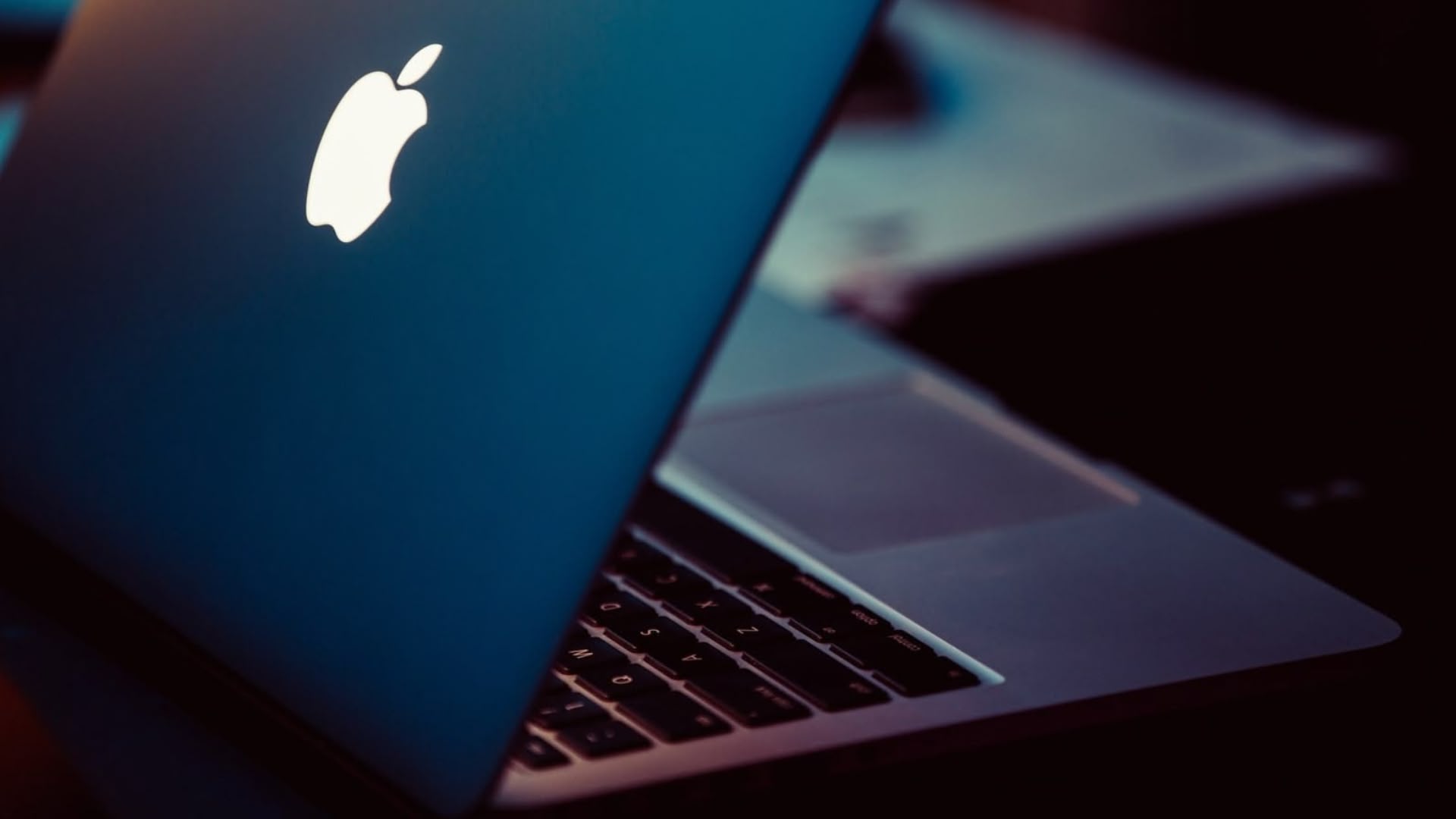
Once a common sight in lecture theaters and coffee shops everywhere, the glowing emblem of an Apple logo featured on the lids of many Mac laptops launched in the early 2000s. In a nice touch, the new 14-inch and 16-inch MacBook Pro models with PROLED XDR displays bring back the much-loved logo. It's lit up whenever the Mac is awake, and it automatically dims or brightens based on your screen's brightness level and the ambient light in the room.

Image credit: MacRumors forum member sniffies

If you'd rather keep the logo dark, Apple has shared a way to turn it off. Unusually though, there's no switch in System Settings. Instead, you need to enter a command in the Terminal app. If that sounds intimidating, don't worry – it's a single line that you can copy and paste. Note that the following command only works on MacBook Pro models with a PROLED XDR display.

  1. Open Terminal on your Mac: it's in the Applications ➝ Utilities folder, or you can search for "Terminal" using Spotlight (Command + Space).

  2. Type or paste the following command, then press Enter:

    sudo defaults write com.apple.CoreBrightness LEBacklightMode -int 0
  3. When prompted, enter your administrator password and press Enter. (Terminal doesn't show the password as you type it.)

After performing the steps, the logo illumination should turn off immediately, no restart required. The change applies to all macOS user accounts on the machine, and it will carry over even if you start up from macOS Recovery. If you later migrate to a new Mac, the setting even transfers across with the rest of your system.

Relight the Apple Logo


Reinstalling macOS turns the illumination back on, but you can also turn it back on yourself at any time by entering the following command in Terminal:

sudo defaults delete com.apple.CoreBrightness LEBacklightMode

Remember to press Enter!

Backstory


The first Mac laptop with a lit-up Apple logo was the third-generation PowerBook G3 launched in 1999. The glowing symbol proved a mainstay through consecutive Apple notebooks for the next 16 years. The only change in that period was that the logo got flipped upright, so that it no longer appeared upside-down to onlookers when someone was sat in public with the lid open.

According to former Apple employee Joe Moreno, the original orientation was deliberate: Apple's design group had found that users kept trying to open their laptops from the wrong end. "Steve Jobs always focused on providing the best possible user experience and believed that it was more important to satisfy the user than the onlooker," Moreno recalled.

Ironically, Jobs later reversed the decision.

"Opening a laptop from the wrong end is a self-correcting problem that only lasts a few seconds," said Moreno. "However, viewing the upside logo is a problem that lasts indefinitely."

The earlier orientation, seen in Sex and the City (Image: HBO/Everett/Rex Features)


In 2015, Apple began nixing the illuminated insignia from its laptops, starting with the ultra-thin 12-inch MacBook, which had a polished metal logo instead, like iPads before it. In 2016, a new generation of MacBook Pro models continued the unlit trend. Apple hasn't launched a Mac laptop with a glowing logo since – until now.
Related Roundup: MacBook Pro
Buyer's Guide: MacBook Pro (Buy Now)
Related Forum: MacBook Pro

This article, "Control the Glowing Apple Logo on Your New MacBook Pro" first appeared on MacRumors.com

Discuss this article in our forums
  •  

OLED iPad Mini, M6 iMac, and New MacBook Pros Available From Today

From today, Apple's new iPad mini with an OLED display, M6 iMac, and its latest MacBook Pro models are available to buy from Apple's online store and in the Apple Store app, with the first pre-orders also arriving to customers today and both devices reaching Apple Store locations and Apple Authorized Resellers.


OLED iPad Mini


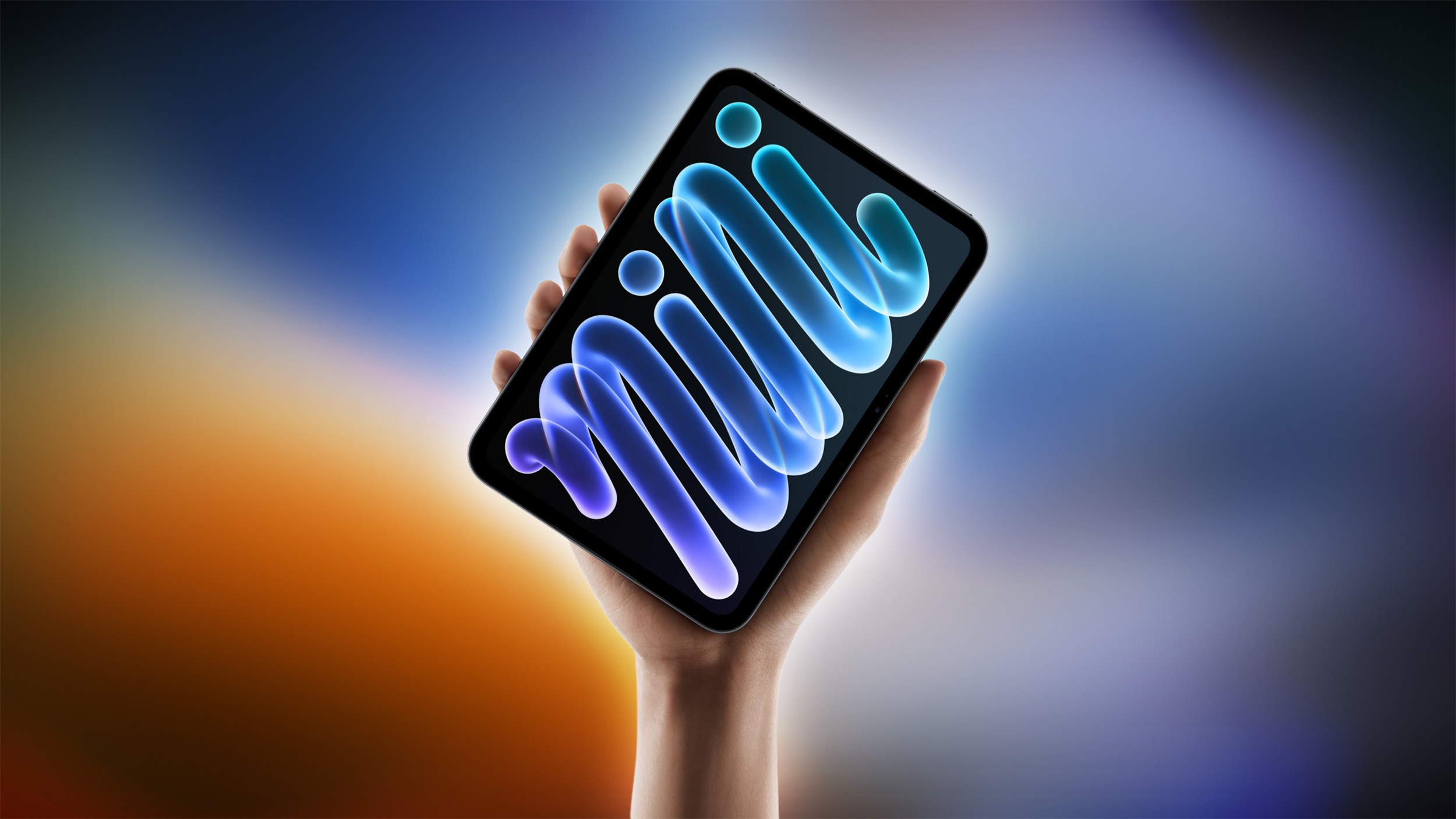
The eighth-generation iPad mini is Apple's smallest tablet with an OLED display. The 8.5-inch Super Retina XDR display offers up to 1,200 nits of peak brightness, a 2,000,000:1 contrast ratio, and a 1-nit minimum brightness, with a nano-texture glass option on 256GB and 512GB models for the first time.

The device is powered by Apple's A20 Pro chip and the N1 wireless chip, enabling Wi-Fi 7 and Bluetooth 6. At 5.4mm thin and 255 grams, it's the lightest iPad Apple has made. It's also the first iPad with an IP67 water and dust resistance rating, aided by a new Acoustic Display that produces sound through the screen itself, so there are no speaker holes in the enclosure.

A 12MP Center Stage front camera is now located on the landscape side for video calls, and the device supports Apple Pencil Pro and Apple Pencil (USB-C). The display is limited to a 60Hz refresh rate with no ProMotion, which has been the main point of criticism in early reviews.

In the United States, the new iPad mini starts at $699 for the 128GB Wi-Fi model. The 256GB and 512GB configurations are priced at $799 and $999, with nano-texture glass adding $100 on those models, while Wi-Fi + Cellular models start at $849. Education pricing starts at $649.

M6 iMac


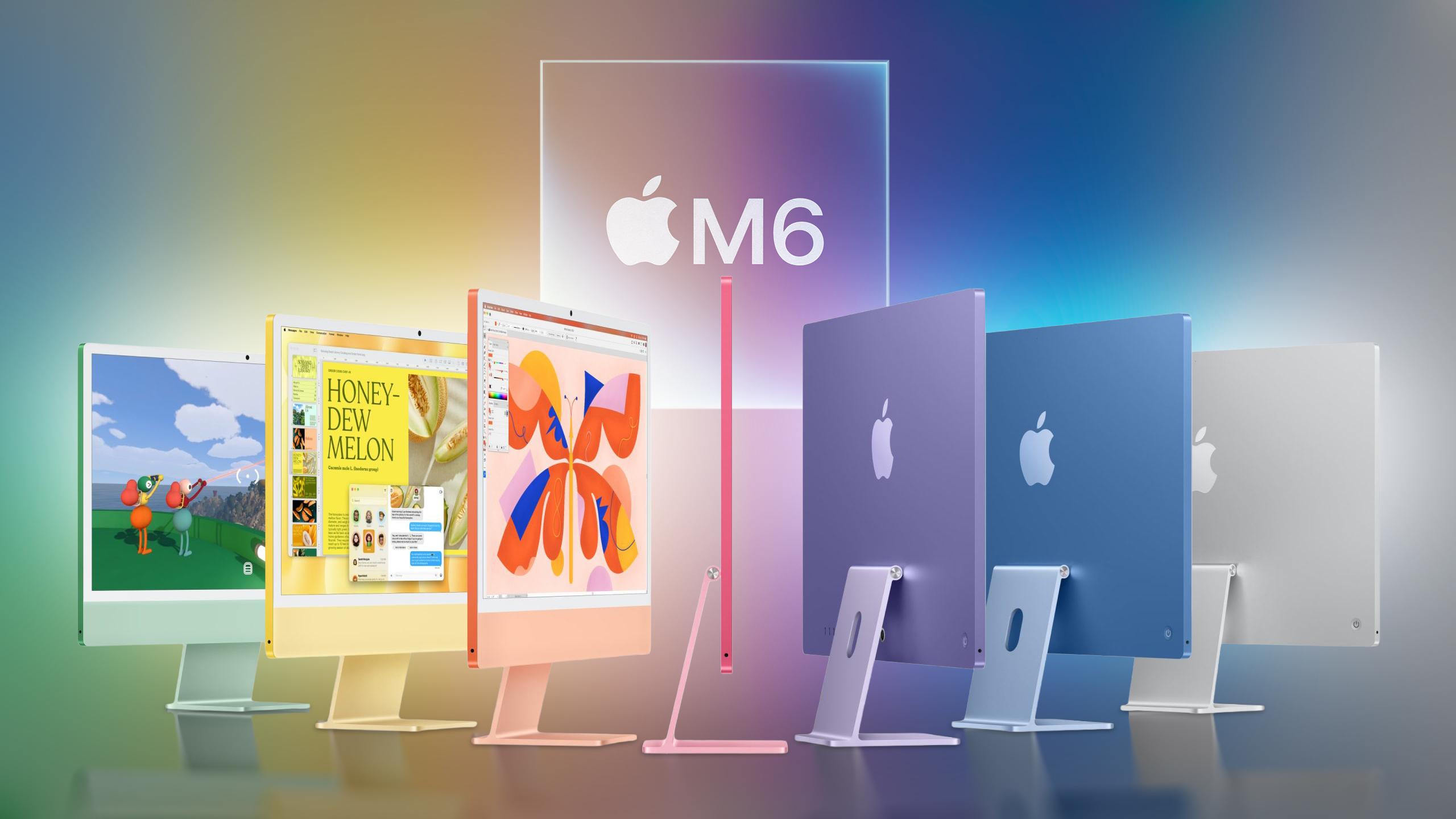
Meanwhile, the new iMac is the first update to Apple's all-in-one since the M4 model. The M6 chip brings up to a 12-core CPU and 12-core GPU, with Apple claiming up to 2x faster graphics than the previous generation, alongside Wi-Fi 7, Bluetooth 6, and an optional 2.5 Gigabit Ethernet port on the power adapter.

The iMac with M6 starts at $1,499 for the model with a 10-core CPU and 10-core GPU, while the version with a 12-core CPU and 12-core GPU starts at $1,699. Education pricing starts at $1,449.

Latest MacBook Pro Models


Also launching today are the new MacBook Pro models. The 14-inch MacBook Pro with M6 starts at $1,999 and features a 12-core CPU and 12-core GPU, alongside Wi-Fi 7 and Bluetooth 6 via Apple's N1 wireless chip.

The new 14-inch and 16-inch MacBook Pro models with touchscreen PROLED XDR displays are also available, starting at $2,899 and $3,399, respectively. Powered by M5 Pro or M5 Max chips, the touchscreen models replace the notch with a Dynamic Island and offer up to 2,000 nits of peak brightness for both SDR and HDR content.

Apple's online checkout system indicates many configurations of the 14-inch and 16-inch touchscreen MacBook Pro models in Space Black and Silver currently ship in 2-3 weeks, so anyone who wants one as soon as possible is likely to have more luck visiting their local Apple Store, where at least some base configurations are typically in stock.

For a full rundown of everything new, see our iPad mini, iMac, and MacBook Pro roundups.
Related Roundups: iMac, iPad mini, MacBook Pro
Tag: OLED
Related Forums: iMac, iPad, MacBook Pro

This article, "OLED iPad Mini, M6 iMac, and New MacBook Pros Available From Today" first appeared on MacRumors.com

Discuss this article in our forums

  •  

Apple's First Touchscreen Mac is Now Arriving to Customers

It's Friday, November 6 in Australia and New Zealand, which means customers who preordered a PROLED touchscreen MacBook Pro, OLED iPad mini, M6 ‌MacBook Pro‌, or M6 iMac are now starting to receive their devices.


People will soon be sharing photos and first impressions of the new products on the MacRumors forums, Reddit, Instagram, and other platforms, giving us a first look at what real-world users think of the ‌OLED‌ upgrade for the ‌iPad mini‌ and the PROLED and touchscreen update for the ‌MacBook Pro‌.

Apple's new high-end ‌MacBook Pro‌ models come with M5 Pro or M5 Max, and the major change is the display. It's touch-enabled and is the first Mac with an ‌OLED‌ display. The design has been updated, so the new machines are thinner and lighter than the mini-LED models, which Apple is still selling. Apple also brought back the glowing Apple logo, and replaced the notch with a Dynamic Island. Pricing on the PROLED ‌MacBook Pro‌ starts at $2,899 for the 14-inch model and $3,399 for the 16-inch model.

The ‌OLED‌ ‌iPad mini‌ is Apple's first smaller-screened iPad to get ‌OLED‌, and it's also the most affordable ‌OLED‌ ‌iPad‌. It's almost a millimeter thinner than the prior version and has an Acoustic Display that does away with speaker holes. Without them, the enclosure is sealed, making it the first ‌iPad‌ with a water and dust resistance rating (IP67). It uses Apple's A20 Pro chip. The ‌OLED‌ ‌iPad mini‌ starts at $699.

The 14-inch entry-level ‌MacBook Pro‌ and 24-inch ‌iMac‌ got little in the way of updates beyond an M6 chip. The ‌MacBook Pro‌ is priced starting at $1,999, and the ‌iMac‌ starts at $1,499.

Australia is the first country where customers can buy one of the new products in an Apple retail location. Online orders of the PROLED ‌MacBook Pro‌ don't ship until late November or early December, so it's possible in-store stock will be limited. The ‌OLED‌ ‌iPad mini‌, 14-inch ‌MacBook Pro‌, and ‌iMac‌ should be readily available.

After Australia and New Zealand, sales and deliveries of the new Macs and ‌iPad mini‌ will begin in Asia, the Middle East, Europe, and finally, North America.
Related Roundups: iMac, iPad mini, MacBook Pro
Related Forums: iMac, iPad, MacBook Pro

This article, "Apple's First Touchscreen Mac is Now Arriving to Customers" first appeared on MacRumors.com

Discuss this article in our forums
  •  
❌