❌

Lese-Ansicht

Hands-On With Apple's New OLED Touchscreen MacBook Pro

Happy touch your Mac day! Apple's new PROLED MacBook Pro is now in the hands of customers. We picked up one of the new machines to get our greasy fingerprints all over that pristine OLED display.


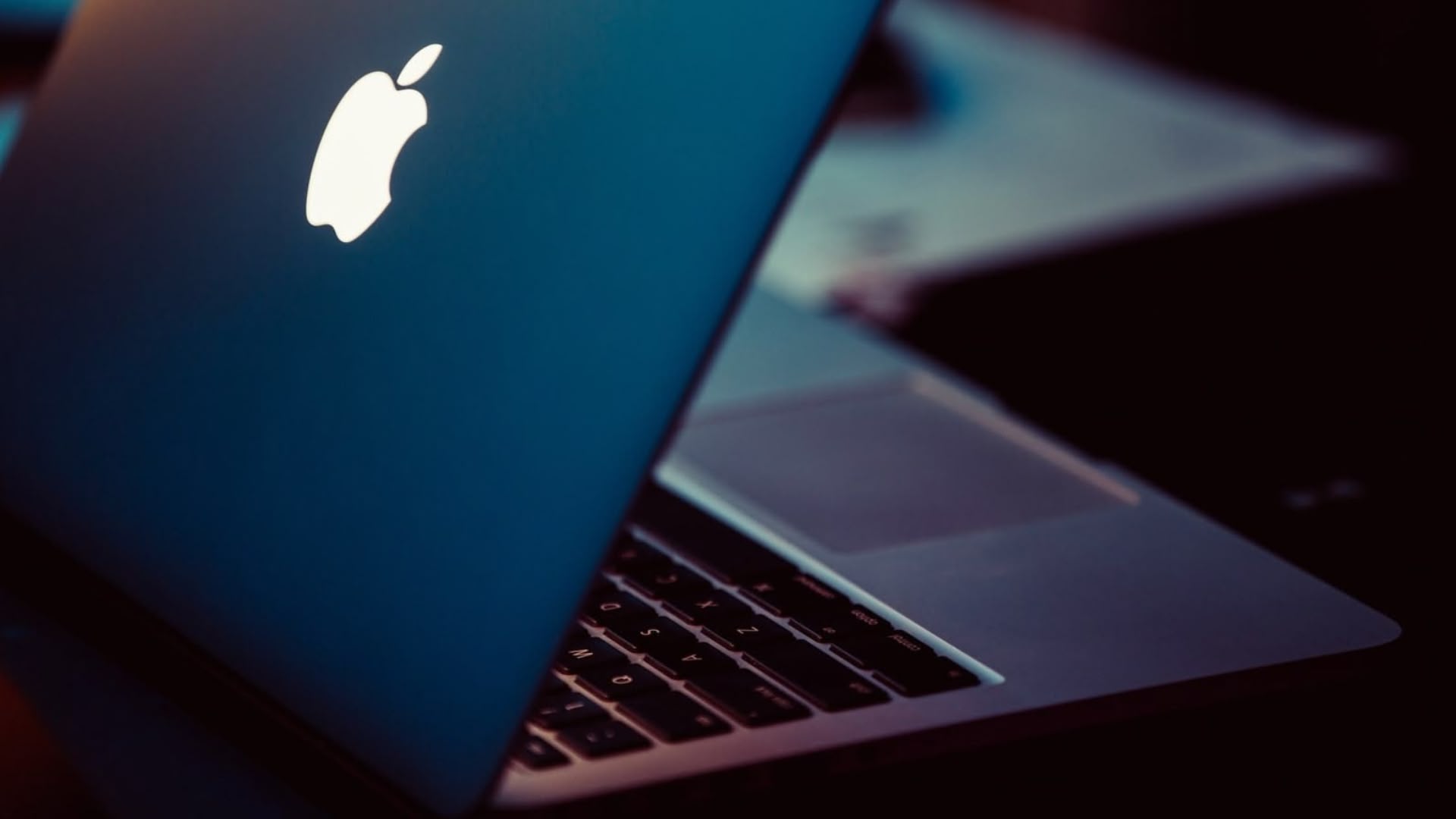
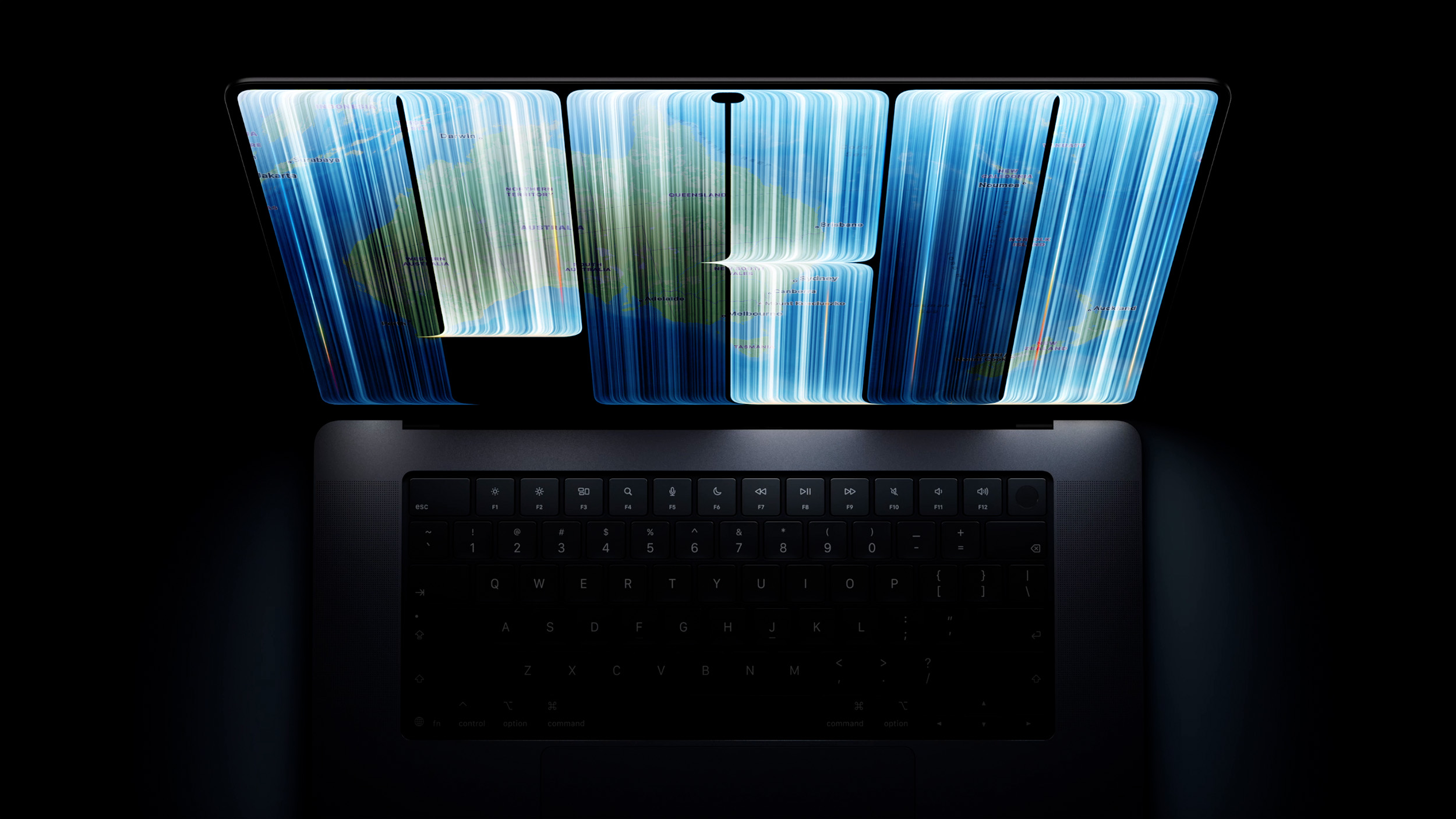
It's been five years since Apple last redesigned the ‌MacBook Pro‌, so it was due for an update. The PROLED ‌MacBook Pro‌ looks a lot like the mini-LED model, but it's thinner and lighter. The 14-inch model is about half a millimeter thinner and weighs just over three pounds, while the 16-inch model is almost a millimeter thinner and weighs four pounds. Apple shaved off about half a pound for the 14-inch model and 0.7 pounds for the 16-inch model, and while that doesn't sound like much, it makes a big difference. You can feel how much lighter it is the second you take it out of the box. Apple brought back the glowing logo for the PROLED ‌MacBook Pro‌, so everyone around you will know you have the fancy new ‌OLED‌ model.

The ‌OLED‌ display is the major new feature, and it looks as good as you would expect from a display in a laptop starting at $2,899. Blacks are true black, and since each pixel lights up individually, there's none of the bloom you get with mini-LED when viewing bright objects on a dark background. The PROLED ‌MacBook Pro‌ can get super bright too, and that brightness paired with the deep blacks, HDR content looks great. ‌OLED‌ sometimes isn't bright enough outdoors, but that's not the case here.

The display bezels are thinner, and the 16-inch machine is actually 16.3 inches instead of 16.2. There's also an iPhone-like Dynamic Island that replaces the notch and houses Siri AI, Live Activities, and more. The ‌Dynamic Island‌ makes sense because you can now touch the ‌MacBook Pro‌'s display. It works like touching an iPhone or iPad, so you can swipe through webpages, tap buttons, drag and drop, and pinch to zoom.

Touch isn't meant to replace the trackpad and keyboard, but it's there if you want it. Apple made some tweaks to macOS, so menu options expand a little more when you touch them than when you click them, and tiny window resizing buttons get larger. Apple put a sturdier hinge in the PROLED ‌MacBook Pro‌ so the display won't move as much when you tap it, but it's not perfect. It does still jiggle depending on where you tap.

The touch feature is fine, but it's probably not a reason to go out and get the PROLED ‌MacBook Pro‌. It has the potential to be useful in some situations, but it's not going to dramatically change the way most people use a laptop.

New chips weren't ready in time for the PROLED machines, so they use the same M5 Pro and M5 Max as the mini-LED models. That's a disappointment in a laptop that starts at almost $3,000. Since Apple is still selling the mini-LED models, you're basically paying a $400 premium for the higher-end ‌OLED‌ display, the thinner and lighter design, and the touch functionality.

The better display and the lighter weight are going to be worth the price for some people, and the touch is just a bonus.
Related Roundup: MacBook Pro
Tag: OLED
Buyer's Guide: MacBook Pro (Buy Now)
Related Forum: MacBook Pro

This article, "Hands-On With Apple's New OLED Touchscreen MacBook Pro" first appeared on MacRumors.com

Discuss this article in our forums
  •  

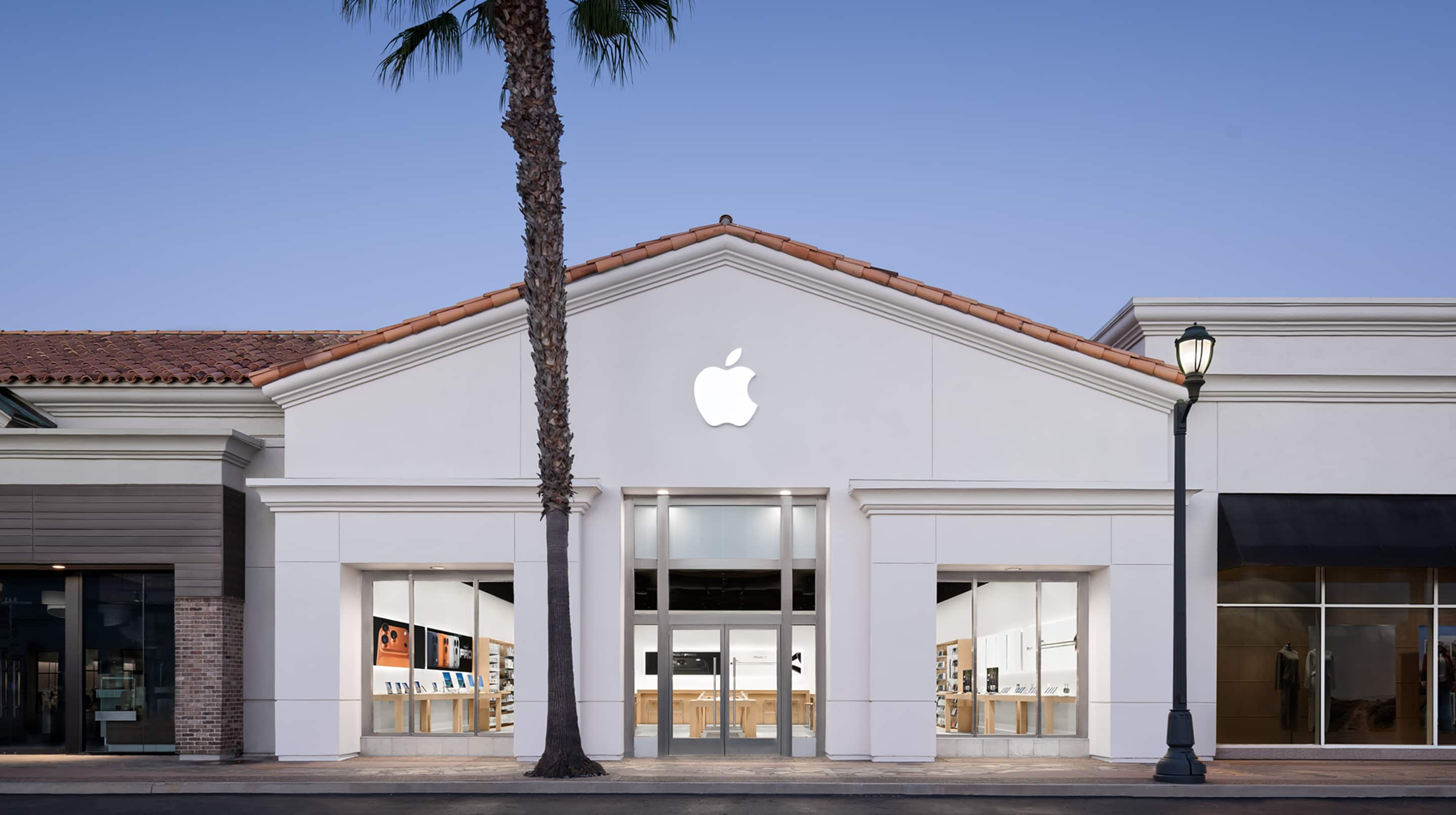
Apple Store With All-New Design Opening Soon in Southern California

Apple today announced that its retail store at The Forum in Carlsbad, California will be reopening in its original location on Friday, November 20 at 10 a.m. local time, following more than a year of renovations. Additions will likely include a Genius Bar with accessible seating and a dedicated Apple Pickup area for online orders.

Apple's temporary store in Carlsbad

Apple's temporary store at The Forum will be permanently closed, with the company set to return to its original 2008 unit at the shopping plaza.

Carlsbad is a coastal beach city in the North County area of San Diego County.
This article, "Apple Store With All-New Design Opening Soon in Southern California" first appeared on MacRumors.com

Discuss this article in our forums

  •  

Control the Glowing Apple Logo on Your New MacBook Pro

Once a common sight in lecture theaters and coffee shops everywhere, the glowing emblem of an Apple logo featured on the lids of many Mac laptops launched in the early 2000s. In a nice touch, the new 14-inch and 16-inch MacBook Pro models with PROLED XDR displays bring back the much-loved logo. It's lit up whenever the Mac is awake, and it automatically dims or brightens based on your screen's brightness level and the ambient light in the room.

Image credit: MacRumors forum member sniffies

If you'd rather keep the logo dark, Apple has shared a way to turn it off. Unusually though, there's no switch in System Settings. Instead, you need to enter a command in the Terminal app. If that sounds intimidating, don't worry – it's a single line that you can copy and paste. Note that the following command only works on MacBook Pro models with a PROLED XDR display.

  1. Open Terminal on your Mac: it's in the Applications ➝ Utilities folder, or you can search for "Terminal" using Spotlight (Command + Space).

  2. Type or paste the following command, then press Enter:

    sudo defaults write com.apple.CoreBrightness LEBacklightMode -int 0
  3. When prompted, enter your administrator password and press Enter. (Terminal doesn't show the password as you type it.)

After performing the steps, the logo illumination should turn off immediately, no restart required. The change applies to all macOS user accounts on the machine, and it will carry over even if you start up from macOS Recovery. If you later migrate to a new Mac, the setting even transfers across with the rest of your system.

Relight the Apple Logo


Reinstalling macOS turns the illumination back on, but you can also turn it back on yourself at any time by entering the following command in Terminal:

sudo defaults delete com.apple.CoreBrightness LEBacklightMode

Remember to press Enter!

Backstory


The first Mac laptop with a lit-up Apple logo was the third-generation PowerBook G3 launched in 1999. The glowing symbol proved a mainstay through consecutive Apple notebooks for the next 16 years. The only change in that period was that the logo got flipped upright, so that it no longer appeared upside-down to onlookers when someone was sat in public with the lid open.

According to former Apple employee Joe Moreno, the original orientation was deliberate: Apple's design group had found that users kept trying to open their laptops from the wrong end. "Steve Jobs always focused on providing the best possible user experience and believed that it was more important to satisfy the user than the onlooker," Moreno recalled.

Ironically, Jobs later reversed the decision.

"Opening a laptop from the wrong end is a self-correcting problem that only lasts a few seconds," said Moreno. "However, viewing the upside logo is a problem that lasts indefinitely."

The earlier orientation, seen in Sex and the City (Image: HBO/Everett/Rex Features)


In 2015, Apple began nixing the illuminated insignia from its laptops, starting with the ultra-thin 12-inch MacBook, which had a polished metal logo instead, like iPads before it. In 2016, a new generation of MacBook Pro models continued the unlit trend. Apple hasn't launched a Mac laptop with a glowing logo since – until now.
Related Roundup: MacBook Pro
Buyer's Guide: MacBook Pro (Buy Now)
Related Forum: MacBook Pro

This article, "Control the Glowing Apple Logo on Your New MacBook Pro" first appeared on MacRumors.com

Discuss this article in our forums

  •  

Apple Shares New 'Apple Card: Apply and Use in Minutes' Ad

Apple today shared a new Apple Card ad highlighting how quick it is to apply, get approved, and make purchases.


In the spot, a therapist is listening to a patient drone on when a cheap flight pops up on her iPhone. Her wallet is across the room and she can't get up to grab it, so she opens up the iPhone Wallet app, applies for an ‌Apple Card‌, and is able to purchase a flight within a couple of minutes.
Apple Card is built into iPhone, and you can apply in as little as a minute. No waiting for a physical credit card, no friction. All it takes is a few taps of your iPhone. You can earn unlimited daily cash back, and use it right away.

It's worth noting that the iPhone also has AutoFill for credit card information so there's often no need for access to a physical card when making web purchases, plus many sites support Apple Pay.

The ‌Apple Card‌ is limited to U.S. iPhone owners, and applying requires a soft credit check. Accepting the ‌Apple Card‌ offer results in a hard credit inquiry. Apple explains how ‌Apple Card‌ applications are approved or denied on its website.
This article, "Apple Shares New 'Apple Card: Apply and Use in Minutes' Ad" first appeared on MacRumors.com

Discuss this article in our forums

  •  

Apple Says More Than 100,000 Apps Optimized for iPhone Duo, Here's What's Still Missing

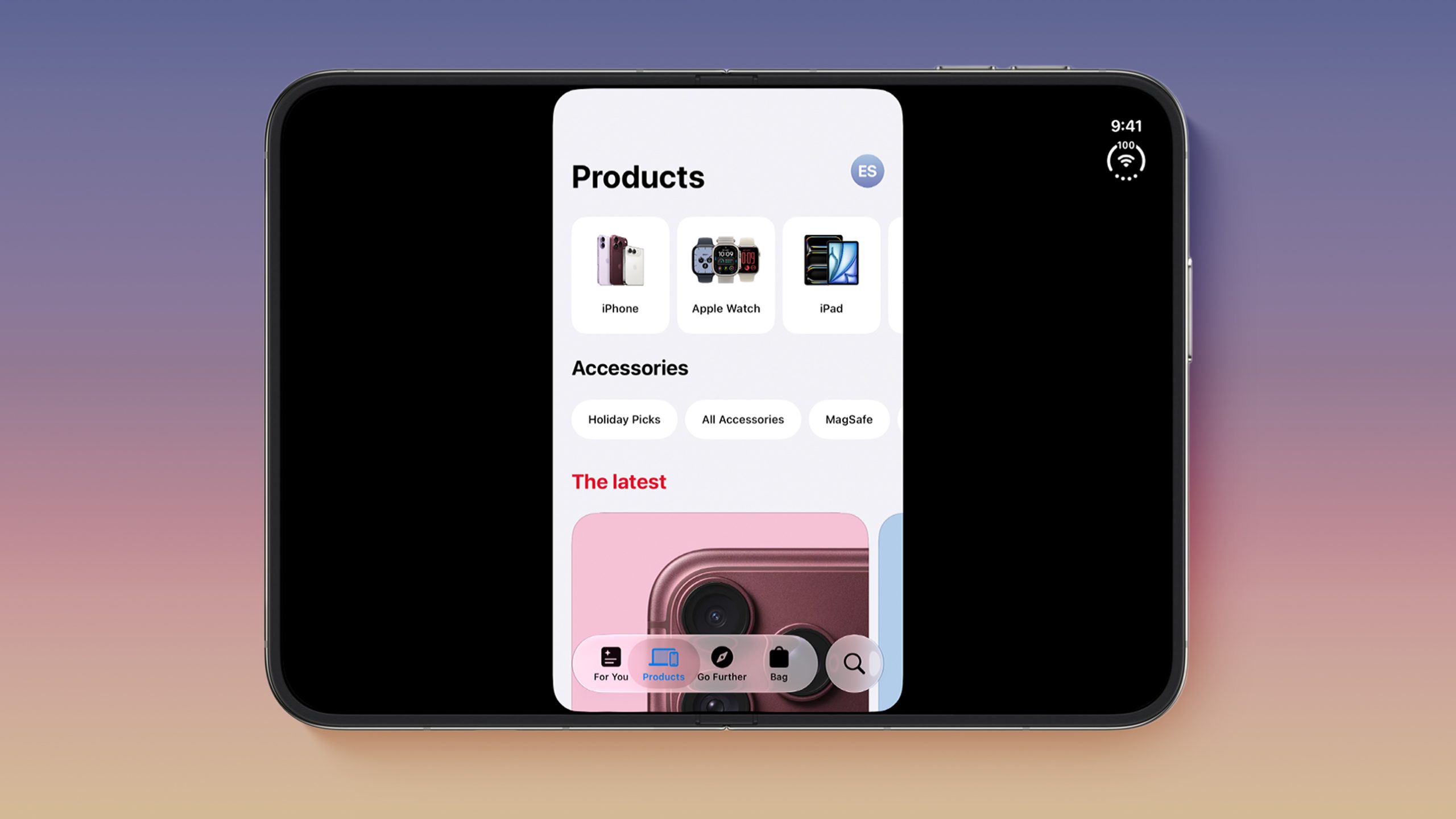
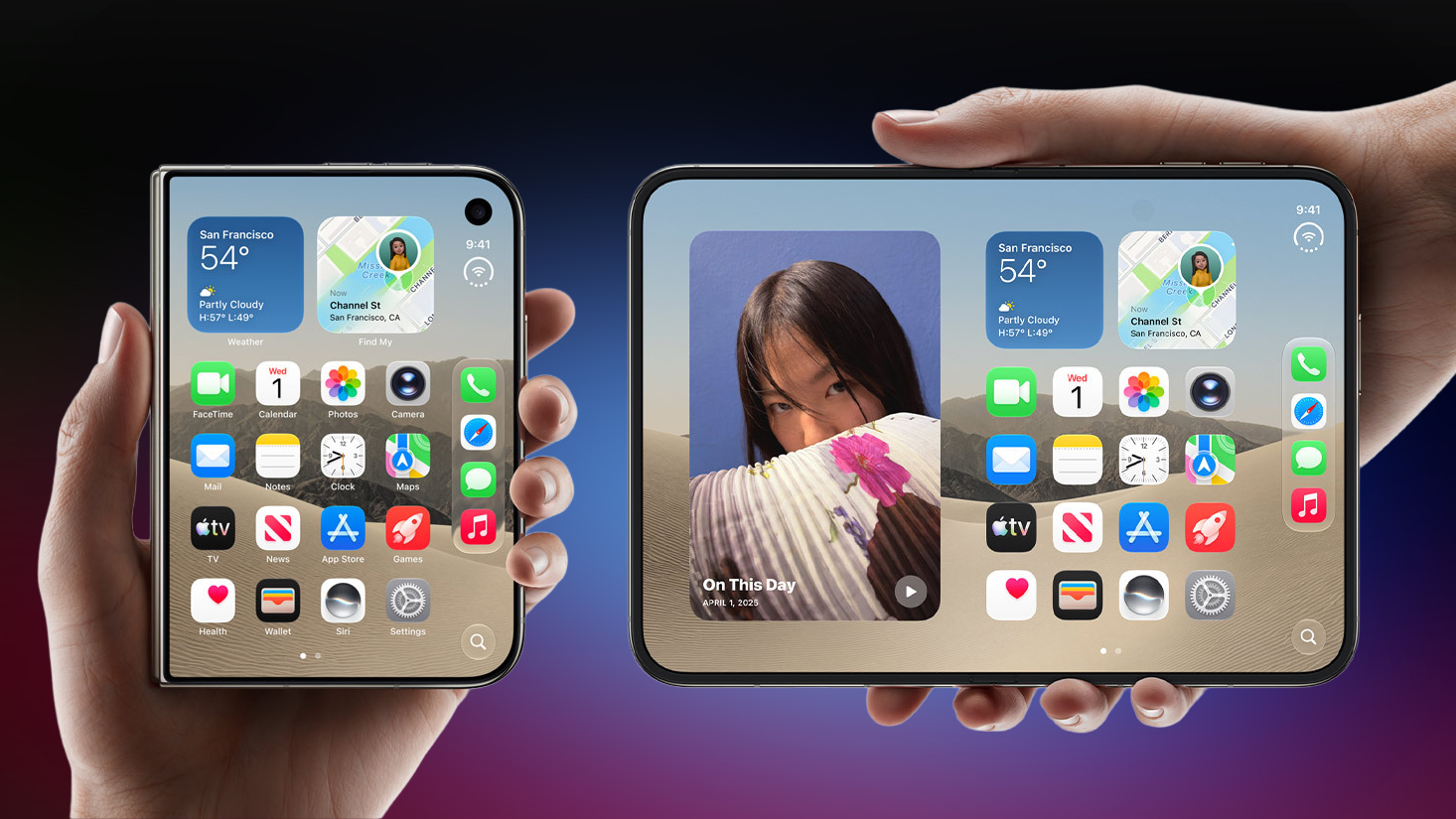
Apple today announced that more than 100,000 apps have been optimized for the iPhone Duo, released two weeks ago. We confirmed that this figure refers to apps built with the iOS 27.1 SDK or later, meaning these apps fill the full width of the iPhone Duo's inner and outer displays and have vertical controls in the status bar.


A statement from Susan Prescott, Apple's Vice President of Worldwide Developer Relations:
It's been wonderful to see how quickly developers have embraced iPhone Duo, and we're grateful for their creativity and innovation. Today there are well over 100,000 apps built for iPhone Duo already live on the App Store, and thousands of optimized apps are being added to the store each day. In the last month alone, thousands of developers have joined us for workshops in 19 cities around the world to experience iPhone Duo firsthand and bring updated apps to their users. The enthusiasm has been incredible, and we're excited to see the pace of updates continue to accelerate as more and more apps optimize for iPhone Duo.
Apple said thousands of apps optimized for the iPhone Duo are being added to the App Store each day, with recent examples including Microsoft's Excel, OneNote, PowerPoint, and Word apps, along with the Etsy, Goodnotes, Halide Mark III, NBA, NHL, and Zoom apps. Other apps optimized for the device include Amazon Prime Video, Fantastical, Flighty, Instagram, MLB, Netflix, SmartGym, WhatsApp, YouTube, and more. There are too many to list.

Apps optimized for the iPhone Duo have a "Made for iPhone Duo" badge in their App Store listings on the device, making them easy to identify.

iOS 27.2 added Apple Pencil (USB-C) support to the iPhone Duo, enabling users to draw in apps like Procreate Pocket, take notes in Apple Notes, Fineliner, and TypeDraw, and mark up documents in apps like Preview on the device.

On the other hand, with millions of apps available in the App Store, there are unsurprisingly many apps that are still not optimized for the iPhone Duo, with the following examples listed in alphabetical order: AMC Theaters, Amazon Fire TV, Apple Store, Best Buy, Bluesky, Delta, DoorDash, Duolingo, Fandango, FedEx, Goodreads, Google Docs, Google Home, Google Sheets, Google Slides, GrubHub, JetBlue, Libby, Microsoft Authenticator, Microsoft Teams, MTA, Nike, PayPal, PictureThis, Ring, Southwest, Spectrum TV, Starbucks, Steam, Uber Eats, UPS, USPS, Venmo, Verizon, Wells Fargo, Whole Foods, and YouTube Music.


Apple said developers can easily optimize their apps for the iPhone Duo. Apps that use standard SwiftUI and UIKit components adapt automatically to each display, with controls moved to the status bar and multi-column support on the inner display. New APIs let developers optimize their apps for the device's various layouts and poses.

Apple has hosted more than 50 in-person iPhone Duo app workshops in 19 cities worldwide, and there are online resources like the Apple Developer Forums.

In the meantime, apps built with the iOS 27 SDK resize to fill most of the inner display on the iPhone Duo, but they avoid the status bar on the right edge. Apps built with the iOS 26 SDK or earlier run on the iPhone Duo, but appear in the center of the inner display, with lots of empty black space on the left and right sides of the apps.

iPhone Duo app optimization has been a hotly debated topic on social media platforms, with some people pointing out apps that are not yet optimized and others saying the issue is overblown. It is clearly a mixed bag, with some apps optimized and some not. More apps are being updated by the day, though, so the situation is improving rapidly.
Related Roundup: iPhone Duo
Buyer's Guide: iPhone Duo (Buy Now)
Related Forum: iPhone

This article, "Apple Says More Than 100,000 Apps Optimized for iPhone Duo, Here's What's Still Missing" first appeared on MacRumors.com

Discuss this article in our forums

  •  

Early Black Friday Deals Kickoff With Steep Discounts on Apple Watch Ultras and More

Black Friday deals officially kicked off this week, with early savings on everything from Apple Watch Ultra models to Mac mini, Mac Studio, HomeView pre-orders, and more.

Note: MacRumors is an affiliate partner with some of these vendors. When you click a link and make a purchase, we may receive a small payment, which helps us keep the site running.
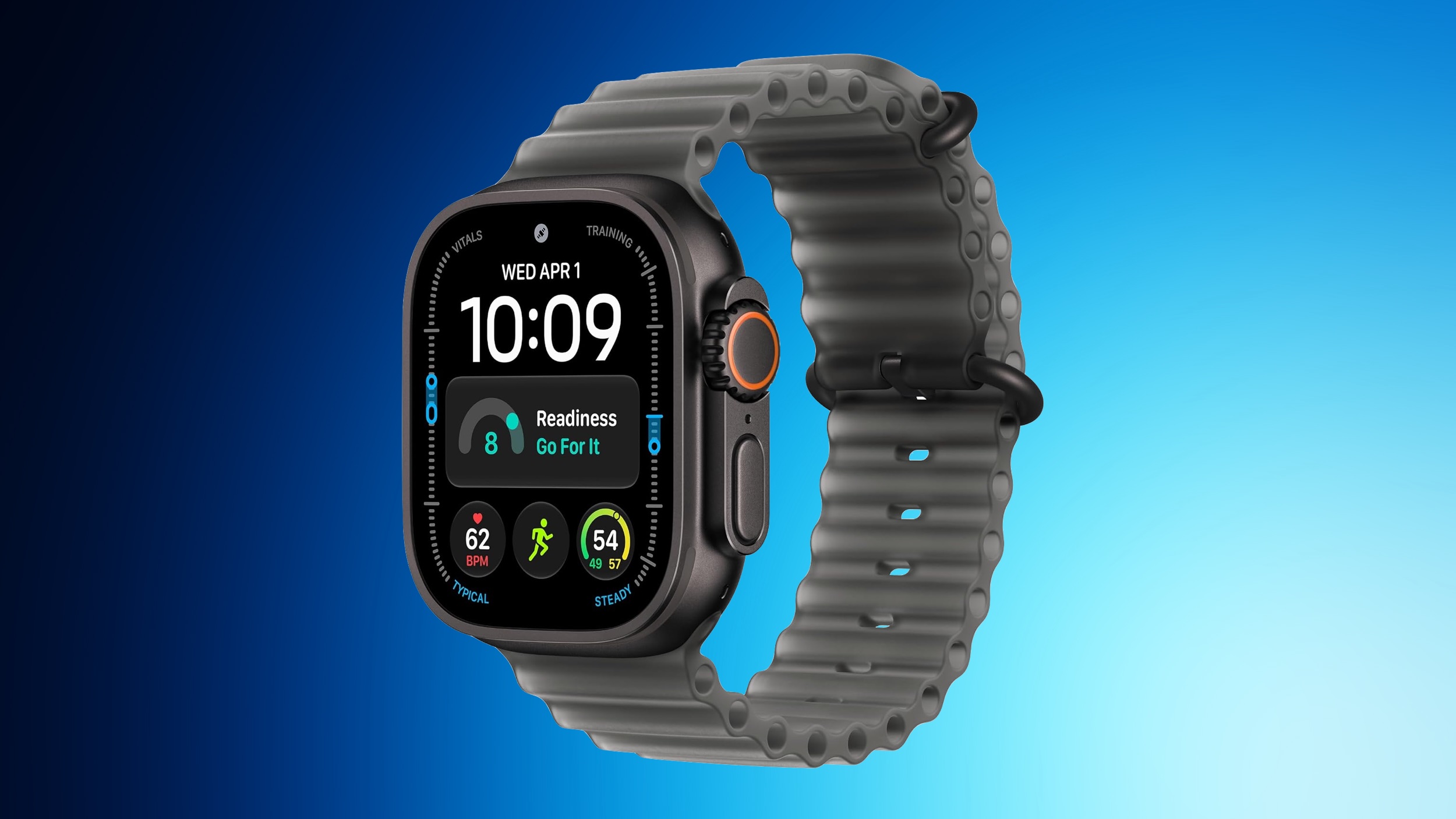
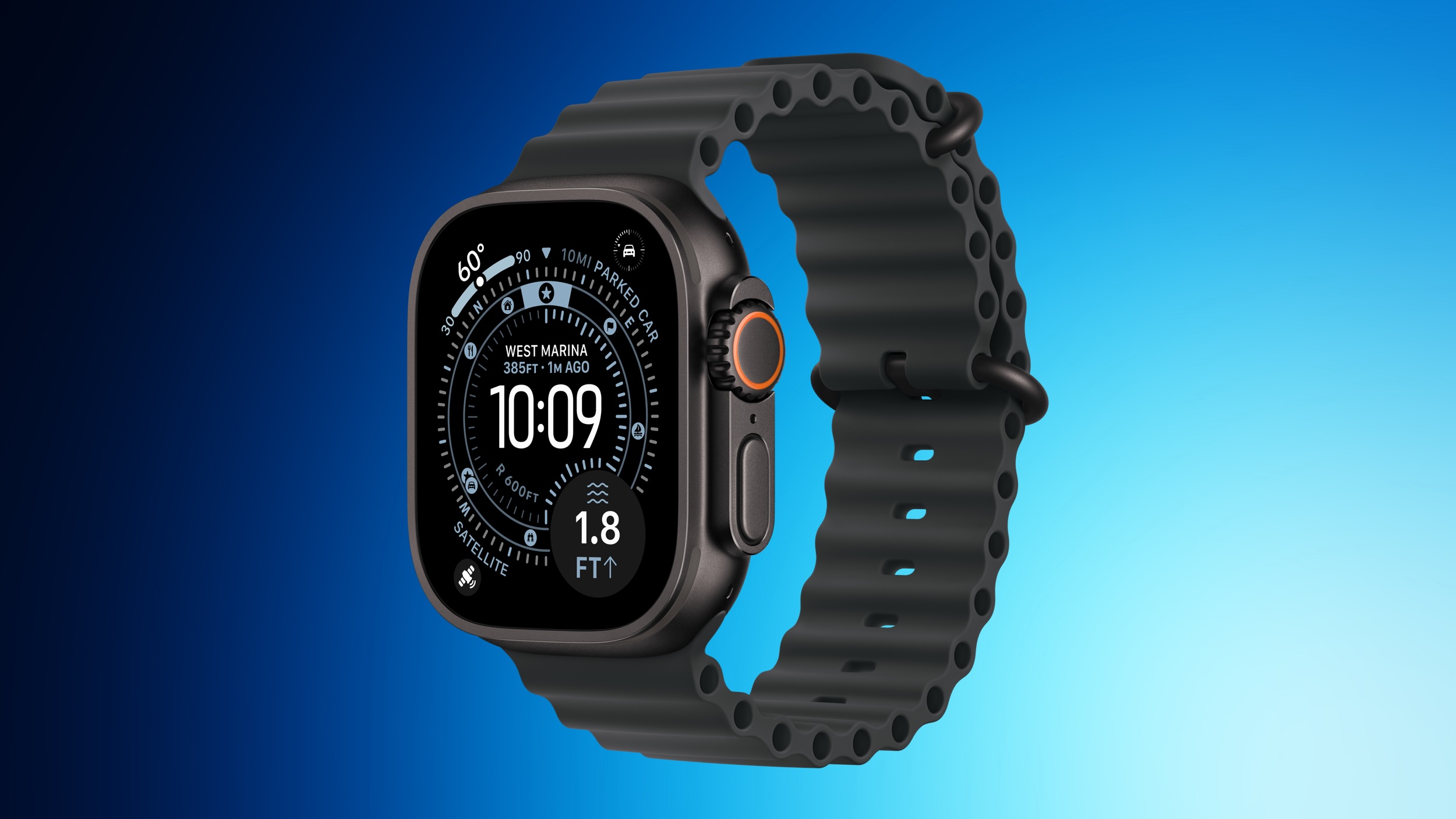
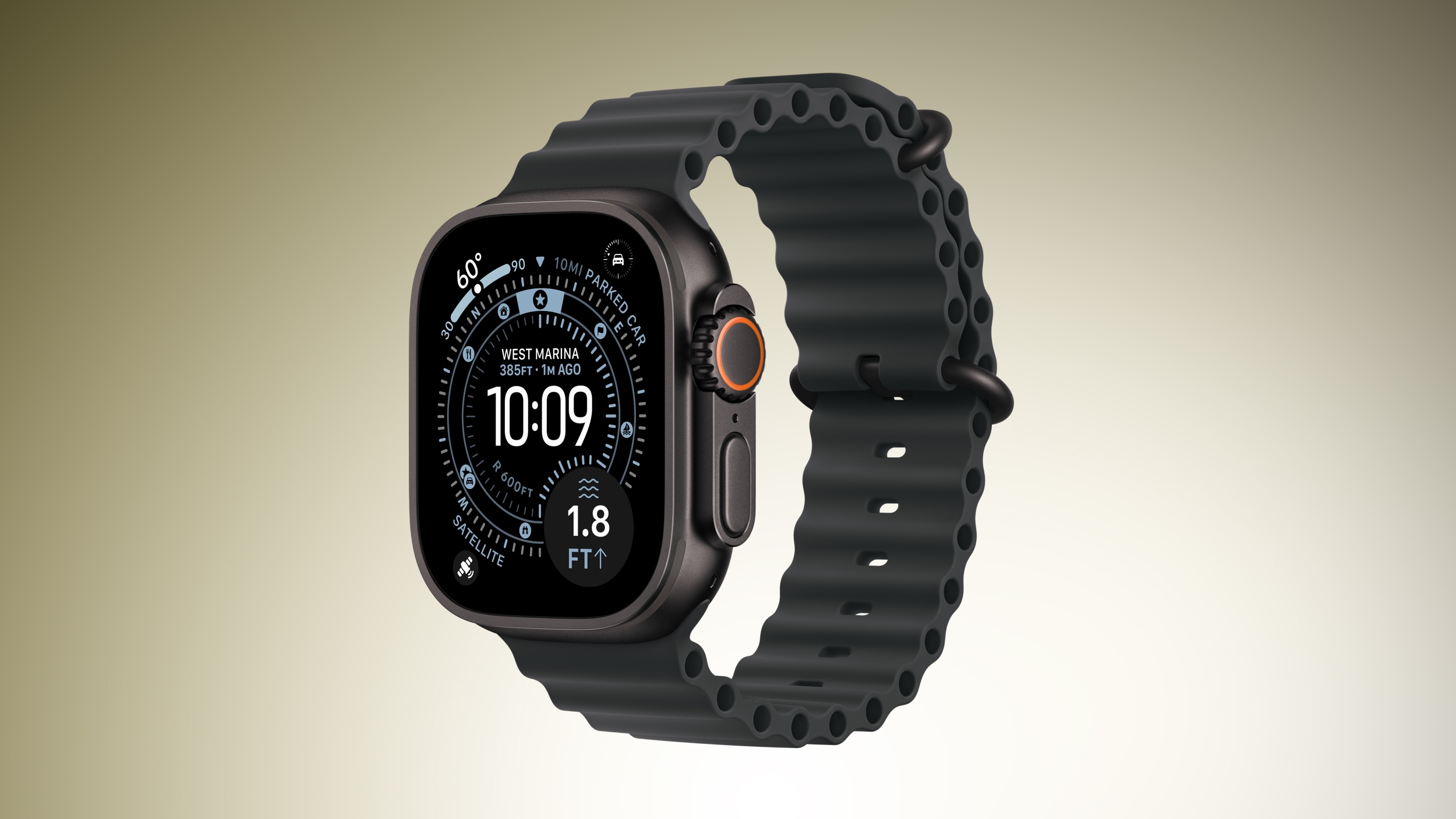
Apple Watch Ultra 4


  • What's the deal? Get $99 off Apple Watch Ultra 4

  • Where can I get it? Amazon

  • Where can I find the original deal? Right here


The Apple Watch Ultra 4 has dropped to $699.99 on Amazon, down from $799.00. This is a match of the all-time low price on the new Ultra 4, which just launched in September.

Apple Watch Ultra 3


  • What's the deal? Get $250 off Apple Watch Ultra 3

  • Where can I get it? Best Buy

  • Where can I find the original deal? Right here


Best Buy this week has a big collection of Apple Watch Ultra 3 models for $549.00, down from $799.00. This is a massive $250 discount on the previous-generation device, and it represents a new all-time low price on these models. You can find similar $250 discounts on the Milanese Loop models at Amazon.

HomeView


  • What's the deal? Get $9 off HomeView pre-orders

  • Where can I get it? Amazon

  • Where can I find the original deal? Right here


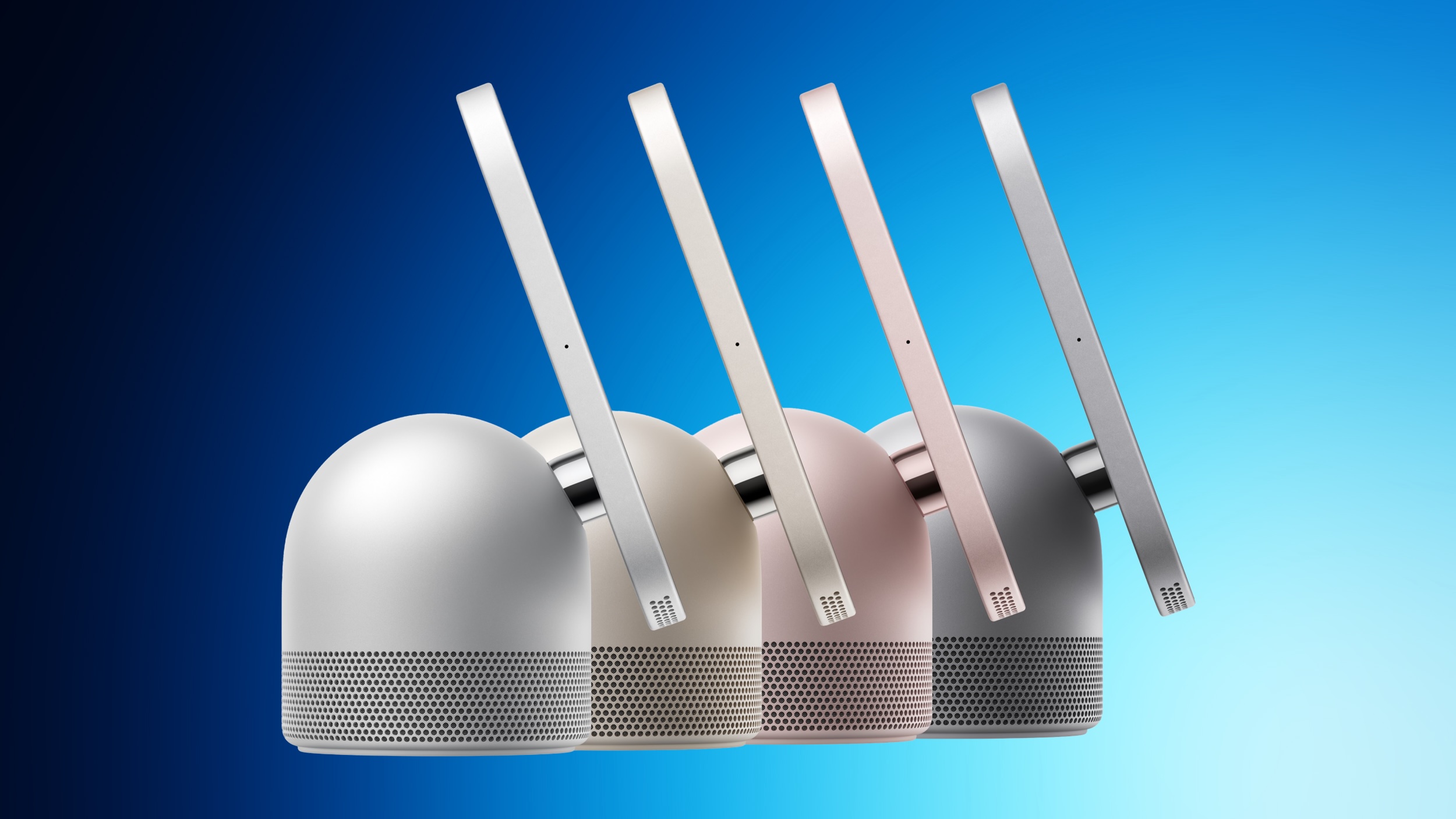
Amazon's $9 pre-order discount on the HomeView has returned for the Space Gray color, allowing you to get the home hub for $289.99, down from $299.00.

B&H Photo


  • What's the deal? Shop sitewide savings on storage, audio, and more accessories

  • Where can I get it? B&H Photo

  • Where can I find the original deal? Right here


B&H Photo introduced its early Black Friday sale this week, with savings on storage accessories, home and portable audio devices, drones, cameras, Apple products, and more.

Mac Mini and Mac Studio


  • What's the deal? Get record low prices on Mac mini and Mac Studio

  • Where can I get it? Amazon

  • Where can I find the original deal? Right here


Apple's M5 Max Mac Studio with 36GB RAM and a 512GB SSD is still on sale for $2,299.00, down from $2,499.00. Regarding the Mac mini, you can get the 16GB RAM/256GB SSD Mac mini for $779.00, down from $899.00, and the 16GB RAM/512GB SSD model for $949.00, down from $1,099.00.

If you're on the hunt for more discounts, be sure to visit our Apple Deals roundup where we recap the best Apple-related bargains of the past week.


Deals Newsletter


Interested in hearing more about the best deals you can find during the holidays? You can sign up for our Deals Newsletter and we'll keep you updated so you don't miss the biggest deals of the season!


Related Roundup: Apple Deals

This article, "Early Black Friday Deals Kickoff With Steep Discounts on Apple Watch Ultras and More" first appeared on MacRumors.com

Discuss this article in our forums

  •  

The MacRumors Show: iOS 27.3 Looks Like a Huge Update

Apple's first 27.3 betas bring expanded Siri AI actions, a redesigned Health app, and new Fitness+ features, alongside conversation summaries on the Apple Watch. This week's episode of The MacRumors Show takes a closer look at the updates.

Subscribe to The MacRumors Show YouTube channel for more videos

‌Siri‌ AI gains additional actions across Apple's apps, including unsubscribing from mailing lists, organizing files, and managing Safari tabs. In Weather, ‌Siri‌ can add saved locations and toggle severe weather or next-hour precipitation notifications. The additions extend the assistant's usefulness for everyday tasks, although the full range of supported requests can still be difficult to discover.

A new developer preview also enables more flexible third-party integrations. Developers can supply custom actions and skills that help ‌Siri‌ coordinate multiple steps, improving its handling of more complicated requests. App Store submissions for these integrations are scheduled to open in the spring.

Safari adds vertical tabs and Adaptive Dark Mode, allowing websites without their own dark appearance to adopt one automatically. The iPhone Duo also gains horizontal Reachability and a revised keyboard, making its wider outer display easier to operate with one hand.

Apple Fitness+ gains Gym Strength, which creates personalized four-week plans based on available equipment and workout preferences. Short videos from Fitness+ trainers demonstrate proper form, extending the service beyond workouts that require following an entire video session. The initial beta's equipment selection and scheduling options nevertheless leave room for improvement, particularly for users whose routines vary from week to week.

The redesigned Health app returns with Insights and Longevity sections, turning collected measurements into more accessible guidance and longer-term health assessments. iPhone Duo-style StandBy mode displays bring more customizable clocks, Calendar views, and Weather information to additional iPhones. Apple Music also gains enhanced transitions, concert recommendations, and Selfie Sing karaoke videos.

On the Apple Watch, Live Rewind and Siri Recap introduce new ways to recover and summarize spoken information. Live Rewind provides a transcription of the preceding 15 seconds, while ‌Siri‌ Recap creates detailed conversation summaries that can be useful for meeting notes. Time- and location-based scheduling provides more control over when ‌Siri‌ Recap operates.

The MacRumors Show has its own YouTube channel, so make sure you're subscribed to keep up with new episodes and clips.

You can also listen to ‌The MacRumors Show‌ on Apple Podcasts, Spotify, Overcast, or other podcast apps. You can also copy our RSS feed directly into your player.


If you haven't already listened to the previous episode of The MacRumors Show, catch up to hear our discussion about Apple's newly announced OLED MacBook Pro, the iPad mini with A20 Pro, and M6 versions of the iMac and entry-level 14-inch ‌MacBook Pro‌.

Subscribe to ‌The MacRumors Show‌ for new episodes every week, where we discuss some of the topical news breaking here on MacRumors, often joined by familiar guests such as Tyler Stalman, Michael Fisher, Kayci Lacob, Kevin Nether, John Gruber, Mark Gurman, Jon Prosser, Luke Miani, Matthew Cassinelli, Brian Tong, Quinn Nelson, Jared Nelson, Eli Hodapp, Mike Bell, Sara Dietschy, iJustine, Jon Rettinger, Andru Edwards, Arnold Kim, Ben Sullins, Marcus Kane, Christopher Lawley, Frank McShan, David Lewis, Sam Kohl, Federico Viticci, Thomas Frank, Jonathan Morrison, Ross Young, Ian Zelbo, and Rene Ritchie.

‌The MacRumors Show‌ is on X @MacRumorsShow, so be sure to give us a follow to keep up with the podcast. You can also email us at podcast@macrumors.com or head over to The MacRumors Show forum thread. Remember to rate and review the podcast, and let us know what subjects and guests you would like to see in the future.
Related Roundups: iOS 27, iPadOS 27
Related Forum: iOS 27

This article, "The MacRumors Show: iOS 27.3 Looks Like a Huge Update" first appeared on MacRumors.com

Discuss this article in our forums

  •  

Best Buy's Black Friday Event Begins With Sitewide Savings on Apple, TVs, More

Early Black Friday sales are kicking off this week, with Best Buy joining in with deals that will last the next few weeks. Similar to other retailers, Best Buy's early Black Friday event includes sitewide savings on Apple products, headphones, TVs, monitors, video games, and more.

Note: MacRumors is an affiliate partner with Best Buy. When you click a link and make a purchase, we may receive a small payment, which helps us keep the site running.
Best Buy's Black Friday Schedule


Best Buy's early Black Friday sale begins today, and new doorbusters will go online every week in November. On November 19, the retailer's Black Friday sale will officially begin and run through November 28. We've broken down the schedule below:

  • November 6: Early Black Friday deals + Doorbusters

  • 11/19 through 11/28: Black Friday sale

  • 11/29 through 11/30: Cyber Monday sale

  • 12/18 through 12/24: Last-Minute Savings Event


Best Buy's Early Black Friday Sale


You'll find plenty of Apple devices on sale during this event, including MacBook Air, Apple Watch Ultra 3, iPhone Duo, and more. Of course, there are plenty of non-Apple products to shop as well, including the best prices of the year on select TVs and gaming laptops.


Some of these deals will require a My Best Buy Plus or Total membership, which begin at $49.99 per year. With My Best Buy Plus you will get free two day shipping, exclusive discounts, and an extended 60-day return window on most products.

Apple


TVs


Appliances


We're keeping track of all of the season's best Apple-related deals in our Black Friday roundup, so be sure to check back throughout the month for an updated list of all the most notable discounts you'll find for Black Friday 2026.


Deals Newsletter


Interested in hearing more about the best deals you can find during the holidays? Sign up for our Deals Newsletter and we'll keep you updated so you don't miss the biggest deals of the season!


Related Roundups: Apple Black Friday, Apple Deals
Related Forum: Community Discussion

This article, "Best Buy's Black Friday Event Begins With Sitewide Savings on Apple, TVs, More" first appeared on MacRumors.com

Discuss this article in our forums

  •  

Apple Releasing Yet Another Two New Products Next Week

Apple's massive wave of product launches will finally end next week, with its all-new HomeView smart home hub and the fourth-generation Apple TV 4K set to be released on Friday, November 13 and no other major hardware releases expected for the remainder of the year. Since late August, Apple has announced more than 25 new devices and accessories in one of its busiest stretches ever.
Related Roundups: Apple TV, Apple HomeView

This article, "Apple Releasing Yet Another Two New Products Next Week" first appeared on MacRumors.com

Discuss this article in our forums

  •  

Apple's Extended Return Policy Now in Effect for 2026 Holiday Season

Apple's extended return policy went into effect today for the 2026 holiday shopping season. The policy applies to most products sold by Apple online and in its stores, with a few exceptions, including some carrier-financed iPhones and iPads.


In the U.S., Canada, the U.K., Ireland, Germany, the Netherlands, Australia, New Zealand, Singapore, and many other countries, most products purchased between November 6 and December 25 of this year may be returned through January 8, 2027, according to Apple's website. All purchases made after December 25 in those countries are subject to Apple's standard 14-day return policy (15 days in Canada).

For online orders, Apple says products "received" on November 6 through December 25 are eligible for return through January 8.

In some countries, such as Mexico, Italy, Spain, and Japan, the return window is slightly longer. Apple says eligible products purchased in those countries between November 6 and January 6, 2027 may be returned through January 20, 2027.

This policy applies to purchases at Apple Stores, on Apple.com, and in the Apple Store app.

Apple has also updated its online store with holiday theming and gift recommendations.
This article, "Apple's Extended Return Policy Now in Effect for 2026 Holiday Season" first appeared on MacRumors.com

Discuss this article in our forums

  •  

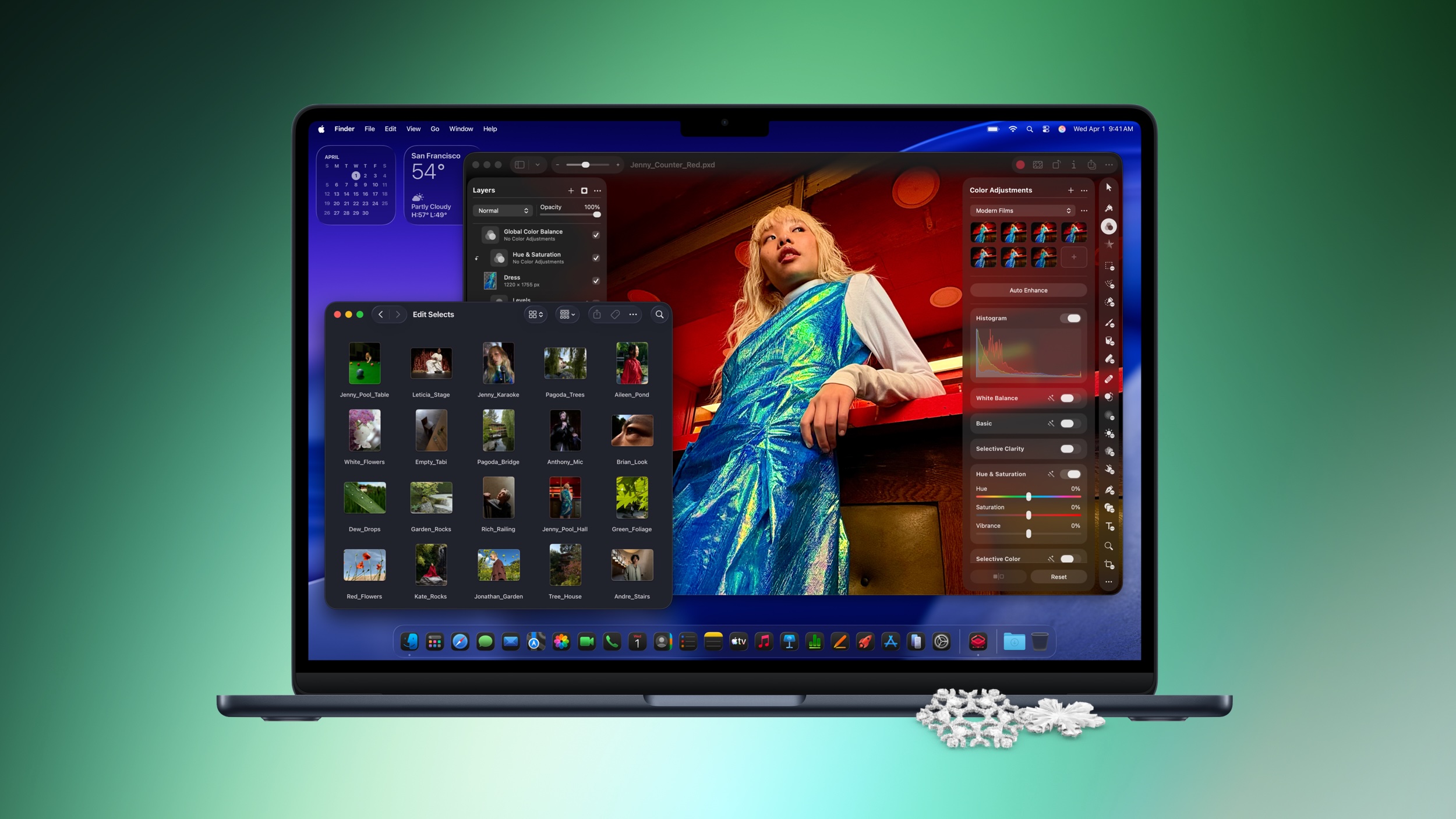
MacBook Air Drops to Lowest Price in Months With Amazon's $250 Discount

Amazon today has the 16GB RAM/1TB SSD 13-inch MacBook Air for $1,349.00, down from $1,599.00, which is the lowest price we've seen this model go in months and the best post-hike price on the computer. It beats the previous low price by $50, and Amazon has this one on sale in three colors.

Note: MacRumors is an affiliate partner with some of these vendors. When you click a link and make a purchase, we may receive a small payment, which helps us keep the site running.

Colors on sale include Midnight, Sky Blue, and Starlight, and each has an estimated delivery date around November 7-8 for free options. If you're shopping for accessories to pair with a new MacBook, check out our post on the best early Black Friday accessory discounts, with savings on headphones, chargers, cases, and more.


If you're on the hunt for more discounts, be sure to visit our Apple Deals roundup where we recap the best Apple-related bargains of the past week.


Deals Newsletter


Interested in hearing more about the best deals you can find during the holidays? You can sign up for our Deals Newsletter and we'll keep you updated so you don't miss the biggest deals of the season!


Related Roundup: Apple Deals

This article, "MacBook Air Drops to Lowest Price in Months With Amazon's $250 Discount" first appeared on MacRumors.com

Discuss this article in our forums

  •  

Apple Rumored to Drop the iPhone's Action Button Next Year

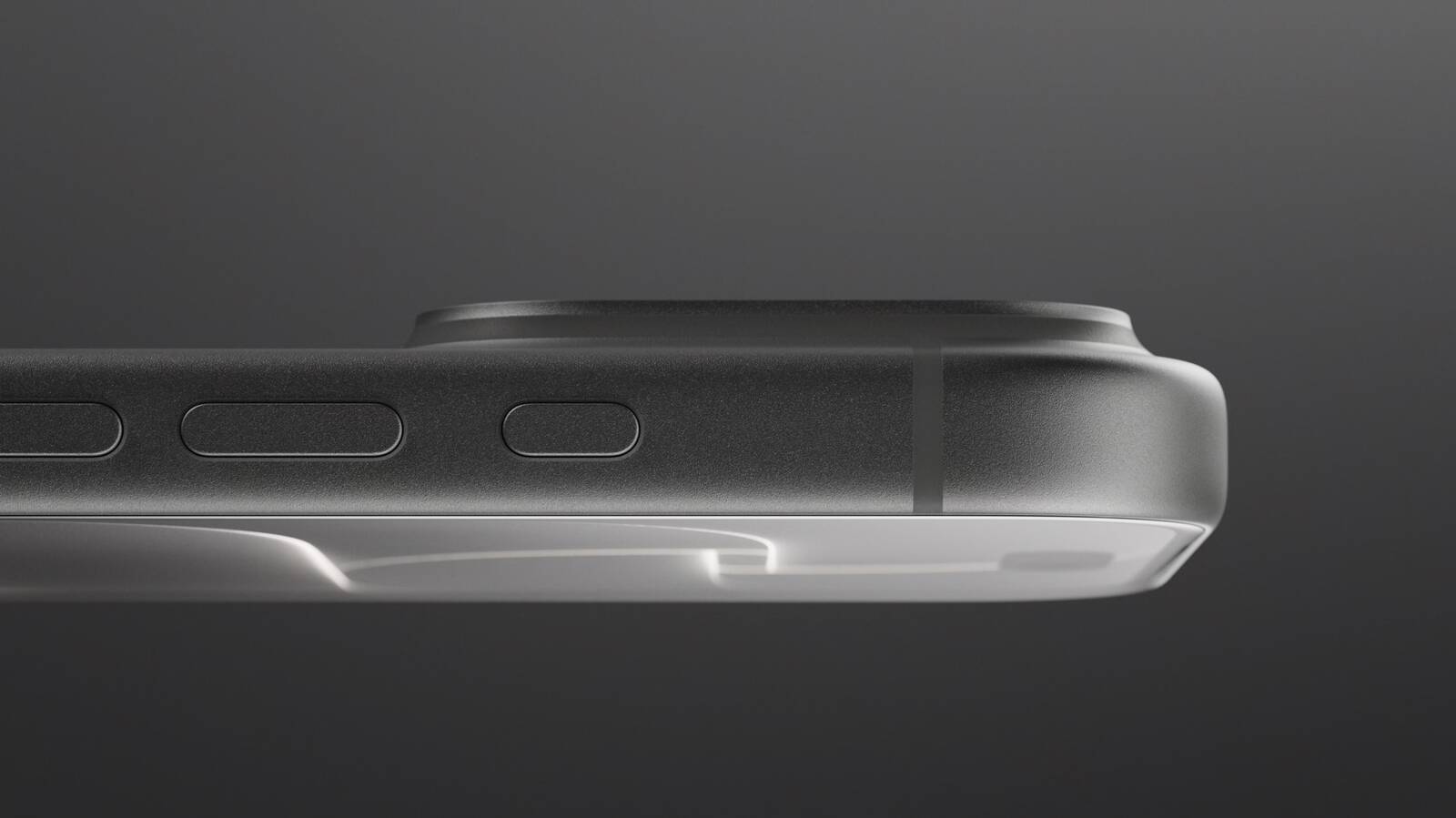
Apple plans to merge the iPhone's Action button with the Camera Control starting next year, according to the leaker known as "Instant Digital."


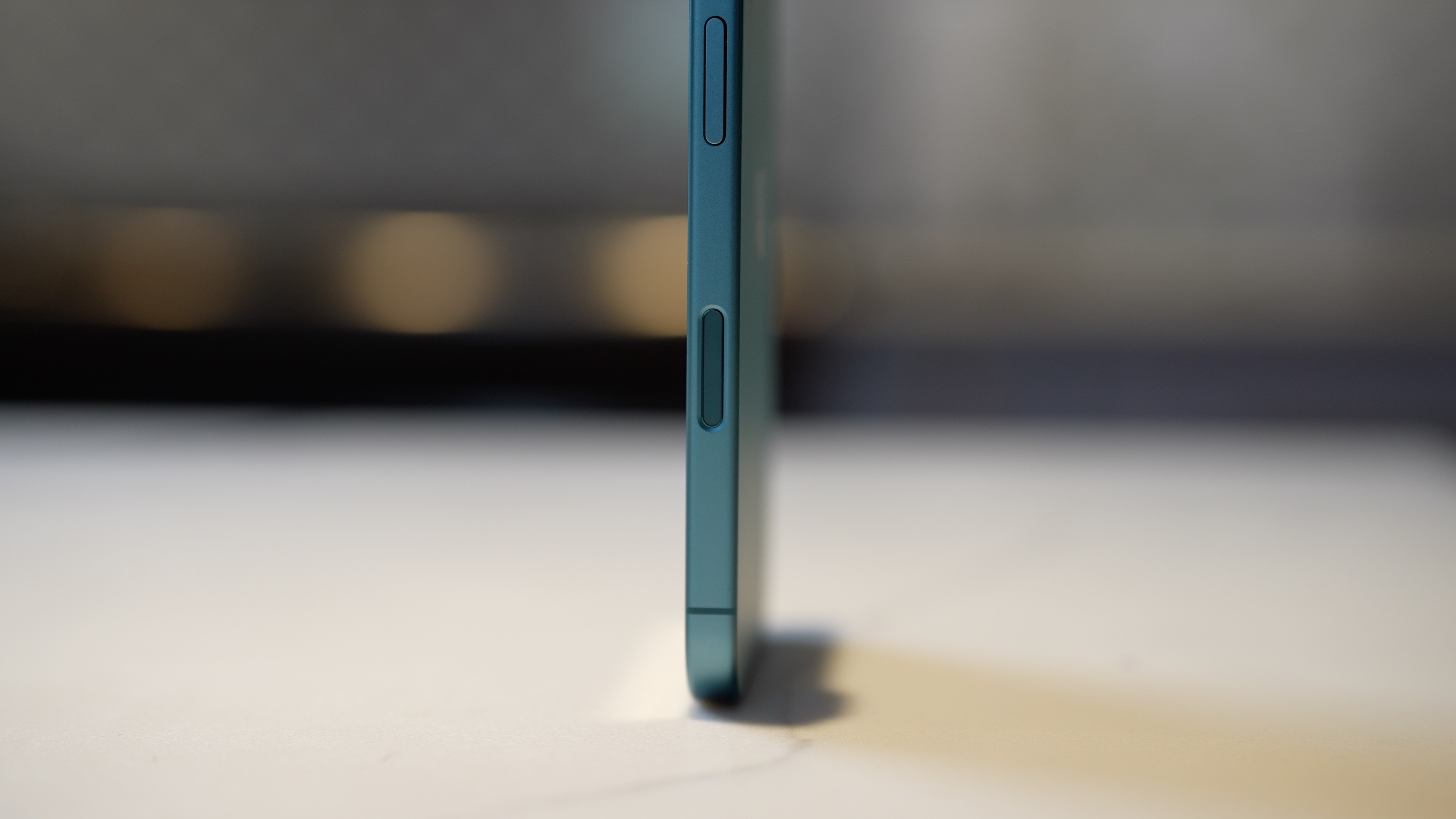
In a new post on Weibo, the leaker claimed that a single press of the combined button would open the camera, while a long press would trigger the function assigned to the Action button. They explicitly clarified that the dedicated Action button would disappear, while the Camera Control button would remain.

The proposed arrangement seems plausible given how the two features already work. The Action button predates the Camera Control and requires a long press to activate its assigned function, while a single press of the Camera Control opens the camera. Combining them in the way described would therefore preserve both familiar interactions, with the customizable action simply moving to a different location on the device.

A long press of Camera Control currently opens Visual Intelligence, but that feature has since been integrated directly into the Camera app as Siri mode in iOS 27. That integration could give Apple room to reassign the gesture while keeping Visual Intelligence accessible through the Camera app.


It is notable that the iPhone Duo also lacks an Action button, despite retaining Camera Control. Its omission provides a precedent for an iPhone without the separate control and could hint at a broader change in the future.

The Camera Control received a mixed reception when it debuted on the iPhone 16, with some reviewers criticizing its usefulness, complexity, and ergonomics, making further refinement seem plausible. Combining it with the Action button could give the control a clearer sense of purpose. Removing a separate button could also simplify manufacturing and reduce the potential for users to confuse the Action button with the adjacent volume buttons.

Apple was previously rumored to be working on a simplified Camera Control design for the iPhone 18 lineup, but that change did not materialize. Instant Digital claimed Apple would remove the capacitive sensing layer and rely on pressure sensing to reduce costs while retaining its functions.

The ‌iPhone 16‌'s Camera Control button.


The latest rumor raises the possibility that a redesign is still in development, potentially as part of a broader rethink that incorporates the Action button's functionality, although it remains unclear whether the two claims describe related plans.

Apple introduced the Action button on the iPhone 15 Pro in 2023 as a replacement for the longstanding Ring/Silent switch. It can be assigned to functions such as Silent mode, Focus, the flashlight, Shortcuts, and more. The rumored combined control would retain a dedicated way to trigger those actions while reducing the number of physical buttons.

Instant Digital said that the change will take place starting with new iPhone models released in the second half of 2027. The claimed timing would presumably coincide with the launch of Apple's 20th-anniversary iPhone models in the fall of next year. Apple's naming plans remain unclear, so the devices could be called the "iPhone 19 Pro," "iPhone 20 Pro," or something else.
This article, "Apple Rumored to Drop the iPhone's Action Button Next Year" first appeared on MacRumors.com

Discuss this article in our forums

  •  

Apple Music Classical Updated With New Icon and Refreshed Design

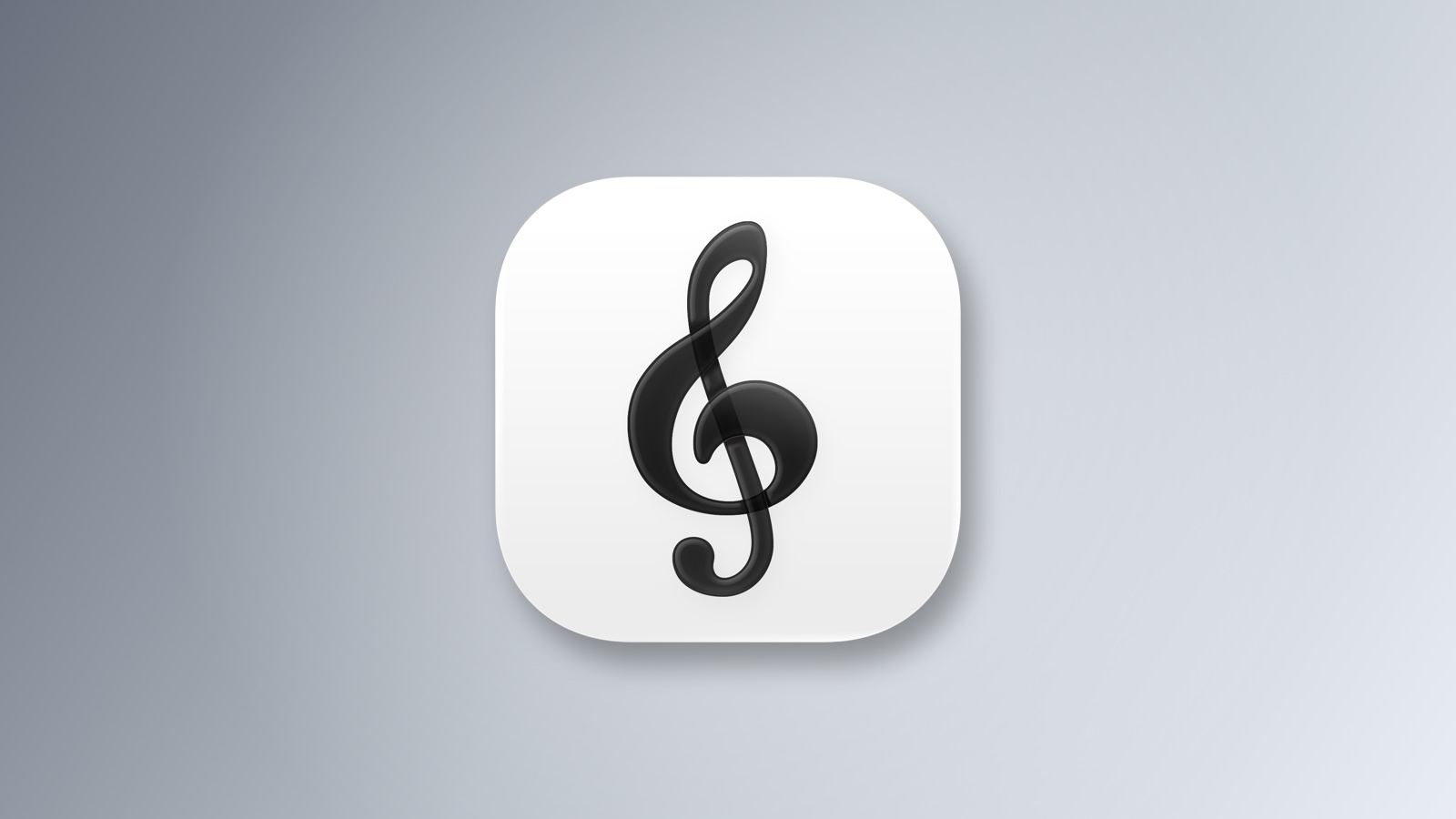
Apple today released Apple Music Classical version 4.1, with a new black-and-white app icon and an updated interface.


The redesigned icon retains the app's treble clef, but now rendered in shaded black against a white background. The change brings ‌Apple Music‌ Classical in line with ‌Apple Music‌'s new visual identity, which Apple introduced last month, replacing its familiar red branding with a monochrome appearance.

The new version of the app also features blue accents for selected tabs, playback buttons, and links, instead of the previous red ones. Apple has not detailed the visual changes in its release notes, which state only that the update contains "stability and performance enhancements."

‌Apple Music‌ Classical is included with ‌Apple Music‌ subscriptions at no additional cost. The app offers search tailored to classical recordings, composer biographies, album booklets, time-synced listening guides, and curated stations.

Version 4.1 is available now on the App Store for the iPhone and iPad, requiring iOS 18 or iPadOS 18 or later.
This article, "Apple Music Classical Updated With New Icon and Refreshed Design" first appeared on MacRumors.com

Discuss this article in our forums

  •  

OLED iPad Mini, M6 iMac, and New MacBook Pros Available From Today

From today, Apple's new iPad mini with an OLED display, M6 iMac, and its latest MacBook Pro models are available to buy from Apple's online store and in the Apple Store app, with the first pre-orders also arriving to customers today and both devices reaching Apple Store locations and Apple Authorized Resellers.


OLED iPad Mini


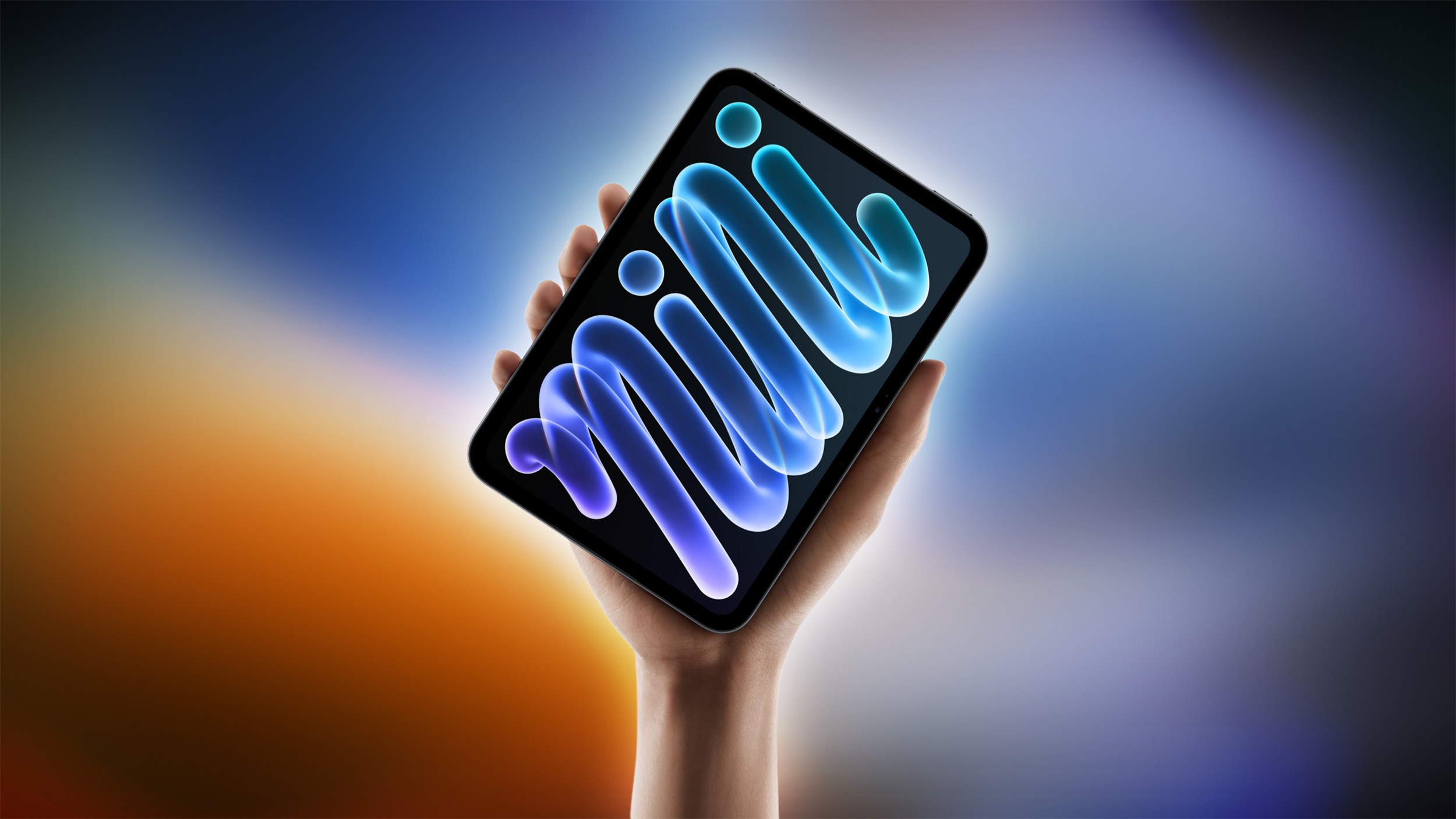
The eighth-generation iPad mini is Apple's smallest tablet with an OLED display. The 8.5-inch Super Retina XDR display offers up to 1,200 nits of peak brightness, a 2,000,000:1 contrast ratio, and a 1-nit minimum brightness, with a nano-texture glass option on 256GB and 512GB models for the first time.

The device is powered by Apple's A20 Pro chip and the N1 wireless chip, enabling Wi-Fi 7 and Bluetooth 6. At 5.4mm thin and 255 grams, it's the lightest iPad Apple has made. It's also the first iPad with an IP67 water and dust resistance rating, aided by a new Acoustic Display that produces sound through the screen itself, so there are no speaker holes in the enclosure.

A 12MP Center Stage front camera is now located on the landscape side for video calls, and the device supports Apple Pencil Pro and Apple Pencil (USB-C). The display is limited to a 60Hz refresh rate with no ProMotion, which has been the main point of criticism in early reviews.

In the United States, the new iPad mini starts at $699 for the 128GB Wi-Fi model. The 256GB and 512GB configurations are priced at $799 and $999, with nano-texture glass adding $100 on those models, while Wi-Fi + Cellular models start at $849. Education pricing starts at $649.

M6 iMac


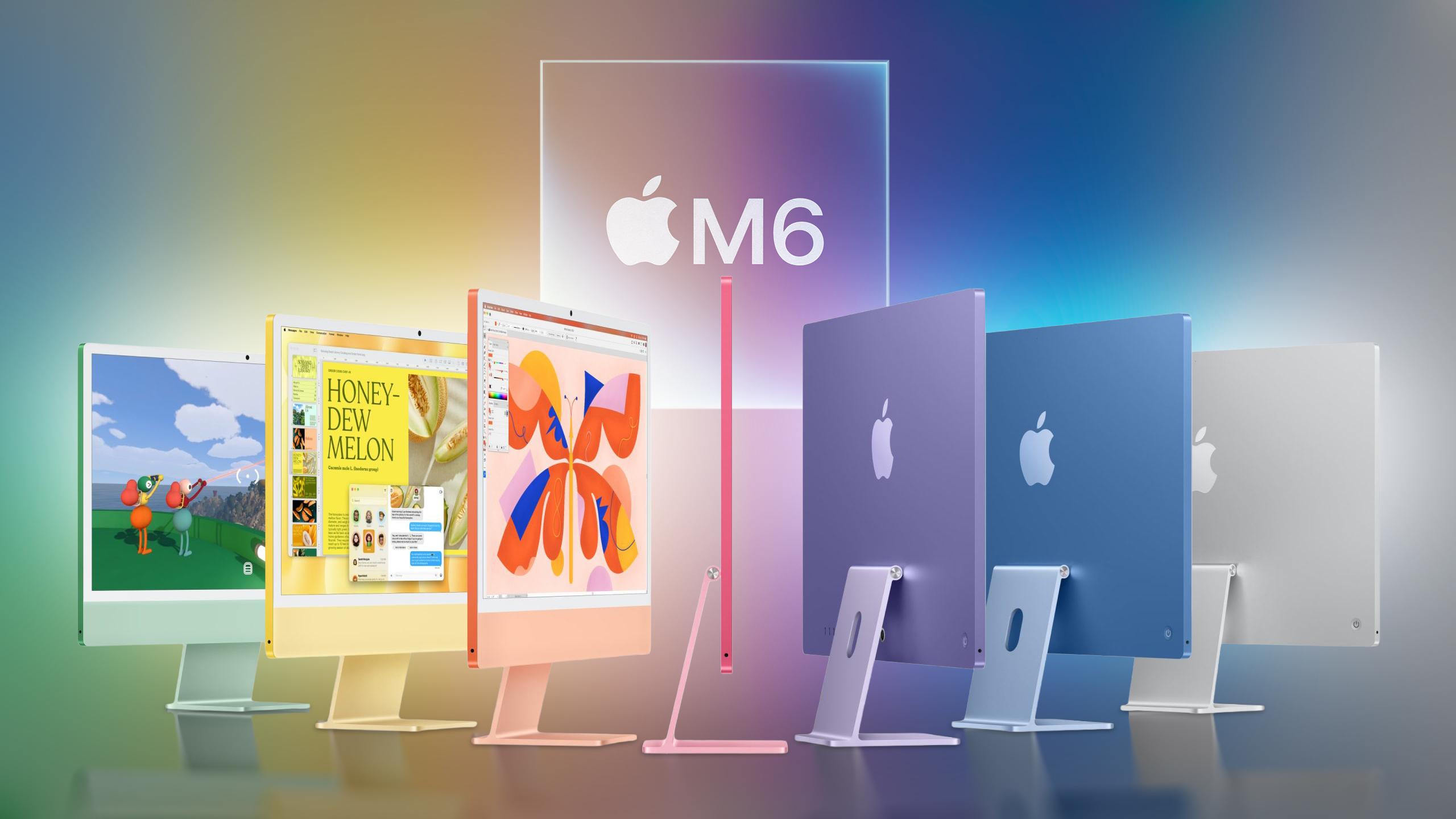
Meanwhile, the new iMac is the first update to Apple's all-in-one since the M4 model. The M6 chip brings up to a 12-core CPU and 12-core GPU, with Apple claiming up to 2x faster graphics than the previous generation, alongside Wi-Fi 7, Bluetooth 6, and an optional 2.5 Gigabit Ethernet port on the power adapter.

The iMac with M6 starts at $1,499 for the model with a 10-core CPU and 10-core GPU, while the version with a 12-core CPU and 12-core GPU starts at $1,699. Education pricing starts at $1,449.

Latest MacBook Pro Models


Also launching today are the new MacBook Pro models. The 14-inch MacBook Pro with M6 starts at $1,999 and features a 12-core CPU and 12-core GPU, alongside Wi-Fi 7 and Bluetooth 6 via Apple's N1 wireless chip.

The new 14-inch and 16-inch MacBook Pro models with touchscreen PROLED XDR displays are also available, starting at $2,899 and $3,399, respectively. Powered by M5 Pro or M5 Max chips, the touchscreen models replace the notch with a Dynamic Island and offer up to 2,000 nits of peak brightness for both SDR and HDR content.

Apple's online checkout system indicates many configurations of the 14-inch and 16-inch touchscreen MacBook Pro models in Space Black and Silver currently ship in 2-3 weeks, so anyone who wants one as soon as possible is likely to have more luck visiting their local Apple Store, where at least some base configurations are typically in stock.

For a full rundown of everything new, see our iPad mini, iMac, and MacBook Pro roundups.
Related Roundups: iMac, iPad mini, MacBook Pro
Tag: OLED
Related Forums: iMac, iPad, MacBook Pro

This article, "OLED iPad Mini, M6 iMac, and New MacBook Pros Available From Today" first appeared on MacRumors.com

Discuss this article in our forums

  •  

Apple Surveys iPhone Duo Buyers About Crease and Camera

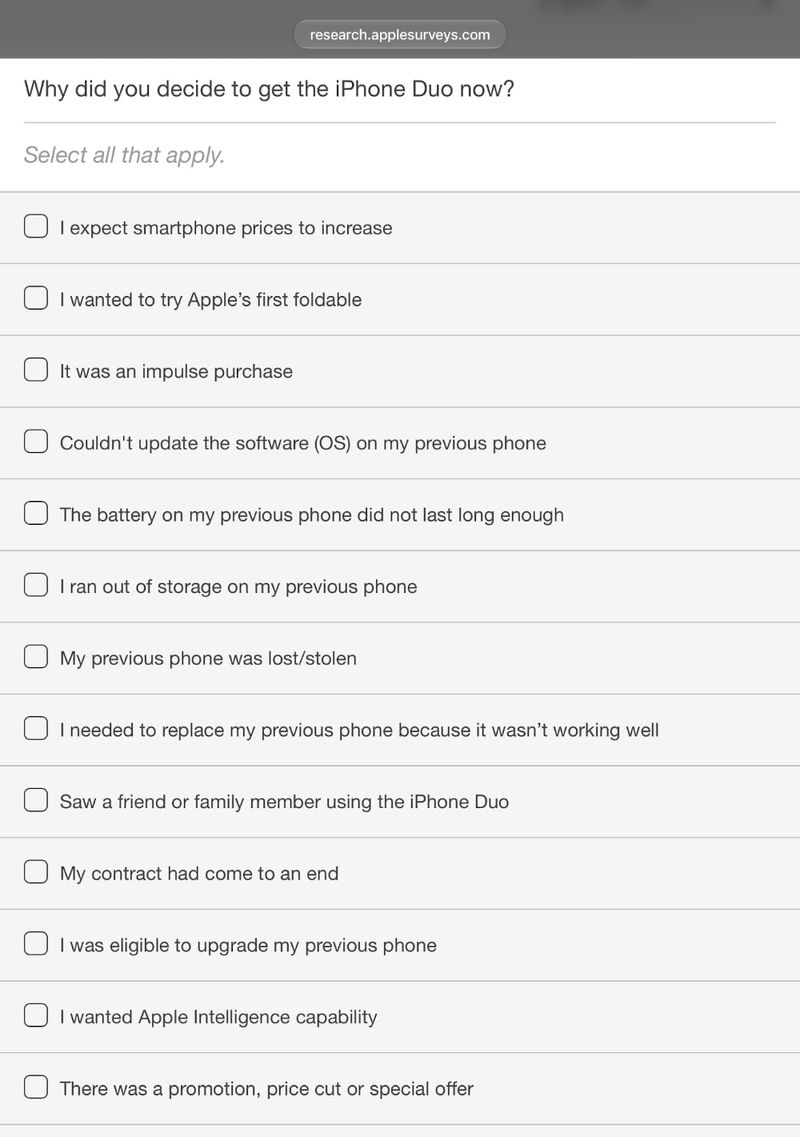
Apple is sending email surveys to some iPhone Duo buyers to get feedback on display size, crease, under-display camera, and other features.


The first question asks why the buyer chose the ‌iPhone Duo‌ now, with answers like "I wanted to try Apple's first foldable," "It was an impulse purchase," and "I expect smartphone prices to increase."

Other questions ask about the size of the ‌iPhone Duo‌'s display when it's closed, how visible the crease is, whether the under-display camera is distracting, and the camera's image quality. The final question is open-ended and asks what the buyer would add or change about the ‌iPhone Duo‌.

View all 6 photos in the full article →


It's been about two weeks since the ‌iPhone Duo‌ launched, and it's not too unusual for Apple to conduct surveys following a new product's debut.

Some of the questions are about ‌iPhone Duo‌ compromises compared to standard iPhone models. The Duo's outer display is 5.4 inches, making it about the same size as the discontinued iPhone mini line. The inner display's under-screen camera is limited to 4MP, and it was one of the main complaints in reviews.

The survey does not ask about Touch ID, the experience of using unoptimized apps, or the display cracks some users have reported, all of which are also top Duo complaints,

(Thanks, Willy!)
Related Roundup: iPhone Duo
Buyer's Guide: iPhone Duo (Buy Now)
Related Forum: iPhone

This article, "Apple Surveys iPhone Duo Buyers About Crease and Camera" first appeared on MacRumors.com

Discuss this article in our forums

  •  

Apple's First Touchscreen Mac is Now Arriving to Customers

It's Friday, November 6 in Australia and New Zealand, which means customers who preordered a PROLED touchscreen MacBook Pro, OLED iPad mini, M6 ‌MacBook Pro‌, or M6 iMac are now starting to receive their devices.


People will soon be sharing photos and first impressions of the new products on the MacRumors forums, Reddit, Instagram, and other platforms, giving us a first look at what real-world users think of the ‌OLED‌ upgrade for the ‌iPad mini‌ and the PROLED and touchscreen update for the ‌MacBook Pro‌.

Apple's new high-end ‌MacBook Pro‌ models come with M5 Pro or M5 Max, and the major change is the display. It's touch-enabled and is the first Mac with an ‌OLED‌ display. The design has been updated, so the new machines are thinner and lighter than the mini-LED models, which Apple is still selling. Apple also brought back the glowing Apple logo, and replaced the notch with a Dynamic Island. Pricing on the PROLED ‌MacBook Pro‌ starts at $2,899 for the 14-inch model and $3,399 for the 16-inch model.

The ‌OLED‌ ‌iPad mini‌ is Apple's first smaller-screened iPad to get ‌OLED‌, and it's also the most affordable ‌OLED‌ ‌iPad‌. It's almost a millimeter thinner than the prior version and has an Acoustic Display that does away with speaker holes. Without them, the enclosure is sealed, making it the first ‌iPad‌ with a water and dust resistance rating (IP67). It uses Apple's A20 Pro chip. The ‌OLED‌ ‌iPad mini‌ starts at $699.

The 14-inch entry-level ‌MacBook Pro‌ and 24-inch ‌iMac‌ got little in the way of updates beyond an M6 chip. The ‌MacBook Pro‌ is priced starting at $1,999, and the ‌iMac‌ starts at $1,499.

Australia is the first country where customers can buy one of the new products in an Apple retail location. Online orders of the PROLED ‌MacBook Pro‌ don't ship until late November or early December, so it's possible in-store stock will be limited. The ‌OLED‌ ‌iPad mini‌, 14-inch ‌MacBook Pro‌, and ‌iMac‌ should be readily available.

After Australia and New Zealand, sales and deliveries of the new Macs and ‌iPad mini‌ will begin in Asia, the Middle East, Europe, and finally, North America.
Related Roundups: iMac, iPad mini, MacBook Pro
Related Forums: iMac, iPad, MacBook Pro

This article, "Apple's First Touchscreen Mac is Now Arriving to Customers" first appeared on MacRumors.com

Discuss this article in our forums

  •  

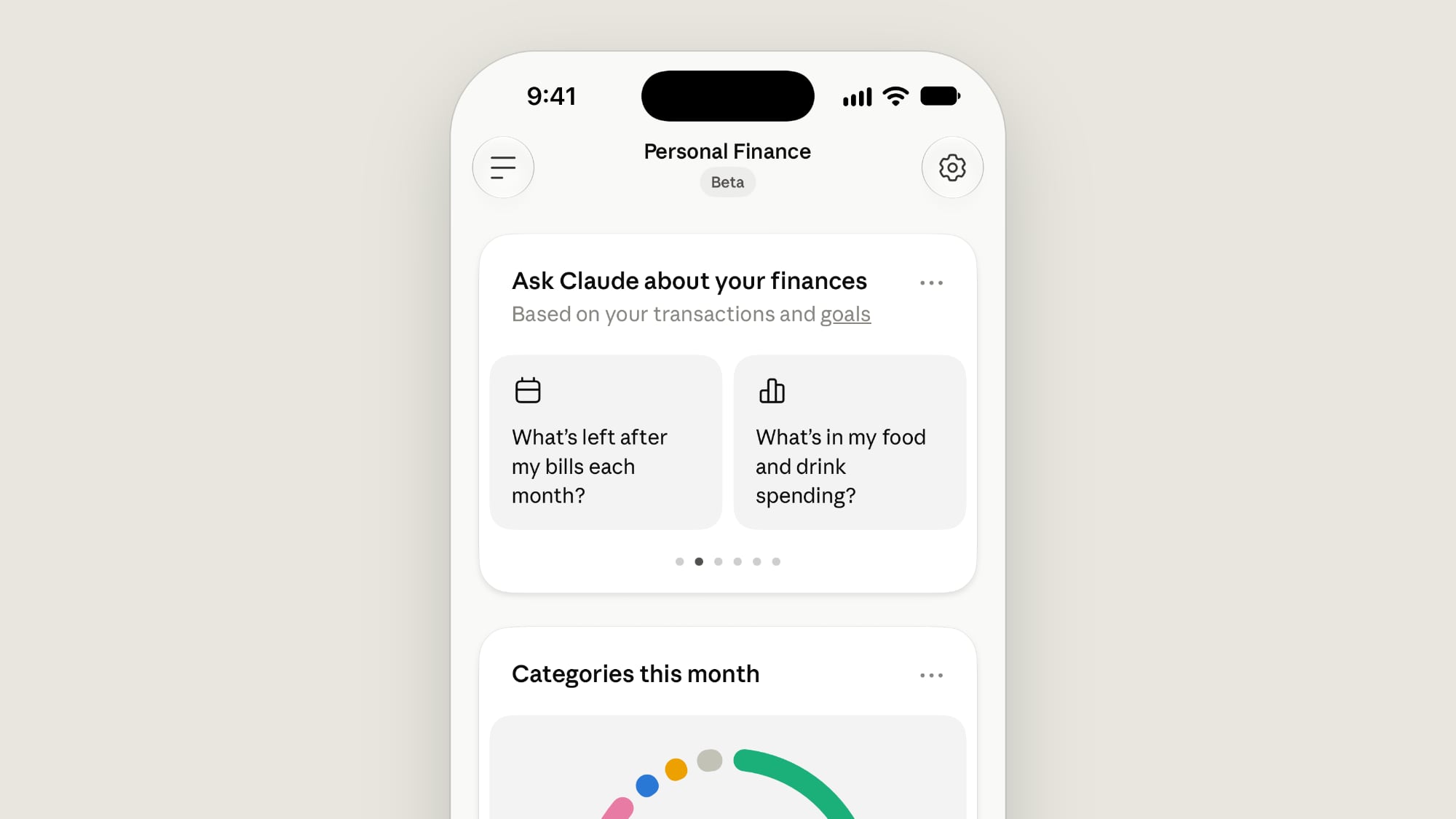
Claude Gets Personal Finance Feature With Bank Account Linking

Anthropic today added Personal Finance to Claude, allowing users to connect their bank and card accounts for analysis.


Claude has read-only access to accounts, and there is no option for it to move, manage, or invest money. Anthropic says Claude gives answers in everyday language and can explain unfamiliar financial terms.

The feature can track spending across categories, upcoming bills, and out-of-the-ordinary purchases. It can look for unexpected fees, increasing bills, and subscriptions, plus it can create charts, calendars, and dashboards.

Financial accounts are connected to Claude through the Plaid service, so Claude does not see bank passwords. Claude has access to the bank name, account name and type, balances and credit limits, and up to two years of transactions for bank accounts. Personal Finance chats are not used for model training and are not added to Claude's shared memory.

OpenAI added a similar finance feature to ChatGPT back in May.

Personal Finance is rolling out in beta on the Pro, Max, and Ultra plans in the United States.
This article, "Claude Gets Personal Finance Feature With Bank Account Linking" first appeared on MacRumors.com

Discuss this article in our forums

  •  
❌