❌

Lese-Ansicht

MacBook Pro With PROLED XDR Display: Details You Might Have Missed

The new MacBook Pro models with PROLED XDR displays began arriving to customers on Friday, and various details about the laptops continue to surface.
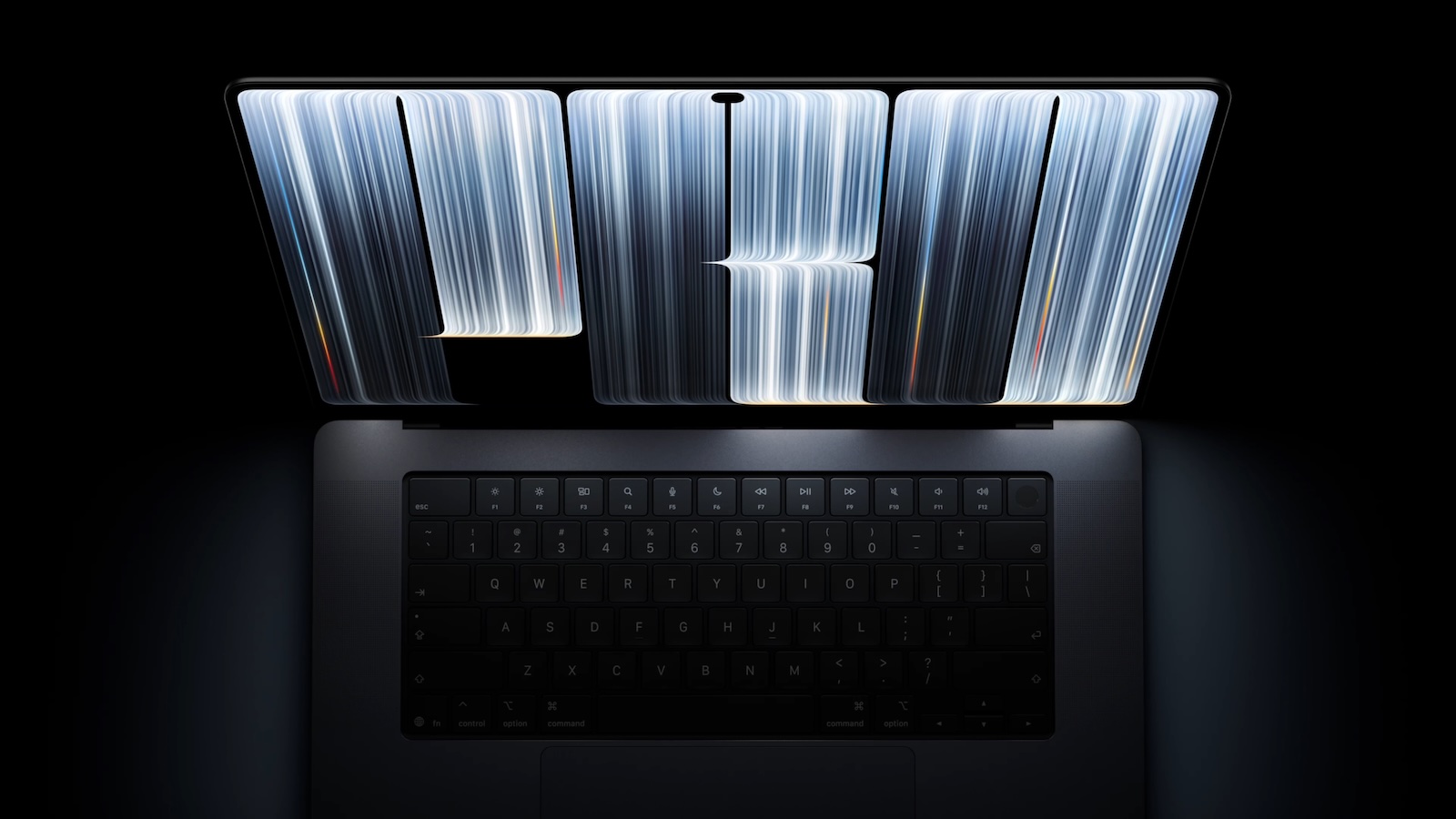

Given these models are available with the same M5 Pro and M5 Max chips that power the models with mini-LED displays, performance was expected to be virtually identical across the board, and benchmark results confirm that is the case.

Average scores for multi-core CPU performance in the Geekbench 7 database:
  • 16-inch MacBook Pro (Mini-LED, M5 Max): 34,988

  • 16-inch MacBook Pro (PROLED XDR, M5 Max): 34,904
The chip has an 18-core CPU in both models.

YouTube channel Max Tech noted that the bottom cover on the new MacBook Pro models has slightly recessed feet, and there are now only four pentalobe screws holding it in place, compared to eight on previous models.

Under the bottom cover sit larger speakers, which provide 50% deeper bass according to Apple.
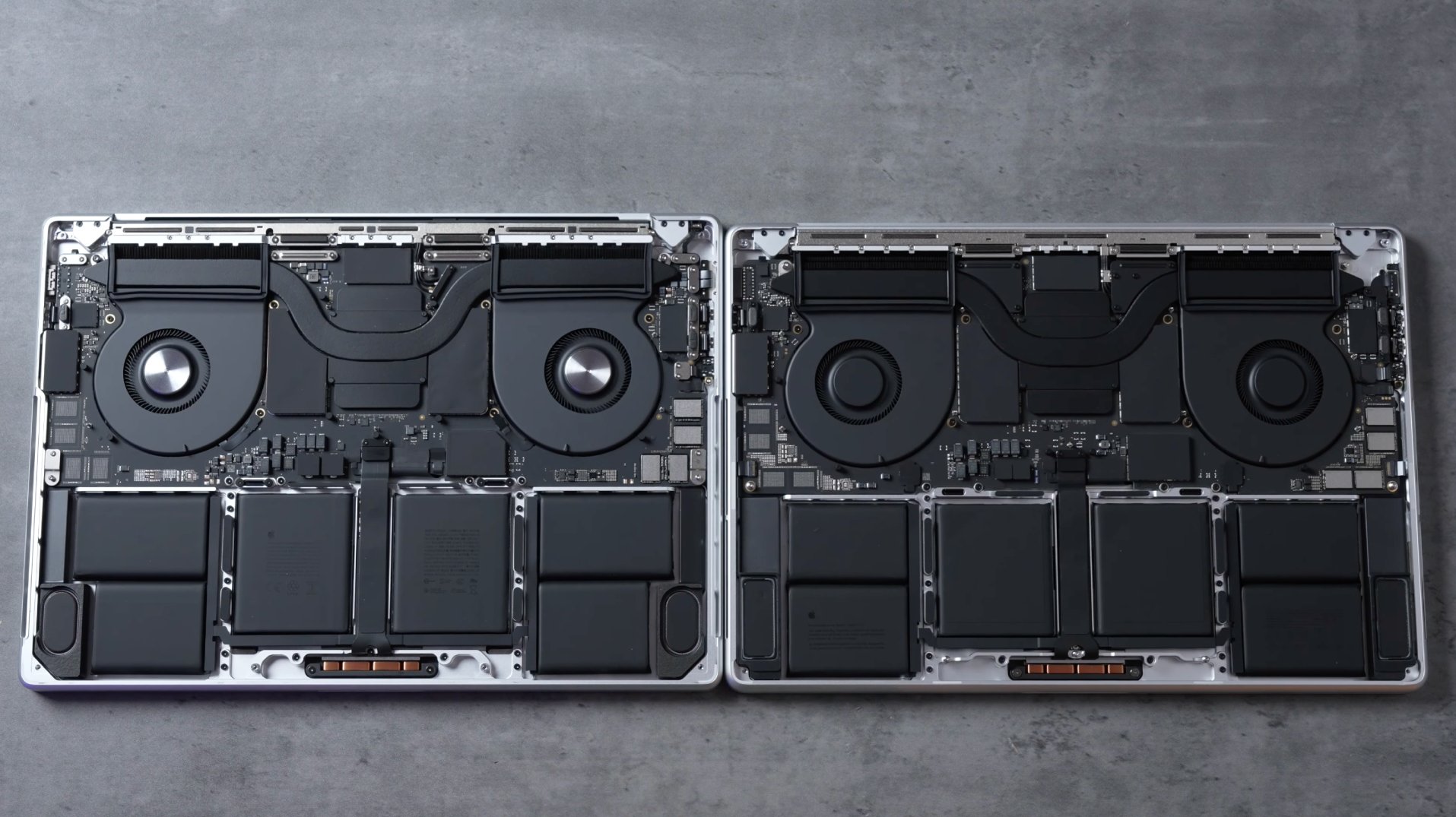
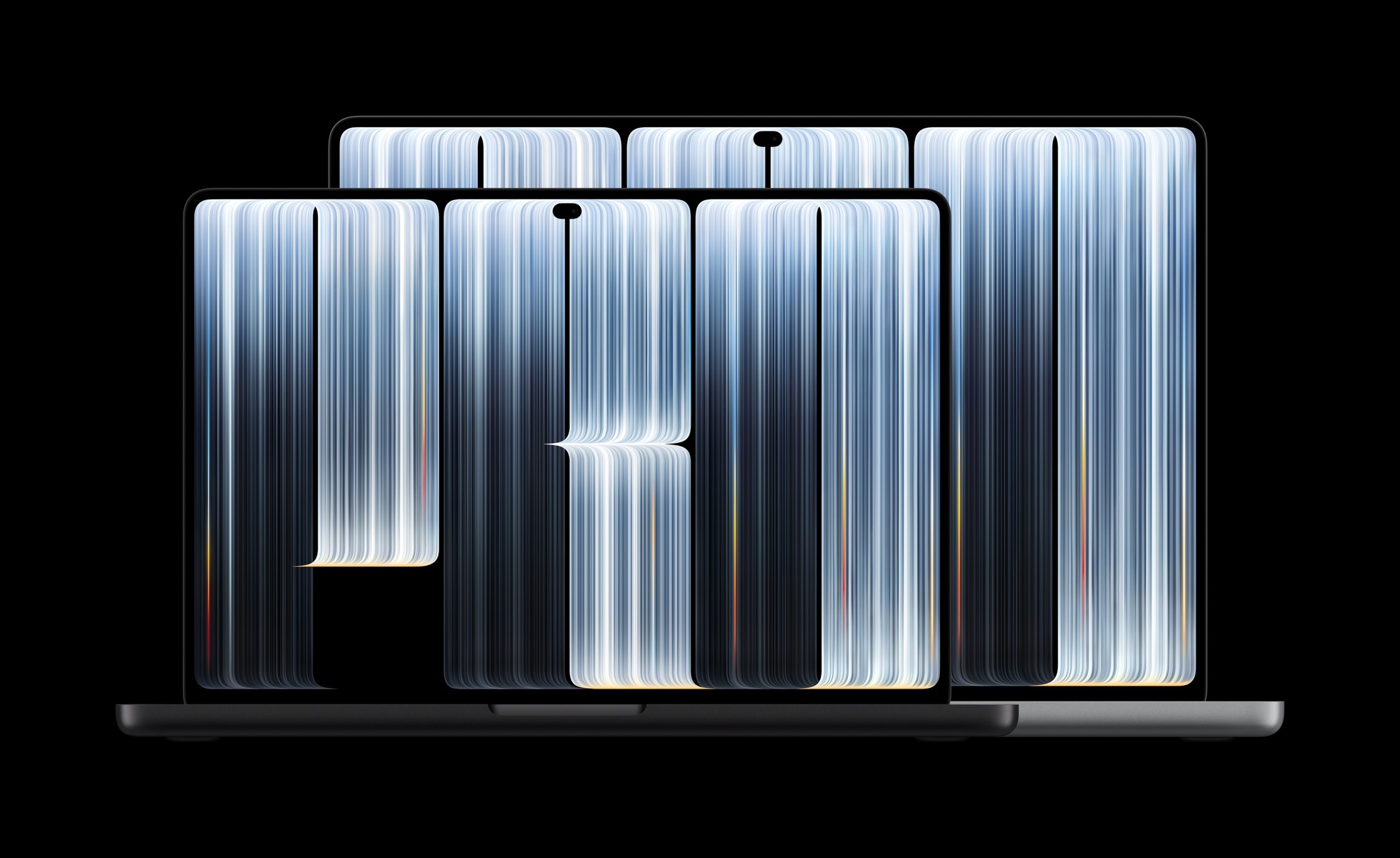
16-inch/Mini-LED on left, 16-inch/PROLED on right

While the MacBook Neo's keyboard can be replaced individually, this is not the case for the new MacBook Pro models, as Apple's repair manuals show the laptops continue to have an all-in-one "Top Case with Battery and Keyboard" part.

In case you missed it, the bottom corners of the display are now rounded on the new models, whereas only the top corners are rounded on the mini-LED displays. This small change results in a much more uniform design.

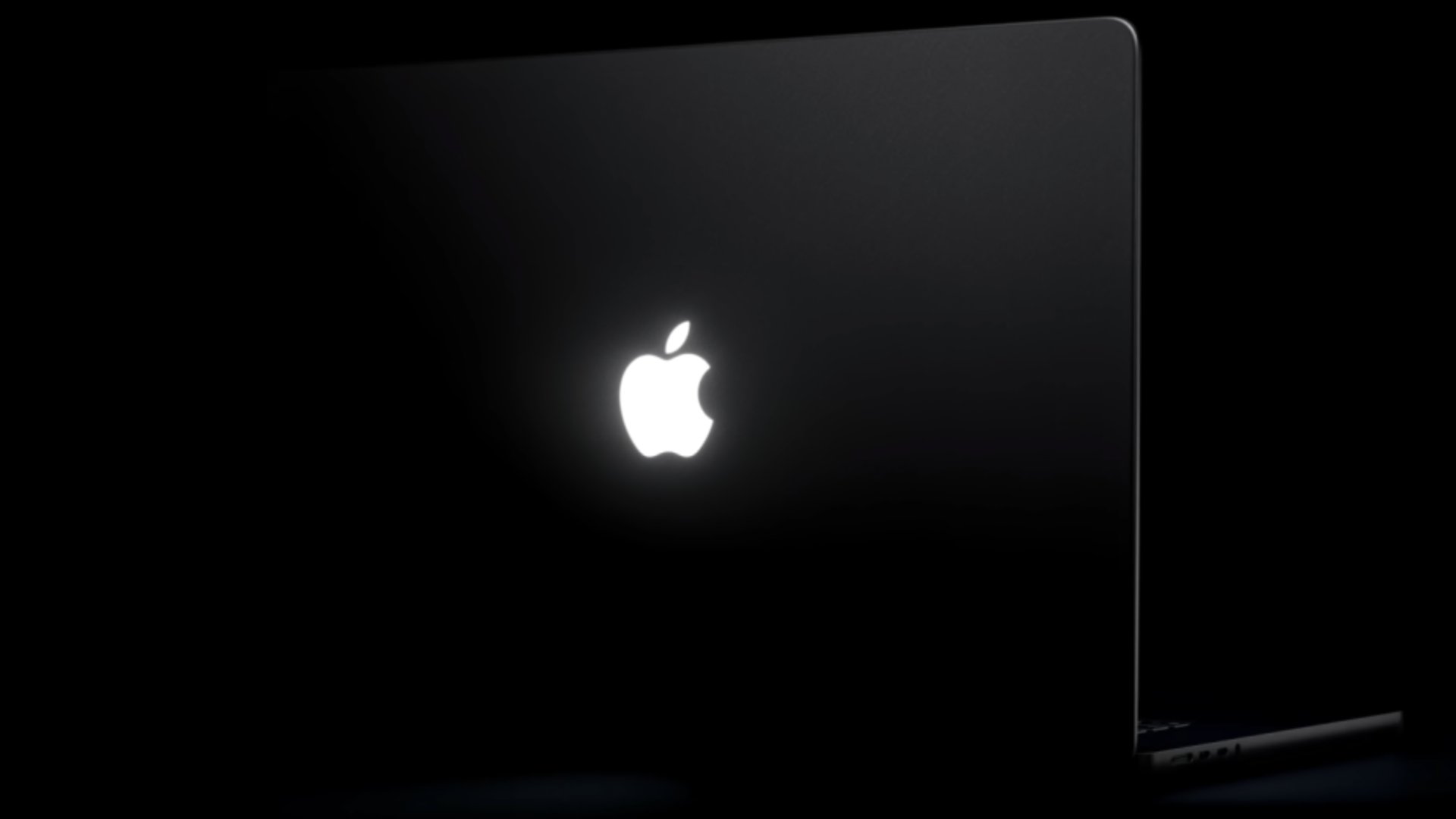
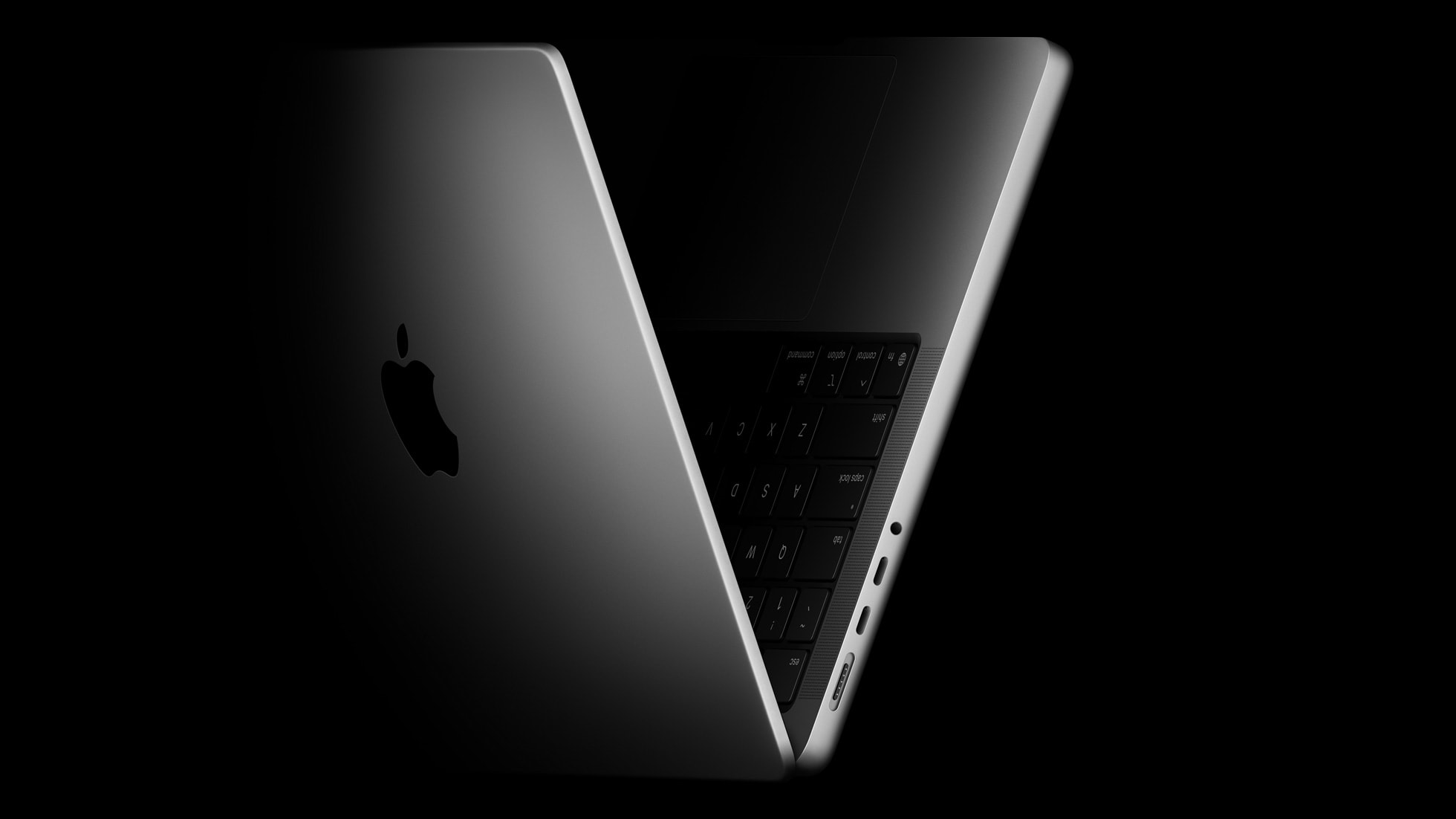
As we noted over the weekend, Daring Fireball's John Gruber confirmed that the illuminated Apple logo on the new MacBook Pro lids uses a custom light source — seemingly a white LED. On older MacBooks released in 2015 and earlier, the Apple logo was illuminated by the LCD's backlight, but OLED displays do not have a backlight.

Why did Apple bring back the illuminated logo? Gruber shared Apple's answer. "Because it's awesome," he heard an Apple representative say.
Related Roundup: MacBook Pro
Buyer's Guide: MacBook Pro (Buy Now)
Related Forum: MacBook Pro

This article, "MacBook Pro With PROLED XDR Display: Details You Might Have Missed" first appeared on MacRumors.com

Discuss this article in our forums
  •  

'Backglow' Lets You Customize New MacBook Pro's Glowing Apple Logo

A new "Backglow" app created by designer Juan Buis lets you customize the illuminated Apple logo on the lid of the new MacBook Pro models.


The free version of the app allows you to manually adjust the brightness level of the Apple logo, independent of the MacBook Pro's display brightness level. You can also turn it off entirely with a single click, rather than having to use Terminal.

Another free option is a "Breathe" mode that makes the logo's light gently pulse similarly to the sleep indicator light on older MacBooks.

A one-time payment unlocks the Pro version of the app: $9 for a limited time or $15 later. This gives you two additional modes: "Music" mode makes the logo's light move to the beat of the music you play on your Mac, while "Agents" mode makes the light pulse while Claude Code is working and blinks when your attention is needed.

here's what it can do:

- manually set logo brightness (apple doesn't let you)
- breathe slowly, like the old mac sleep light
- pulse to your music
- blink when claude needs you
- turn the logo light off with one click

try it here: https://t.co/WZTWMq5yAf https://t.co/FI0o9ayKBZ

— juan (@juanbuis) November 6, 2026


Apple began phasing out the glowing logo on MacBooks in 2015, but it brought back the feature with the new 14-inch and 16-inch MacBook Pro models with PROLED XDR displays released on Friday. On older MacBooks, the logo was illuminated by the display's backlight, but OLED displays do not have a backlight, so a new method was required.

Daring Fireball's John Gruber was told that Apple engineered a "custom light source just to enable the logo to glow once again, without adding any additional thickness to the lid." Why? "Because it's awesome," he heard an Apple representative say.

By default, Apple says the logo is illuminated whenever the Mac is awake. It automatically brightens or dims based on the screen's brightness level and your environment's lighting conditions detected by the computer's ambient light sensor.

Buis said the logo is lit by a white LED that does not change colors.
Related Roundup: MacBook Pro
Buyer's Guide: MacBook Pro (Buy Now)
Related Forum: MacBook Pro

This article, "'Backglow' Lets You Customize New MacBook Pro's Glowing Apple Logo" first appeared on MacRumors.com

Discuss this article in our forums
  •  

Hands-On With Apple's New OLED Touchscreen MacBook Pro

Happy touch your Mac day! Apple's new PROLED MacBook Pro is now in the hands of customers. We picked up one of the new machines to get our greasy fingerprints all over that pristine OLED display.


It's been five years since Apple last redesigned the ‌MacBook Pro‌, so it was due for an update. The PROLED ‌MacBook Pro‌ looks a lot like the mini-LED model, but it's thinner and lighter. The 14-inch model is about half a millimeter thinner and weighs just over three pounds, while the 16-inch model is almost a millimeter thinner and weighs four pounds. Apple shaved off about half a pound for the 14-inch model and 0.7 pounds for the 16-inch model, and while that doesn't sound like much, it makes a big difference. You can feel how much lighter it is the second you take it out of the box. Apple brought back the glowing logo for the PROLED ‌MacBook Pro‌, so everyone around you will know you have the fancy new ‌OLED‌ model.

The ‌OLED‌ display is the major new feature, and it looks as good as you would expect from a display in a laptop starting at $2,899. Blacks are true black, and since each pixel lights up individually, there's none of the bloom you get with mini-LED when viewing bright objects on a dark background. The PROLED ‌MacBook Pro‌ can get super bright too, and that brightness paired with the deep blacks, HDR content looks great. ‌OLED‌ sometimes isn't bright enough outdoors, but that's not the case here.

The display bezels are thinner, and the 16-inch machine is actually 16.3 inches instead of 16.2. There's also an iPhone-like Dynamic Island that replaces the notch and houses Siri AI, Live Activities, and more. The ‌Dynamic Island‌ makes sense because you can now touch the ‌MacBook Pro‌'s display. It works like touching an iPhone or iPad, so you can swipe through webpages, tap buttons, drag and drop, and pinch to zoom.

Touch isn't meant to replace the trackpad and keyboard, but it's there if you want it. Apple made some tweaks to macOS, so menu options expand a little more when you touch them than when you click them, and tiny window resizing buttons get larger. Apple put a sturdier hinge in the PROLED ‌MacBook Pro‌ so the display won't move as much when you tap it, but it's not perfect. It does still jiggle depending on where you tap.

The touch feature is fine, but it's probably not a reason to go out and get the PROLED ‌MacBook Pro‌. It has the potential to be useful in some situations, but it's not going to dramatically change the way most people use a laptop.

New chips weren't ready in time for the PROLED machines, so they use the same M5 Pro and M5 Max as the mini-LED models. That's a disappointment in a laptop that starts at almost $3,000. Since Apple is still selling the mini-LED models, you're basically paying a $400 premium for the higher-end ‌OLED‌ display, the thinner and lighter design, and the touch functionality.

The better display and the lighter weight are going to be worth the price for some people, and the touch is just a bonus.
Related Roundup: MacBook Pro
Tag: OLED
Buyer's Guide: MacBook Pro (Buy Now)
Related Forum: MacBook Pro

This article, "Hands-On With Apple's New OLED Touchscreen MacBook Pro" first appeared on MacRumors.com

Discuss this article in our forums
  •  

Control the Glowing Apple Logo on Your New MacBook Pro

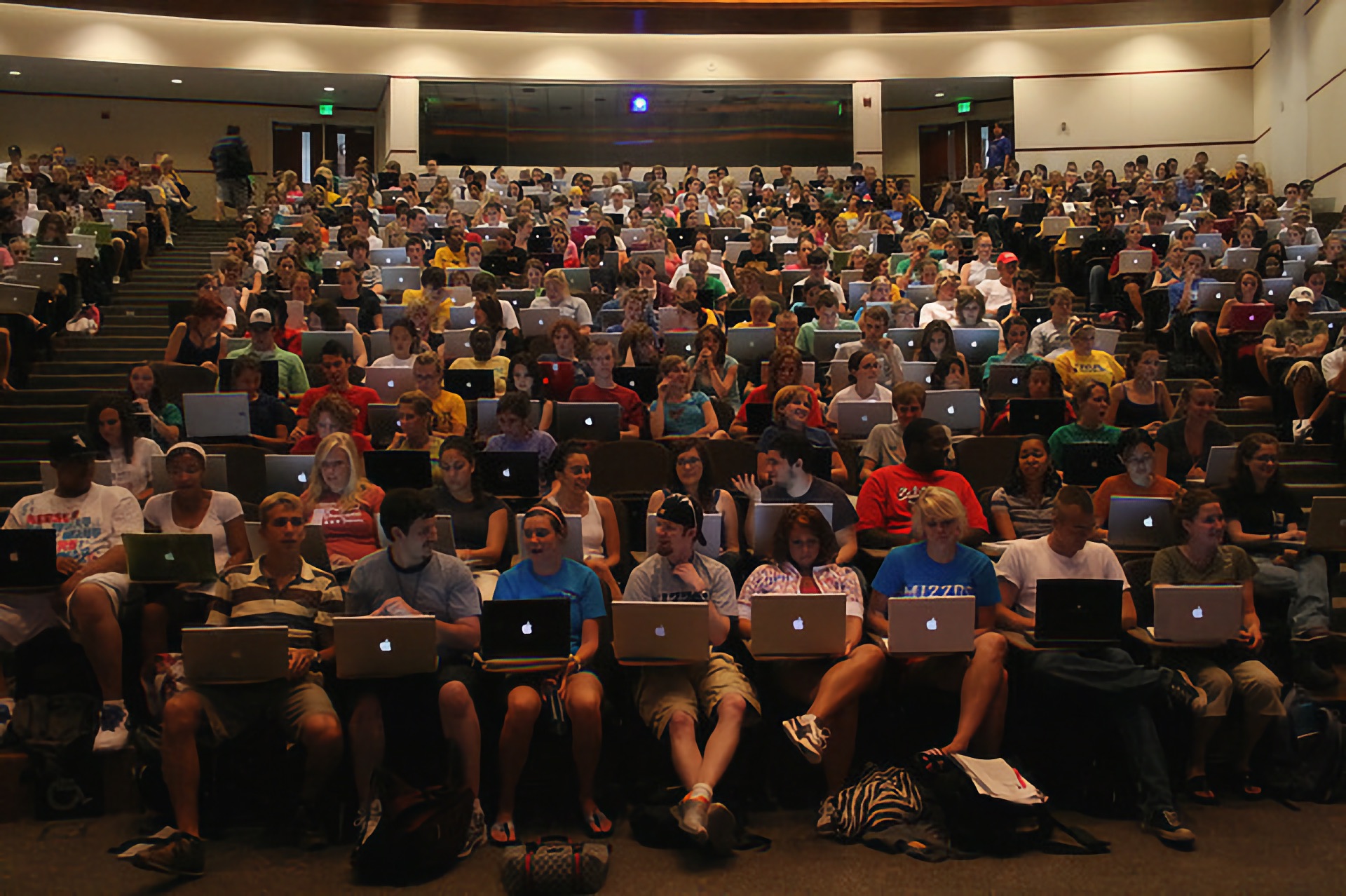
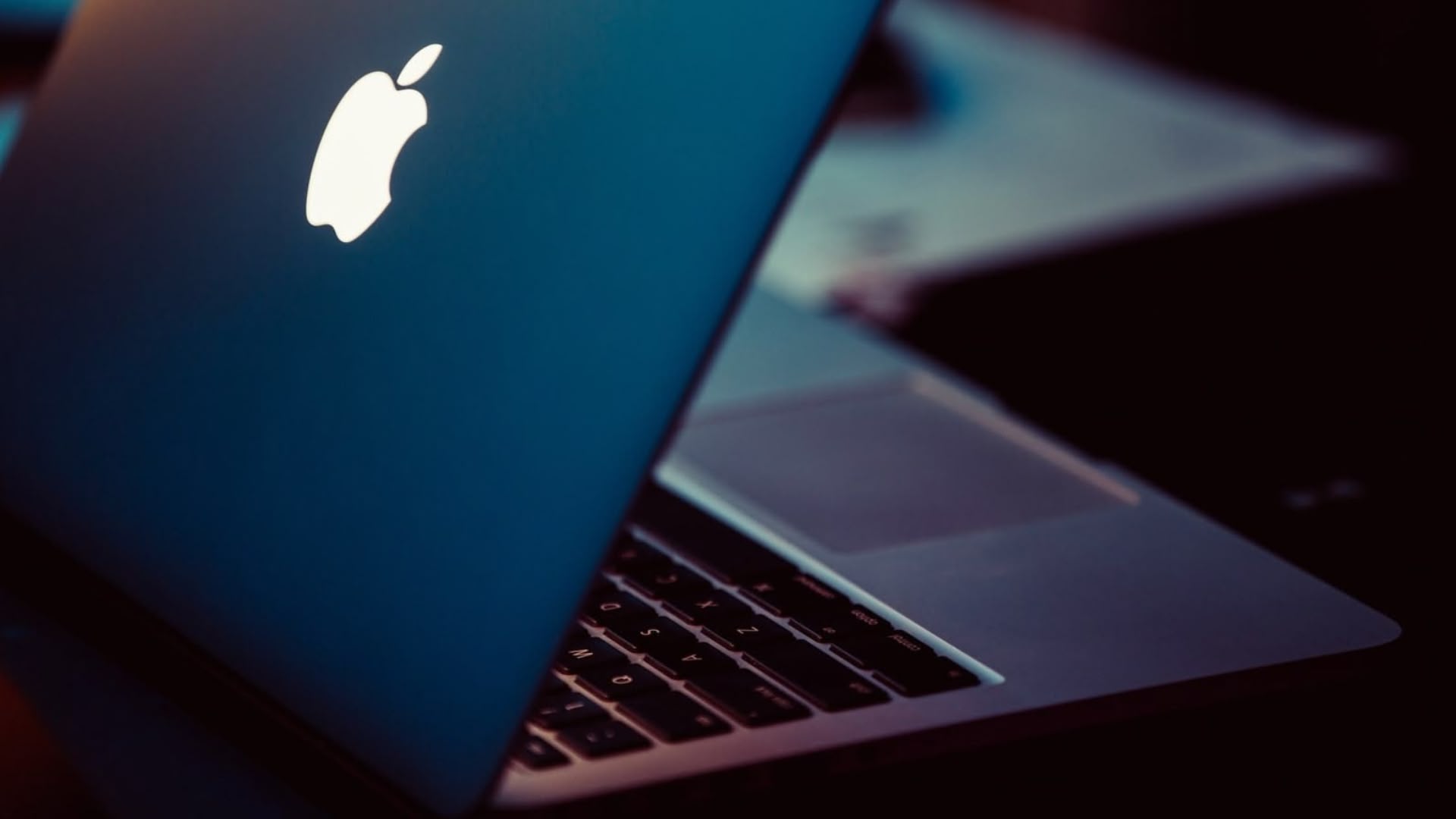
Once a common sight in lecture theaters and coffee shops everywhere, the glowing emblem of an Apple logo featured on the lids of many Mac laptops launched in the early 2000s. In a nice touch, the new 14-inch and 16-inch MacBook Pro models with PROLED XDR displays bring back the much-loved logo. It's lit up whenever the Mac is awake, and it automatically dims or brightens based on your screen's brightness level and the ambient light in the room.

Image credit: MacRumors forum member sniffies

If you'd rather keep the logo dark, Apple has shared a way to turn it off. Unusually though, there's no switch in System Settings. Instead, you need to enter a command in the Terminal app. If that sounds intimidating, don't worry – it's a single line that you can copy and paste. Note that the following command only works on MacBook Pro models with a PROLED XDR display.

  1. Open Terminal on your Mac: it's in the Applications ➝ Utilities folder, or you can search for "Terminal" using Spotlight (Command + Space).

  2. Type or paste the following command, then press Enter:

    sudo defaults write com.apple.CoreBrightness LEBacklightMode -int 0
  3. When prompted, enter your administrator password and press Enter. (Terminal doesn't show the password as you type it.)

After performing the steps, the logo illumination should turn off immediately, no restart required. The change applies to all macOS user accounts on the machine, and it will carry over even if you start up from macOS Recovery. If you later migrate to a new Mac, the setting even transfers across with the rest of your system.

Relight the Apple Logo


Reinstalling macOS turns the illumination back on, but you can also turn it back on yourself at any time by entering the following command in Terminal:

sudo defaults delete com.apple.CoreBrightness LEBacklightMode

Remember to press Enter!

Backstory


The first Mac laptop with a lit-up Apple logo was the third-generation PowerBook G3 launched in 1999. The glowing symbol proved a mainstay through consecutive Apple notebooks for the next 16 years. The only change in that period was that the logo got flipped upright, so that it no longer appeared upside-down to onlookers when someone was sat in public with the lid open.

According to former Apple employee Joe Moreno, the original orientation was deliberate: Apple's design group had found that users kept trying to open their laptops from the wrong end. "Steve Jobs always focused on providing the best possible user experience and believed that it was more important to satisfy the user than the onlooker," Moreno recalled.

Ironically, Jobs later reversed the decision.

"Opening a laptop from the wrong end is a self-correcting problem that only lasts a few seconds," said Moreno. "However, viewing the upside logo is a problem that lasts indefinitely."

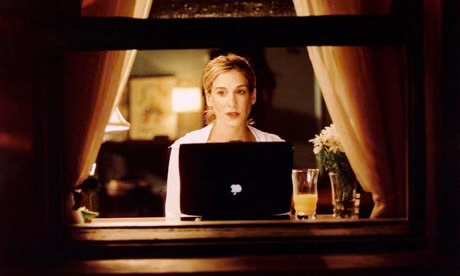
The earlier orientation, seen in Sex and the City (Image: HBO/Everett/Rex Features)


In 2015, Apple began nixing the illuminated insignia from its laptops, starting with the ultra-thin 12-inch MacBook, which had a polished metal logo instead, like iPads before it. In 2016, a new generation of MacBook Pro models continued the unlit trend. Apple hasn't launched a Mac laptop with a glowing logo since – until now.
Related Roundup: MacBook Pro
Buyer's Guide: MacBook Pro (Buy Now)
Related Forum: MacBook Pro

This article, "Control the Glowing Apple Logo on Your New MacBook Pro" first appeared on MacRumors.com

Discuss this article in our forums
  •  

OLED iPad Mini, M6 iMac, and New MacBook Pros Available From Today

From today, Apple's new iPad mini with an OLED display, M6 iMac, and its latest MacBook Pro models are available to buy from Apple's online store and in the Apple Store app, with the first pre-orders also arriving to customers today and both devices reaching Apple Store locations and Apple Authorized Resellers.


OLED iPad Mini


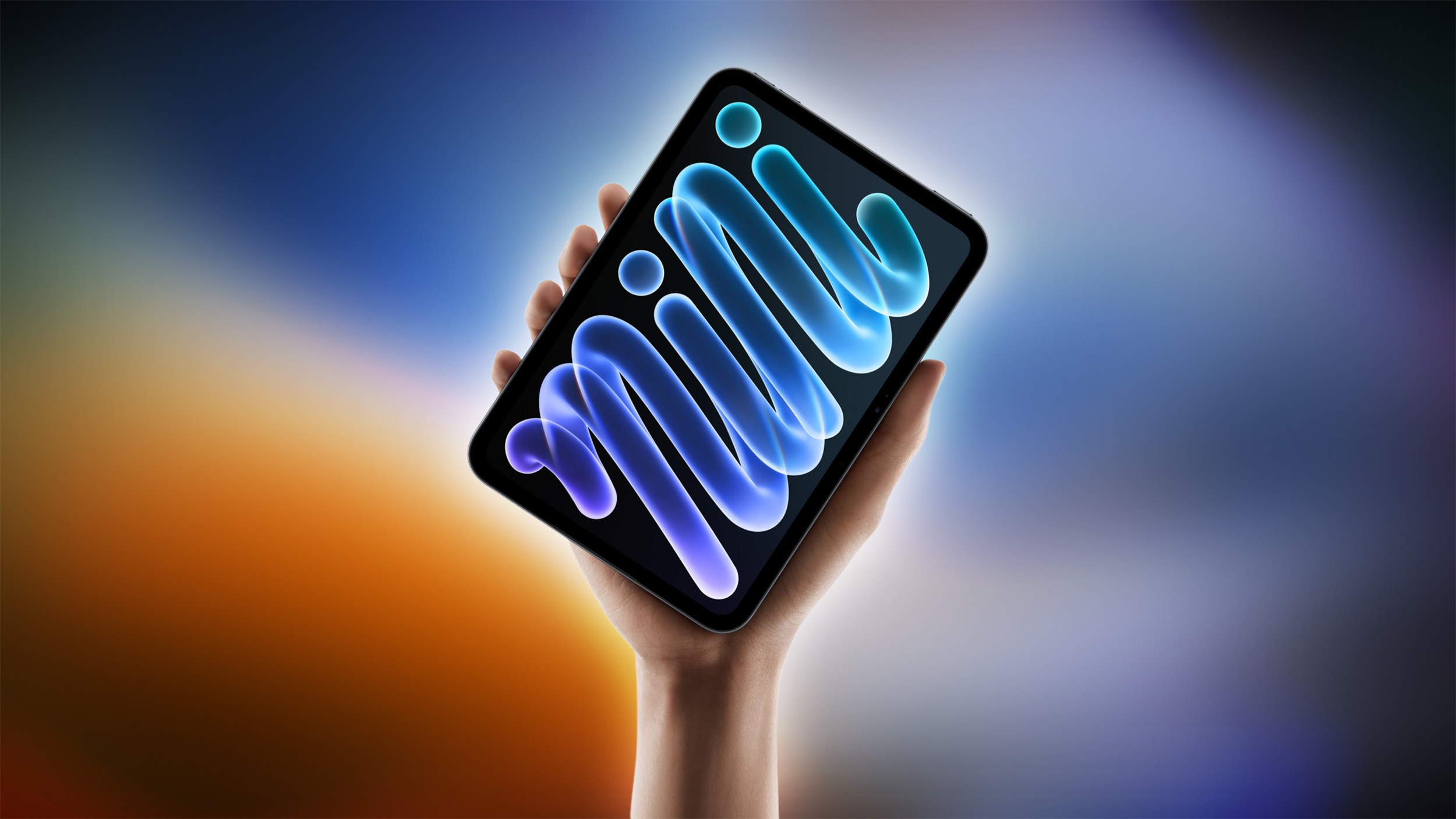
The eighth-generation iPad mini is Apple's smallest tablet with an OLED display. The 8.5-inch Super Retina XDR display offers up to 1,200 nits of peak brightness, a 2,000,000:1 contrast ratio, and a 1-nit minimum brightness, with a nano-texture glass option on 256GB and 512GB models for the first time.

The device is powered by Apple's A20 Pro chip and the N1 wireless chip, enabling Wi-Fi 7 and Bluetooth 6. At 5.4mm thin and 255 grams, it's the lightest iPad Apple has made. It's also the first iPad with an IP67 water and dust resistance rating, aided by a new Acoustic Display that produces sound through the screen itself, so there are no speaker holes in the enclosure.

A 12MP Center Stage front camera is now located on the landscape side for video calls, and the device supports Apple Pencil Pro and Apple Pencil (USB-C). The display is limited to a 60Hz refresh rate with no ProMotion, which has been the main point of criticism in early reviews.

In the United States, the new iPad mini starts at $699 for the 128GB Wi-Fi model. The 256GB and 512GB configurations are priced at $799 and $999, with nano-texture glass adding $100 on those models, while Wi-Fi + Cellular models start at $849. Education pricing starts at $649.

M6 iMac


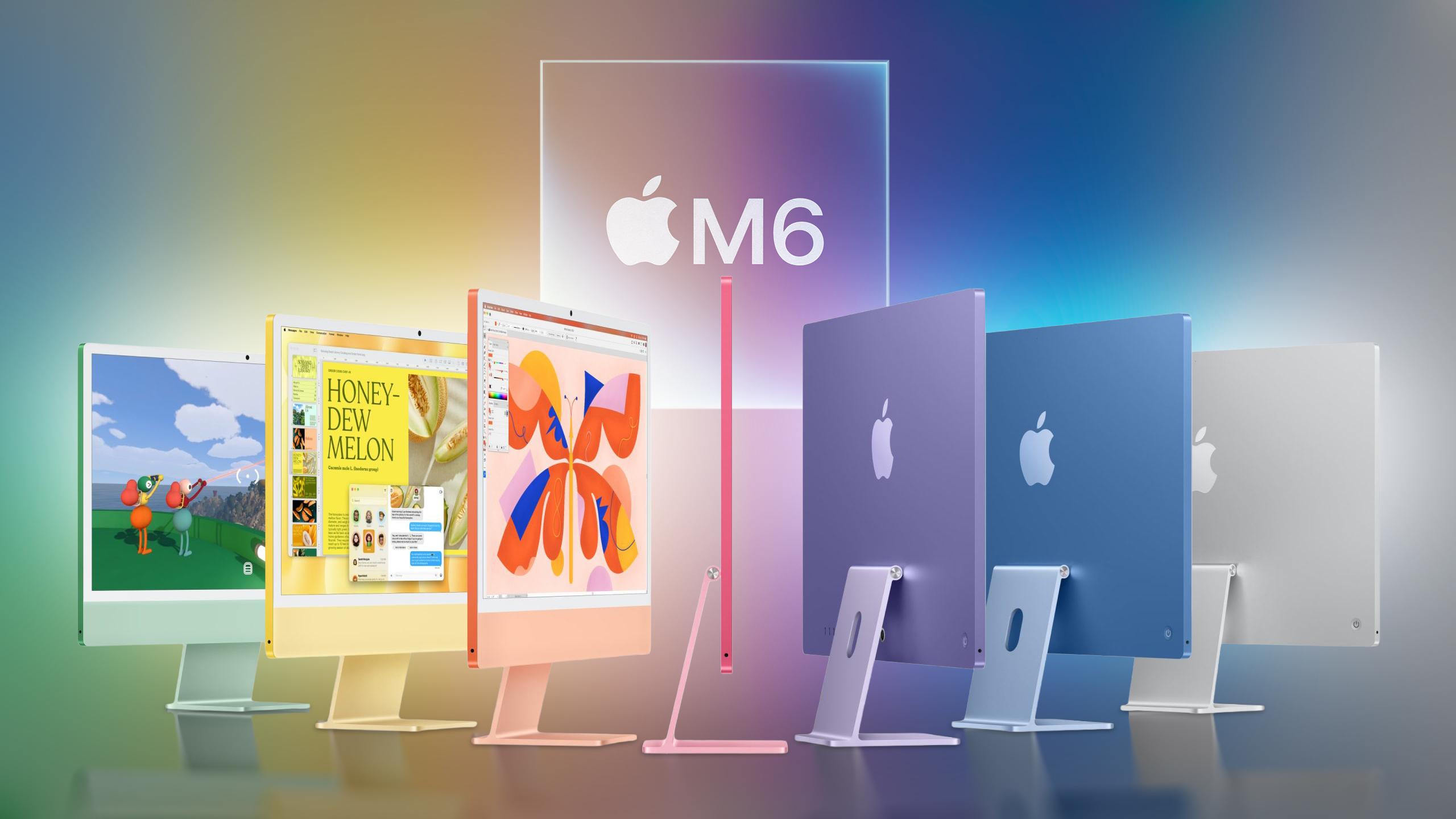
Meanwhile, the new iMac is the first update to Apple's all-in-one since the M4 model. The M6 chip brings up to a 12-core CPU and 12-core GPU, with Apple claiming up to 2x faster graphics than the previous generation, alongside Wi-Fi 7, Bluetooth 6, and an optional 2.5 Gigabit Ethernet port on the power adapter.

The iMac with M6 starts at $1,499 for the model with a 10-core CPU and 10-core GPU, while the version with a 12-core CPU and 12-core GPU starts at $1,699. Education pricing starts at $1,449.

Latest MacBook Pro Models


Also launching today are the new MacBook Pro models. The 14-inch MacBook Pro with M6 starts at $1,999 and features a 12-core CPU and 12-core GPU, alongside Wi-Fi 7 and Bluetooth 6 via Apple's N1 wireless chip.

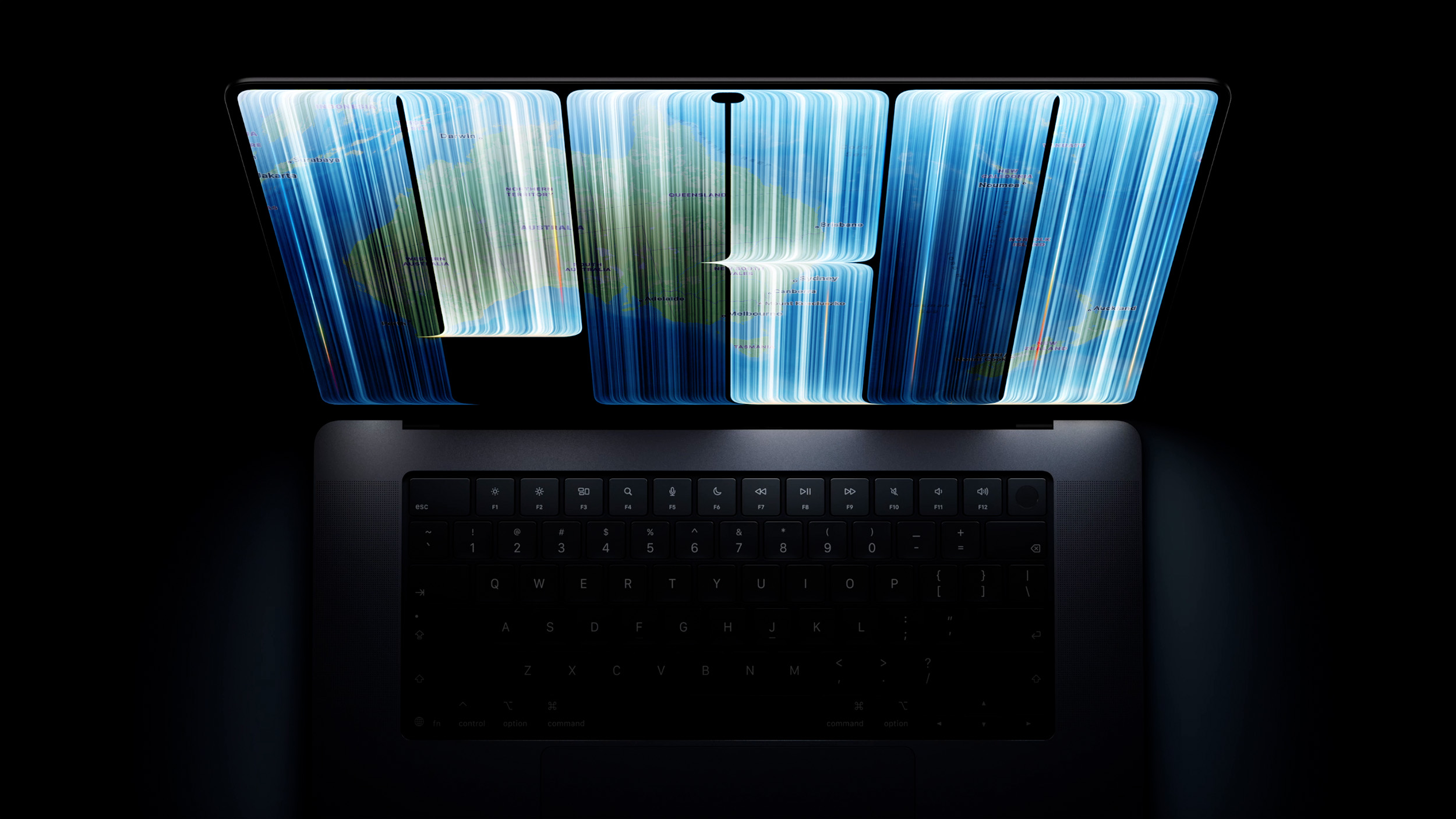
The new 14-inch and 16-inch MacBook Pro models with touchscreen PROLED XDR displays are also available, starting at $2,899 and $3,399, respectively. Powered by M5 Pro or M5 Max chips, the touchscreen models replace the notch with a Dynamic Island and offer up to 2,000 nits of peak brightness for both SDR and HDR content.

Apple's online checkout system indicates many configurations of the 14-inch and 16-inch touchscreen MacBook Pro models in Space Black and Silver currently ship in 2-3 weeks, so anyone who wants one as soon as possible is likely to have more luck visiting their local Apple Store, where at least some base configurations are typically in stock.

For a full rundown of everything new, see our iPad mini, iMac, and MacBook Pro roundups.
Related Roundups: iMac, iPad mini, MacBook Pro
Tag: OLED
Related Forums: iMac, iPad, MacBook Pro

This article, "OLED iPad Mini, M6 iMac, and New MacBook Pros Available From Today" first appeared on MacRumors.com

Discuss this article in our forums
  •  

Apple's First Touchscreen Mac is Now Arriving to Customers

It's Friday, November 6 in Australia and New Zealand, which means customers who preordered a PROLED touchscreen MacBook Pro, OLED iPad mini, M6 ‌MacBook Pro‌, or M6 iMac are now starting to receive their devices.


People will soon be sharing photos and first impressions of the new products on the MacRumors forums, Reddit, Instagram, and other platforms, giving us a first look at what real-world users think of the ‌OLED‌ upgrade for the ‌iPad mini‌ and the PROLED and touchscreen update for the ‌MacBook Pro‌.

Apple's new high-end ‌MacBook Pro‌ models come with M5 Pro or M5 Max, and the major change is the display. It's touch-enabled and is the first Mac with an ‌OLED‌ display. The design has been updated, so the new machines are thinner and lighter than the mini-LED models, which Apple is still selling. Apple also brought back the glowing Apple logo, and replaced the notch with a Dynamic Island. Pricing on the PROLED ‌MacBook Pro‌ starts at $2,899 for the 14-inch model and $3,399 for the 16-inch model.

The ‌OLED‌ ‌iPad mini‌ is Apple's first smaller-screened iPad to get ‌OLED‌, and it's also the most affordable ‌OLED‌ ‌iPad‌. It's almost a millimeter thinner than the prior version and has an Acoustic Display that does away with speaker holes. Without them, the enclosure is sealed, making it the first ‌iPad‌ with a water and dust resistance rating (IP67). It uses Apple's A20 Pro chip. The ‌OLED‌ ‌iPad mini‌ starts at $699.

The 14-inch entry-level ‌MacBook Pro‌ and 24-inch ‌iMac‌ got little in the way of updates beyond an M6 chip. The ‌MacBook Pro‌ is priced starting at $1,999, and the ‌iMac‌ starts at $1,499.

Australia is the first country where customers can buy one of the new products in an Apple retail location. Online orders of the PROLED ‌MacBook Pro‌ don't ship until late November or early December, so it's possible in-store stock will be limited. The ‌OLED‌ ‌iPad mini‌, 14-inch ‌MacBook Pro‌, and ‌iMac‌ should be readily available.

After Australia and New Zealand, sales and deliveries of the new Macs and ‌iPad mini‌ will begin in Asia, the Middle East, Europe, and finally, North America.
Related Roundups: iMac, iPad mini, MacBook Pro
Related Forums: iMac, iPad, MacBook Pro

This article, "Apple's First Touchscreen Mac is Now Arriving to Customers" first appeared on MacRumors.com

Discuss this article in our forums
  •  

Apple Announces a New Mac Sales Record

On an earnings call earlier this week, Apple CEO John Ternus announced that the company sold more Macs in its 2026 fiscal year than any previous fiscal year. "We have never sold more Macs in a fiscal year than we did this time, which is a truly remarkable testament to these incredible products," he said.

This record is all the more impressive given that several Mac models have faced supply constraints this year. Apple's CFO Kevan Parekh said Mac sales have been driven by the popularity of the MacBook Neo and MacBook Pro lately.
Related Roundups: MacBook Neo, MacBook Pro
Related Forums: MacBook Neo, MacBook Pro

This article, "Apple Announces a New Mac Sales Record" first appeared on MacRumors.com

Discuss this article in our forums
  •  

MacBook Pro PROLED XDR Reviews Are In: Is the Touchscreen Worth It?

The first reviews of the new 14-inch and 16-inch MacBook Pro models with PROLED XDR displays have been published ahead of the laptops launching on Friday.


One of the key new features is a touchscreen. Is it worth it, though? Here's what reviews say.

The Verge's David Pierce said that, in his testing so far, touch input has not been something that "meaningfully changes the laptop experience." He recommends the new MacBook Pro models regardless for the OLED display and other upgrades.

Pierce did mention some examples where touch proved useful:
That's not to say the touchscreen doesn't come in handy, though. It does more often than I expected. When I'm editing photos, reaching out and spreading my fingers to zoom in on the section I want to see is vastly easier than clicking and dragging with the trackpad. When I'm watching a movie, I can just tap the video rather than wiggling the mouse to find the cursor. My favorite touch use so far has been when I'm showing somebody something on my computer — now we can both swipe between options or tap to make an edit rather than having to crowd around the trackpad.
He also pointed out a few limitations:
There's no onscreen keyboard that appears when you tap a text box; you don't get the copy / paste / select all pop-up when you tap on words. No radius of tools appears when you tap the Apple Pencil on the screen in Procreate, because, oh wait, the Apple Pencil doesn't work at all.
Gizmodo's Kyle Barr said touch input is beneficial for the iPhone Mirroring feature on the Mac:
The touchscreen is occasionally useful. It's not the end-all-be-all. But it sure is handy.

If you're one to use the iPhone mirroring feature on MacBook Pro, the touchscreen makes it more intuitive. Instead of having to click on the bottom bar to minimize an app, you can simply swipe up from the bottom of the mirrored iPhone, like normal. Using the touchscreen on the mirrored iPhone isn't as snappy as the real deal. It's obvious though that Apple has been working towards this touchscreen design for a while, as more and more macOS features start to make better sense with the touchscreen in tow.
WIRED's Luke Larsen often forgot about the touchscreen, but he too pointed out a few examples where it proved to be useful in his testing:
In the time I've had with the touchscreen MacBook Pro so far, I tried to remind myself of its new powers. But when I'm deep in work, I completely forget the touchscreen. It just has no place in my workflows. That doesn't mean it's not ever useful, though. Sometimes, swiping away a notification with a finger feels intuitive. Or if you're lounging on the couch and use your thumb to scroll through your Instagram feed as you would on an iPad, it works. But those times are few and far between. I'm certainly not going to be poking three fingers up at the screen to swipe between Spaces when I could do that on a trackpad without even lifting my hand.
With an OLED display, the new MacBook Pro models deliver more vivid colors and increased contrast ratio compared to the previous models with mini-LED displays. The laptops also achieve up to 2,000 nits of brightness for HDR content. OLED displays do not have a backlight, and individual pixels turn off completely for the color black.

Bloomberg's Chris Welch said the OLED display is "genuinely striking":
The new MacBook Pro's dual-layer tandem OLED panel is genuinely striking and can get noticeably brighter than LCD models. Since each pixel is individually controlled and can fully shut off for dark content, this screen provides meaningfully superior contrast compared with the Mini LED models, which were already impressive in their own right. Any concerns I had about display uniformity, which can be an issue with some OLED devices, quickly vanished once I began using the machine. From corner to corner, the 16.3-inch panel is punchy, vibrant and can display an even wider range of colors than before — a win for photographers.
Mashable's Timothy Beck Werth said the OLED display "absolutely slaps":
This laptop absolutely slaps, and the incredible PROLED XDR display is the headline. It's stunning.
His expanded thoughts:
I'm not going to waste time explaining exactly how tandem OLED technology works; instead, you'll have to trust me that it means a brighter display that lasts longer. The blacks on the display are deep, the colors pop, and the shadows and highlights provide incredibly detailed contrast.
Other display-related upgrades include a Dynamic Island instead of a notch, slimmer bezels, and a redesigned hinge with improved stability.

Six Colors' Jason Snell on the Dynamic Island:
Spotlight and Siri AI are now animated as emerging from the black blob that is the Dynamic Island. Now Playing appears up there, too, and you can click or tap on the Dynamic Island to expand it and get playback controls. Shared Live Activities from your paired iPhone should also appear up there, rather than in the menu bar itself, as they do on other Macs.

I'm a big fan of subtle, ambient information presentations that inform you about things happening on your devices. That's why the Dynamic Island was such a fun approach to turning a problem (an unsightly camera cut-out) into a useful feature. The notch never really did anything—it was just a dead zone. The Dynamic Island serves a purpose and the MacBook Pro is better for it.
The new MacBook Pro models also feature improved speakers, a new 16TB storage option, a redesigned cooling system, and a lighter and slightly thinner design. And there is a fun bonus: the glowing Apple logo on the lid has returned.

Apple said the improved speakers deliver 50% deeper bass, but Bloomberg's Chris Welch actually found this upgrade can be "detrimental":
[...] The revamped MacBook Pro has left me with mixed feelings in one area that I wasn't expecting: sound. Since the first 16-inch model debuted in 2019, it's offered fantastic, well-balanced audio with a surprising degree of immersion. These are widely considered the best speakers on any laptop. For the new PROLED series, Apple has introduced a redesigned six-speaker system that it says offers 50% deeper bass. And that's true — to a point where it's sometimes detrimental.

The added low-end impact makes these laptops tremendous entertainment machines for movies and TV shows, but when listening to music or podcasts or even watching YouTube videos, the sound is often too boomy and bass-forward. The balance has been thrown off, and there's also no easy way of dialing back deeper tones.
9to5Mac's Chance Miller appreciates the reduced weight:
You notice the lighter weight of the new MacBook Pro immediately when you pick it up. My review unit is the 16-inch MacBook Pro, and I'm genuinely surprised at how nice it feels. It's not light, but it feels less like a tank.

I've always used the smaller of the two MacBook Pro models for portability, most recently a 14-inch M4 Pro. The weight of the new 16-inch MacBook Pro has me reconsidering that preference, though. It feels remarkably nice for a laptop with such a large display, and I've really enjoyed having the extra screen space without feeling like I'm sacrificing too much portability.
Who doesn't love the glowing Apple logo? As we previously highlighted, the logo's brightness level is tied to the display's brightness level, and Miller revealed that the feature also takes ambient brightness into consideration:
The logo's brightness is still tied to the display brightness, just like it was a decade ago. The higher your display brightness, the brighter the Apple logo on the back. It also factors in your environment's ambient brightness.

When the MacBook Pro is closed, the logo looks like polished metal, just like it has since the 2016 redesign. Open it up, and it glows. It's unnecessary, but I'm so thrilled it's back.
The laptops use the same M5 Pro and M5 Max chips that remain available in the MacBook Pro models with mini-LED displays, so performance is similar.

In the U.S., the 14-inch model starts at $2,899 and the 16-inch model starts at $3,399.

Videos


Related Roundup: MacBook Pro
Buyer's Guide: MacBook Pro (Buy Now)
Related Forum: MacBook Pro

This article, "MacBook Pro PROLED XDR Reviews Are In: Is the Touchscreen Worth It?" first appeared on MacRumors.com

Discuss this article in our forums
  •  

See Apple's Touchscreen MacBook Pro in Action

Apple enlisted British musician Labrinth to create a new song during an overnight livestream, demonstrating the new touchscreen MacBook Pro and Logic Pro at Apple Tower Theatre in downtown Los Angeles.


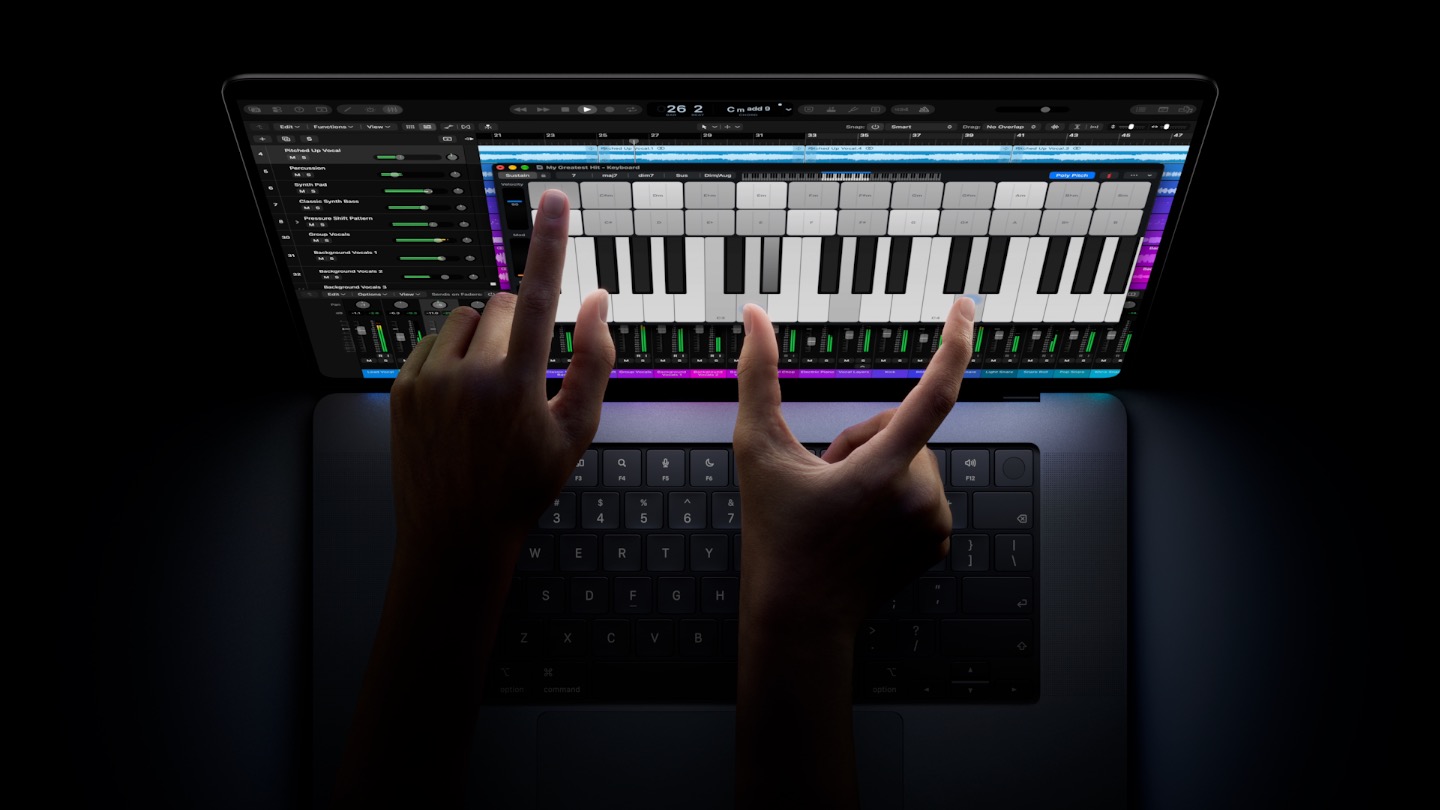
The session, titled "Labrinth Live on Mac," is now available to watch as a replay lasting almost four hours. It started on November 4 at 8 p.m. Pacific, or 11 p.m. Eastern, with Labrinth tasked with creating a song from scratch. He can be seen reaching onto the ‌MacBook Pro‌'s display to manipulate Logic Pro's mixer controls, with a multitrack arrangement visible onscreen. Viewers were invited to submit questions as he worked, and the finished song is due for release on Apple Music next week.

Apple initially teased the collaboration on TikTok with a white box bearing Labrinth's name and instructions to leave it unopened until November 4.

Music production was among the uses Apple demonstrated when it unveiled the new MacBook Pro last week. Logic Pro includes an onscreen keyboard, chord pads, and drum pads that musicians can play by touch, including playing multiple notes at once.

Labrinth is a singer, songwriter, and producer known for solo releases including "Jealous" and "Earthquake," as well as his music for HBO's "Euphoria." He also forms the group LSD with Sia and Diplo.

The ‌MacBook Pro‌ with PROLED XDR Display features a tandem OLED touchscreen and M5 Pro or M5 Max chips in 14-inch and 16-inch sizes. The machines launch on Friday, November 6, with U.S. prices starting at $2,899 for the 14-inch model and $3,399 for the 16-inch model.
Related Roundup: MacBook Pro
Buyer's Guide: MacBook Pro (Buy Now)
Related Forum: MacBook Pro

This article, "See Apple's Touchscreen MacBook Pro in Action" first appeared on MacRumors.com

Discuss this article in our forums

  •  

PROLED: „Because we can!“

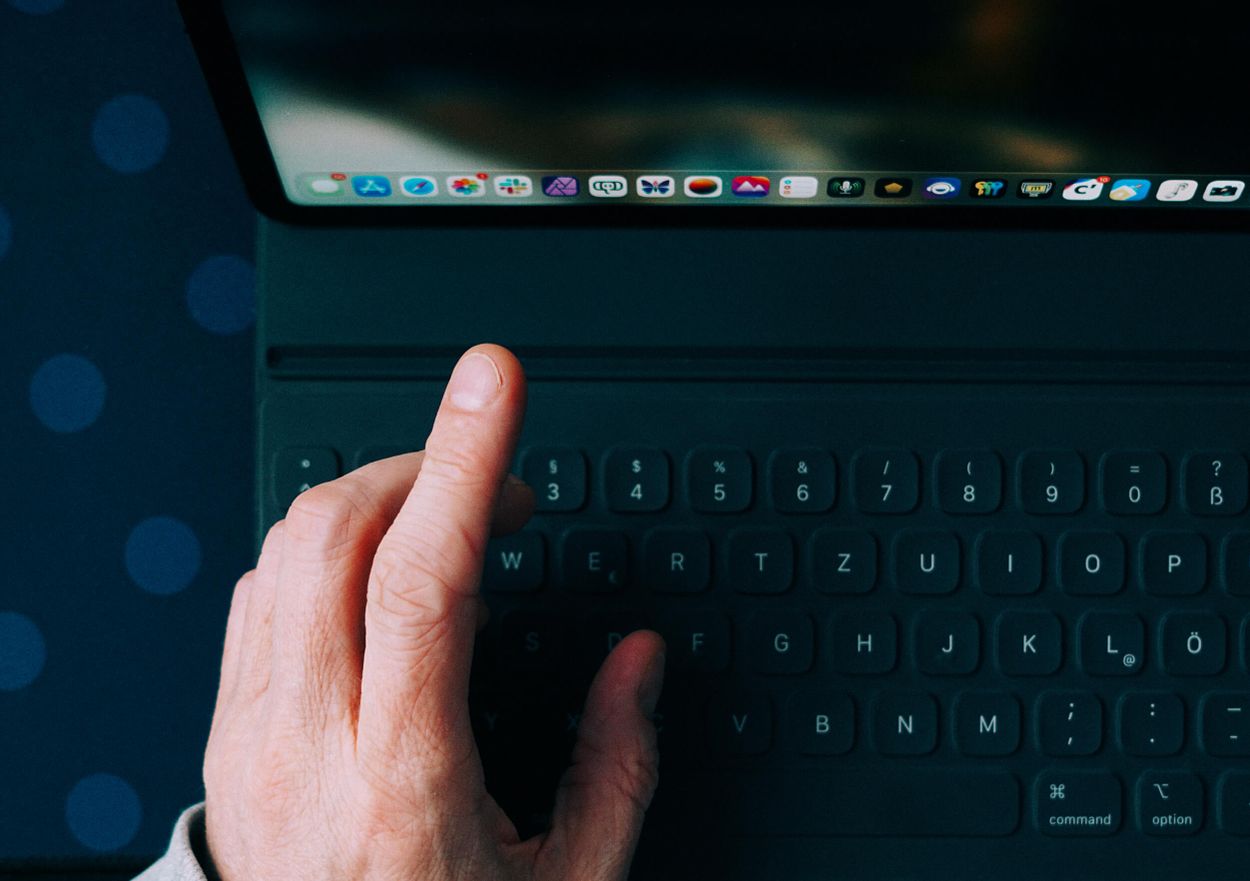
Weniger klicken, mehr tippen: Vor ein paar Wochen bin ich am iPad zum Smart Keyboard Folio zurückgekehrt – dem Vorgänger der Magic Keyboards, ohne Trackpad. Für jede Interaktion mit iPadOS hebt man dort dann seinen Arm und zieht die Finger über den Screen.

A person's left hand hovers above the dark keyboard of a tablet or laptop with the screen partially visible, showing several app icons along the top edge.

Ihr glaubt zu wissen, worauf ich hinauswill, aber seine Finger auszustrecken, Michelangelo-Style, ist überhaupt nicht das Problem, weil ich das iPad dann abziehe. Die Einschränkung beim MacBook ist der „permanente Laptop-Formfaktor“: die Untrennbarkeit von Hackbrett und Touchscreen, die die direkte Manipulation in ihrem vollen Umfang einschränkt.

Fürs neue PROLED ändert Apple nicht den Formfaktor, sondern flanscht Touch dran. Zugegeben: sehr elegant drangeflanscht. Ich bin mir sicher, dass dieses MacBook Pro ausgesprochen exzellent ist.

Warum aber Touch? Das konnte niemand aus Apples Chefetage so richtig sagen; man betonte allem voran die technische Umsetzung.

Mir fehlt die Weitsicht, zu erkennen, was berührungsempfindliche Bildschirme für macOS in dieser Form (!) für ein Problem lösen. Was ist ihr konkreter Anwendungsfall?

Mich kümmern wirklich keine alten Statements oder gescheiterten Experimente – für neue, abgedrehte Hardware stelle ich mich sofort in die Verkaufsschlange. Bitte mehr davon!

Und vielleicht ist das MacBook nur der Auftakt; vielleicht muss jeder Screen zukünftig zu berühren sein.

Aber ich frage mich schon so grundsätzlich: „What’s the game plan?“ iPadOS darf nicht in Laptop-Hardware und macOS nicht auf einen Touchscreen ohne Tastatur?

Nur Touch einzubauen, klingt nach der Idee von einem „hardware guy“, nicht nach „something that other people are not doing“. Es klingt derzeit nach: „Because we can“.

  •  
❌